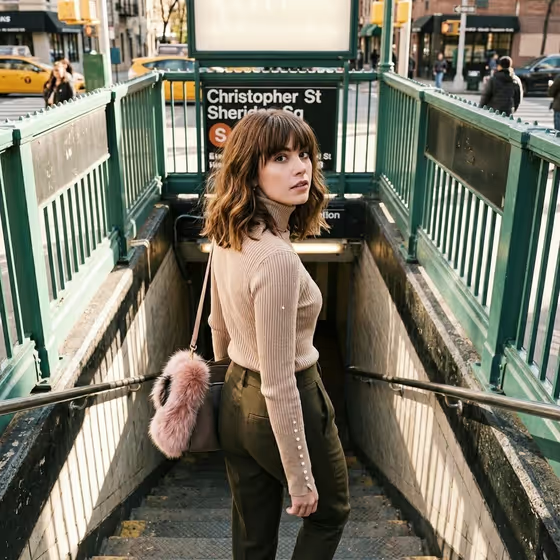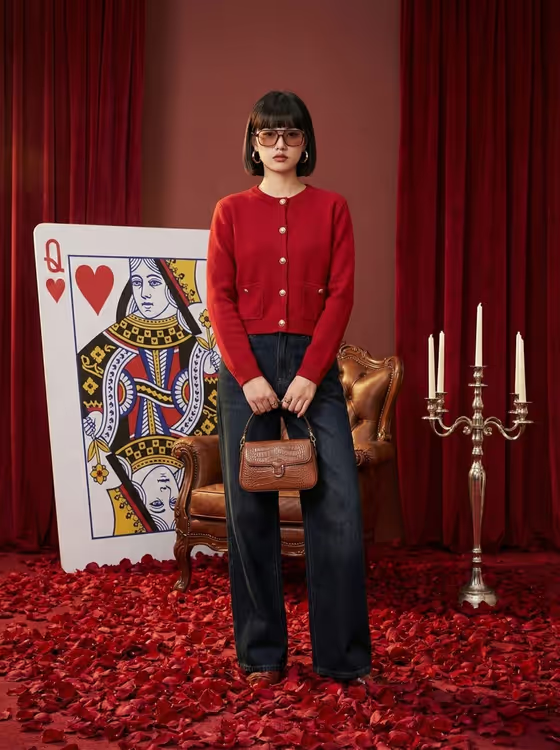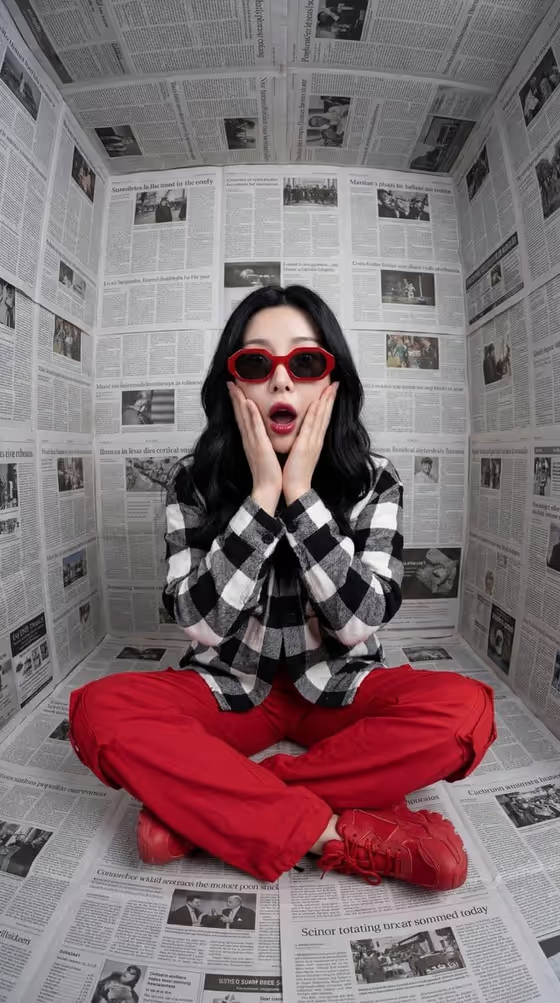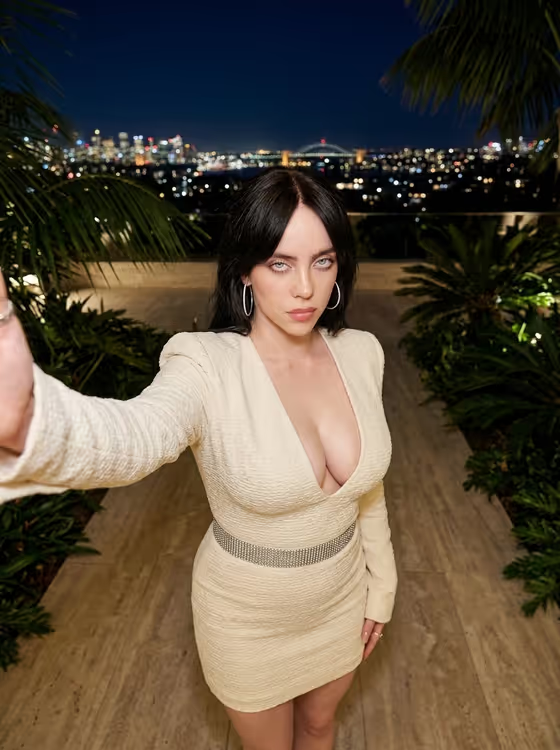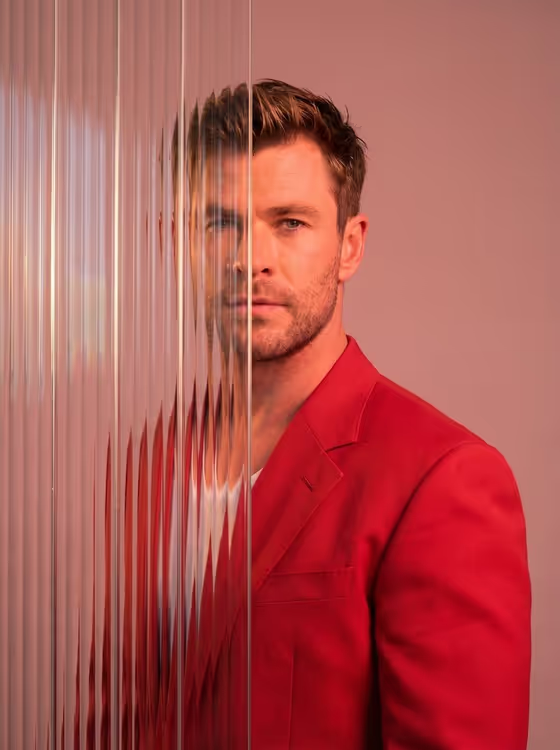
Reeded Glass Fragment makes a 3:4 editorial portrait in which one side of the face stays sharp while the other side sits behind tall, narrow ribbed glass panels. The glass blurs, shifts and fragments the features, and the subject wears a red blazer against a soft pink studio backdrop, as in the cover image.
It suits anyone who wants a high-fashion, gallery-style portrait for a profile picture, a creative portfolio or a magazine-style layout. The look depends on the contrast between the clear half and the distorted half, so a clean, well-lit starting portrait gives the best material to work with.
What works best as input
- Use a portrait of an adult where the face is clearly visible. The sharp half of the final image is built from your subject, so a clear view of the features matters.
- Pick a photo with even, readable lighting and no heavy shadows across the face. Strong shadows can muddy the half that is meant to stay crisp.
- A front-facing or slight three-quarter angle works well, since the glass covers roughly the left 40 to 50 percent of the frame and the other side needs to carry the portrait.
- If you describe the subject in the Portrait subject field instead, be specific about the person, for example the placeholder style 'an adult subject matching my reference' or a short phrase about presence and character.
- Keep the Pose or expression field simple. The cover shows a serious, direct gaze, and the default 'the source gaze and expression' keeps what your photo already has.
How to use it
- Open the Reeded Glass Fragment template in Phosphene.
- In Portrait subject, upload your photo or describe the person you want to portray.
- In Pose or expression, choose one of the options or write your own, such as 'calm direct gaze' or 'quiet introspection'.
- Generate the image, then check the result for a crisp visible side and a convincingly fragmented side behind the ribbed glass.
Tips for a better result
- Try different options in Pose or expression. 'Intense focused gaze' and 'quiet introspection' change the mood of the sharp half noticeably while the glass effect stays the same.
- If your first photo gives a flat result, swap in one with clearer light on the face and generate again.
- Use the examples in Portrait subject, such as 'an expressive adult creative', as a starting point and adjust the wording to match the character you imagine.
- Compare a few generations side by side. The glass refraction can fall differently each time, and one may hide or reveal the face in a way you prefer.
Common mistakes
- Uploading a small, dark or heavily filtered photo. The sharp side of the portrait inherits that quality, so the result can look soft or muddy.
- Writing a long, detailed pose description. The template already fixes the red blazer, pink backdrop and glass layout, so extra styling instructions can conflict with them.
- Expecting the glass to cover the whole face. The effect is designed to hide about half the frame, with the other side kept clear and detailed.
FAQ
Do I have to upload a photo?
The Portrait subject field accepts a photo, or you can describe the person in text. Pose or expression is a text or choice field only.
Can I change the red blazer or the pink background?
These are part of the template's look, so they are not adjustable through the fields. You control the subject and the pose or expression.
Which side of the face is hidden behind the glass?
The template places the ribbed glass over the left side of the frame, covering roughly 40 to 50 percent, while the right side stays sharp.
What shape will the image be?
The output is a vertical 3:4 portrait image.