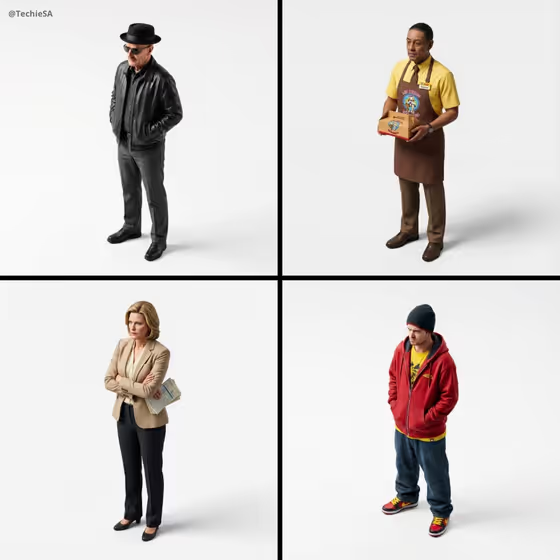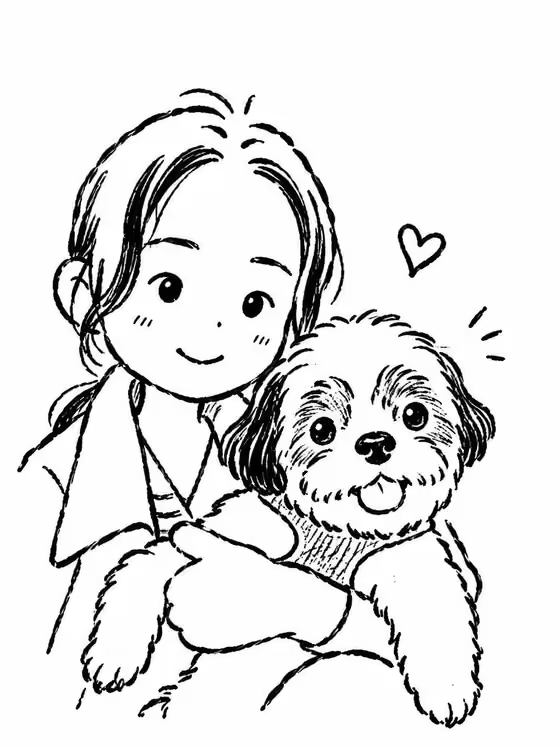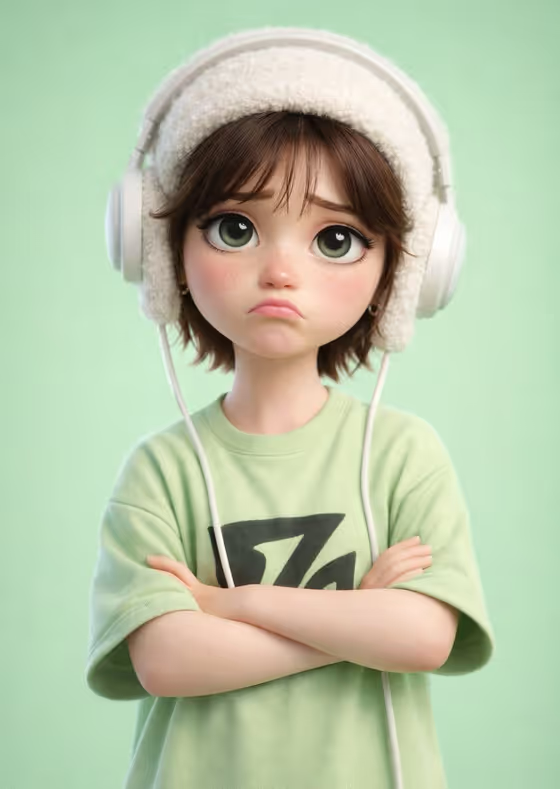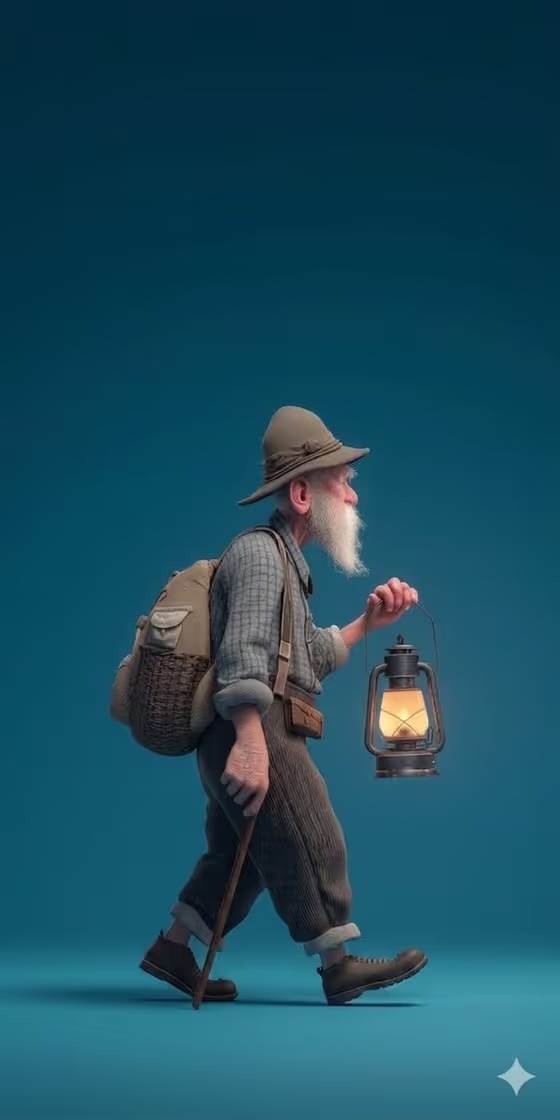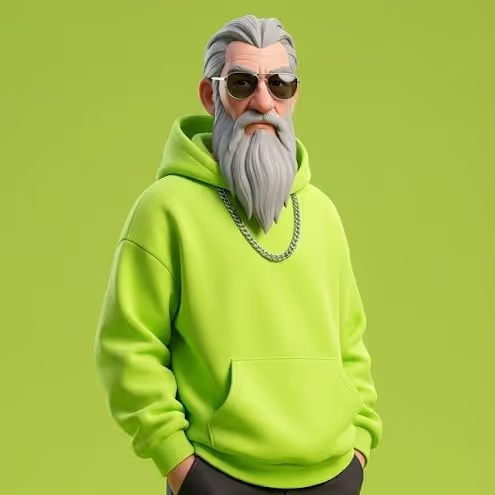
This template turns a reference photo into a full-body stylized 3D streetwear character. The result is a clean, centered figure with soft studio lighting and a relaxed hands-in-pockets pose, like the cover example of a bearded character in a hoodie, sunglasses and chain on a flat colored backdrop.
It suits anyone who wants a character version of themselves, a friend or a design subject, as an avatar, profile image or concept piece. The output is a 3:4 image, and the template aims to keep the face, proportions and outfit colors close to your reference.
What works best as input
- Upload one photo where the person is clearly visible. The template expects a single reference, so pick the image that best shows the face and overall look.
- Choose a photo with even lighting and a visible face. Hard shadows or heavy filters can make the colors harder to match.
- If you want the outfit colors carried over, use a photo where the clothes are visible and not hidden by bags, crossed arms or other objects.
- Distinctive traits such as a beard, glasses or jewelry are meant to be preserved, so make sure they are clearly shown in the photo.
- In the Character subject or person field, add a short description like 'a relaxed adult streetwear character' to guide the style, or use 'my uploaded reference character' to lean on the photo.
How to use it
- Open the Reference-Matched Street Character template in Phosphene.
- Upload your reference photo, then fill in Character subject or person with a short description, or pick one of the example phrases.
- Choose or describe the Streetwear silhouette, for example 'hoodie, cargo pants and sneakers' or 'my reference-matched outfit' if you want the outfit to follow the photo.
- Generate the image, then compare the result to your reference and check the face, proportions and colors.
Tips for a better result
- Use 'my reference-matched outfit' for the silhouette when you want the clothing to stay faithful to the photo rather than swapping to a new look.
- Try different silhouettes such as 'oversized jacket and wide trousers' or 'sweatshirt, utility shorts and high-tops' to see the same character in another streetwear style.
- Keep the subject description simple and consistent with the photo, for example a confident young adult character if that fits the person, so the text does not fight the reference.
- Because the background color is sampled from your photo's palette, photos with a strong dominant color tend to give a bolder, more cohesive backdrop.
Common mistakes
- Uploading a group photo or a heavily cropped image, which gives the template less clear information about one person's face and proportions.
- Describing a subject that contradicts the photo, such as a different age or look, which can pull the result away from the reference.
- Expecting new accent colors to be added. The template is built to use only colors sampled from your photo, so a plain, dull photo will give a plain palette.
FAQ
Do I need to upload a photo?
Yes. This template is built around one uploaded reference photo, and it uses that photo to match the face, proportions and colors.
Can I change the pose?
The pose is fixed as a relaxed, centered, hands-in-pockets stance under soft studio light, so this template is not meant for changing it.
Will the outfit colors match my photo?
The template is set up to sample dominant and secondary colors from your image and apply them to the clothing and background, without adding unrelated accent colors.
What shape is the output?
The result is a single image in a 3:4 aspect ratio, showing the full-body character.