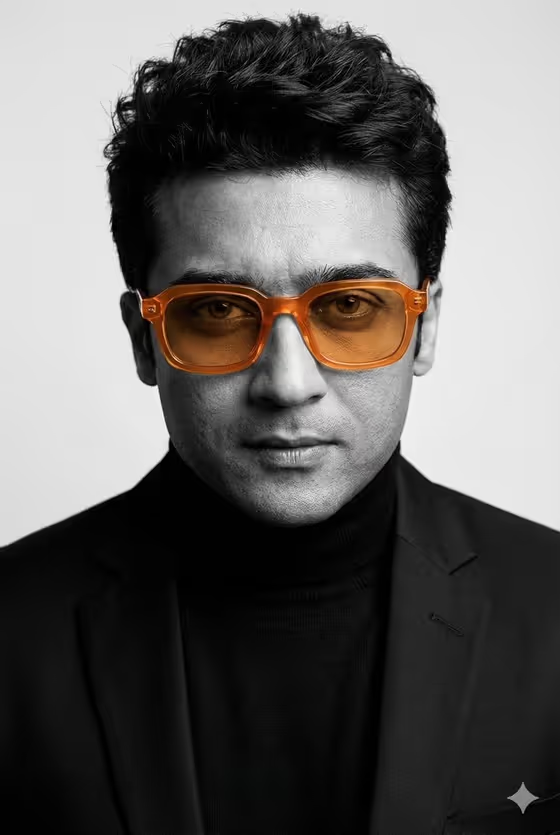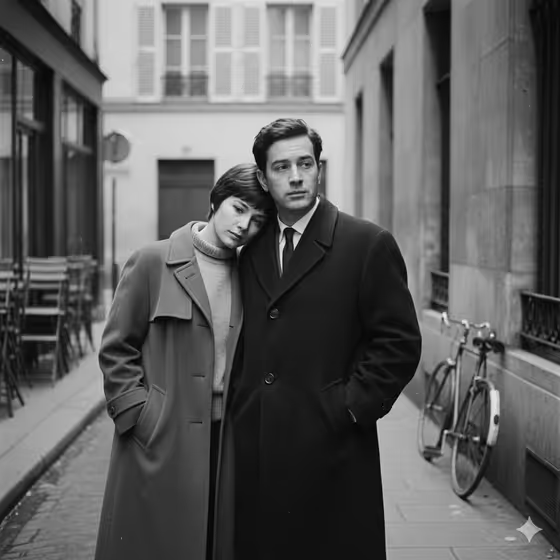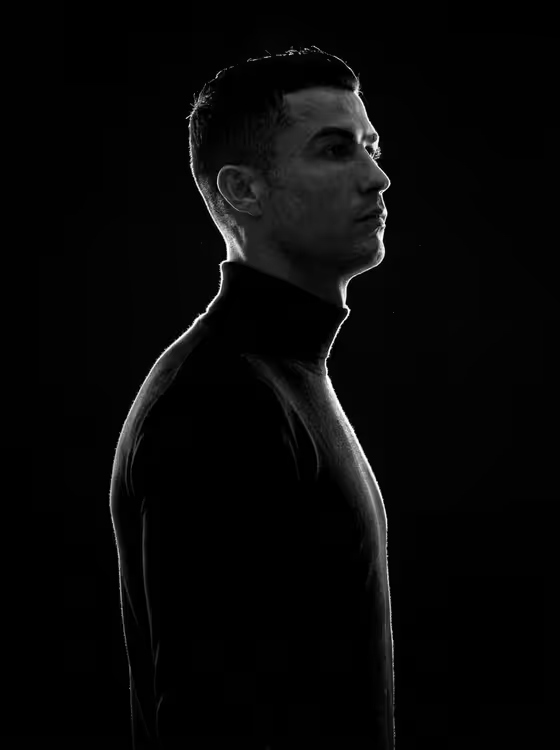
Rim-Lit Portrait Pair creates a black-and-white editorial image of two adults standing in strict side profile, both facing the same direction in matching black turtlenecks. A thin line of rim light traces the outline of each face, hair and shoulders against a pure black background, much like the single-profile look in the cover image.
It suits people who want a moody, minimal portrait of a couple, two friends, colleagues or collaborators. The output is a 3:4 image, which works well for profile pictures, prints and editorial-style layouts.
What works best as input
- Both slots accept a photo or a text description, and the template is set up for two or more uploads. A clear photo of each person gives the result a better chance of resembling them than a written description alone.
- Pick photos where the face is well lit and unobstructed. Avoid sunglasses, heavy shadows across the face, or hands covering the jaw.
- Use photos of adults you have the right to use. The template is built around two adult subjects.
- If you describe instead of upload, keep it short and concrete, such as the placeholders 'an adult woman in side profile' or 'an adult man in side profile'.
- Mixing is fine: you can upload one photo for the first slot and type a description for the second.
How to use it
- Open the Rim-Lit Portrait Pair template in Phosphene.
- Fill in 'First profile subject' with a photo or a short description, then do the same for 'Second person'. Both fields are required.
- Generate the image and wait for the 3:4 black-and-white result to appear.
- Review the result, checking the rim light along the faces and hair, then adjust your inputs and generate again if you want a different take.
Tips for a better result
- Try the example descriptions in each slot, such as 'an expressive adult creative' or 'an adult man with a distinctive presence', to get a different character feel.
- Use photos that already show a clear side or three-quarter view, since the final image is a strict profile.
- Keep the two subjects distinct in your inputs (different hair, different face shape) so they read clearly as two people in the same frame.
- Generate a few times with the same inputs and compare. Small variations in hair detail and highlights can change which version you prefer.
Common mistakes
- Leaving one slot empty or vague. Both subjects are required, and a thin description gives the template little to work with.
- Uploading low-light or blurry photos, which makes the facial structure and hair texture less reliable in the final high-contrast image.
- Asking for color or a bright background in your descriptions. The template is fixed to black and white on a pure black background.
FAQ
Do I have to upload photos?
No. Each slot accepts either a photo or a text description, though the template is designed for two or more uploads.
Will both people face the same way?
Yes. The template describes both subjects in strict side profile facing the same direction.
Can I change the clothing or background?
The template is built around matching black turtlenecks and a pure black background, so those are part of the fixed look.
What shape is the image?
The output is a 3:4 image.