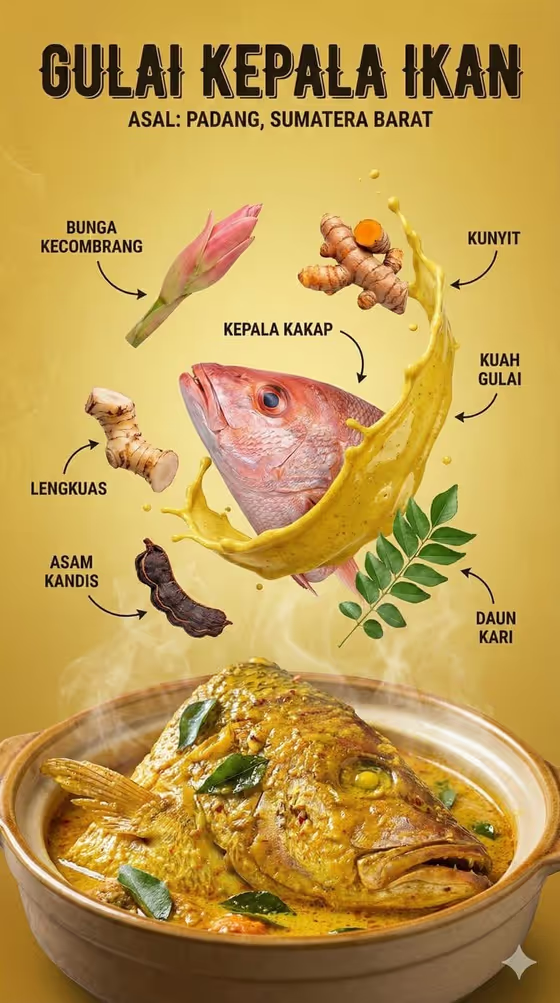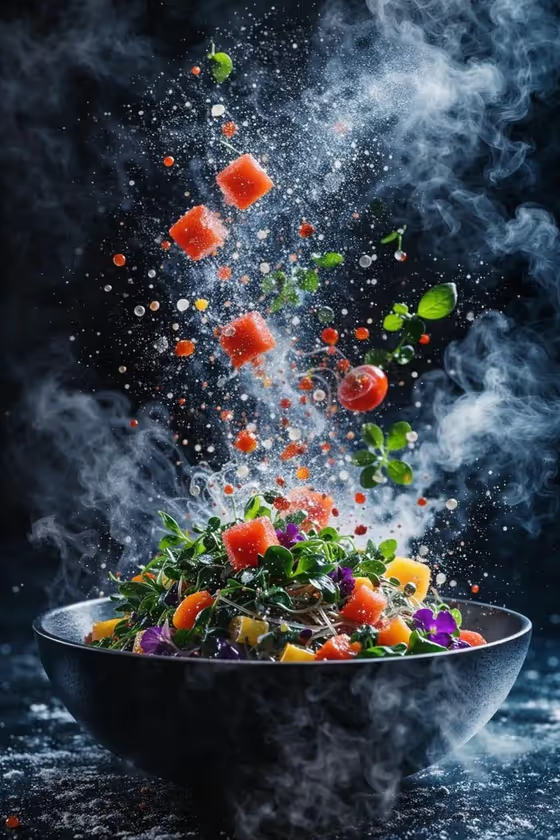
Salad Bowl Explosion turns a salad into a frozen-moment food ad. Ingredients fly upward out of a grounded bowl, with crisp texture, droplets and sharp, high-contrast studio light, in a vertical 2:3 frame like the cover image.
It suits home cooks, food bloggers, cafe owners and anyone who wants a dramatic hero shot of a salad without setting up a real photo shoot. You describe the bowl and salad, and pick the ingredients that should be suspended in the air.
What works best as input
- In the Salad Product field, describe both the salad and the bowl, for example a Mediterranean salad in a matte black bowl. The bowl material and color shape the whole look of the image.
- If you add a reference photo instead of or alongside your text, pick a clear shot of the bowl and salad with the food easy to see and nothing cluttering the frame.
- Be specific about the dish type (caprese, citrus kale, crunchy noodle) so the base of the salad matches what is flying above it.
- Keep your description to one bowl and one salad. Several dishes in one description can confuse what sits in the bowl and what gets launched.
How to use it
- Open the Salad Bowl Explosion template in Phosphene.
- In Salad Product, type a short description of your bowl and salad, or add a reference photo of it.
- In Flying Ingredients, choose the set of ingredients you want frozen above the bowl, such as tomato, mozzarella, basil, pepper, oil and balsamic droplets.
- Generate the image, then review the result and adjust your fields if the bowl or ingredients are not what you pictured.
Tips for a better result
- Match the ingredients to the salad. The Flying Ingredients options are written as full sets (for example noodles, cabbage, carrot, herbs, peanuts, lime and chili), so pick the one closest to what is actually in your bowl.
- Try contrasting bowl styles, like a stone bowl, white ceramic or red lacquer. A dark bowl gives the cover-style look with bright ingredients popping against the background.
- Colorful ingredient sets such as tomato, citrus or herbs read well against the dark, high-contrast lighting.
- Run the same salad with different ingredient sets to compare compositions and pick your favorite.
Common mistakes
- Writing a vague Salad Product like just salad. Without the dish and bowl details, the bowl and base can look generic.
- Choosing a Flying Ingredients set that does not match your salad, so the airborne food looks unrelated to what is in the bowl.
- Using a cluttered or dark reference photo where the bowl and salad are hard to make out.
FAQ
Do I have to upload a photo?
No. The Salad Product field accepts a text description, and a reference photo is optional. You can simply describe the bowl and salad.
What shape is the result?
The template produces a single vertical image in a 2:3 aspect ratio, as in the cover image.
Can I change which ingredients fly out of the bowl?
Yes. The Flying Ingredients field lets you choose the set of ingredients frozen above the bowl, such as a Mediterranean, citrus kale, caprese or noodle mix.
Will my own salad appear exactly as it is?
The template aims to follow your description or reference, but the result is a styled food-ad image, so details may differ. Describe the bowl and dish clearly to get closer.