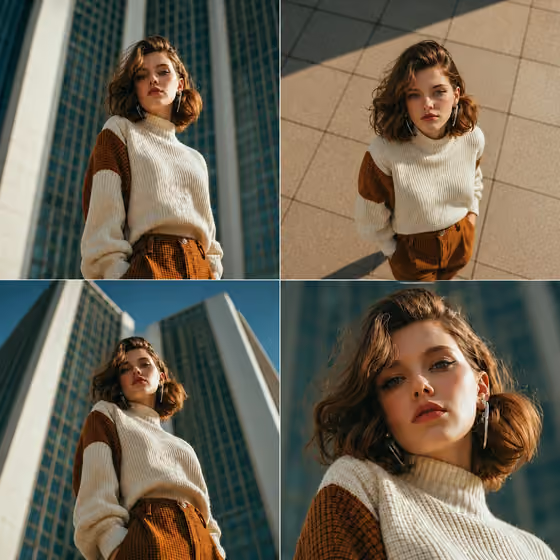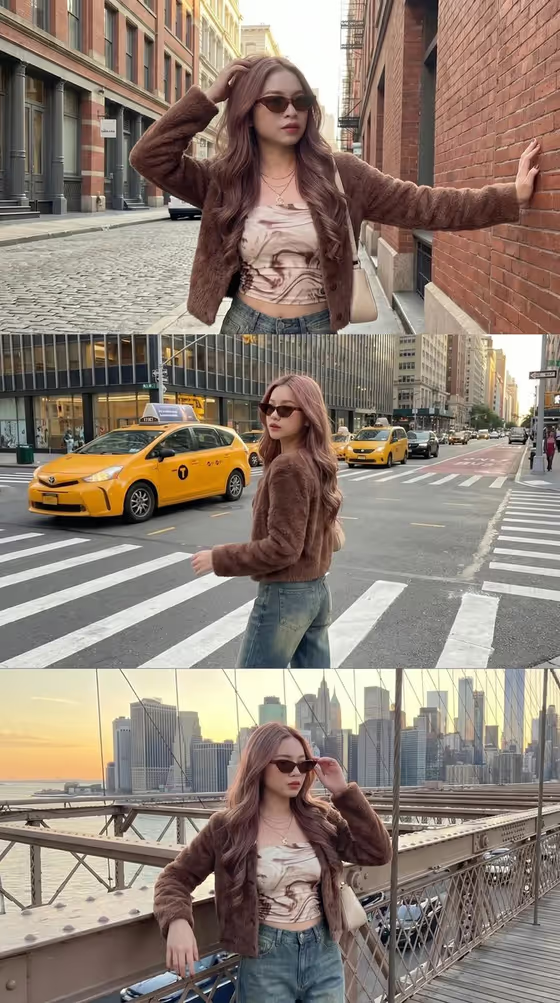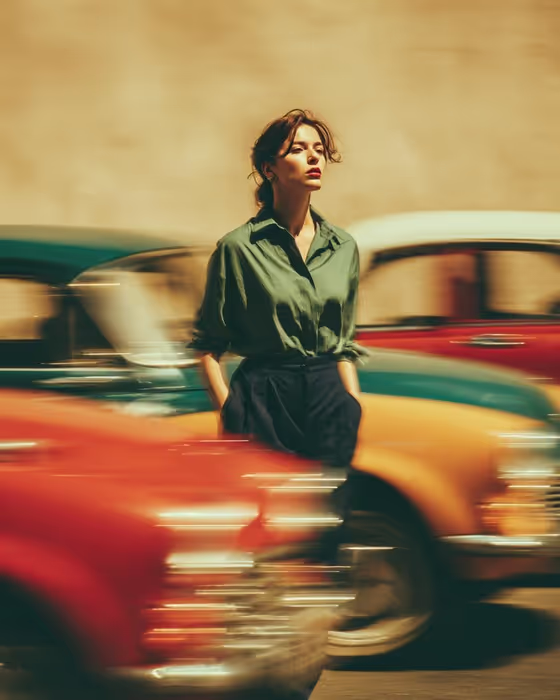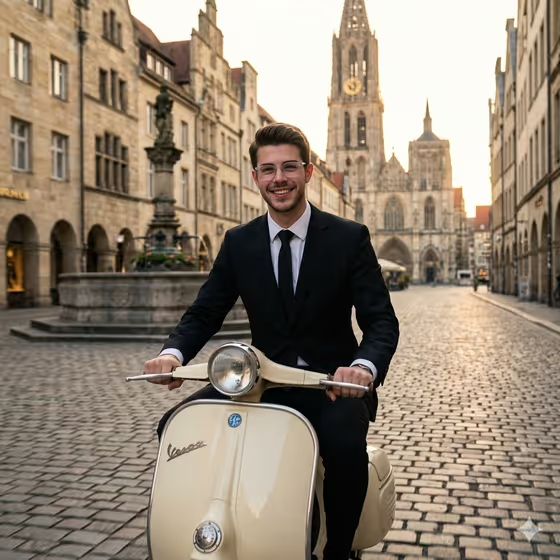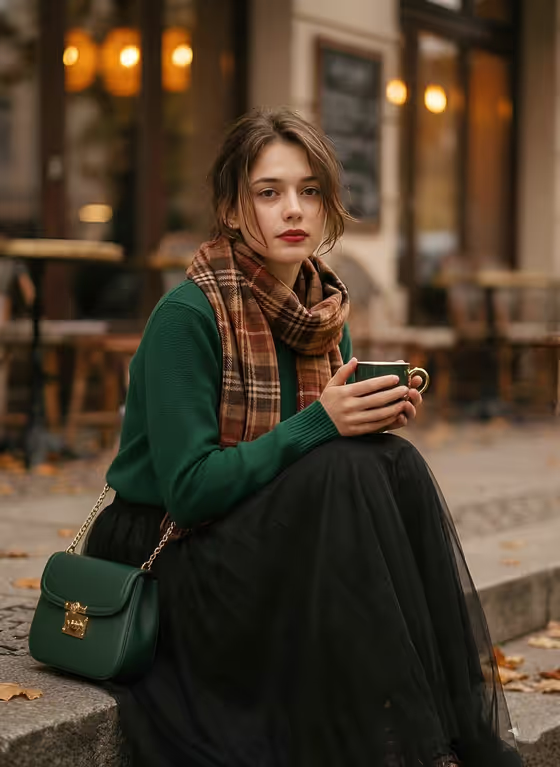
Seventies Cafe Editorial turns a subject, an outfit and one hero accessory into a grainy, warm-toned portrait set on worn autumn cafe steps. The look is calm and editorial: shallow depth of field, amber window bokeh, fallen leaves and muted earth tones, delivered as a 3:4 image.
It suits anyone who wants a vintage fashion portrait without staging a shoot, whether that is a personal profile image, a lookbook concept or a mood board frame. You describe the subject, pick the outfit, and name the accessory to be held, and the template handles the cafe setting and film-like finish.
What works best as input
- The template asks for 2 or more photos, so use clear references: one of the person if you want to base the subject on them, plus others for the outfit or accessory if you have them.
- Pick reference photos with even, natural light and a visible face and upper body, so the subject and the outfit read clearly.
- If you describe instead of uploading, keep the Fashion portrait subject short and concrete, such as 'a thoughtful young adult man' or 'an elegant androgynous model'.
- For Seventies outfit, name specific pieces and colors, like 'camel coat, rust trousers and silk scarf'. Earthy, layered autumn pieces suit the muted palette best.
- For Fashion product or accessory, choose something that can be held or worn in view, such as an ornate green coffee cup, a structured dark-green handbag or gold-rimmed sunglasses.
How to use it
- Open the Seventies Cafe Editorial template in Phosphene.
- Fill in Fashion portrait subject by typing a description or attaching a matching reference photo.
- Set the Seventies outfit and the Fashion product or accessory, again by choosing or describing them, or by attaching a reference for each.
- Generate the image, then check the 3:4 result for the face, the outfit details and whether the accessory is held as intended. Adjust the fields and run it again if needed.
Tips for a better result
- Echo the template's palette in your outfit: forest green, rust, camel, olive and cream all sit naturally with the amber light and fallen leaves.
- Pick an accessory with a recognizable shape and color so it stays distinct against the soft background.
- Try the same subject with different outfits and accessories to build a small series with a consistent 1970s mood.
- If you use reference photos, choose ones that match the outfit and accessory you describe so the fields and images agree.
Common mistakes
- Using vague entries like 'nice clothes' or 'a thing', which gives the template little to work with. Name garments, colors and the exact accessory.
- Describing a bright, modern or neon outfit, which clashes with the muted, grainy 1970s look and may read as out of place.
- Uploading blurry, dark or heavily cropped references, which makes it harder to keep the subject and outfit accurate.
FAQ
Do I have to upload photos?
The template is set to take 2 or more photos, but each field also accepts a typed description or a chosen example, so you can mix references and text.
What does the final image look like?
A grainy, warm 1970s-style editorial portrait of the subject seated on autumn cafe steps, with leaves, amber window bokeh and a soft shallow-depth look.
What aspect ratio does it produce?
The output is a 3:4 portrait image.
Can I change the setting?
The cafe steps and autumn mood are fixed by the template. You control the subject, the outfit and the accessory.