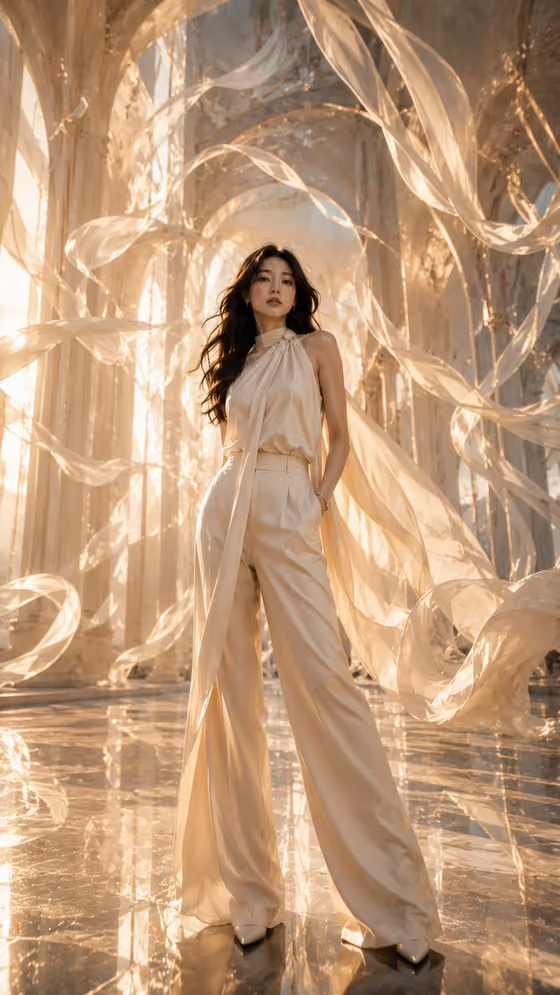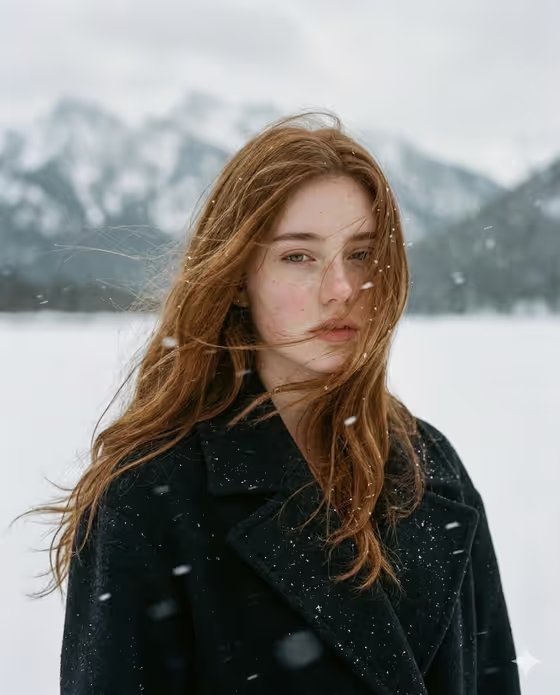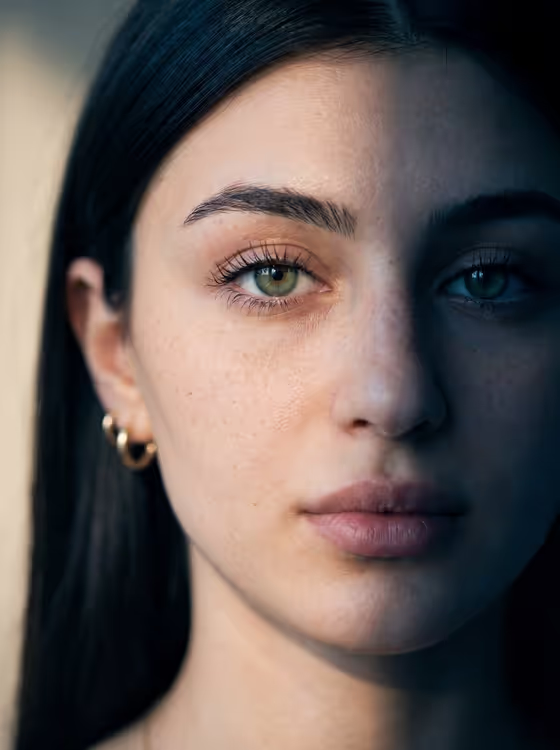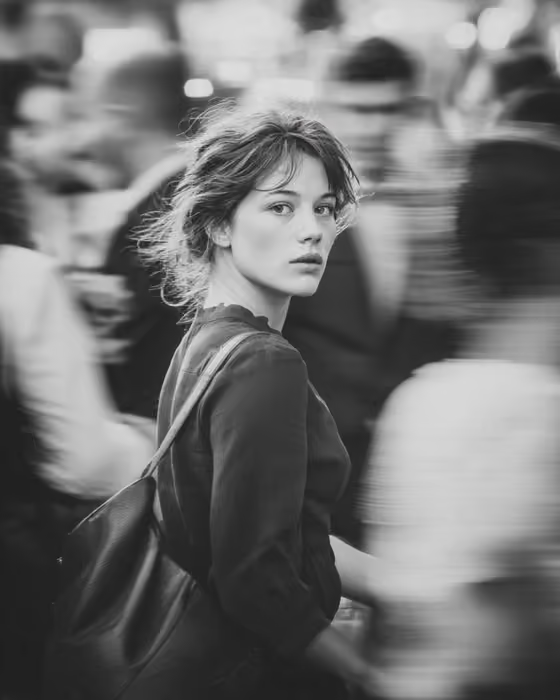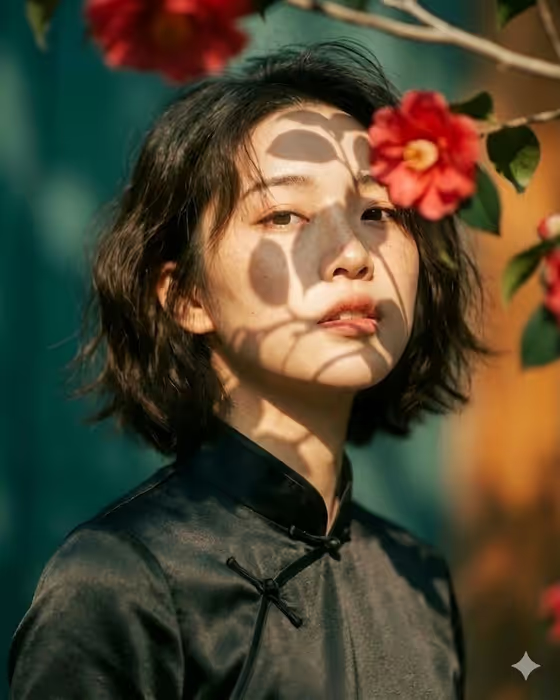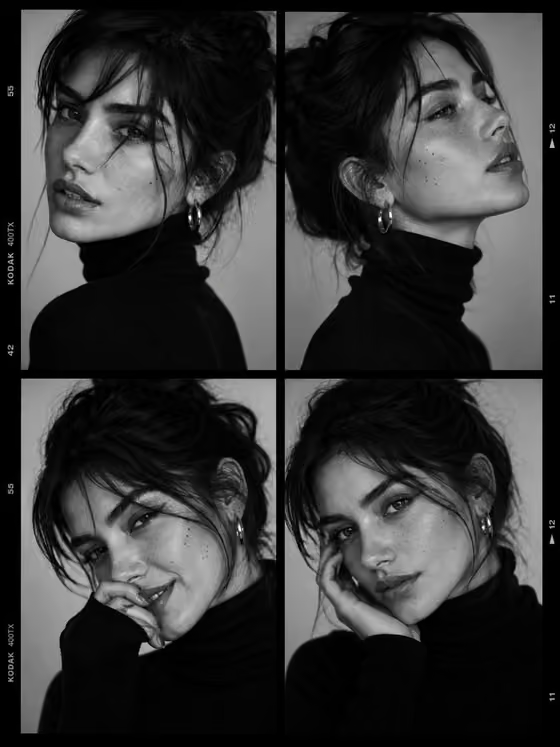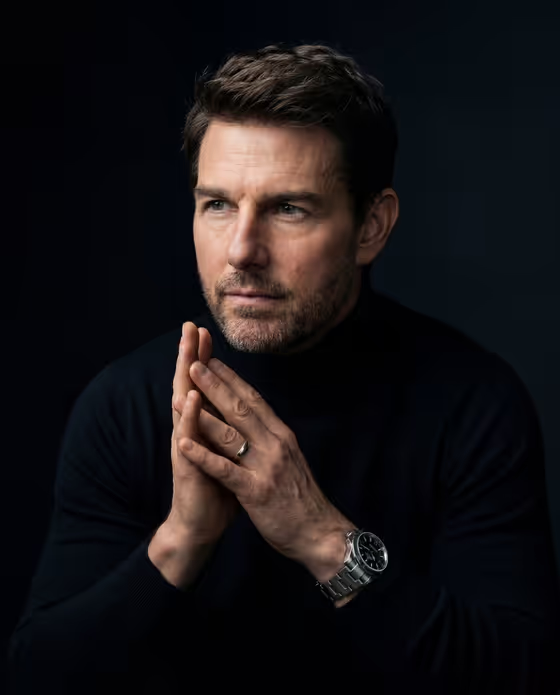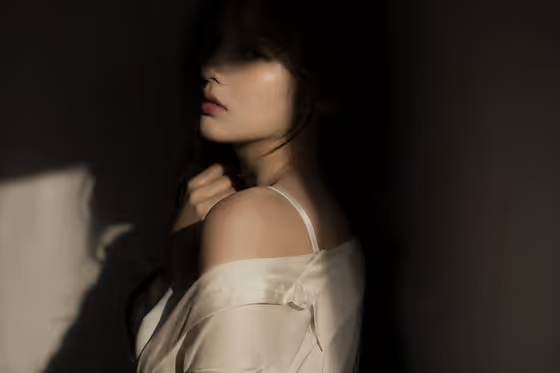
Shadowed Idol Editorial turns a portrait reference into a moody 3:2 editorial image. A strong directional window light cuts across the frame, so part of the face falls into shadow while a pale, soft-fabric top catches the highlights, as in the cover image with its dark interior and bright shoulder.
It suits anyone who wants a cinematic, quiet-tension portrait for a profile image, a creative project, or a mood board. The look comes from concealment and restraint: a turned body, a partly hidden face, and one hand resting near the collar or neck.
What works best as input
- Upload one clear photo of an adult. The template asks for a single reference, so pick the shot that best shows the face and overall presence you want carried over.
- Choose a photo where the face is evenly lit and in focus. The template adds the dramatic shadows itself, so a sharp, readable starting point gives it more to work with.
- In the Portrait subject field you can also type a description instead of relying only on the photo. The placeholder 'an adult woman matching my reference' shows the style of wording that works.
- Keep the subject an adult and a person you have the right to use. Avoid photos with heavy filters, sunglasses, or hands covering the face, since those hide the features the portrait is built around.
How to use it
- Open the Shadowed Idol Editorial template in Phosphene and add your reference photo to the Portrait subject field.
- Fill in Portrait subject with a short description, or keep the suggested wording such as 'an adult woman matching my reference'.
- Set Pose or expression by picking or writing something like 'calm direct gaze', 'quiet introspection', or 'the source gaze and expression'.
- Generate the image, then review the 3:2 result for the light falling across the face, the fabric styling, and the dark background. Adjust your two fields and run it again if the mood is off.
Tips for a better result
- Try different Pose or expression choices. 'Quiet introspection' leans toward the soft, unreadable mood in the cover, while 'intense focused gaze' gives the shadow play a sharper edge.
- Use 'the source gaze and expression' when you want the result to stay close to your reference photo's own look.
- Vary the subject wording, for example 'an adult man with a distinctive presence' or 'an expressive adult creative', to see how the same light and shadow setup reads on different people.
- Run the same inputs a few times and compare. The partial visibility and half-lit face can fall differently each time, so one version may hide just the right amount.
Common mistakes
- Uploading a photo with the face already half hidden or very dark. The template adds shadow on its own, so the result can end up too obscured.
- Writing a long, busy description in Portrait subject. The styling, lighting, and background are already set, so extra scene details tend to work against the minimal, dark interior.
- Expecting a bright, fully lit, smiling portrait. This template is built around mystery and an unreadable expression, so choose a different template for that look.
FAQ
Do I have to upload a photo?
The template expects one reference photo. The Portrait subject field accepts a photo and also takes a typed description, and the Pose or expression field is text or a choice only.
What aspect ratio does it produce?
The output is a 3:2 image, a landscape frame like the cover.
Can I change the lighting or the outfit?
No, those are fixed by the template: window light casting shadows, a soft silk-style top, and a dark or minimal interior. You control the subject and the pose or expression.
What should I put in Pose or expression?
Short phrases work best, such as 'calm direct gaze', 'quiet introspection', 'intense focused gaze', or 'the source gaze and expression'.