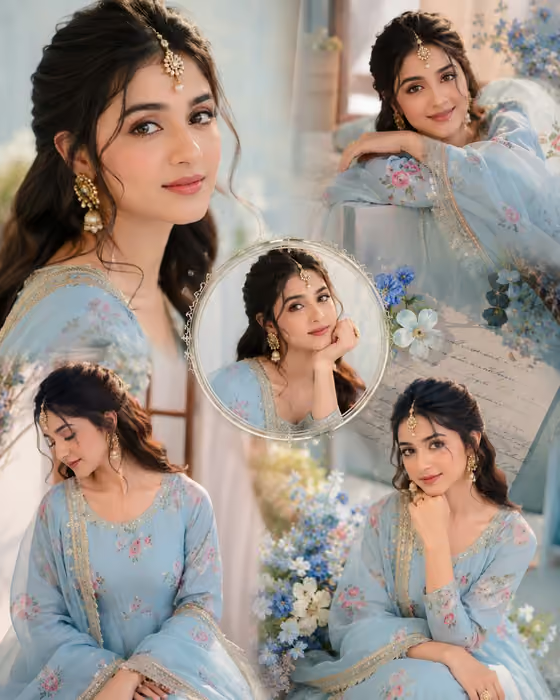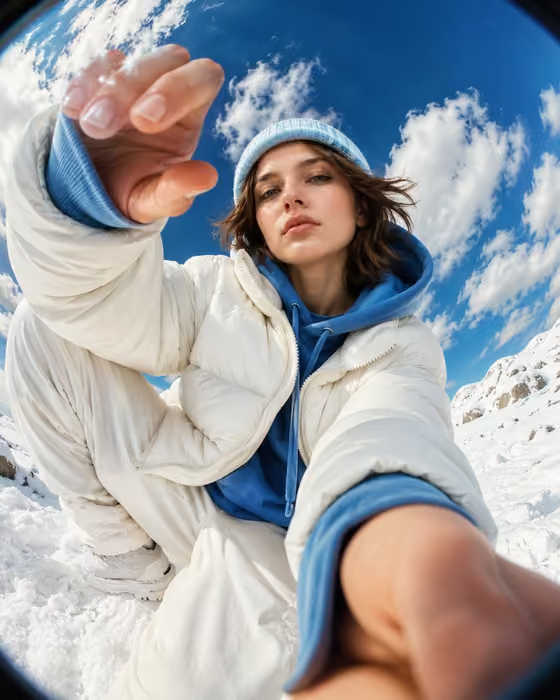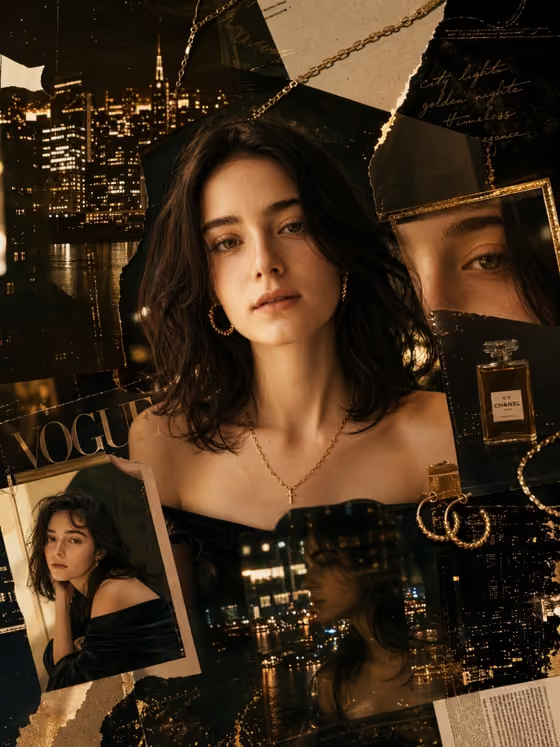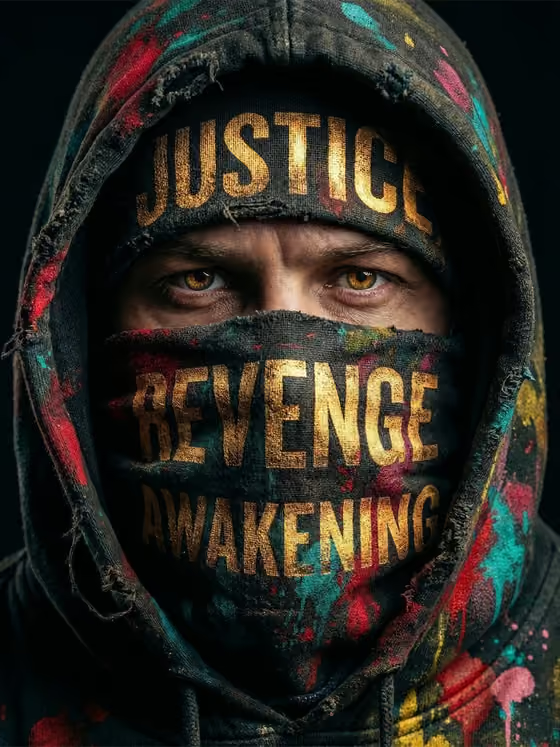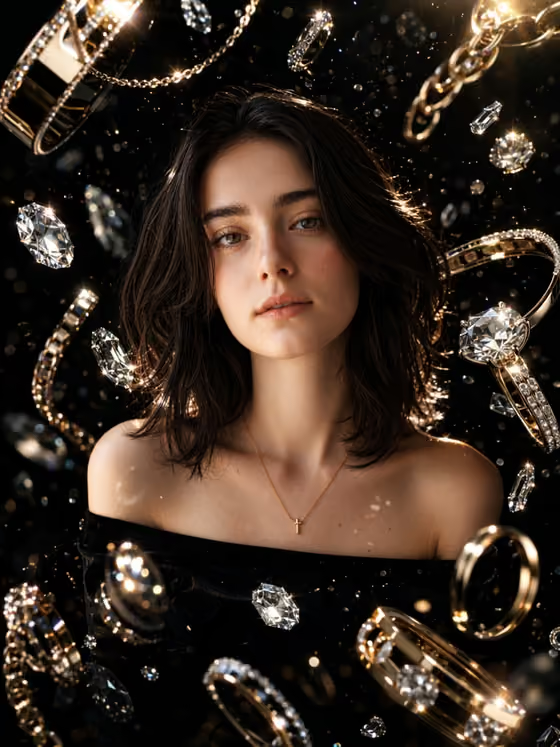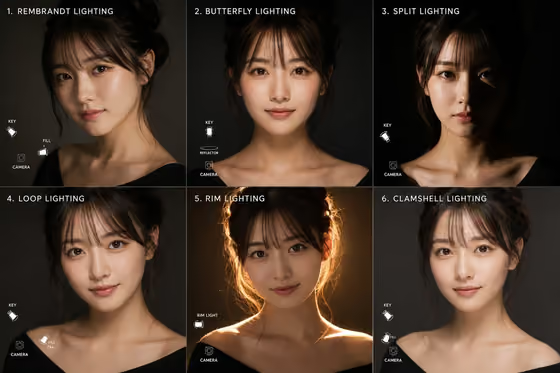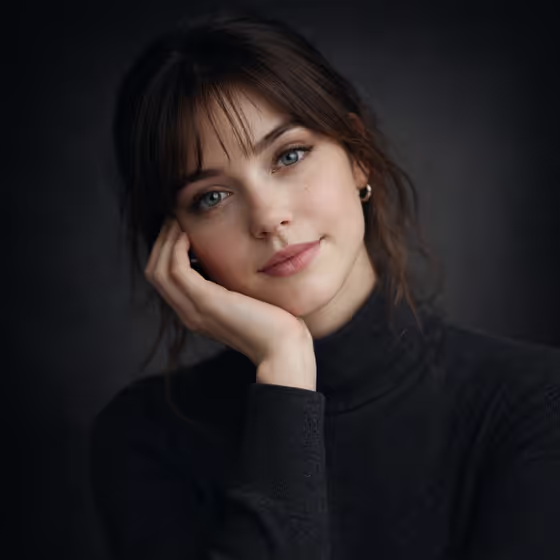
This template makes a front-facing studio portrait with a centered, symmetrical composition. The cover shows the look: soft cinematic light, wispy bangs, a dark knit turtleneck and a smooth dark gradient background, framed in 3:4.
It suits anyone who wants a moody, editorial-style headshot or profile image. You describe or reference the subject, pick a pose or expression, and choose the outfit, while the lighting, lens look and background stay fixed.
What works best as input
- The template asks for 2 or more photos. Use clear, well-lit photos of the same person taken from the front or a slight angle, so the face reads accurately.
- Avoid sunglasses, heavy filters or hats that hide the face and hairline. The portrait has wispy bangs and a visible forehead, so a clear view of the hairline and face helps.
- For Portrait subject, you can upload a photo or type a short description such as 'an adult woman matching my reference'. Keep it to adults and to people whose photos you have the right to use.
- For Portrait outfit or garment, you can type something like 'a minimalist tailored blazer' or upload a photo of the garment itself. A flat, evenly lit garment photo shows its shape and color best.
How to use it
- Open the Symmetric Studio Portrait template in Phosphene and add your reference photos (2 or more).
- Fill in Portrait subject by uploading a photo or typing a description. Then choose or describe a Pose or expression, such as 'calm direct gaze' or 'quiet introspection'.
- Set the Portrait outfit or garment by typing a description or adding a garment photo. Then generate the image.
- Review the 3:4 result. Check the face, expression and outfit, then adjust a field and generate again if something is off.
Tips for a better result
- Keep the outfit description short and concrete. 'A soft neutral knit' or 'a dark fitted turtleneck' works better than a long list of details.
- Try different Pose or expression options with the same subject to compare moods, for example 'calm direct gaze' against 'intense focused gaze'.
- The background is a dark gradient, so darker or mid-tone garments tend to match the cover's moody look. Lighter outfits give a different contrast, so try one to see.
- If you want the result to stay close to your reference, choose 'the source gaze and expression' for the pose field.
Common mistakes
- Uploading only one photo or very dark, blurry shots. The template expects 2 or more, and sharper references give a more accurate likeness.
- Writing a vague subject like 'a person'. Describe the subject or reference your photo so the portrait has something specific to follow.
- Expecting to change the lighting, background or framing. Those are fixed, so only the subject, pose or expression and outfit change.
FAQ
How many photos do I need to upload?
The template asks for 2 or more photos, so add at least two clear shots of the subject.
Can I type a description instead of using a photo?
Yes for the subject and outfit fields, which accept either a photo or text. The Pose or expression field is text or a choice only, with no photo option.
Can I change the background or lighting?
No. The dark gradient background and soft cinematic lighting are part of the template's fixed direction. You control the subject, pose or expression and outfit.
What shape is the output?
The result is a single image in a 3:4 aspect ratio, a front-facing centered portrait.