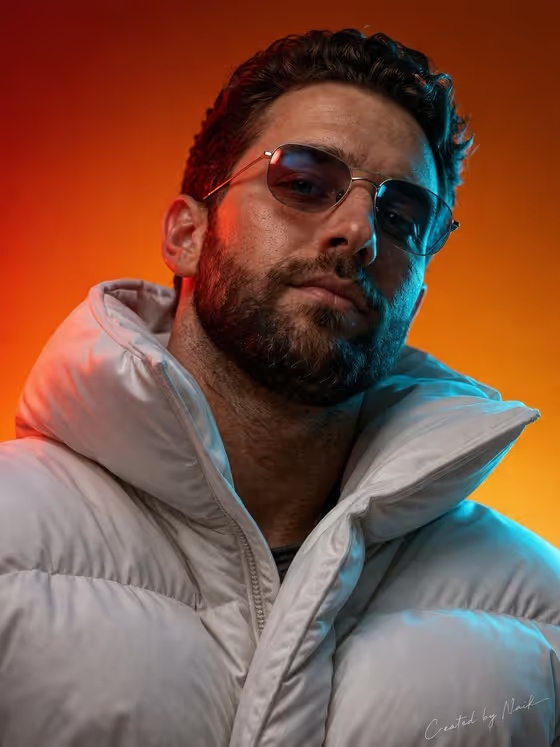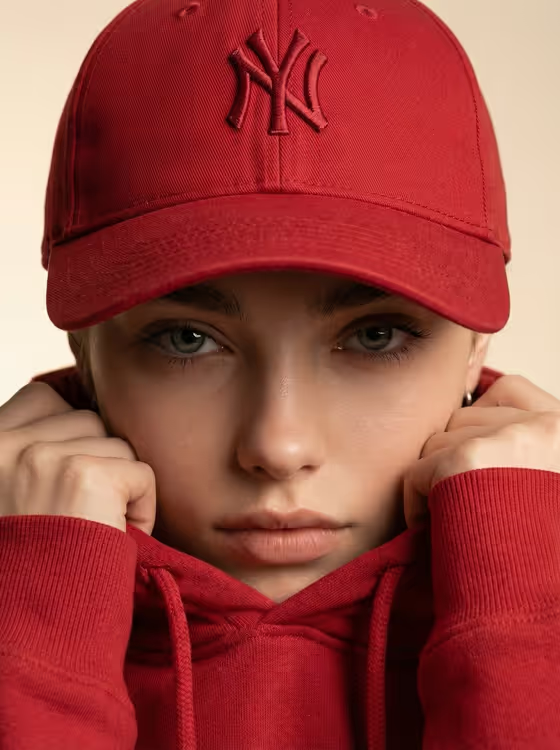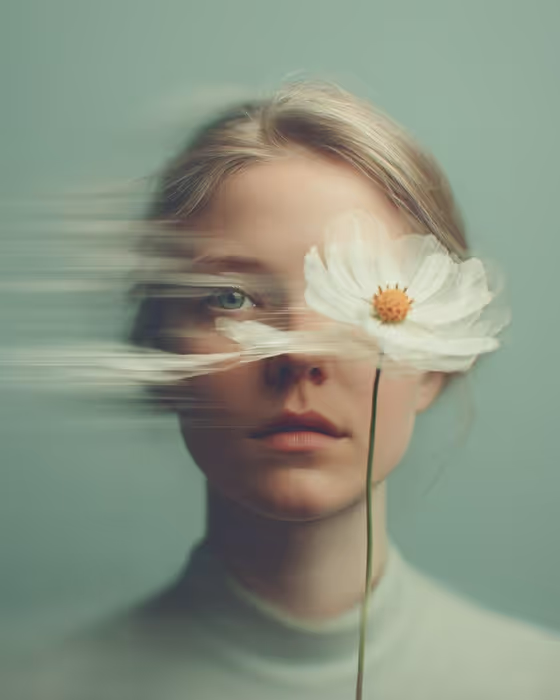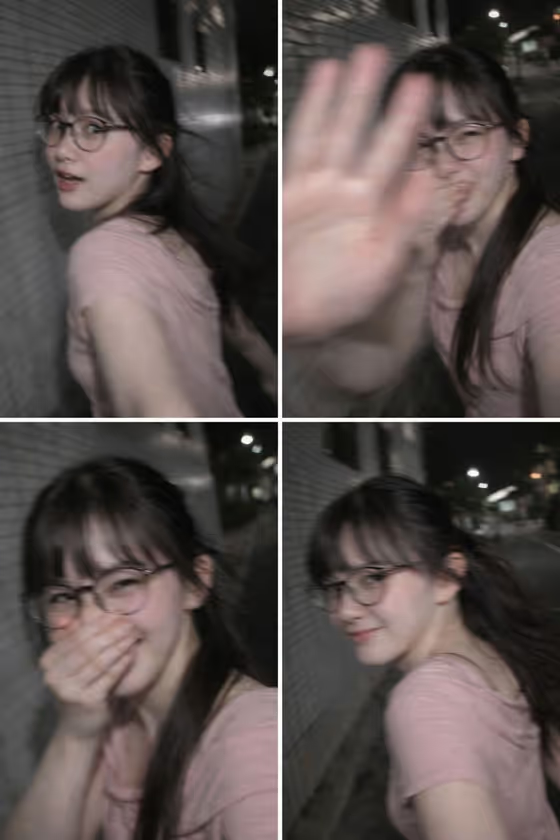
Tokyo Candid Walk makes a vertical, smartphone-style night photo of someone caught mid-step on a quiet city sidewalk. The subject glances back at the camera, partly shielding the lens with a hand and holding back a laugh, while a pale tiled wall and dark street fall away behind them.
It suits anyone who wants the rushed, accidental look of a flash photo taken on a night walk instead of a posed portrait. The result is deliberately rough: motion blur, noise, harsh flash and loose framing are part of the style, and the template treats your photos as inspiration rather than a face copy.
What works best as input
- The Portrait subject field accepts a photo, and this template asks for 2 or more uploads, so add a few clear shots of the same adult from different angles.
- Pick reference photos with plain lighting and an unobstructed face. Glasses, hair length and general vibe in your references help guide the overall feel of the person in the result.
- If you describe the subject in words instead, keep it short and adult, for example the placeholder style 'an adult subject matching my reference' or 'an expressive adult creative'.
- Capture device also accepts a photo or a description. Naming a device such as 'a modern smartphone' or 'a disposable flash camera' sets which camera the shot should feel like.
- Use only photos of yourself or people who have agreed to be used, and avoid images of public figures.
How to use it
- Open the Tokyo Candid Walk template from the Portraits category in Phosphene.
- Fill in Portrait subject by adding your 2 or more photos or typing a short description of the adult subject.
- Set Pose or expression, for example 'joyful natural expression' or 'calm confidence', then fill in Capture device with a camera type or a photo.
- Generate the image, then review the 9:16 result. If the mood or device feel is off, adjust those fields and run it again.
Tips for a better result
- Try a different Pose or expression such as 'quiet introspection' or 'serious direct gaze' to change the emotional tone. The template is built around a shy, playful reaction, so a joyful or laughing expression matches it most naturally.
- Change Capture device to 'a compact digital camera' or 'a disposable flash camera' to shift the texture of the flash and grain.
- Add distinctive details to your subject description, like glasses or long dark hair, so the generated person has a recognizable look without copying a real face.
- Generate several versions and compare them, since the blur, hand placement and framing vary from shot to shot.
Common mistakes
- Expecting a sharp, clean portrait. The template is designed for heavy motion blur, noise and blown flash highlights, so an overly polished result is not the goal.
- Uploading only one photo or a very dark, blurry reference. The template expects 2 or more photos, and clear references give the generation more to work from.
- Writing a long, complicated subject description or a conflicting pose. Keep each field short and consistent with a quick, spontaneous moment.
FAQ
Will the result look exactly like the person in my photos?
No. Your photos are used as inspiration for general facial proportions and vibe, and the generated subject is meant to stay original rather than a face copy.
How many photos do I need?
The template asks for 2 or more photos. You can also describe the subject in words in the Portrait subject field.
Why is the image so blurry and grainy?
That is the intended style. The scene is meant to look like a rushed handheld flash photo at night, with motion blur, noise and uneven exposure.
What shape is the output?
It is a vertical 9:16 image, framed like a smartphone photo.