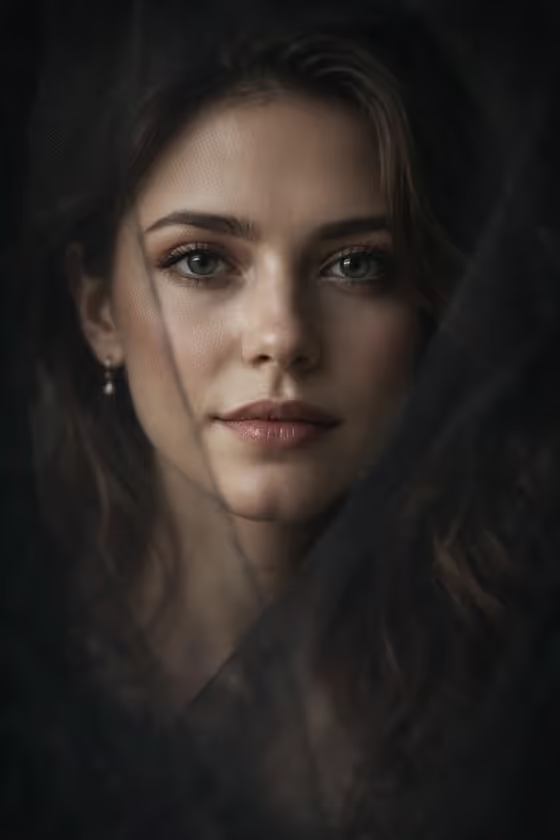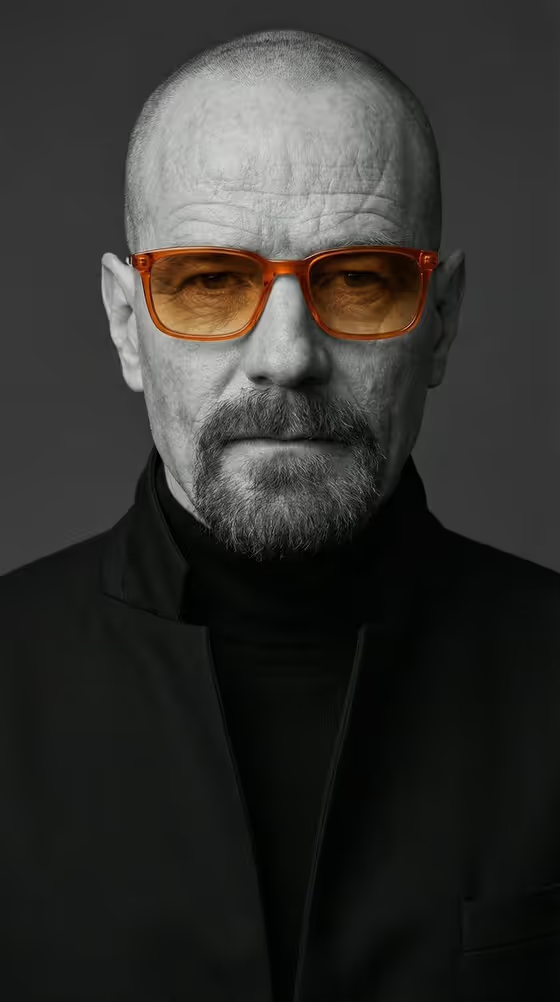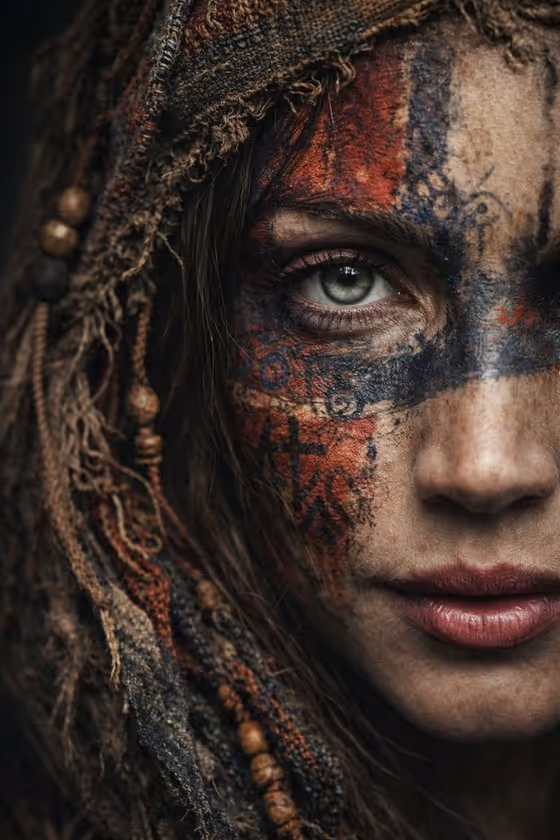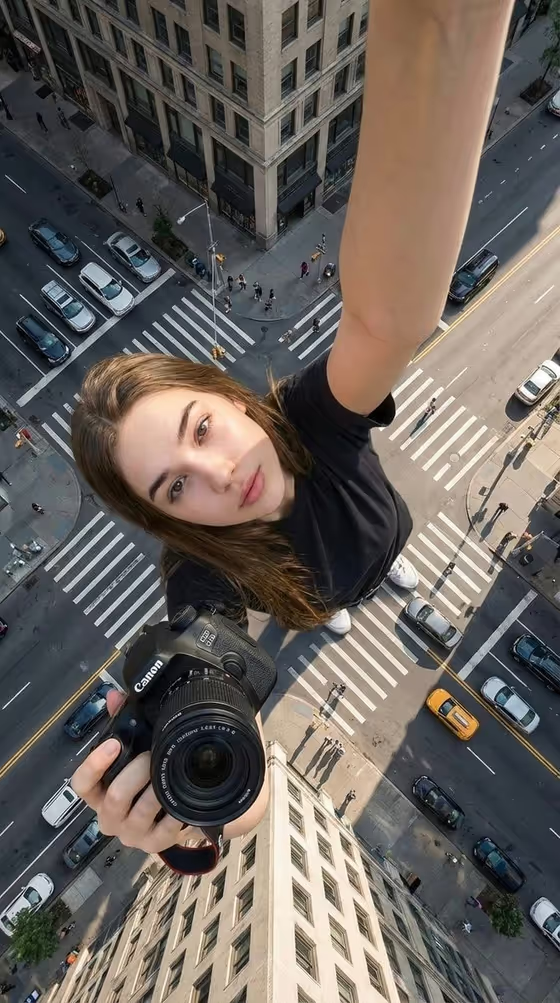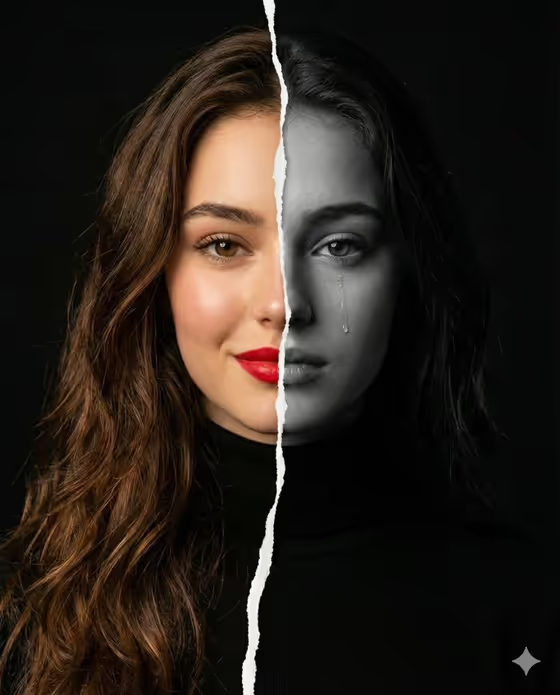
Torn Emotion Portrait turns a single face into a split-screen story. A jagged torn paper edge runs down the middle, with one half in warm color (a smile, glowing skin, bold red lipstick) and the other half in black and white with a single tear on the cheek, all against a dark, moody background.
It suits anyone who wants a dramatic, conceptual portrait for a profile image, a poster-style post, or a creative project about contrasting feelings. The output is a 3:4 image, so it fits portrait-format frames well.
What works best as input
- Use a clear, well-lit photo of one adult, facing the camera or close to it. The cover look depends on a face that is easy to read, so avoid heavy shadows across the eyes or mouth.
- Pick a photo where the whole face is visible and fairly centered, since the torn edge splits the face down the middle. Hair or hands covering one side can confuse the split.
- In the Portrait subject field, you can use your photo or describe the person in text. The placeholder 'an adult woman matching my reference' shows the idea: point the description at your reference photo.
- For Pose or expression, choose or describe the feeling you want to carry through, such as 'joyful natural expression' or 'quiet introspection'. Short, specific wording works better than a long paragraph.
How to use it
- Open the Torn Emotion Portrait template in Phosphene.
- Fill in Portrait subject by adding your photo or describing the person, for example 'an adult woman matching my reference'.
- Fill in Pose or expression with one of the suggested options or your own short description, like 'calm confidence'.
- Generate the image, then review the result. Check that the torn edge falls near the center of the face and that the color half and the black-and-white half both look like the same person.
Tips for a better result
- Try different expressions in Pose or expression. 'Serious direct gaze' or 'quiet introspection' will change the mood of the pair compared with the default joyful one.
- Choose a reference photo with an even, front-facing pose. The more symmetrical the framing, the cleaner the torn split tends to look.
- Run the template more than once with the same inputs and compare. Small differences in the tear and the paper edge can make one version stand out.
- Keep the subject description simple and let your photo do the work. Piling on extra traits can pull the result away from the look in your reference.
Common mistakes
- Uploading a group photo or a photo where the face is small or turned far to the side, which makes the vertical split hard to read.
- Using a heavily filtered, blurry, or very dark photo. The template aims for sharp eyes and realistic texture, so a low-quality source limits that.
- Writing a long, conflicting expression in Pose or expression. The design already pairs a smile with a tear, so keep your wording to one clear feeling.
FAQ
Do I have to upload a photo?
The Portrait subject field accepts a photo or a text description, and the template's upload requirement is one photo. A photo of the person you want shown gives the most faithful result.
What does the final image look like?
It is a 3:4 portrait where a jagged torn paper edge splits the face vertically. One side is in color with a warm smile and red lipstick, the other is black and white with a tear, on a dark background.
Can I change the expression?
Yes. Use the Pose or expression field to choose or describe a different feeling, such as calm confidence or a serious direct gaze.
Can I use it for a man or a non-binary person?
The subject field lists examples like an adult man with a distinctive presence, so you can describe or upload someone other than a woman. Results can vary, so review the output and adjust your wording if needed.