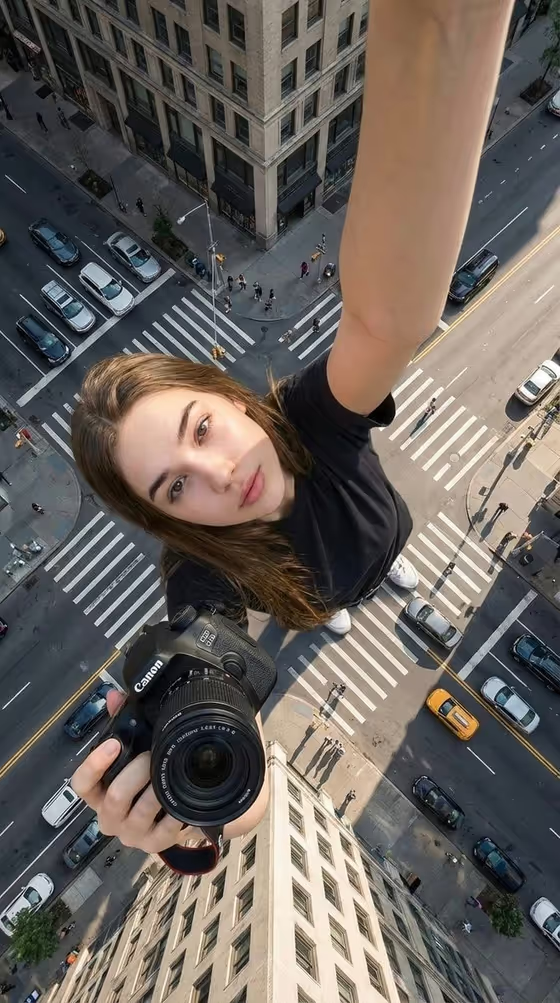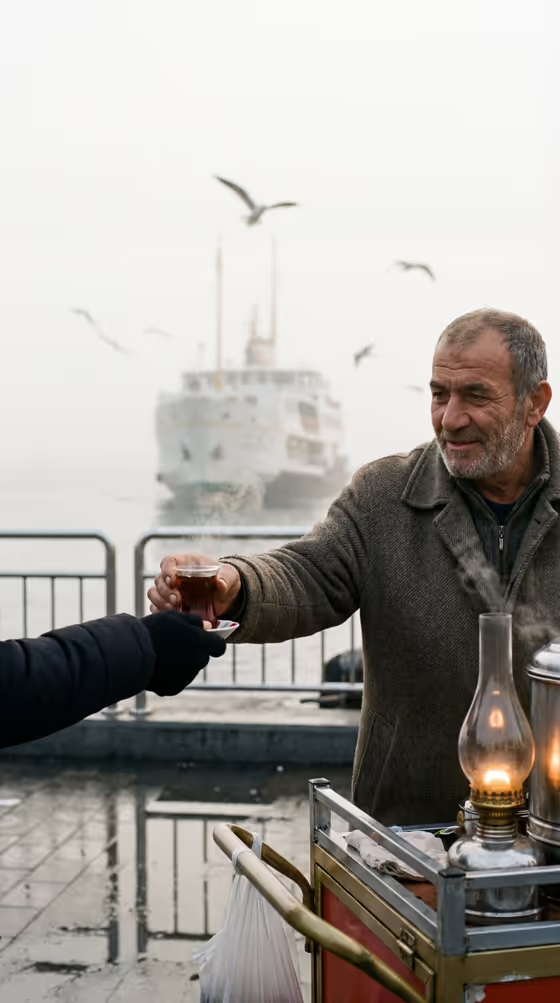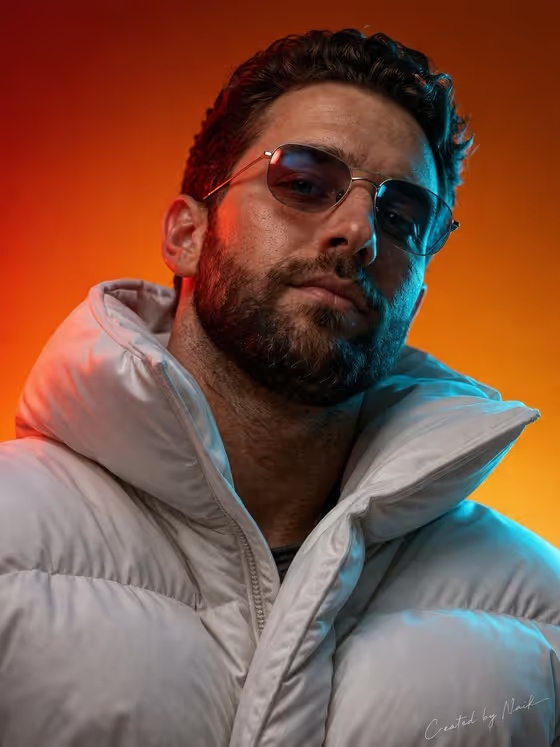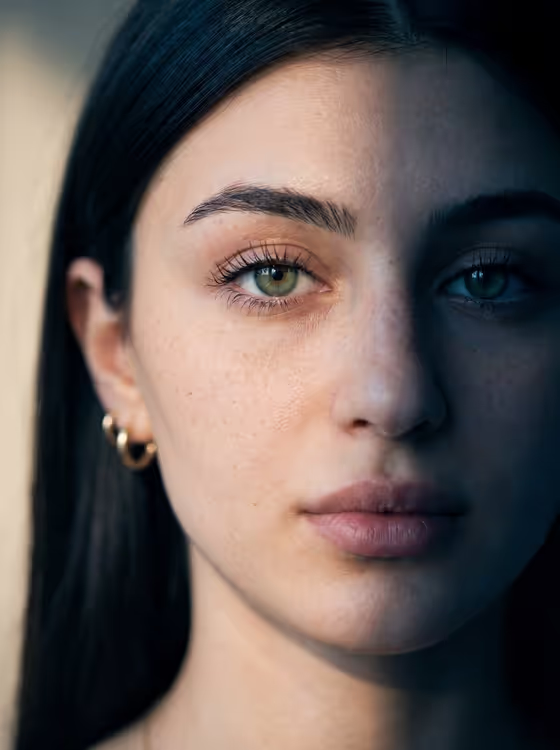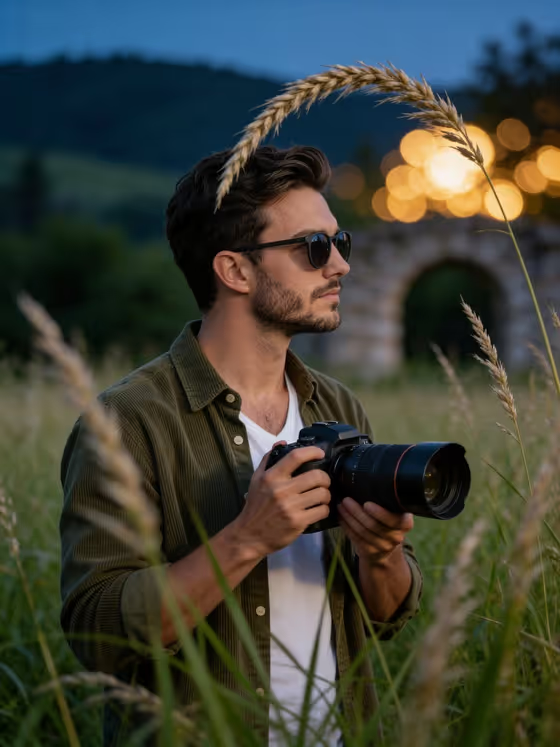
Twilight Meadow Photographer turns a portrait into a moody, cinematic scene of a person standing in tall meadow grass at dusk, holding a professional camera with a long lens up to their eye. The result is a 3:4 image with sharp grass blades and soft wheat stalks in the foreground, deep blue and green hills behind, and warm golden bokeh lights glowing near a blurred stone archway.
It suits anyone who wants a photographer-style portrait for a profile picture, a creative portfolio, a blog author photo, or a social post. You describe or provide your portrait subject, pick a pose or expression, and the template handles the setting, wardrobe, lighting and depth of field.
What works best as input
- For the Portrait subject field, you can upload a photo or type a description. A clear, well-lit photo of one person facing the camera or turned slightly to the side gives the template the most to work with.
- Use a photo where the face and hair are fully visible and not hidden by hats, heavy shadows or strong filters, so the likeness carries over cleanly.
- Only use photos of yourself or of someone who has agreed to it, and keep the subject an adult, since the scene is written around an adult portrait.
- If you describe instead of uploading, be concrete, for example 'an adult man with a distinctive presence' or 'an expressive adult creative', in the style of the built-in examples.
- A photo with a calm, neutral expression is a good base, because the Pose or expression field is where you set the mood you want.
How to use it
- Open the Twilight Meadow Photographer template in Phosphene.
- In Portrait subject, upload a photo or type a short description of the person, such as 'an adult man matching my reference'.
- In Pose or expression, choose or write the look you want, for example 'calm direct gaze', 'quiet introspection' or 'intense focused gaze'.
- Generate the image, then review the result for likeness, the camera held at eye level, and the grass and bokeh framing. Adjust your two fields and generate again if something is off.
Tips for a better result
- Try different Pose or expression values. 'Quiet introspection' and 'intense focused gaze' will read very differently, even though the meadow and lighting stay the same.
- Match the description to your reference photo. If your photo shows a beard and short hair, say so in the subject text so the details stay consistent.
- The template is built around a profile view looking off to one side with the camera raised, so a photo that already shows your face clearly helps the likeness survive the change in angle.
- Generate a few variations and compare them. Small wording changes in the subject field can shift the face, mood and overall feel.
Common mistakes
- Using a blurry, heavily filtered or low-light photo, which gives the template little reliable detail to reproduce the face and hair.
- Writing a long, complicated pose description. The Pose or expression field works best with a short phrase like 'calm direct gaze'.
- Expecting changes to the setting. The twilight meadow, tall grass, bokeh lights and camera are part of the template, so your input should focus on the person and their expression.
FAQ
Do I have to upload a photo?
No. The Portrait subject field accepts an uploaded photo or a typed description, so you can use either. The Pose or expression field is text or a choice only.
What shape is the image?
The output is a single image in a 3:4 portrait format.
Can I change the outfit or the location?
Those are set by the template: a meadow at twilight with the person holding a camera to their eye. You control the subject and the pose or expression.
What should I put in Pose or expression?
Use a short phrase describing the look, such as 'the source gaze and expression', 'calm direct gaze', 'quiet introspection' or 'intense focused gaze'.