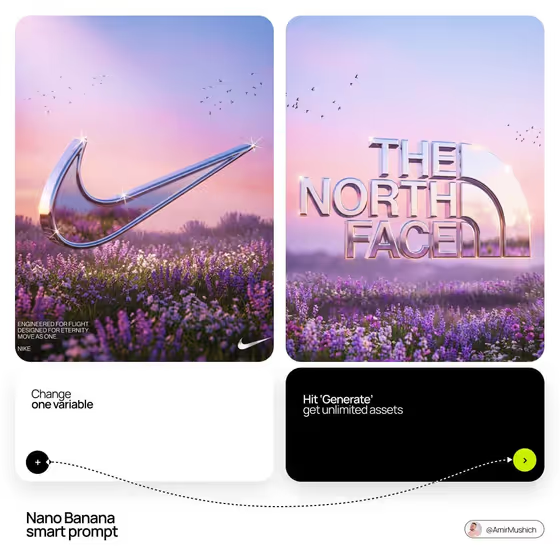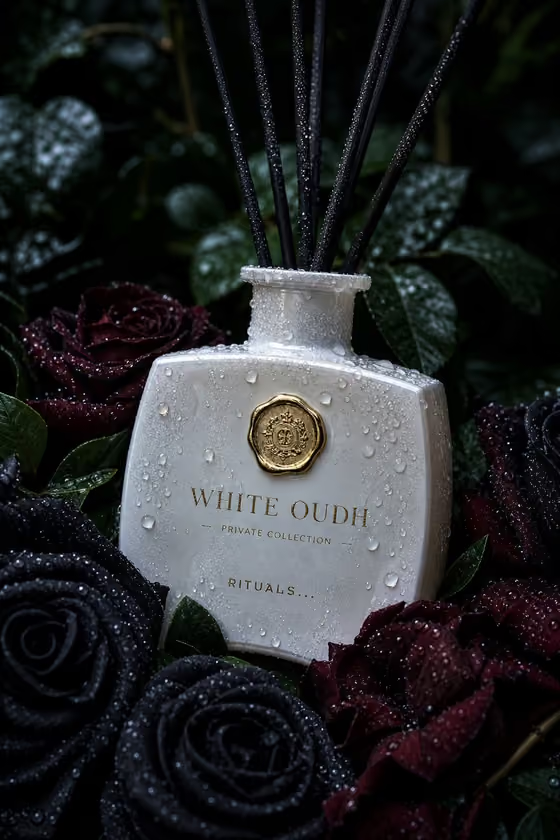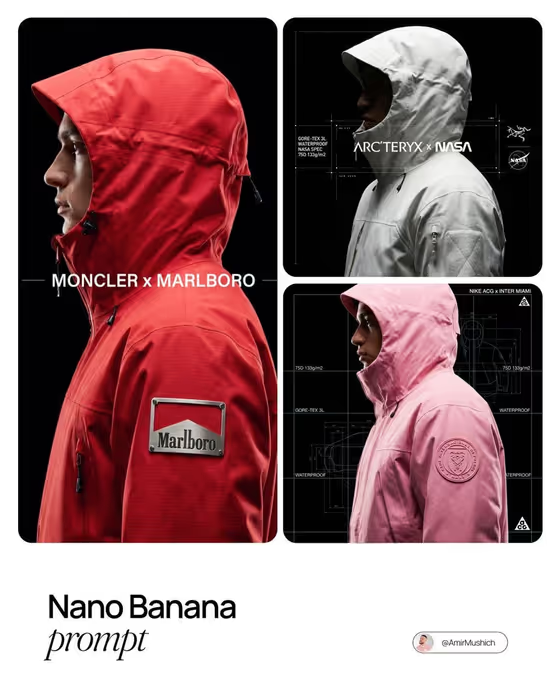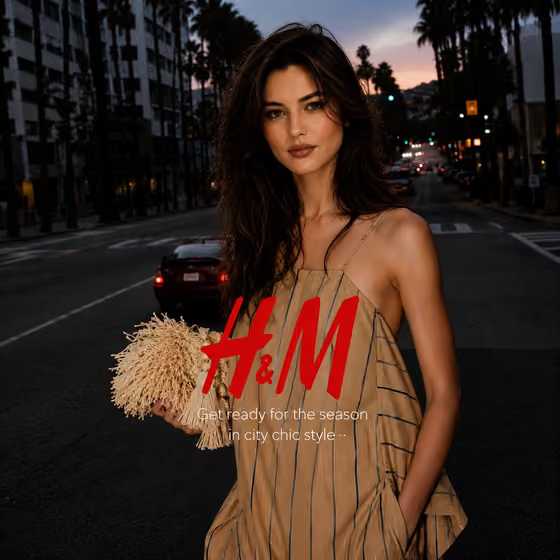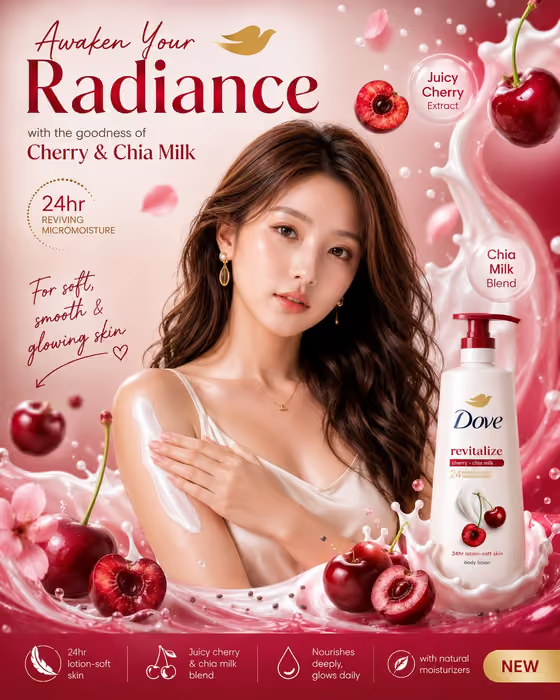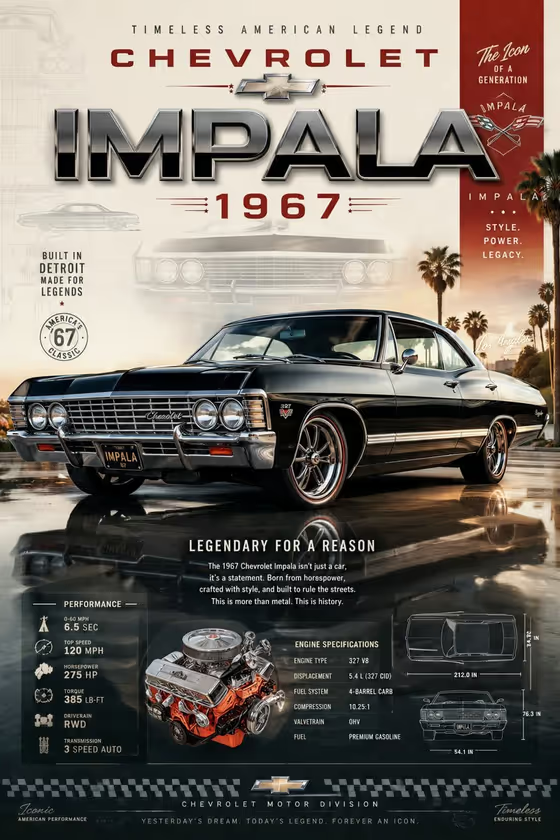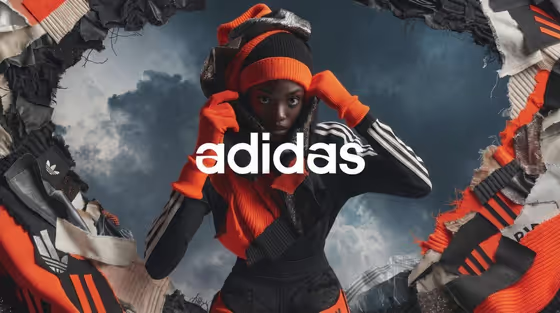
This template builds a high-fashion campaign poster around one model. Torn-edge fabric swatches frame the figure, the brand name sits across the center, and a brand symbol is worked into a dramatic, cloudy backdrop. The output is a 3:4 image, a portrait poster shape.
It suits independent labels, stylists, students and creative teams who want a fast concept for a lookbook cover, campaign moodboard or pitch. You choose the brand name, the model, the signature outfit and the textures that surround them.
What works best as input
- For Fashion model, you can describe the person in text or upload an identity reference photo. Use a clear, well-lit shot where the face is fully visible and unobstructed.
- Only use photos of people who have agreed to it, such as yourself, your own model or a client. Do not use the likeness of public figures.
- For Signature outfit, you can pick an option or add a photo of the garment. A clean shot on a plain background shows the cut and color best.
- Fashion brand name is text only, so type it exactly as it should appear, for example MAISON VELA or NORTHLINE. Short names tend to read more cleanly across the center of a poster.
- In Material swatches, list two or three concrete fabrics, such as raw denim, mesh and nylon. Specific materials give the torn fragments more distinct textures.
How to use it
- Open the Torn-Swatch Fashion Campaign template in Phosphene. The upload requirement is 2 or more photos, so have your references ready.
- Type the Fashion brand name, then describe your Fashion model or add their reference photo. Add the model's identity photo and any outfit photo as your references.
- Choose or describe the Signature outfit, then write the Material swatches you want around the figure.
- Generate the poster, then check the face, the logo placement and the fabric edges. Adjust your fields and run it again if something is off.
Tips for a better result
- Match the swatches to the outfit. If the look is cobalt tailoring, torn wool, satin and leather will echo its construction, as in the example fields.
- Try different brand name styles and lengths to see how the central logo sits. Keep a version with a shorter name if the longer one feels crowded.
- Change only one field per run, such as the swatches or the outfit, so you can see exactly what shifted.
- Use the example fields as a starting point. Pairing something like silk, organza and foil with ivory technical knitwear gives a very different mood from raw denim and black leather.
Common mistakes
- Using a blurry, cropped or heavily shadowed model photo. A weak face reference makes it harder to keep the model's expression clear.
- Writing vague swatch text like nice fabrics. Name actual materials so the collage has recognizable textures.
- Cramming too many materials or a very long brand name into the fields, which can clutter the poster and compete with the model's face.
FAQ
Do I have to upload photos?
The template asks for 2 or more photos. The model and outfit fields also accept text descriptions, but the brand name and material swatches are text only.
Where does the brand name go in the poster?
It is placed across the center as a clean serif logo, designed to sit without covering the model's face.
What shape is the result?
It is a 3:4 portrait image, suited to poster and cover layouts.
Can I use a photo of a real person as the model?
Only if you have their permission, for example yourself or your own model. Avoid using the likeness of public figures.