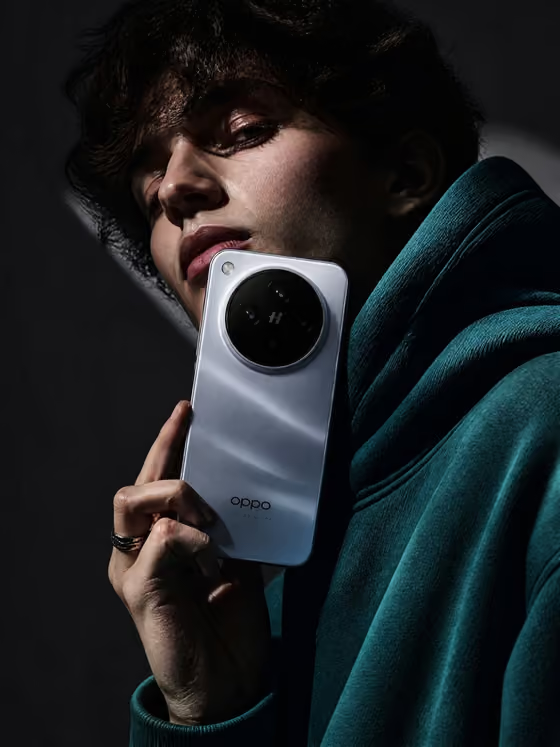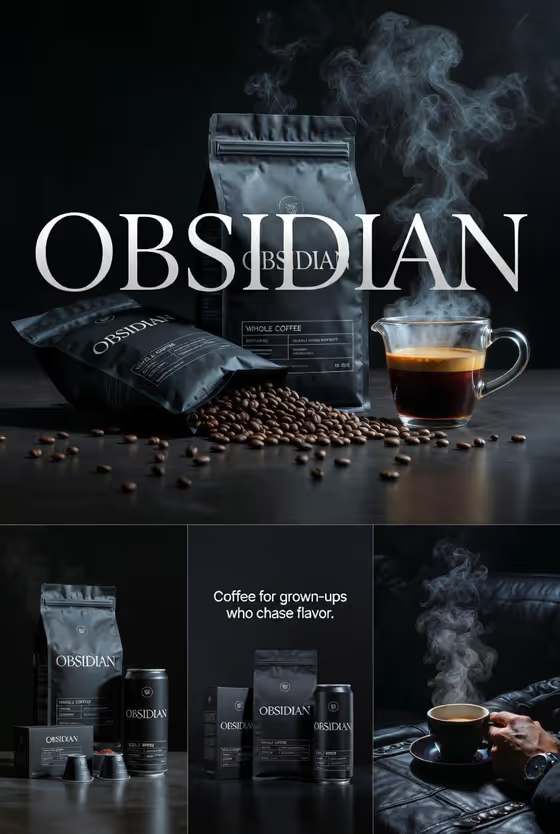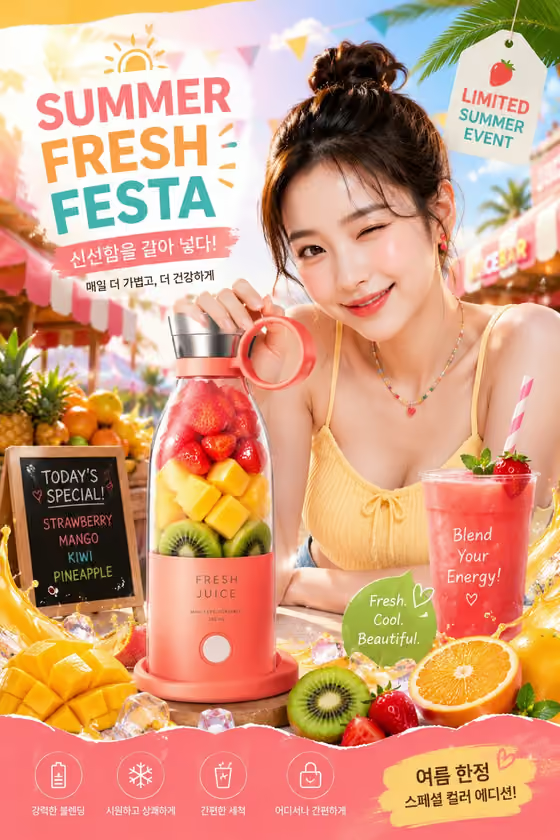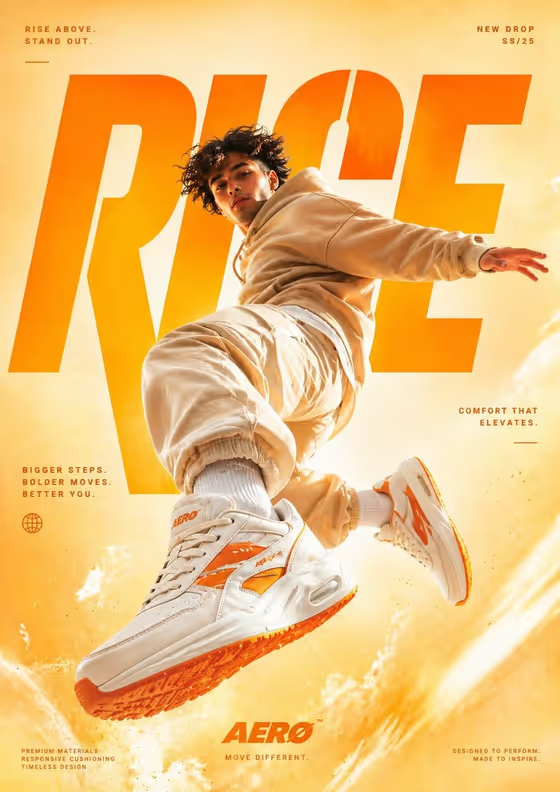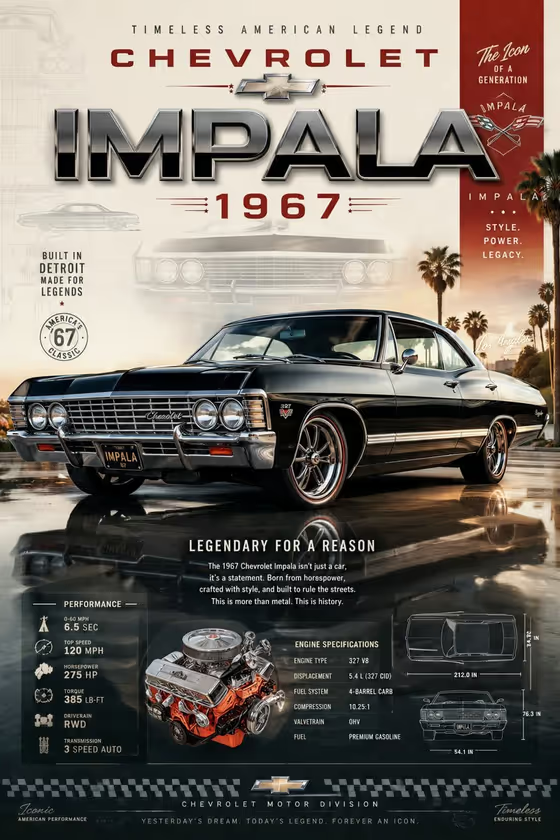
This template builds an automotive hero poster in a 3:4 portrait format. Your chosen subject becomes the central, dominant element in a three-quarter view, surrounded by bold title typography and a performance-style layout, much like the 1967 Impala poster on the cover with its large chrome headline, spec panels and engine callout.
It suits dealers, car clubs, collectors and designers who want a display-ready poster without laying it out by hand. You supply a subject, a supporting prop and a title, and the template handles the composition and typography direction.
What works best as input
- The template expects 2 or more photos, so fill both photo-capable fields: Portrait subject and Featured product or prop. Each accepts either a photo or a written description.
- Choose clear, well-lit photos where the subject and the prop are fully visible and not cropped at the edges. A clean view of the whole shape gives the poster more to work with.
- If you describe instead of uploading, be concrete. The examples in the fields, such as a premium beverage bottle or a distinctive branded object, show the level of specificity that works.
- Use a short, strong title in Rendered name or title. This field is text only, and entries like AURORA or THE NEXT CHAPTER show the style the template expects.
- Pick a prop that complements the subject rather than competing with it, since the poster is meant to read as one hero image with supporting details.
How to use it
- Open the Epic Premium Automotive Poster template in Phosphene.
- Fill in Portrait subject and Featured product or prop, using a photo or a short description for each, then type your headline in Rendered name or title.
- Start the generation and wait for the 3:4 poster to finish.
- Review the result for how the subject, prop and title text came out. If something is off, adjust your inputs and generate again.
Tips for a better result
- Keep the title short and all caps if you want a bold, poster-style headline like the large chrome lettering on the cover.
- Try different props with the same subject to get several poster variations for the same project.
- Swap photos for descriptions (or the reverse) in one slot to see which gives a cleaner result.
- Use sharp, high-resolution source photos so material and surface details carry through to the finished poster.
Common mistakes
- Uploading only one photo when the template expects two or more, which leaves a slot without the reference it needs.
- Writing a long sentence in Rendered name or title. Long text is harder to render cleanly in a large headline.
- Choosing a cluttered or heavily cropped source photo, which makes the subject harder to present as a clear hero.
FAQ
Do I have to upload photos?
The template expects 2 or more photos. Portrait subject and Featured product or prop both accept a photo, and you can also describe them in text.
Can I upload a photo for the title?
No. Rendered name or title is a text-only field, so type the words you want shown.
What shape is the poster?
The output is a single image in a 3:4 portrait aspect ratio.
Does the poster include performance-style text?
The template direction calls for bold typography and spec-style details integrated into the layout, as on the cover. The exact wording and numbers come from the generation, so check the result before using it.