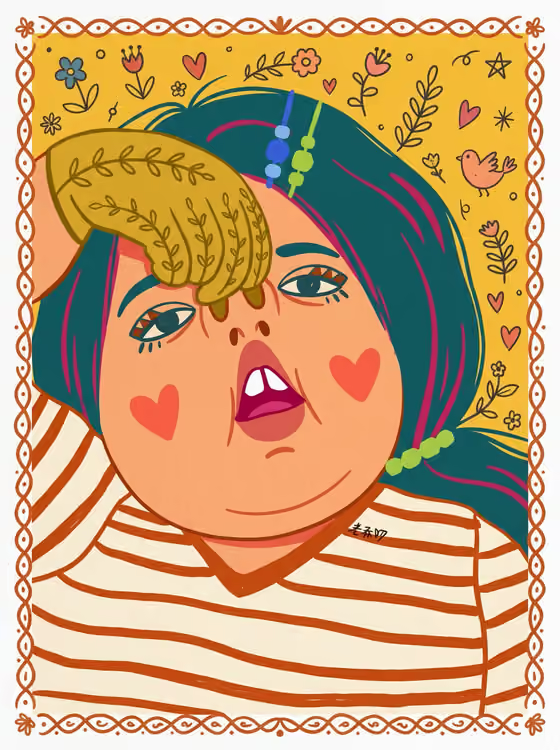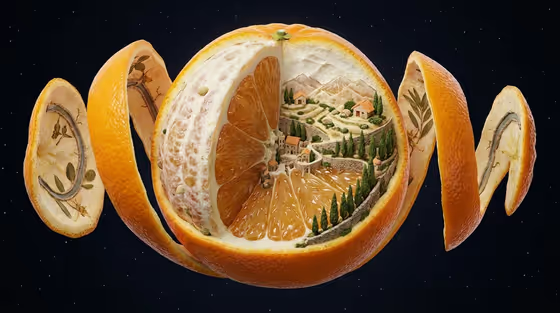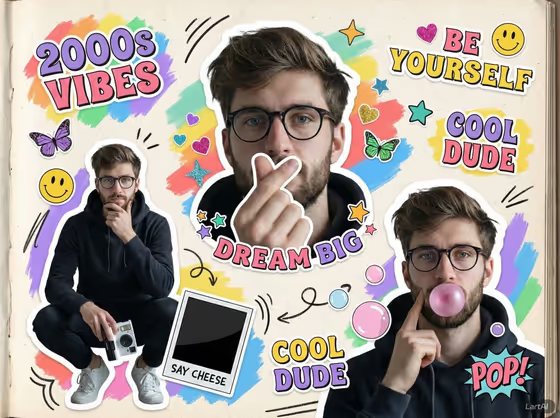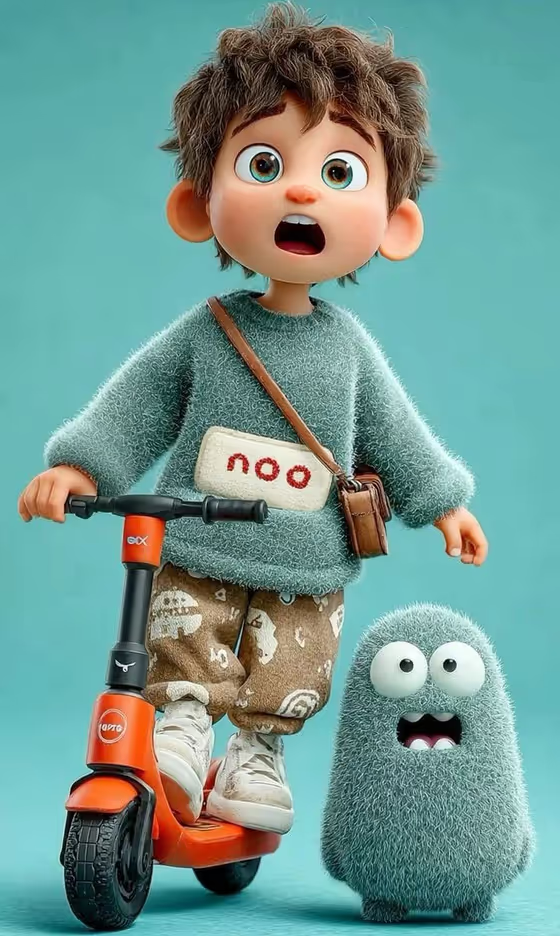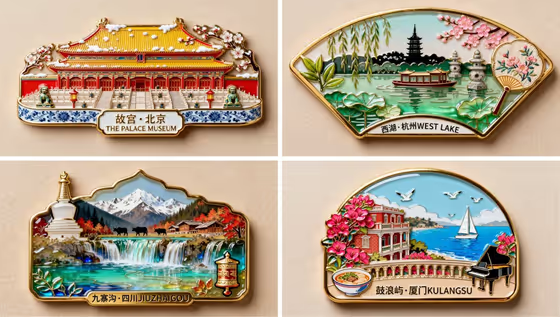
West Lake turns a subject you choose into a softly lit, storybook-style lakeside scene. The cover image shows the idea: small, richly detailed enamel-style keepsake pieces with glossy colors, gold edges and a printed place name along the bottom.
It suits anyone who wants a stylized scene built around a place, a landmark or a mood, rather than a plain photo edit. You pick the main subject and an atmosphere, and the template handles the lighting, materials and composition.
What works best as input
- For Scene Subject you can either type a description or upload a reference photo, since this slot accepts both. A clear, uncluttered reference gives the template a readable main subject to build around.
- If you type instead, name one main subject and a few concrete details, such as a pagoda, a boat, willow branches or blossoms. The cover examples show landmarks surrounded by recognizable nature and architecture.
- Choose a reference where the subject is centered and well lit. Busy backgrounds can compete with the scene the template is trying to create.
- Only the Scene Subject slot takes a photo. Scene atmosphere is a choice from a list, so there is nothing to upload there.
How to use it
- Open the West Lake template in Phosphene.
- Fill in Scene Subject by typing a description or uploading a reference photo of the main subject.
- Pick a Scene atmosphere, for example soft storybook warmth, dramatic cinematic depth, clean graphic clarity or hyper-real magical realism.
- Generate the image, then review the 3:4 result and adjust your subject or atmosphere if something is off.
Tips for a better result
- Start with soft storybook warmth to match the warm, gentle look of the cover, then try other atmospheres on the same subject to compare.
- Keep the subject to one idea. The template is built to keep the main identity readable, so a focused subject tends to come through more clearly.
- If a result drifts from what you pictured, add specific materials or details to your description, such as glossy enamel, gold trim or lotus leaves.
- Try the same subject once with a typed description and once with a reference photo to see which direction you prefer.
Common mistakes
- Packing several unrelated subjects into Scene Subject. The template centers on one main subject, so a crowded description can blur the result.
- Uploading a dark, blurry or heavily cluttered reference. The subject becomes hard to read and the scene loses its focus.
- Expecting exact text or labels to be reproduced. The template's direction aims to avoid unrelated text, so do not rely on it for precise lettering.
FAQ
Do I have to upload a photo?
No. Scene Subject accepts either a typed description or a reference photo, so you can use whichever suits you.
What does Scene atmosphere change?
It sets the overall look of the scene. Options include soft storybook warmth, dramatic cinematic depth, clean graphic clarity and hyper-real magical realism.
What size is the output?
The template produces an image in a 3:4 aspect ratio.
Will it copy my reference photo exactly?
It uses your reference as the main subject and builds a stylized scene around it, keeping the subject readable. Expect an interpretation rather than an exact copy.