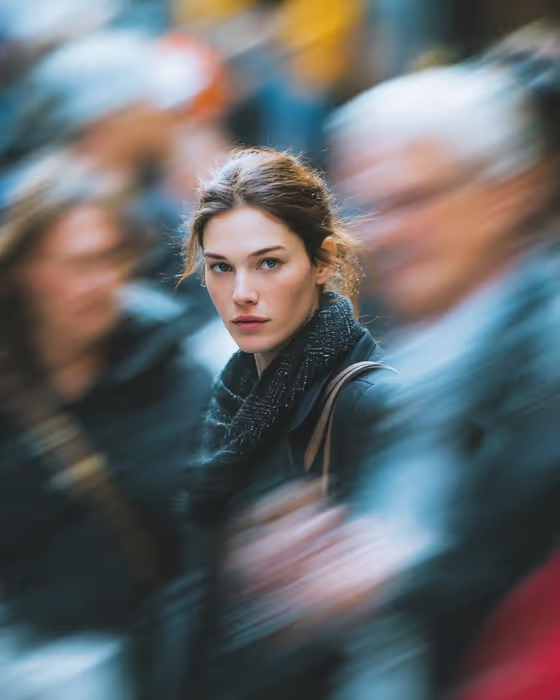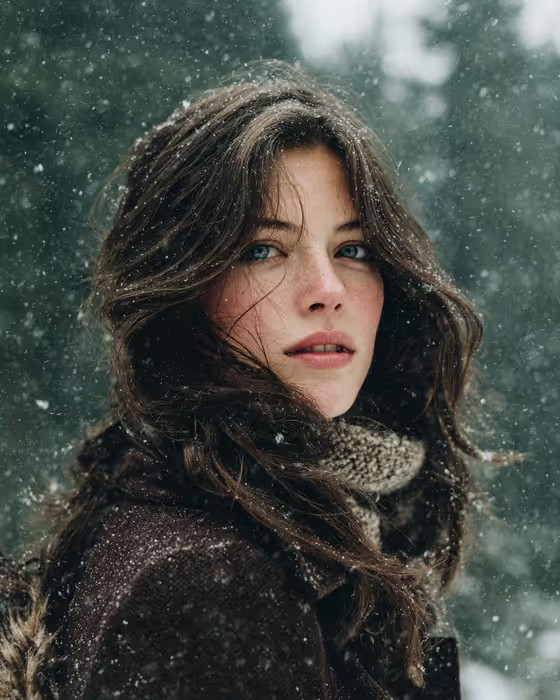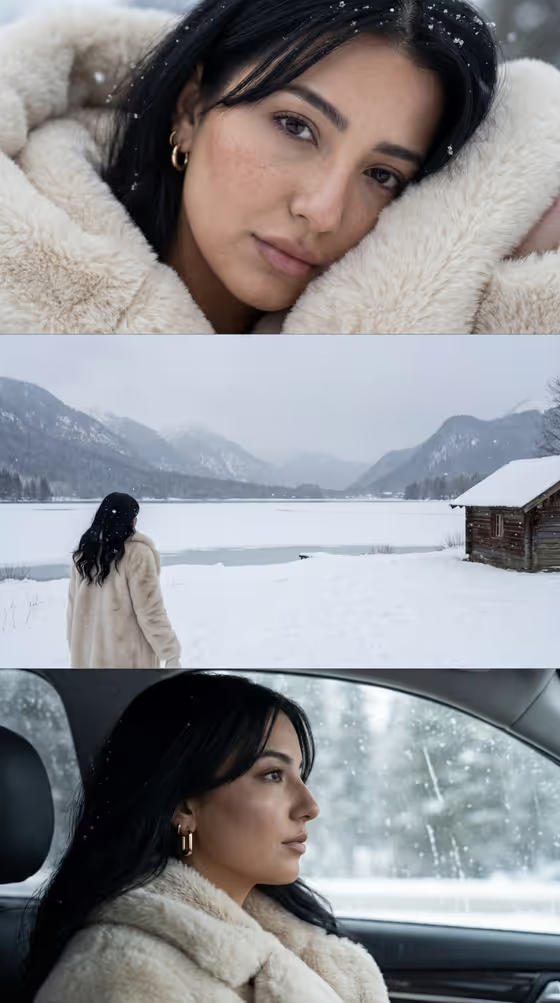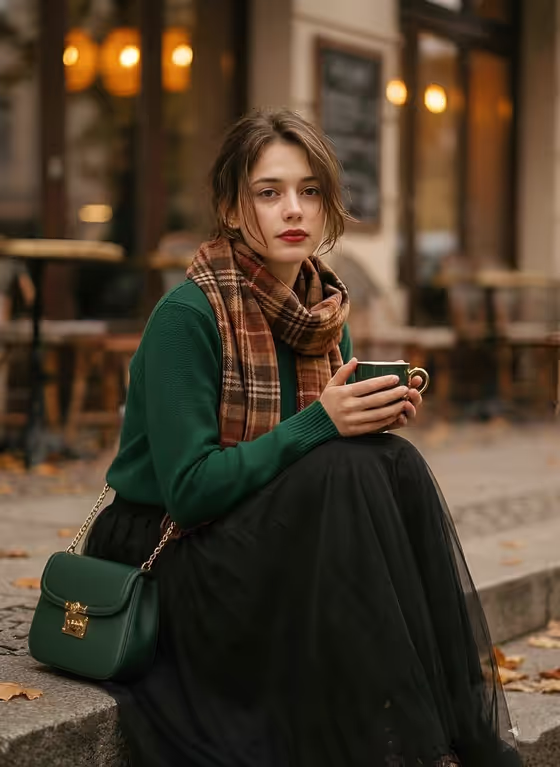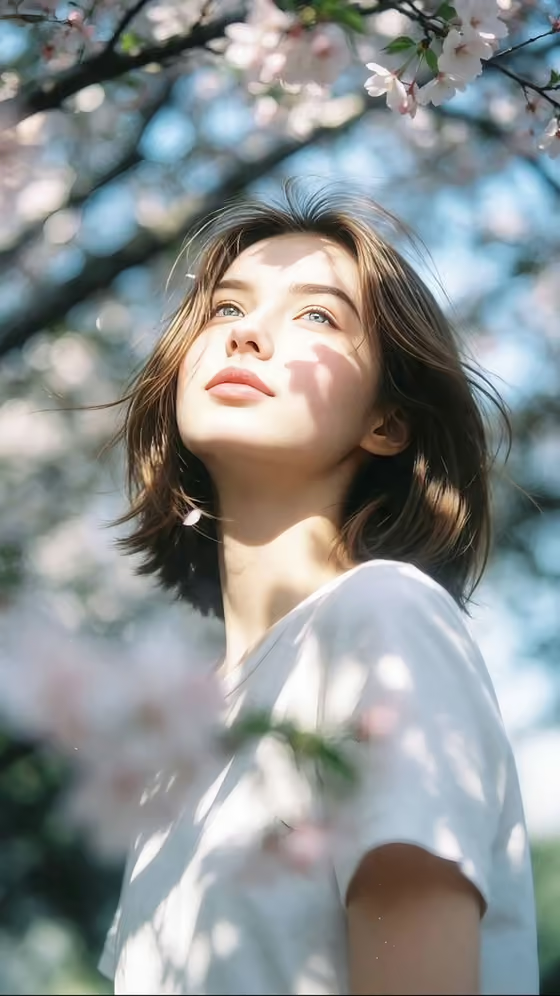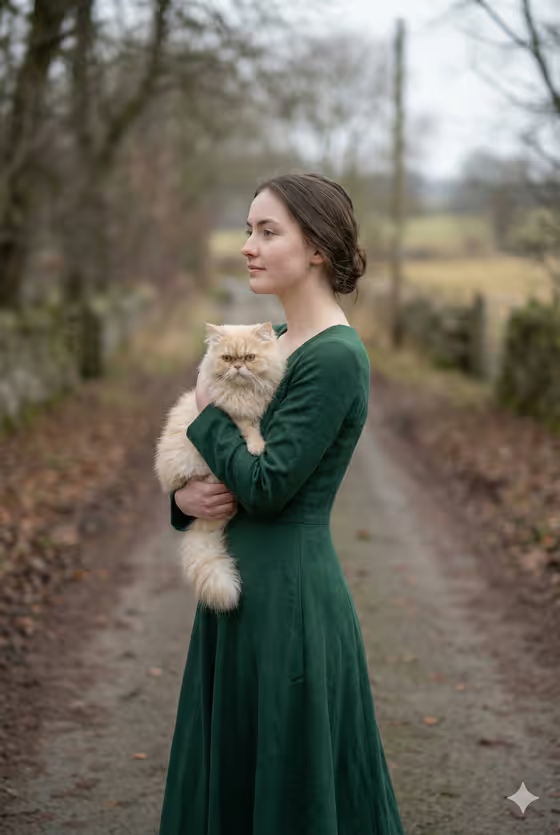
Winter Cat Walk makes a calm, cinematic winter portrait in a 3:4 frame. The scene shows a young woman walking along a quiet country road in a long flowing dress, gently holding a small Persian cat in her arms, under a soft, cloudy sky with a blurred background.
It suits anyone who wants a quiet, editorial-style image with a gentle mood: cat lovers, people building a portrait series, or anyone who wants a photo-style scene starring a subject they choose..
What works best as input
- The first field, graceful woman portrait subject, accepts either text or a photo. Upload a clear reference if you want a specific person, or type a short description if you prefer.
- If you use a photo, pick one with an evenly lit face, a natural expression, and nothing covering the eyes. Only use photos of yourself or people who have agreed to it.
- If you type instead, keep it short and visual, like the placeholder 'a graceful woman', or try one of the examples such as 'an editorial portrait subject' or 'a candid everyday subject'.
- Avoid reference photos where the face is tiny, turned away, or heavily filtered, since the template needs a readable subject to build the portrait around.
How to use it
- Open the Winter Cat Walk template in Phosphene.
- Fill in graceful woman portrait subject by uploading a reference photo or typing a short description.
- Choose an option in Pose and scene, such as an intimate close portrait, a full-body editorial frame, or an environmental candid frame.
- Generate the image, then review the 3:4 result and adjust your inputs if you want a different look.
Tips for a better result
- Try the different Pose and scene options on the same subject. A close portrait emphasizes the face and the cat, while a full-body frame shows more of the gown and the winter road.
- Keep the subject description simple. The template already supplies the dress, the cat, the cloudy winter light, and the shallow depth of field, so extra detail can compete with them.
- Compare a photo-based run with a text-only run to see which gives you the subject you want, then keep the one that works.
- Run it a few times with the same inputs and pick the version where the expression and the cat's pose feel most natural.
Common mistakes
- Using a low-quality or heavily cropped photo, which gives the template little to work from.
- Writing a long, detailed description that fights with the fixed scene. The winter road, flowing dress, and Persian cat are already part of the template.
- Leaving the subject vague or unrelated, such as an object instead of a person, since the scene is built around a woman holding a cat.
FAQ
Can I upload a photo for this template?
Yes. The graceful woman portrait subject field accepts a photo or a text description. The Pose and scene field is a choice list, so it does not take a photo.
Do I have to describe the cat?
No. The template already includes a small Persian cat held gently in her arms, so you only need to set the subject and the framing.
What shape is the result?
The image comes out in a 3:4 portrait aspect ratio.
Can I change the winter setting?
The cloudy winter road, flowing dress, and soft lighting are fixed parts of this template. You can change the subject and the pose and scene framing.