Build It Silent: What a Free Video Model Can Actually Finish
A Japanese creator spent a week pushing Meta Muse video generation until the free quota nearly ran dry. The pattern behind what worked is not a quality ranking. Silent clips and process ads land, talking heads do not, and that changes the order you build a video in.
AI-assisted draft. Reviewed and edited by the Phosphene team before publication.
On this page
Most video models charge per clip, which means most people never find out what a model is bad at. You get three takes, one of them is acceptable, and you move on before the failure pattern has a chance to show itself.
That is why a free tier is interesting. Not because free output is production grade, but because free output lets you run the same request forty times and watch what breaks. A Japanese creator who posts as Noel did exactly that with Meta's Muse, and his write-up is more useful than most launch coverage because he kept a record of the failures.
Muse is Meta's personal AI agent, and it became available in Japan on October 23, 2026. Most of its features are free. Ask it in chat for a video and it generates one, with audio attached by default. The interesting part is what the free product can and cannot finish.
The specs are measured, not published
Start with the documentation gap, because it shapes how you should read everything else. Meta's help pages list documents, images and podcasts as things Muse can make. Video is not on the list. Meta has also not said whether the videos in the app come from Muse Video, the model it announced in July 2026 alongside Muse Image, or from something else.
So there is no published clip length, no published clip count, and no published token cost. Noel measured instead: about ten seconds per clip, text-to-video or image-to-video, audio attached by default. Ask for thirty seconds and Muse splits the work itself, generating from the last frame of each clip, and he reports the joins are mostly clean. Ask Muse about the ceiling and it told him up to six clips per request, so roughly a minute.
The quota is the number that decides how you use it. He made 43 clips in one day and used 99 percent of the free weekly allowance. Paid tiers are listed at 2,799 yen a month for 500 million Muse tokens per week and 13,990 yen for 3 billion. Token cost per video is not published, which means you cannot plan a budget, only a session.
That combination, undocumented limits plus a real free allowance, makes Muse good at one specific job: rehearsal.
Where the free model holds up
Two things worked better than expected.
The first is silent motion. A Halloween selfie clip, built from a reference photo, with a small sequence of actions and no dialogue, came out with convincing texture. When nothing has to speak, the model's job is much narrower and it stays inside it.
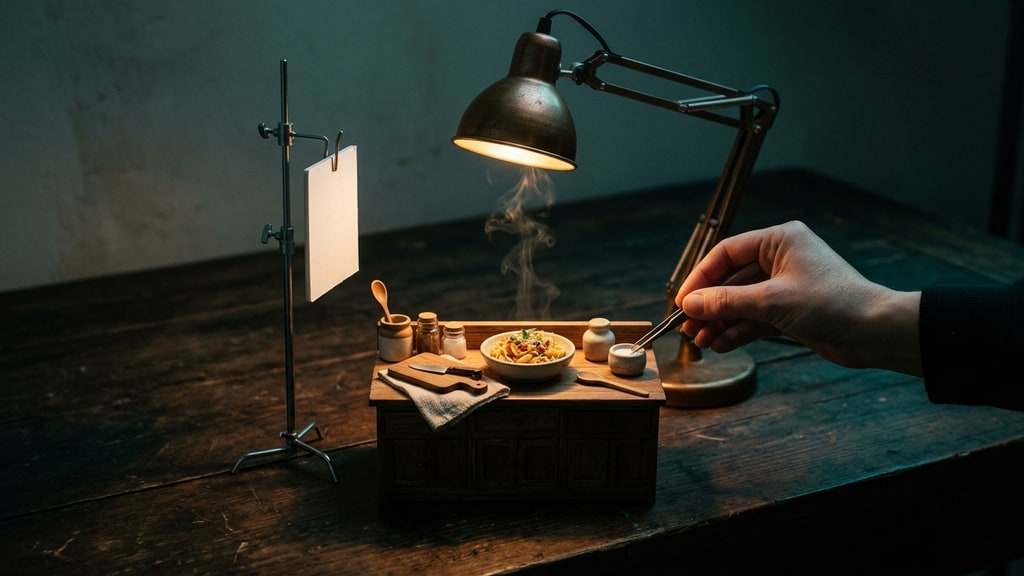
The second is the commercial format, and this is the more interesting result. A 30-second pasta ad built from a prompt with no reference image at all, following the process from ingredients to boiling to sauce to melted cheese to plated bowl, came out coherent on the first attempt. The same held for a latte, a soda, and a perfume.
A process ad works where a talking actor does not, because it is a sequence of simple physical events with no faces and no dialogue. Camera positions specified explicitly (a side close-up on the glass, a low macro on the espresso, a top-down pour of the milk) were followed closely, with the latte ending up slightly more frontal than requested. Ten-second beats were honored: open the bottle, pour, product cut.
The commercial that worked best was also the one that showed the making rather than the finished dish. He tried a version with an eating scene and a version with a rotating plate, and both were worse. The eating read badly and the rotation had nothing to watch. The process version was the one he kept.
That is a real craft lesson that cost him three generations to find: at ten seconds per clip, a physical change of state is what reliably carries a shot.
Where it breaks
Three failures showed up again and again.
Identity drift comes first. A reference image helps, because without one the model pulls toward its own taste. Anime drifts to old theatrical-anime softness, and live-action faces come out somehow unappealing in a way that is hard to name. But even with a reference, the face changes. Realism does not protect you. The amount of change depends on the style, and no setting fixed it.
Style drift is worse than face drift in one specific case. He handed the model an anime reference of a woman in a harbour town at sunset and asked for thirty seconds of active motion with the reference followed strictly. It came back looking semi-realistic. When he asked Muse what happened, the answer was candid: the model has a strong habit of redrawing anime into something half-photographic, and if the art style is non-negotiable, a dedicated image-to-video tool that locks the first frame is the better fit, Kling included.
That is worth taking seriously. A general assistant that can generate video will happily attempt work that a specialised tool is built for, and the failure will not look like an error. It will look like a different drawing of your character.
Product continuity is the third. In the soda clip the label appeared to split into two copies mid-shot. In the perfume clip the bottle design changed in the final part, and he had it regenerate. In the pasta clip the plating used a ladle instead of tongs, and olives appeared that nobody asked for.
And one mechanical quirk to plan around: when you supply a reference image, it appears as the actual first frames of the video before motion starts. If your first frame is the reference, trim the first fraction of a second in the edit.
Where it actually fails: the voice
The most useful finding in the whole write-up is not about pictures.
Almost every Muse video arrives with sound unless you say otherwise. Dialogue in Japanese breaks: intonation lands wrong, and it often sounds like a non-native speaker reading a line. Lip movement itself is not the problem. The mouth tracks the words reasonably well. The problem is the voice attached to the mouth, and Meta already admitted audio and video sync was a weak point at announcement.
Two-person dialogue compounds it. Told explicitly to move only the speaking figure's mouth, the model still animated both, and swapped the two voices.
His production conclusion is the one I would keep: generate silent, add narration afterwards. If lip sync to a specific line is the requirement, a dedicated video model is the safer path.
I would push that further, because the reasoning generalises past one product. Audio and video have completely different iteration costs. Fixing a line of narration is a text edit and a re-record. Fixing a line of generated dialogue means regenerating the clip, and the clip is the expensive object, in money and in time. Building picture first and voice second gives you two cheap loops instead of one expensive one, and it lets you change the script after the visuals are locked, which is the order that actually happens in real production.
A build order that matches the tool
The prompt structures he ended up with are worth copying, not because they are magic, but because each one removes a decision from the model.
For image-to-video: state that the image is the first frame. Describe the look in detail, down to hair colour, clothing and props, and say not to change it. Break the clip into named shots with a time range. Decide the audio explicitly. Then list what you do not want: face changes, extra fingers, on-screen text.
For a product ad without a reference: name the product and the length. Connect the stages with arrows. Specify camera position per beat. For thirty seconds, state what appears in each ten-second block. Say hands only, no faces, no talking, no text. Name the sounds you want.
For long clips: state the total length and let the model split it, or specify the content of each ten-second block if the rhythm matters.
For dialogue, avoid it, and if you cannot, keep it to one speaker and ask for a closed mouth when the person is not speaking. The intonation will still be off.
The pattern is the same in all four: the model does not infer intention well, so every unstated decision becomes the model's decision, and its taste is not yours.
Check the first and last frame before you use it
The failure inventory turns into a QA list, and it is short enough to actually run. First frame, last frame, hands and tools in the middle, product labels across the cut, and any face that appears after the halfway point.
The last one matters because attention drops exactly where drift happens. You watch the opening because you are checking whether the request was understood. The change usually lands later in the clip, so the second half is where to look first.
One risk that has nothing to do with pixels
He posted the pasta ad to Threads and got pushback: comments saying AI-generated food is off-putting, and that knowing it was AI ruined it.
That is a real constraint, and it is not solvable with better rendering. Food and faces are the two categories where the audience is already primed to look for the tell, and where being fooled feels like being tricked rather than being impressed. If the shot is meant to sell something edible, either commit to a clearly stylised look so nobody thinks it is a photo, or shoot the real thing.
What the free tier is for
Muse is good for prompt rehearsal, for inserting one shot into a longer edit, for quick mood pieces, and for non-talking commercial structure. It is not good for client deliverables, for style-locked character work, or for product footage where the label has to stay the same bottle.
Noel's own summary is blunter than that: for paid work he would not use it, and not one clip in his tests came out clean.
That is the honest shape of a free video model in late 2026. It gives you reps. It does not give you a finish. If the thing you actually need is one face holding steady across five shots, the problem you have is consistency, and that is a different tool and a different post.