Your Character LoRA Learned the Room: Masked Training Cuts the Background Out of the Weights
A character LoRA that copies the kitchen along with the face is not a captioning problem. Masked training reweights the loss per pixel so the run learns your subject and leaves the scene alone, and the way you draw the mask decides what the LoRA is allowed to own.
AI-assisted draft. Reviewed and edited by the Phosphene team before publication.
On this page
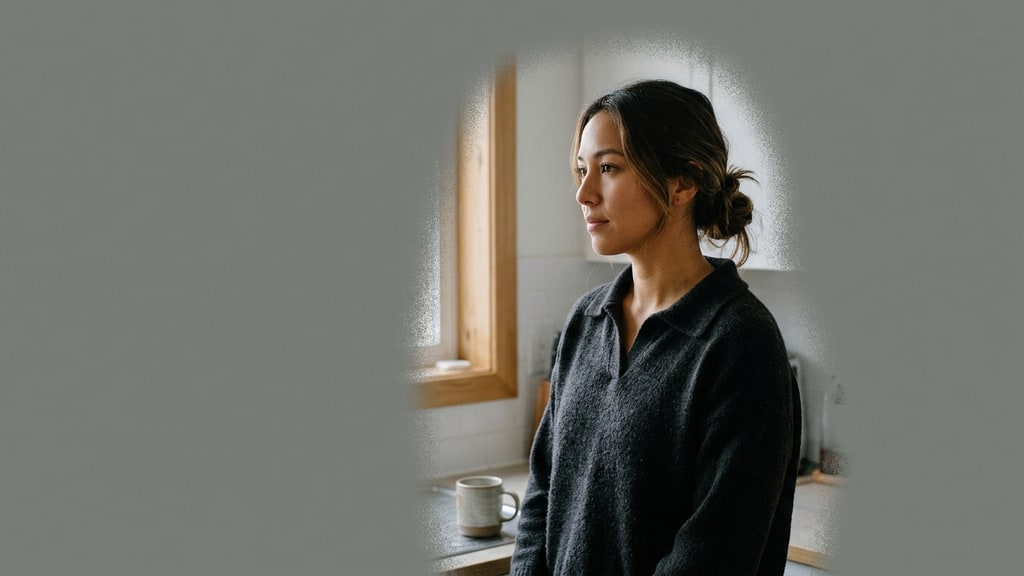
You train a character LoRA on forty photos of one person. The likeness lands, the eyes hold, the jaw holds. Then you prompt her standing in a street at night and the kitchen from the training set comes back with her. Same countertop. Same window over the sink. Same warm bulb.
She moved. The room did not.
Most people diagnose this as a captioning problem and go rewrite forty captions to say "in a kitchen" instead of describing the kitchen. That helps, and it is not the mechanism. The background is in the weights because every pixel inside the crop contributed to the loss, and if the same room appears in most of the dataset, the cheapest way for the network to lower that loss is to learn the room and the person as one object. Captions are conditioning. The loss does not read them as instructions about what to ignore.
The obvious fix is to crop the background out. That fix is worse than the problem. Crop everything to a head-and-shoulders square and your LoRA has never seen how this person occupies a space, so it will produce a floating head that fights every wide shot you attempt later.
Masked training sits between those two bad options. It keeps the full frame and changes how much each pixel counts.
What the mask actually changes
The mechanism is a per-pixel weight on the training loss. White areas train at full strength. Grey areas train partly. Black areas train only as much as you allow, and that allowance is a number you set rather than a hard zero. The picture still trains whole, so the LoRA sees your subject standing in their scene, in that light, at that framing. It just stops treating the scene as part of the identity.
That distinction is the whole trick. You are not removing information from the dataset. You are telling the run which information is the subject of the job.
Fizgig v8.9.6 shipped this in late October as a first-class option rather than a script, which is why it is worth a post: the interesting part is not that masking is possible, it is that the tool forces you to decide what the mask means before the run starts. The feature works across Klein, Krea 2, Qwen Image 2.1, Flux 3, MOSS-Image, Z-Image, SDXL and Anima, for photos only, not clips or songs.
Two numbers decide most of the outcome
The first is the weight outside the mask, labeled as how much outside the mask counts. The default is 0.1, and the default is right for character work: it keeps a trace of the scene so the LoRA knows your subject exists inside a world, without letting the world become part of the subject. Set it to 0 and the background is ignored completely, which sounds cleaner than it behaves. With a small mask, a floor of zero means the run is training hard on a handful of pixels and nothing else. That is how you get a face that is very sharp and structurally wrong.
The second is whether you keep the model's own picture outside the mask. Off, the outside region still learns your photos a little. On, the training loop runs an extra pass each step with the LoRA switched off, asks the base model what it would draw outside the mask, and teaches the LoRA to produce the same answer there. Your subject gets learned; the background gets pushed back toward what the base model already does.
That second option is masked prior preservation, and it is a different mechanism from lowering the weight, not a stronger version of it. Down-weighting says "pay less attention here." Prior preservation says "here, match the model you are being trained on top of." The difference shows up in backgrounds that stop drifting toward your apartment while still rendering cleanly instead of turning into mush.
The cost is compute. One extra forward pass per step, which the release notes put at anywhere from a few percent slower to about half again depending on the model. It applies to LoRAs only; sliders and fine-tunes train without it.
The mask is a written scope, so write it on purpose
The auto-mask menu looks like a convenience feature. It is really eight different answers to one question: what is this LoRA allowed to own?
- The person, hair to clothes: a normal character LoRA. Background counts far less.
- The person without their clothes: a character whose outfits must stay free.
- Face and hair only: likeness and nothing else.
- Body and clothes, not the face: an outfit or body LoRA that must not absorb a face.
- The body's skin: texture and tattoos without the face.
- Clothes only: a wardrobe LoRA. The person wearing them counts far less.
- Everything but the faces: outfit, body or style work that must not learn anyone's identity.
- Background only, not the people: a place or scene LoRA.
That last one is the move almost nobody makes. The same tool that stops a character LoRA from learning a room will train a room and ignore the people standing in it, which is exactly what you want if your actual product is a location you need to reuse across a series. One toggle, opposite job.
Getting the mask wrong is expensive in a specific way: you do not get a warning, you get a confidently trained LoRA that owns the wrong thing. It will look fine in the run summary and fail in the second shoot.
The parts that bite
Masks are ordinary files, named after the photo with -masklabel added, so beach.jpg reads beach-masklabel.png beside it. White is learned, black is not, grey is partial, and a mask painted white on a transparent layer works because transparency counts as black. The naming convention is shared with other trainers, so masks you already have usually load as they are.
A mask smaller than its picture gets stretched, which is convenient and quietly distorts edge weighting. Masks that are all black, or the wrong shape for the picture, get named in the training log and skipped: that picture then trains unmasked, which is the correct behavior and also a way to end up with a half-masked dataset if you do not read the log.
Make masks after resizing and face crops, not before. Crops made later carry their mask along, but masks you inspected before the crop are not the masks the run will use.
When several people share a frame, the tool can isolate your subject by face against stored baselines. Everyone else becomes background. That is the right default for a character dataset and the wrong one for a story scene where you legitimately want two identities, so decide per project rather than per habit.
For anything the person finder cannot name, word-prompted segmentation covers it: type person, hair, face, the dog, red dress, and optionally subtract glasses or hat. Sharper edges around hair, at the cost of a 1.75 GB model download and GPU time per image.
What it does not fix
Masking is a supervision fix, not a dataset fix. If every photo has the same jacket and you wanted the jacket to be optional, the mask will help, but forty near-identical photos still cannot teach a pose range you never captured. It also cannot rescue a wrong choice: a mask over the wrong region trains the wrong scope with great confidence.
And the strongest claim in the release, that masks raised both peak likeness and the speed of reaching it across recent models in the maintainer's own tests, has no published protocol behind it. Treat it as a direction worth testing rather than a measured result. Test it the boring way: two runs, same dataset, same seed, same prompt grid, mask on and off, and compare the same shots side by side. The dataset strategy work still matters more than the tooling, and the consistency system behind a character is still what decides whether any of this survives a second scene.
A workable order
- Assemble the dataset, then resize and crop it.
- Make masks for the whole folder, using the preset that matches what the LoRA should own.
- Inspect three masks by eye before training. Hair edges and hands are where they fail.
- Leave the outside weight at 0.1 unless you have a specific reason.
- Turn on prior preservation for character LoRAs. Budget the extra time.
- Read the training log for named, skipped masks.
- Compare masked and unmasked runs on the same prompt grid, not on the best image from each.
None of this is a Phosphene workflow: it is local training in a separate tool, and if you generate character sets without training a LoRA you never touch it. The moment a character needs to survive a hundred generations, though, the mask becomes the cheapest lever in the run, because it is the only point where you tell the model what the job is about instead of hoping the dataset says it for you.