A Student Built a Photoshop-Shaped Tool for One Job. The Teachers Are Arguing About the Wrong Thing
A Japanese creator was shown a student tool that looked like Photoshop in a browser and turned out to be hand-built, by someone who does not program. The argument that followed is usually framed as tools versus fundamentals. The real question is what a composite has to survive before anyone calls it finished.
AI-assisted draft. Reviewed and edited by the Phosphene team before publication.
On this page
The demo began as a screen share of Photoshop running in a browser tab. The Japanese creator on the other end of the call waited for the student to close it and show the actual project. There was no other tab. The window that looked like Photoshop Web was the project, written from scratch by someone who does not write code.
It does four things. It cuts several photos or illustrations out with enough precision to survive inspection, it composites them, and it adjusts color and shading so the join does not read as a join. That is the whole feature list, scoped to one kind of job, running on one laptop. It was never going to be sold. The student had no programming background and built it by directing a coding agent, which the creator, writing as CreativeEdge CL+ on note.com in early October, calls 100% vibe coding.
The teachers are the ones who are stuck.
A tool can be small when the decision space is small
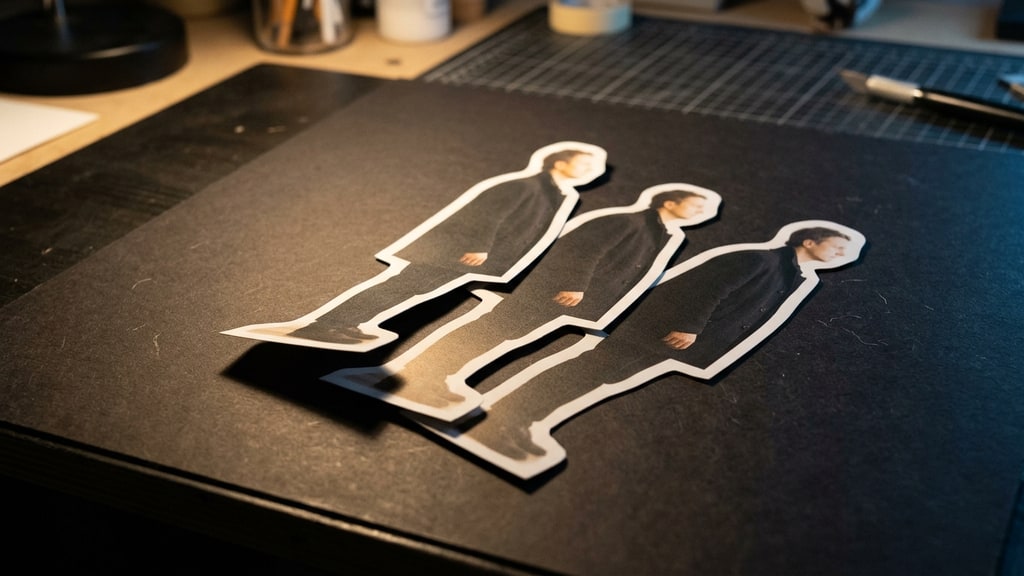
A composite asks four questions. Where is the edge, and does it survive hair, glass and thin straps. Does the subject carry a rim of background color. Does the shadow agree with the light that lit the plate. Does the color and contrast of the inserted element match the scene it was inserted into.
Photoshop exposes those four decisions plus a few hundred others, because it has to serve everyone. A tool built for one person answers the four questions with a default, once, and never asks again. That is why the student's build could be minimal and still feel finished. It does not pretend to be a general editor; it is a set of decisions made once, in advance, for one kind of input.
The author's framing is that the tool's smallness is the point: because it is not a commercial product and only has to run on its own machine, the development cost is close to zero. That is true, and it is also the reason the tool cannot be evaluated the way software usually is. There is no install base, no support burden, no roadmap. There is one person's inputs, and the question of whether the output holds up.
The two scripts, and why only one of them works
In the creator's account, schools cannot ban this. The tool stays in use with tacit permission, and the motivation to learn Photoshop operations visibly drains out of the room.
He compares two things a teacher can say. The first is that the student's tool is convenient, but learning Photoshop matters because the design company you join will be using Photoshop. The second is that Photoshop is not the goal. It is how you learn the principles of image processing and the professional knowledge the industry shares, and once you have that, automating your own work is fine.
The first one fails because it is an appeal to an employer's filing system rather than to the work. Students can hear that the requirement is institutional, and institutions are exactly what the student's tool just routed around.
The second one lands because it moves the lesson onto something the tool does not contain. The student's build knows what a good composite looks like for one narrow case. It does not know why. What it does is match color and shading from one plate to another. Whether anything inside it represents light is not something the post describes, and a matcher has no obvious reason to notice that the shadow under the subject disagrees with the light that lit the background.
The creator's diagnosis is sharper than the advice. The means had become the goal. If the lesson was always "operate this program", then a program that operates it for you ends the lesson, and the teacher is left defending a ritual. If the lesson was "understand what a correct composite requires", the student's tool is not a threat. It is the first assignment in a harder course.
What the piece leaves out: the failure is quiet
An automatic color and shading match that looks natural is a claim, not a measurement. The failure mode of a decent matte is not the obvious one. It is a two-pixel rim of background color along the hair, or a contact shadow pointing the wrong way under a shoe, and both of those survive a phone screen and die in print, on a dark layout, or at 200% zoom during a client review.
The demo conditions are also the easiest this tool will ever see, or at least the easiest one can assume. The post describes a single person's photos and one narrow purpose; it says nothing about how many light setups or output sizes the tool was tried on. That is why the next ten images are the test rather than the ones it was tuned on.
Here is the test I would hand the student, and it is not a coding test:
- Run it on ten images you never tuned on, and include hair, glass or a thin strap, plus one backlit subject.
- Check the matte at 100% zoom against a bright background, then again against near-black.
- Compare the inserted element's shadow direction with the light in the plate.
- Produce the deliverable at its final size rather than upscaling a smaller cutout.
- Hand the layered file to someone else and ask them to change one element without rebuilding the composite.
Steps four and five are where most one-off tools stop being impressive. They are also where the professional requirement actually lives, and it is not made of menu commands.
What "professional requirement" means once you stop saying Photoshop
When a studio asks for a composite, it is asking for an artifact that survives review. Usually that means a layered handoff rather than a flattened image, an alpha channel that is clean where it matters, resolution and color profile that match the delivery spec, and a file a second person can open and modify without guessing what the first person did.
The creator's proposed next step for the class is to acknowledge the student's tool and then push the student one level up: how would you integrate this tool's output into a Photoshop workflow so that it meets professional requirements? That is the right assignment, though for a slightly different reason than the one he gives. It is not mainly about Photoshop. It is the first time the student has to treat their own output as a deliverable that someone else will inspect, which is the thing a self-built tool never teaches on its own.
The forty-year frame, and the part I would push on
The author puts the shift in a longer timeline. Operating an application to make something creative is roughly forty years old; before that, creative work was manual. If AI-first design dates from 2027, he expects two or three years of gradual adoption rather than a switch. Big applications do not disappear. What changes is that the tools you need for a specific handoff, a review format, a delivery format, may get built for that purpose and nothing else.
I think that is broadly right, and I would add one consequence he does not spell out. When every step in a pipeline gets its own small tool, the cost does not disappear. It moves. It moves to whoever has to keep the chain explainable, and to whoever has to check that a plausible-looking output is actually correct. That is a skill, it is teachable, and almost no curriculum currently grades it.
He is also honest about the counterweight, which is the part most pieces like this skip. When the results are roughly equal, even working professionals take the instant option. Speed wins by default. No amount of telling students to care about fundamentals beats a tool that finishes the job before the lecture ends.
Which means the argument cannot be won in the abstract. It has to be won at the point where the shortcut fails: the second photo, the second output size, the second pair of hands. A student who has watched their own tool come apart on image number six has learned something about image processing that no amount of Photoshop drills would have put in front of them. A student whose tool happened to hold on all ten has learned that too, and should be told, plainly, that this is what a small dataset buys you.
Phosphene's templates sit on the same trade from the other direction. A template narrows the input space so the result can be checked against a known spec, and the useful ones keep their constraint visible instead of hiding it behind a single button. A tool that removes a decision you cannot see is not a shortcut. It is a bill you pay later, in review.
A student with no programming background made a four-year curriculum look like a delivery mechanism, and the useful response is to grade what the tool cannot do: knowing what a correct composite looks like, and being able to prove it when someone asks.