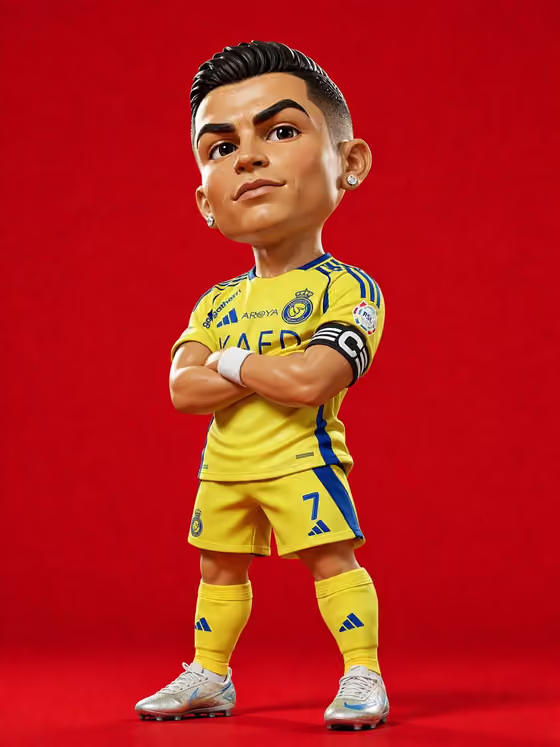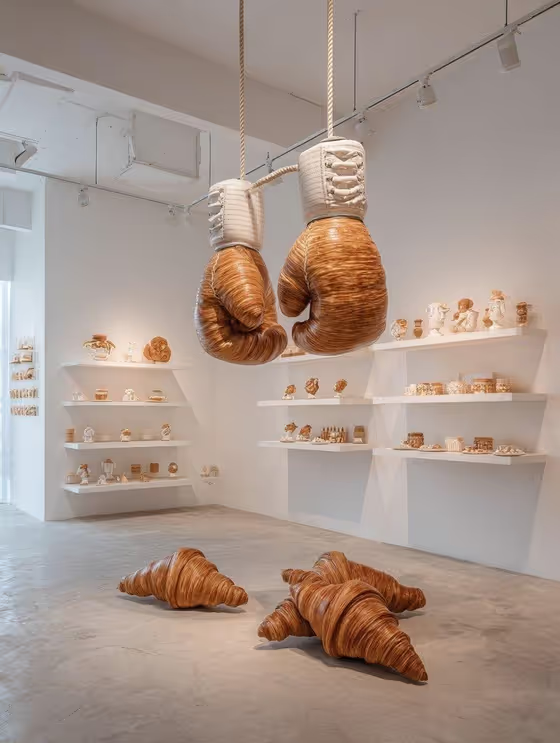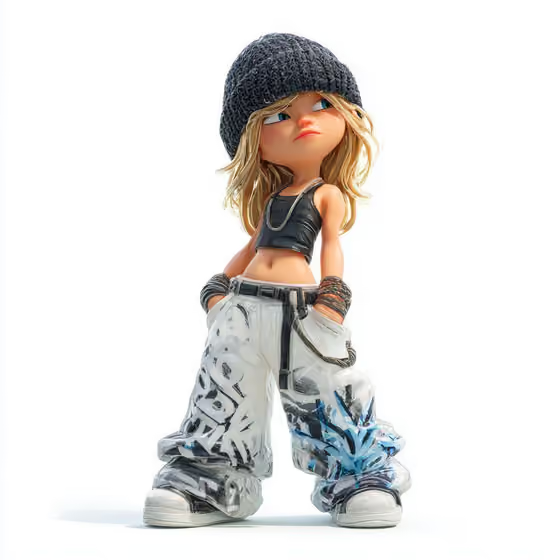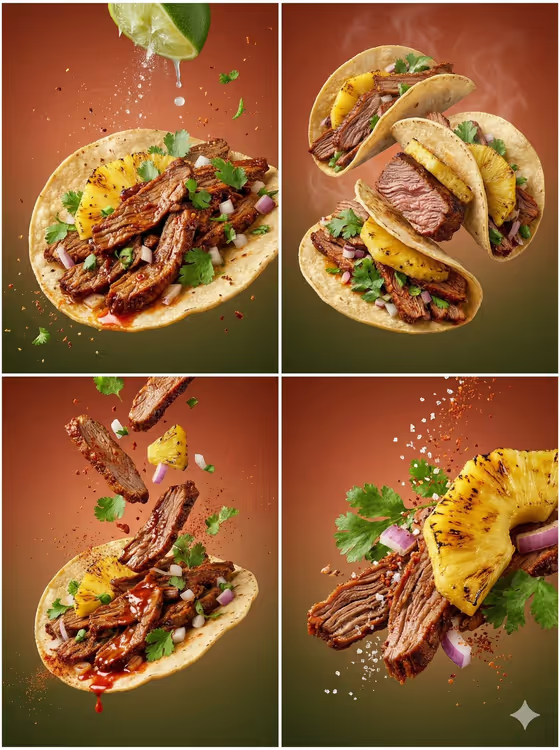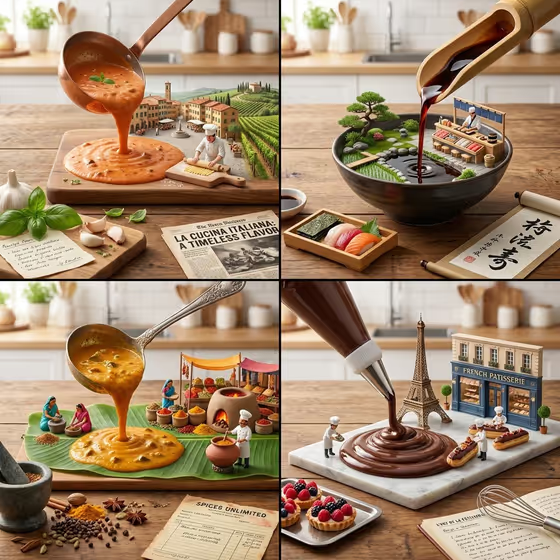
This template builds a single 3:4 image split into a 2x2 grid, with each panel treating a famous dish or cuisine through its signature pour. In the cover you can see a ladle of tomato sauce, a bamboo spout of dark soy, a ladle of golden curry and a piping bag of chocolate, each one spreading across a table and turning into a small 3D scene with tiny chefs, local landmarks and props.
It suits food creators, menu designers, culinary educators and brands who want a quick infographic-style visual about a dish, a product or an object. You supply a featured product or object and pick a creative direction, and the template handles the four-panel layout and the pour concept.
What works best as input
- The Featured product or object field accepts a photo or a typed description. Pick a clear, well-lit photo where the subject fills most of the frame and is easy to recognize.
- If you type instead, be concrete. A phrase like "a premium beverage bottle" (the placeholder) gives the template more to work with than a single vague word.
- Choose a subject with a recognizable material or shape, since the template keeps the source's composition, material treatment and lighting.
- Avoid cluttered photos with several competing objects, because the template will have to guess which one is the featured item.
- Use a single subject per run. The four panels come from the template's grid concept, so you don't need to describe four items yourself.
How to use it
- Open the 2x2 Grid Do This template in Phosphene.
- In Featured product or object, upload a photo or type a short description of your subject.
- Set Creative direction, for example Clean editorial, Cinematic dramatic, Playful colorful or Quiet premium.
- Generate the image, then check that all four panels read clearly and the pour in each one looks right before using or saving it.
Tips for a better result
- Try the same subject with different Creative direction options. Playful colorful and Quiet premium should give very different moods from the same starting point.
- Pick a subject with a strong identity, like a branded object or a sculptural accessory, so the grid has a clear thing to riff on.
- If the first result feels off, change only one field at a time so you can tell whether the subject or the direction caused the difference.
- Lean on the cover's look as a guide: warm kitchen-table lighting, miniature figures and paper props like a newspaper or scroll add storytelling to each panel.
Common mistakes
- Typing a very generic subject such as "a thing" or "food", which leaves the four panels without a distinct anchor.
- Uploading a dark, blurry or heavily cropped photo, which makes the source's material and lighting hard to preserve.
- Expecting readable, accurate text on the props. Small printed or handwritten text in generated images can look garbled, so treat it as decoration.
FAQ
Do I have to upload a photo?
No. The Featured product or object field accepts either a photo or a typed description, so you can start from text alone.
What does the output look like?
A single 3:4 image arranged as a 2x2 grid, with each panel showing a different dish or cuisine built around a giant pour of its signature sauce, glaze, broth or puree.
What does Creative direction change?
It sets the overall mood of the image. You can choose options like Clean editorial, Cinematic dramatic, Playful colorful or Quiet premium.
Can I choose which four cuisines appear?
The template has no field for that. It is built around four famous cuisines, and your inputs are the featured subject and the creative direction.