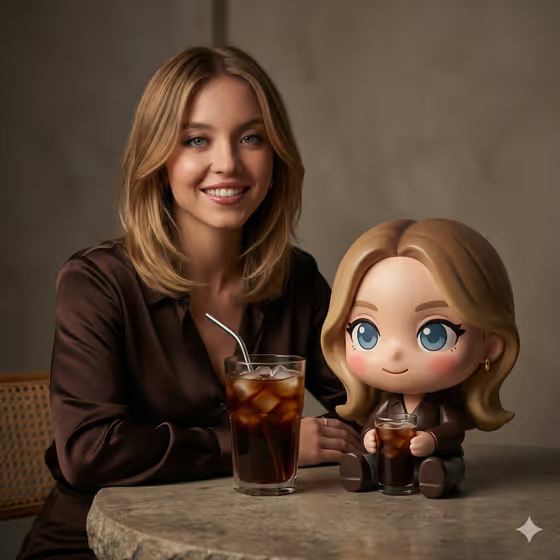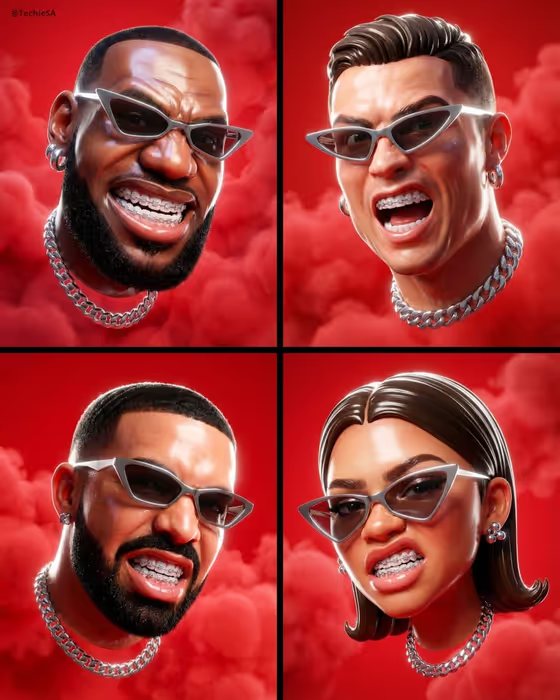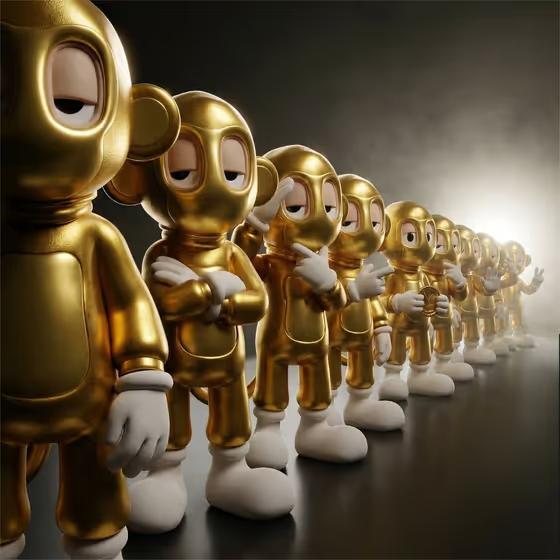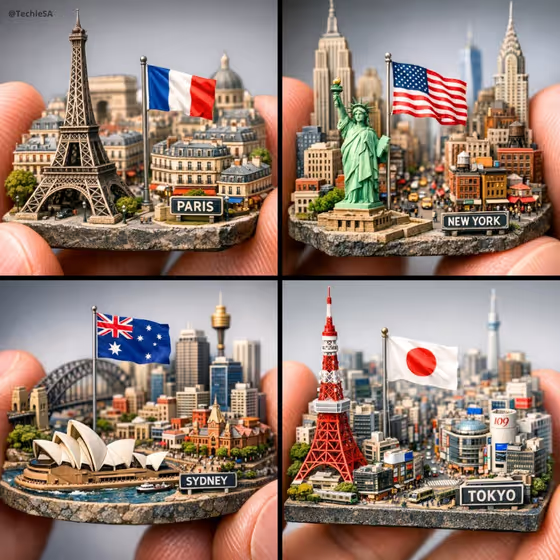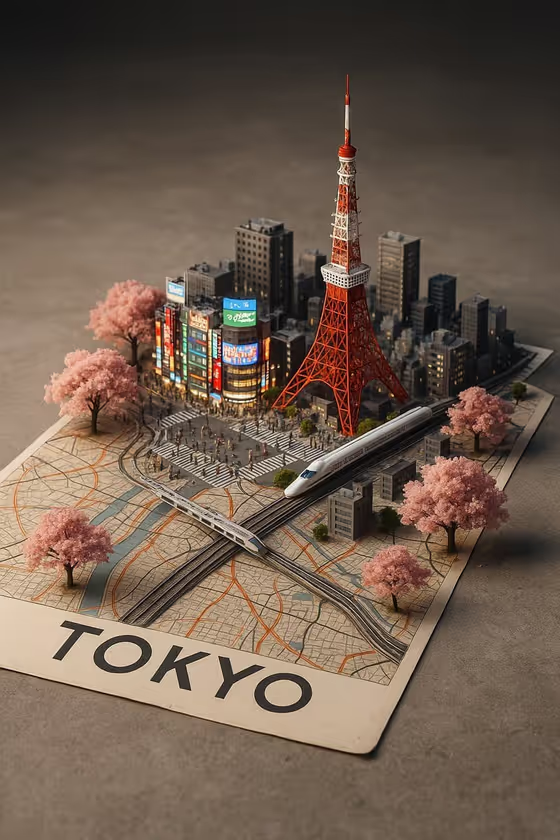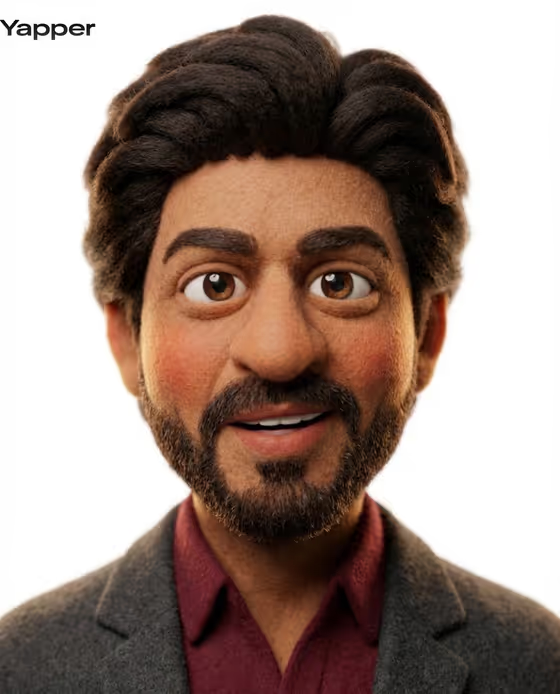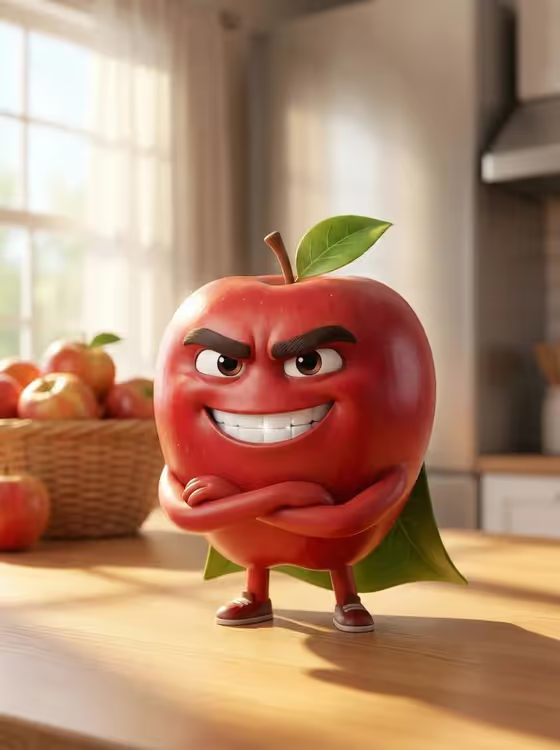
This template turns an everyday object into a confident cartoon character in a Pixar-style 3D look. The cover shows a glossy red apple with thick eyebrows, a wide white-toothed grin, small arms crossed and little legs with sneakers, standing on a wooden table by a sunny window.
It suits anyone who wants a mascot-style image of a fruit, a product, or another simple subject: food brands, kids' content, social posts, or a fun personalized collectible look. The output is a single 3:4 image.
What works best as input
- For the subject field ("charismatic apple character character subject"), you can type a short description such as "a charismatic apple character" or upload a photo of the object or character you want to use.
- This template asks for 2 or more photos, so add a couple of clear shots of the same subject from different angles if you go the photo route.
- Pick objects with a simple, recognizable shape and a strong color. The cover works because the apple's round red body is easy to read and easy to give a face and limbs.
- Use well-lit photos with the subject in focus and little clutter, so the defining look of the object carries into the character.
- If you type instead, name one clear subject rather than a list of items, since the whole image is built around a single hero character.
How to use it
- Open the Charismatic Apple Character template in Phosphene.
- In the subject field, describe your object or upload your reference photos (the template expects 2 or more).
- Choose a Character staging option, such as the default Pixar-style 3D animated character, a collectible character portrait, a full-body character scene, or an environmental story moment.
- Generate the image, then review the face, limbs, and background. Adjust your subject text or photos and run it again if you want a different result.
Tips for a better result
- Try the different Character staging options with the same subject. A collectible portrait and a full-body scene give very different framing from one idea.
- Keep the subject description short and concrete. The template already supplies the face, pose, table, and lighting, so extra detail can fight with them.
- Test the same template with other objects that have a clear silhouette, like other fruits or simple household items, to build a matching set of characters.
- If you use photos, choose ones where the object's color and texture are obvious, since the glossy skin and soft highlights are built from that.
Common mistakes
- Uploading only one photo when the template asks for 2 or more, or mixing photos of different objects, which blurs what the character should look like.
- Writing a long, complicated subject with many items. The result is built around one hero character, so crowding the field weakens it.
- Using dark, blurry, or heavily cluttered photos, which gives the template little clear shape or color to turn into a character.
FAQ
Can I use something other than an apple?
Yes. The subject field accepts a description or photos of other objects, characters, or products. The apple is the example shown on the cover.
Do I have to upload photos?
The subject slot accepts either a text description or a photo, but the template lists an upload requirement of 2 or more photos, so adding them is the intended route.
What size is the image?
The template outputs a 3:4 image.
What does Character staging change?
It sets how the image is framed, with options like a Pixar-style 3D character, a collectible portrait, a full-body scene, or an environmental story moment.