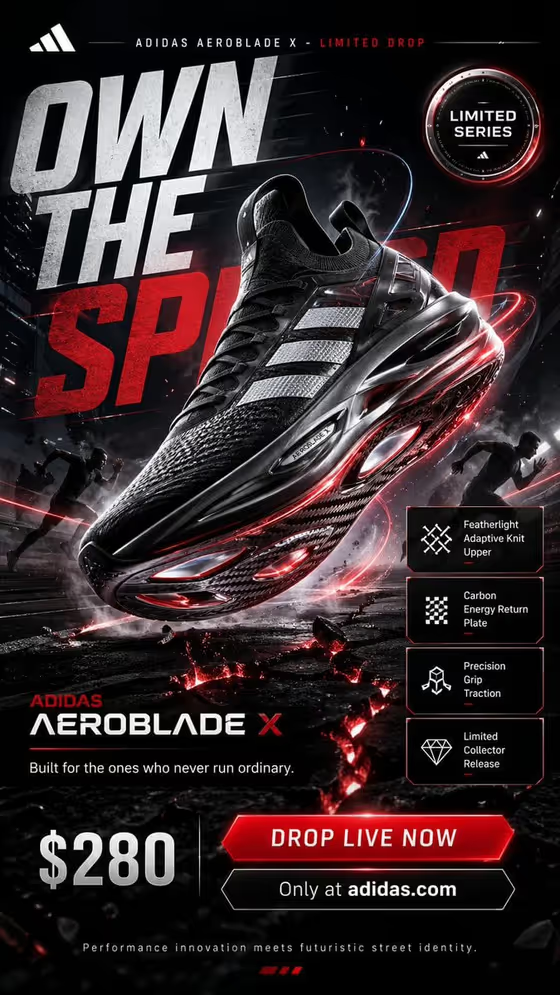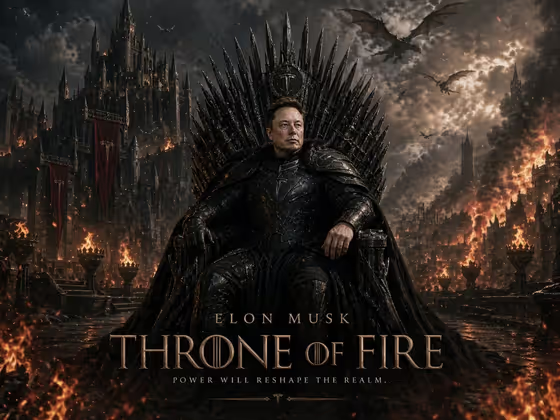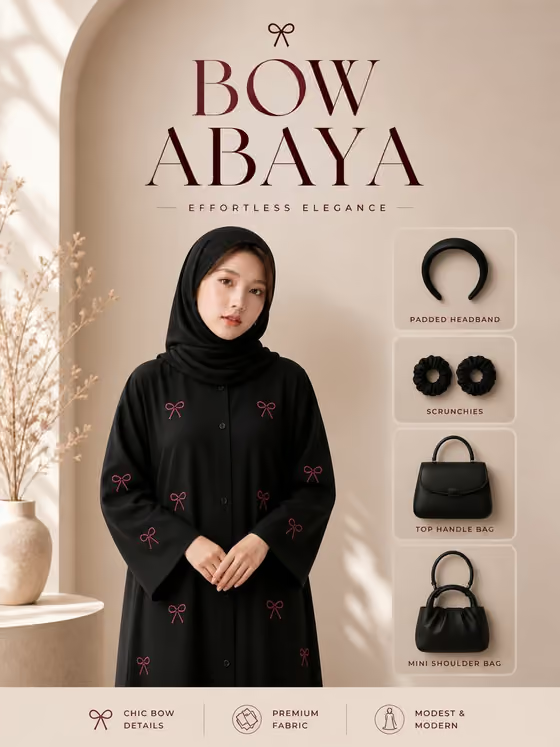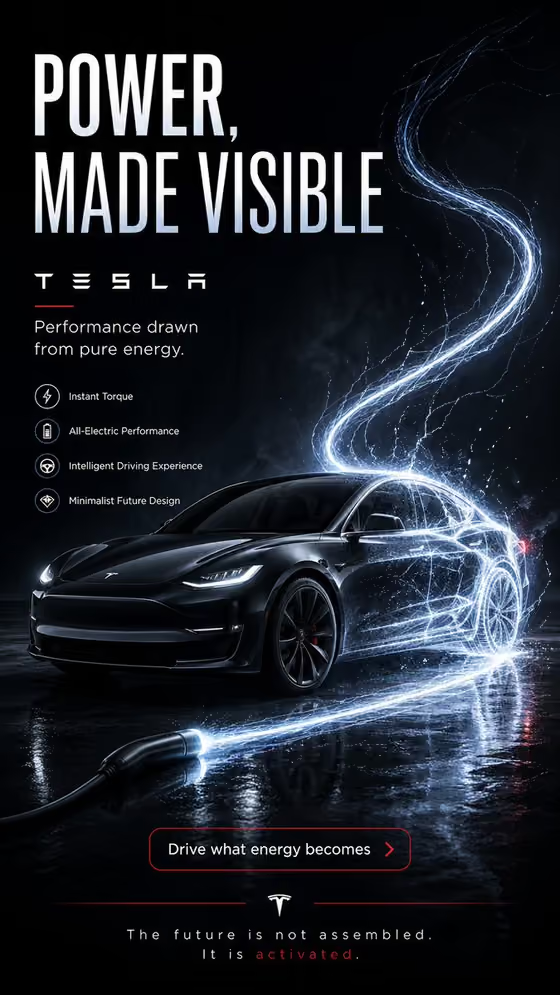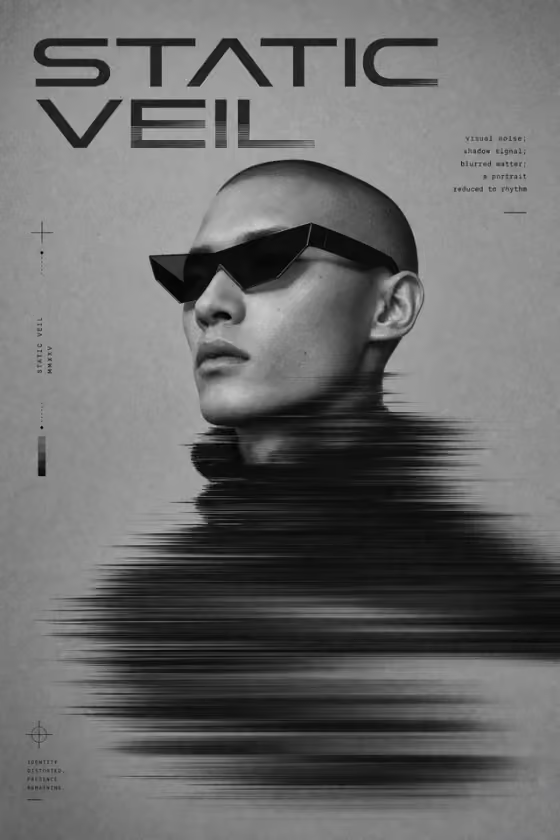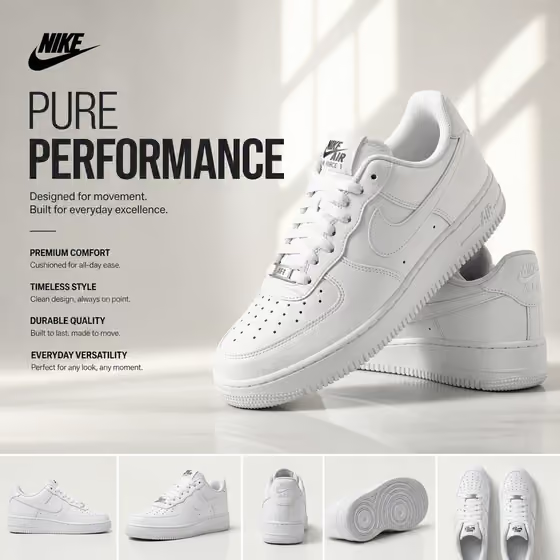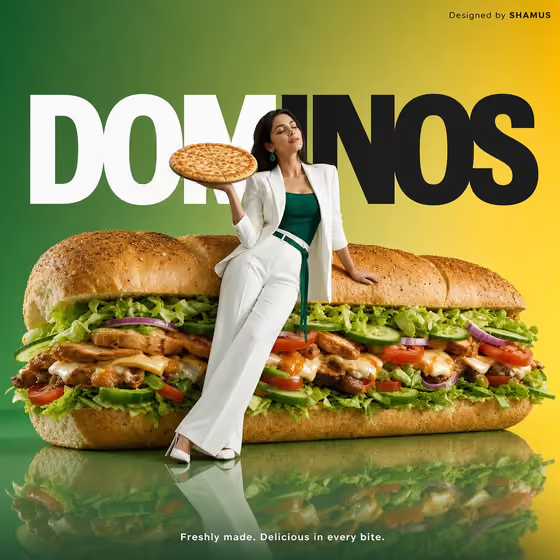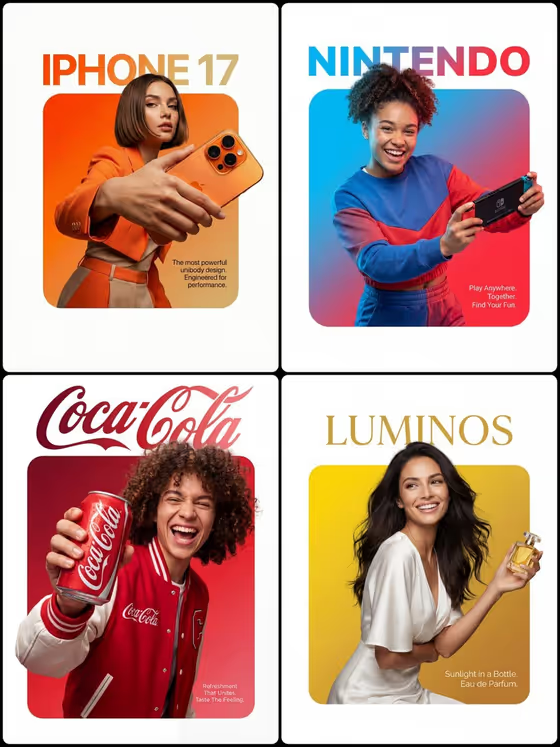
This template builds a single fashion or campaign ad frame in a 3:4 portrait format. It keeps the hero subject readable, matches the lighting to the source, and leaves room in the layout for a headline you add yourself.
It suits marketers, small brand owners and designers who need a campaign visual or poster concept quickly. You describe the subject in text and pick a poster structure, with no photo upload required.
What works best as input
- This template has no photo slot, so everything depends on the text you write. In Campaign subject product name, name one clear hero, such as a specific product or campaign idea, rather than a list of several things.
- Be concrete about the subject. 'A product launch poster' works as a starting point, but adding what the product is and what it looks like gives the template more to hold onto.
- If your subject has readable branding or a distinctive shape, mention it, since the template is built to keep subject geometry and branding coherent.
- Choose Poster structure to match how much content you plan to add later. 'Single hero with copy' suits one strong image plus a headline, while 'modular grid story' or 'vertical feature infographic' suit more information.
How to use it
- Open the 4 3 3 9 template from the Marketing category in Phosphene.
- Type your hero in Campaign subject product name, using the placeholder examples (a fashion campaign, a product launch poster, a cultural advertisement) as a guide for the level of detail.
- Pick an option in Poster structure, for example single hero with copy, modular grid story, editorial collage or vertical feature infographic.
- Generate the image, then review the 3:4 result for subject accuracy, lighting and the space left for your headline.
Tips for a better result
- Start with 'single hero with copy' if you want the cleanest layout, then try 'editorial collage' or 'modular grid story' with the same subject to compare treatments.
- Keep the subject description focused on one thing. The template keeps the hero immediately readable, so a single clear subject gives the best result.
- Use the generated frame as a base and add your own headline in the open space afterward, since the layout is meant to leave room for your copy.
- Rerun with small wording changes to the subject, such as a different product detail or campaign theme, to explore variations.
Common mistakes
- Describing several heroes at once. The template is designed around one readable hero, so crowded subject descriptions can weaken the composition.
- Expecting the template to write final headline text. It leaves space for your own copy, so plan to add the wording yourself.
- Choosing a dense structure like vertical feature infographic when you only have one simple product to show. Match the structure to how much you actually want to present.
FAQ
Can I upload a photo of my product?
This template has no photo upload. Both fields are text or selection based, so describe your subject in Campaign subject product name.
What shape is the output?
The image comes out in a 3:4 portrait ratio, which suits poster and vertical ad placements.
Does it add a headline for me?
No. It leaves headline space in the layout so you can place your own copy.
What can I enter for Poster structure?
The examples provided are single hero with copy, modular grid story, editorial collage and vertical feature infographic.