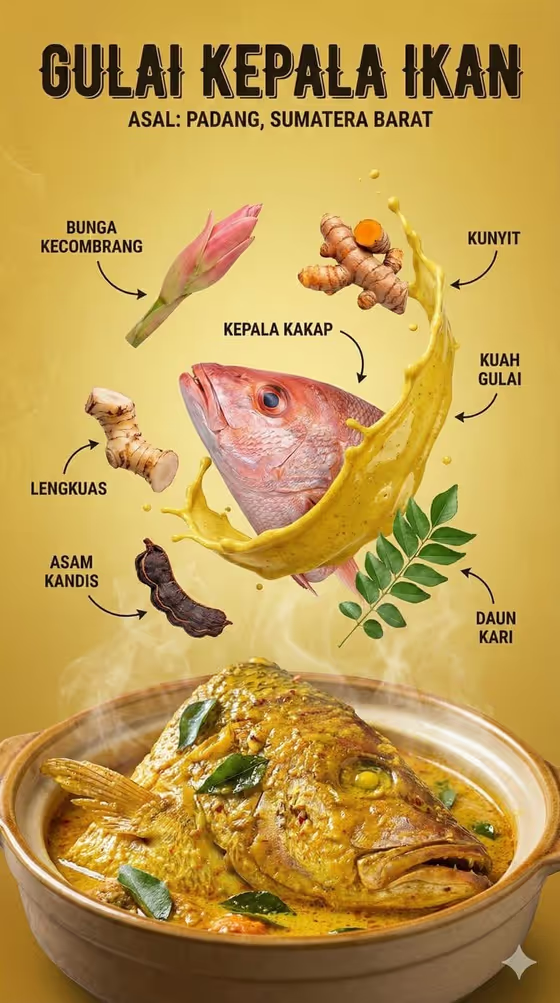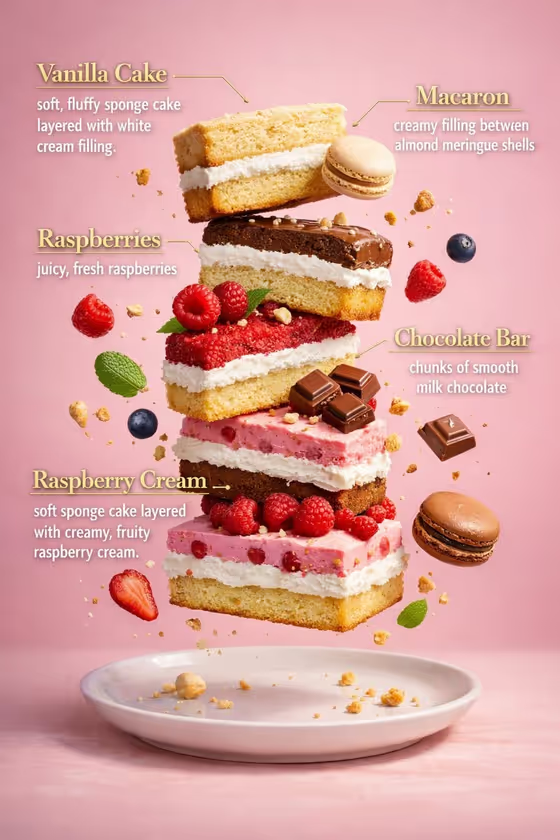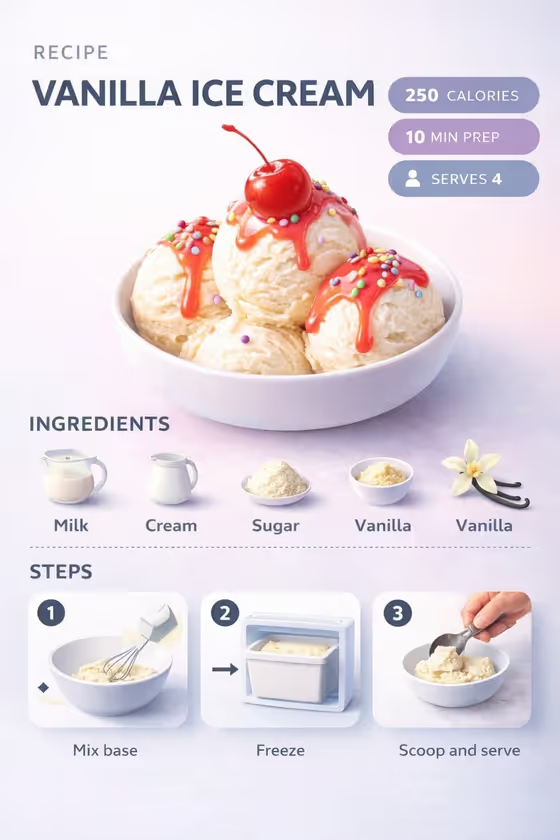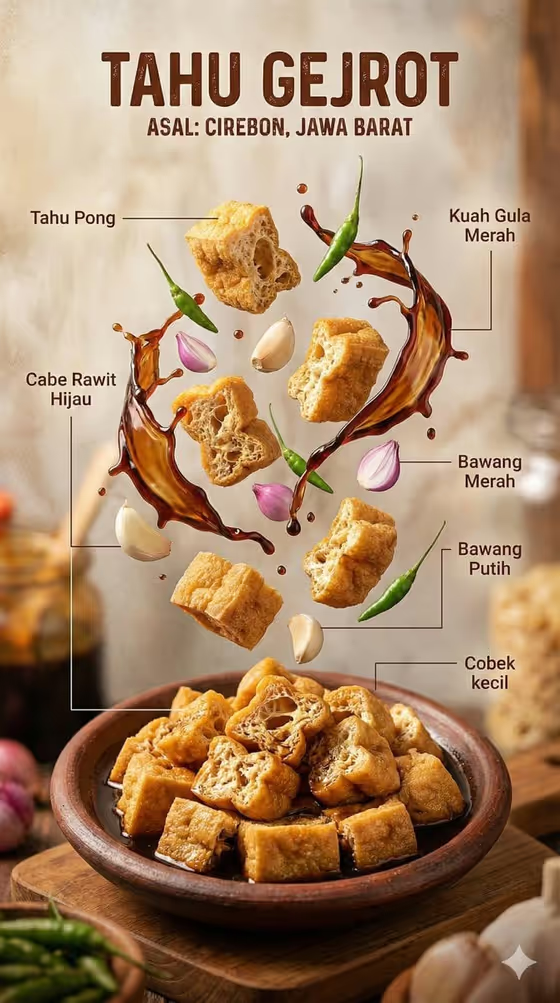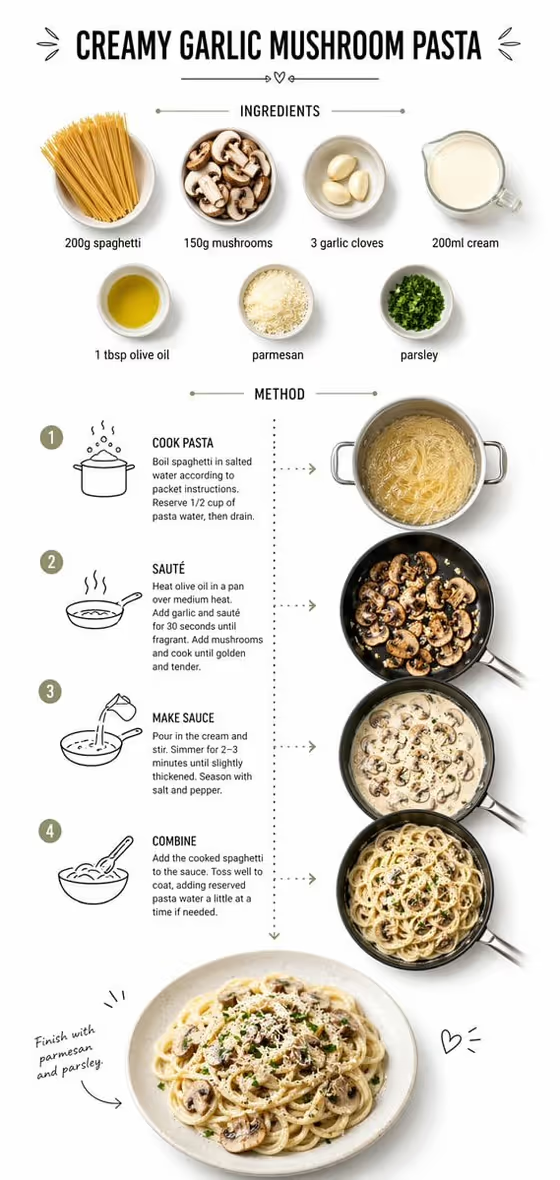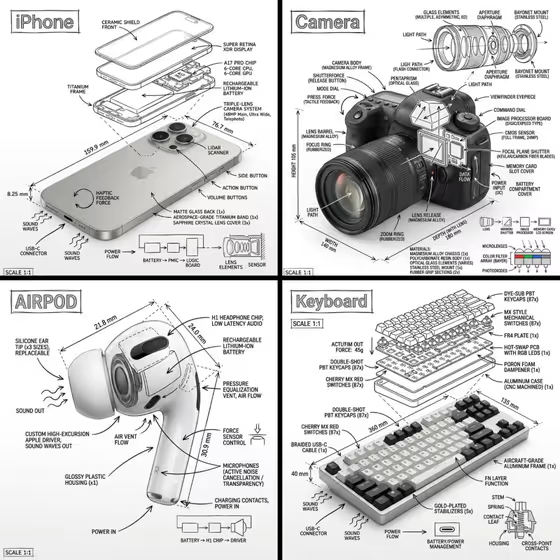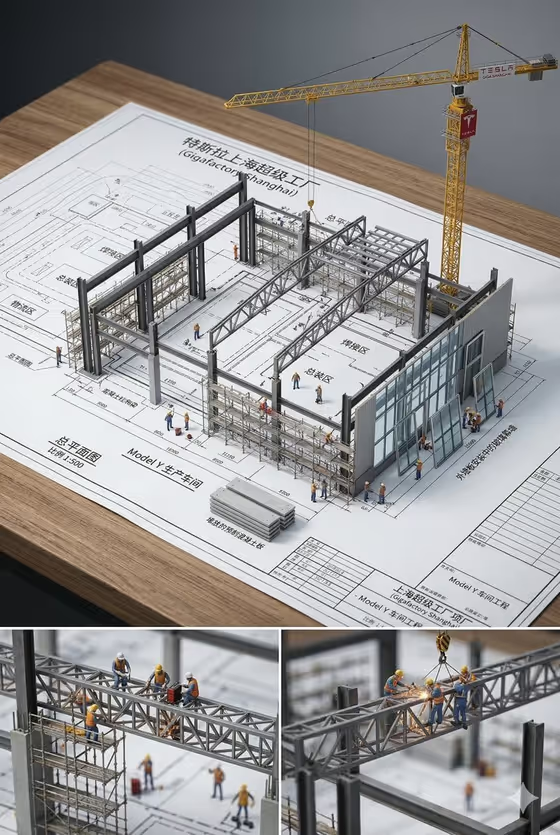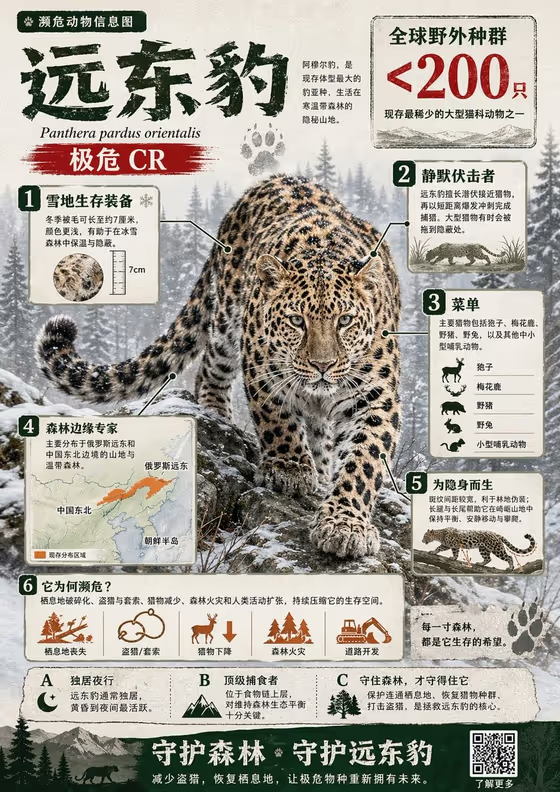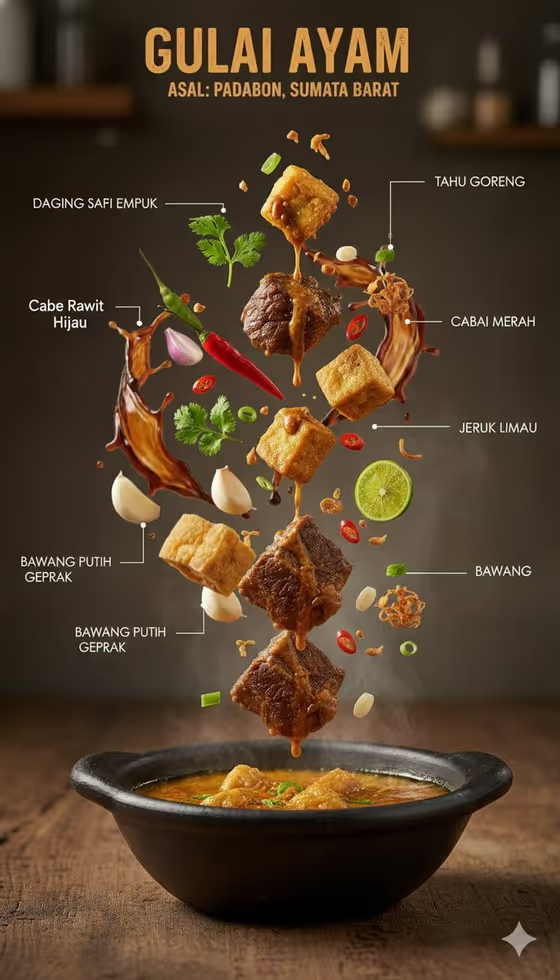
Culinary Ingredient Rise turns an Indonesian dish into a vertical food infographic. A steaming bowl sits at the base while the ingredients float above it in a clear ascending order, with fine white leader lines and short Indonesian labels pointing to each one, like the gulai ayam example on the cover.
It suits home cooks, food bloggers, restaurant menus and anyone who wants a clean editorial image that explains what goes into a dish. The result is a 3:4 portrait image with warm wooden surfaces, rising steam and frozen sauce droplets.
What works best as input
- In the Indonesian Food Product field, name the specific dish, such as steaming beef rendang or aromatic chicken soto. A precise name helps the bowl and sauce look right.
- This field also accepts a photo, so you can add a clear reference of the dish. Choose a sharp, well-lit picture where the bowl and its contents are easy to see.
- In the Ingredient Story field, list the ingredients you want floating, separated by commas, for example meat, tofu, herbs, chilies and lime.
- Stick to ingredients that really belong in the dish so the labels and the floating pieces make sense together.
How to use it
- Open the Culinary Ingredient Rise template in Phosphene.
- Fill in Indonesian Food Product with your dish name, or add a reference photo of it if you have one.
- Write the ingredients you want to see rising in Ingredient Story. This field is text only.
- Generate the image, then check that the bowl, ingredient order and labels look right before saving or trying again.
Tips for a better result
- Keep the ingredient list focused. A handful of distinct items gives a cleaner vertical order than a long list.
- Use the example styles as a starting point, such as chicken, noodles, egg and shallots, then swap in your own dish's ingredients.
- Name textures in your dish, like crisp garnish or glossy coconut sauce, to support the sauce and crunch details this template emphasizes.
- If the first result is off, adjust the dish name or reorder your ingredient list and generate again.
Common mistakes
- Using a vague dish name like soup or curry, which gives the template little to anchor the bowl and sauce.
- Listing ingredients that do not match the dish, which can make the floating items and labels look inconsistent.
- Using a dark, blurry or cluttered reference photo in the dish field, which makes the dish harder to read.
FAQ
Can I upload a photo?
Yes, in the Indonesian Food Product field you can add a visual reference of your dish. The Ingredient Story field only takes text.
What language are the labels in?
The template asks for local-language annotations, so labels are written in Indonesian, as on the gulai ayam cover.
What shape is the output?
It is a 3:4 portrait image, suited to vertical layouts.
Does it only work for Indonesian dishes?
The template is built around Indonesian food, so it works best with dishes like rendang, soto or tofu curry.