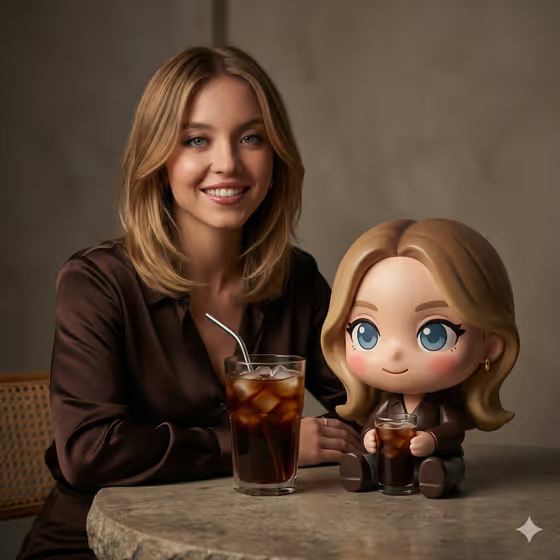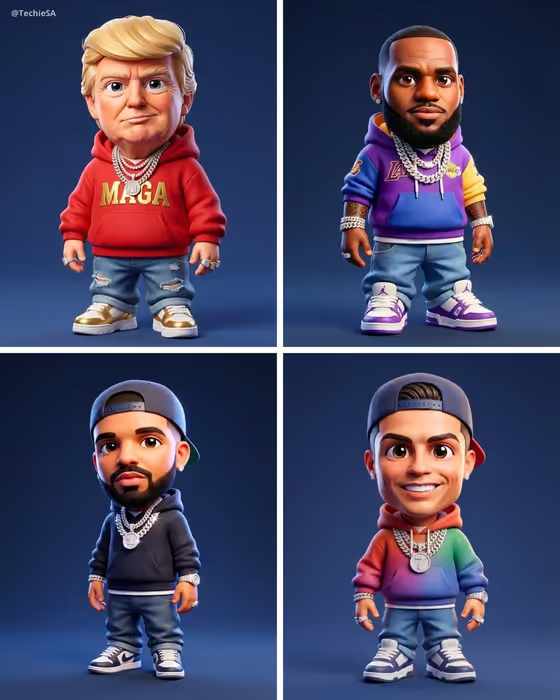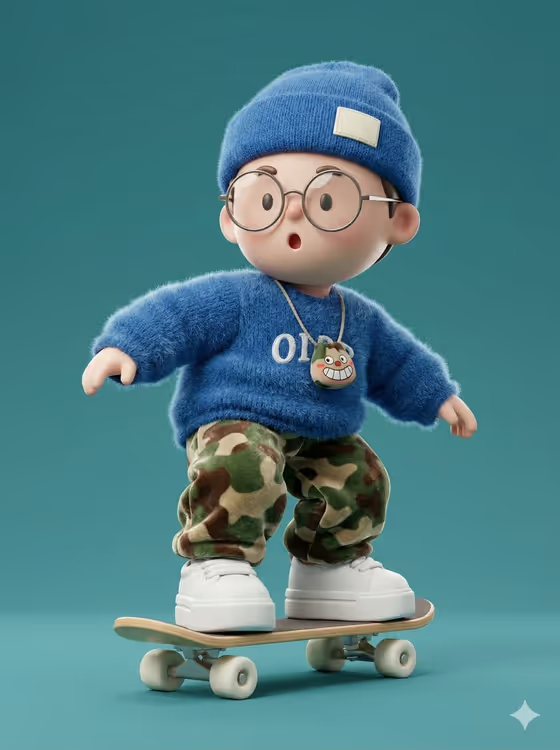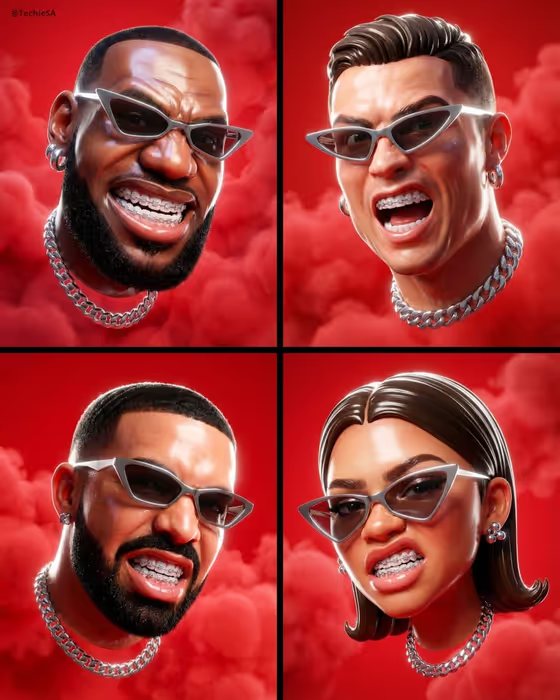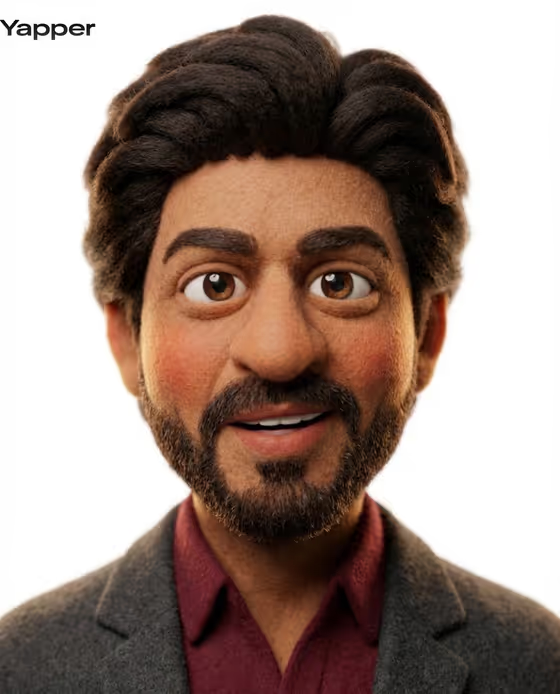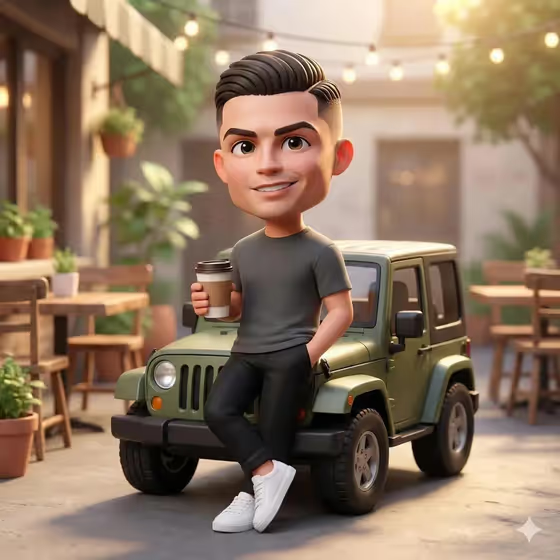
Chibi Jeep Cafe turns a character into a Pixar-style 3D figure with a big head, expressive eyes and a friendly smile. The figure leans casually on a small green off-road Jeep with a takeaway coffee cup in hand, in a cafe courtyard with wooden tables, potted plants and warm string lights.
It suits anyone who wants a collectible-style character portrait: an original character, a personalized figure, or a character you already have a reference for. The result is a 3:4 image with soft golden-hour light and a blurred background.
What works best as input
- This template asks for 2 or more photos, so gather several clear reference images of the same subject from slightly different angles.
- Pick references where the face, hairstyle and outfit are easy to see. Sharp, evenly lit shots give the chibi version more to hold onto than dark or blurry ones.
- Keep the subject the same across all photos. Mixing different people or characters makes the likeness less consistent.
- If you describe the subject in the text field instead, be specific about hair, clothing and any signature details. The placeholder is only 'a friendly chibi character', which is fine as a starting point but generic.
- Only use photos of yourself, people who are happy to be included, or characters you own or created.
How to use it
- Open the Chibi Jeep Cafe template in Phosphene.
- In the 'friendly chibi character character subject' field, describe your subject or upload your reference photos.
- Choose a value for 'Character staging', such as a collectible character portrait, a full-body character scene or an environmental story moment.
- Generate the image, then check the face, outfit, Jeep and coffee cup. Adjust your description or references and run it again if something is off.
Tips for a better result
- Mention outfit colors and hair details in your subject description. The cover shows a plain tee, dark trousers and white sneakers, and simple clothing reads clearly in this style.
- Try the different Character staging options. A full-body scene shows the Jeep and the cafe, while a collectible portrait puts more focus on the character.
- Use references with a clear smile or friendly expression, since the template aims for a warm, approachable look.
- Run the same subject a few times and compare. Small differences in framing and detail can make one result a better fit than another.
Common mistakes
- Uploading only one photo or very dark, blurry shots. This template expects 2 or more, and weak references lead to a weaker likeness.
- Writing a long scene description. The Jeep, coffee cup and cafe courtyard are already set, so spend your words on the character itself.
- Mixing references of different people or characters in one upload, which confuses who the figure should look like.
FAQ
How many photos do I need?
The template is set up for 2 or more photos of your subject. You can also describe the subject in the text field.
Can I change the Jeep or the cafe?
No. The green Jeep, the takeaway coffee and the cafe courtyard are part of the template's fixed direction. You control the character and how the scene is staged.
What does the Character staging option do?
It sets how the image is framed, for example a collectible character portrait, a full-body character scene or an environmental story moment.
What size is the output?
The template produces a single image in a 3:4 aspect ratio.