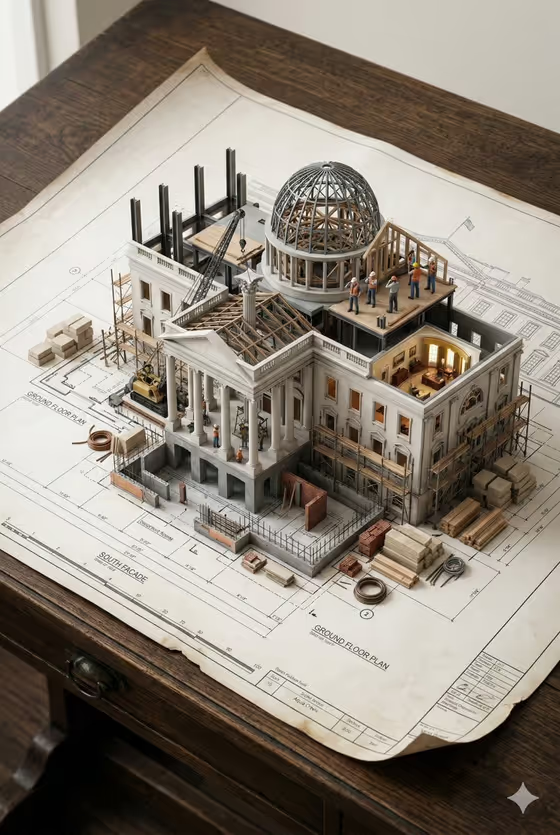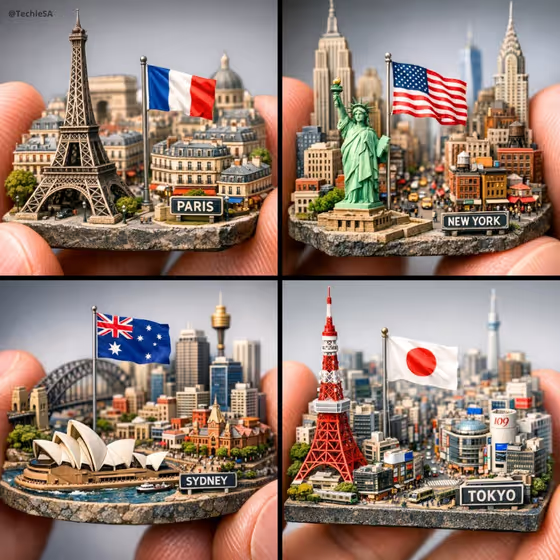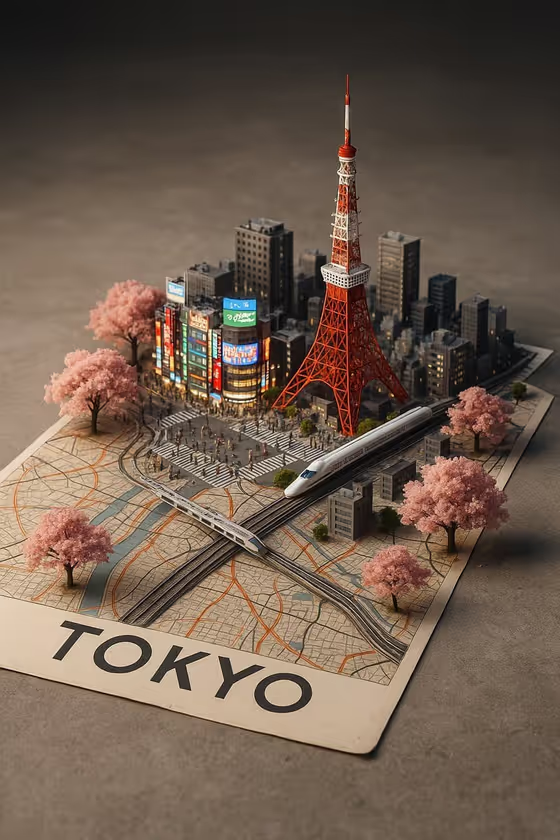
City Rising from the Map turns a city name and a few landmarks into a miniature diorama image. The skyline grows straight out of a printed map, with the streets and labels blending into the 3D buildings, trees, trains and small crowds. The result is a 2:3 portrait image, like the Tokyo example with its red tower, cherry trees and a train crossing the paper.
It suits travel posts, city-themed posters, souvenir-style artwork or a creative way to show off a place you love. You describe the city and what should rise from it, and the template handles the paper, lighting and depth.
What works best as input
- For City name, type a specific city such as London, Tokyo or Mexico City. A clear, well-known name gives the strongest sense of place.
- Landmark cluster is the only field that accepts a photo, so you can upload a reference of a landmark you want recognised, or simply type two or three landmarks (for example, tower, shrine and crossing).
- If you upload a landmark photo, choose one where the building is clearly visible and not heavily cropped or hidden behind other objects.
- In Urban life detail, name concrete things like trains, taxis, bicycles, street food or trees. These are what make the map feel alive, as with the train and pedestrians in the cover image.
- Pick a Map surface that matches the mood you want: a folded street map, weathered atlas page, transit map poster or linen-backed city plan.
How to use it
- Open the City Rising from the Map template in Phosphene.
- Type your City name, then choose or describe a Map surface.
- Fill in Landmark cluster (typed or with a reference photo) and Urban life detail, using the examples as a guide for how specific to be.
- Generate the image, then review how the landmarks, roads and paper blend together and adjust your fields if you want a different result.
Tips for a better result
- Name two or three landmarks instead of one so the skyline feels like a real cluster with a clear identity.
- Match the urban life to the city: local transport and nature (like cherry trees for Tokyo) help the scene feel authentic rather than generic.
- Try the same city on different Map surfaces to get quite different moods, from a clean transit poster to an aged atlas page.
- Use the example phrases such as 'local transport and public life' when you are unsure what to write, then refine from there.
Common mistakes
- Using a vague city name or a generic landmark list, which can lead to buildings that look like any city rather than yours.
- Uploading a cluttered or low-resolution landmark photo, which gives the template little to work from.
- Overloading Urban life detail with too many items, which can make the scene feel crowded and dilute the main landmarks.
FAQ
Can I upload a photo for the whole template?
Only the Landmark cluster field accepts a photo. City name, Map surface and Urban life detail are filled in by typing or choosing an option.
What shape is the result?
The template produces a single image in a 2:3 portrait ratio.
Do the map labels stay visible?
The template aims to keep the printed streets and labels beneath the architecture, so choose a Map surface with clear detail if that matters to you.
Can I use a city that is not on the example list?
Yes. The examples are suggestions, and the City name field lets you enter any city you like.