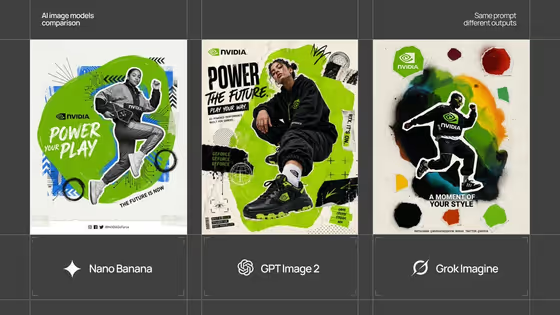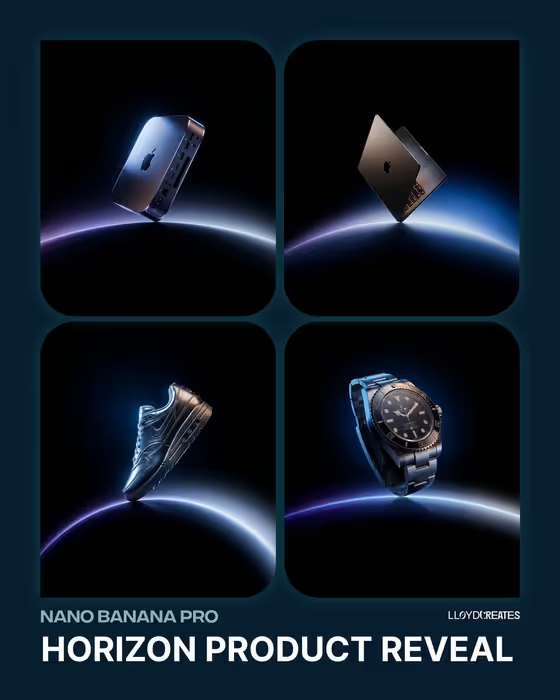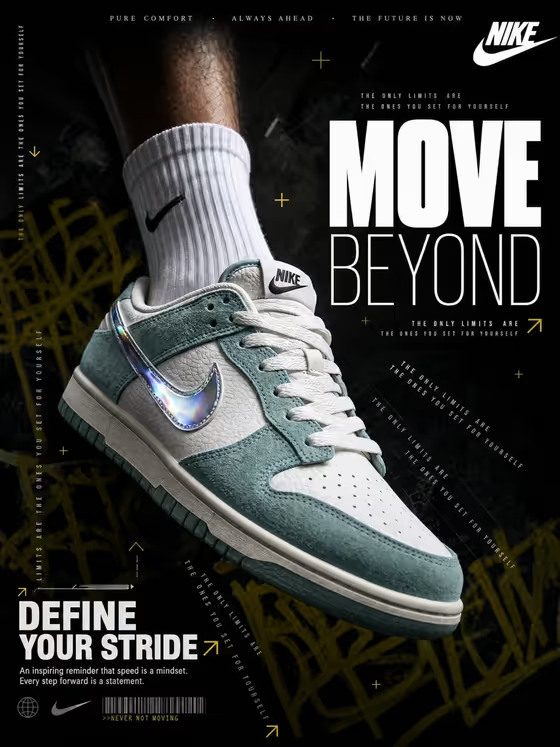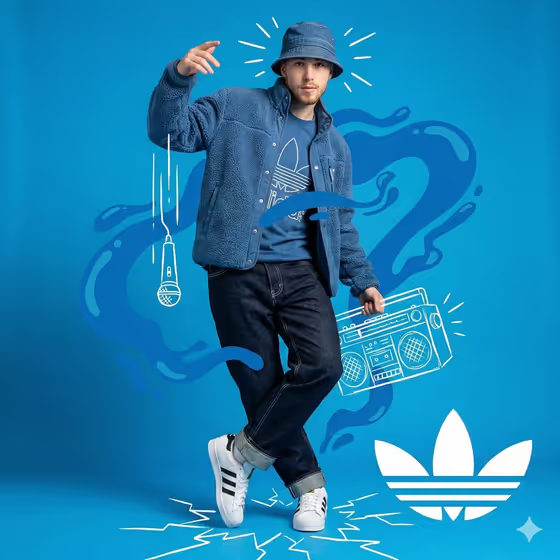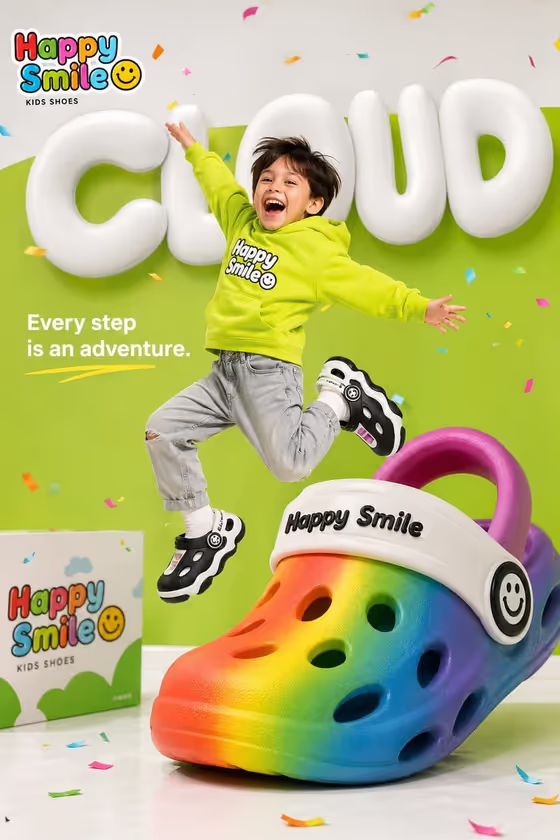
This template builds a bright, cheerful kids' shoe advertisement in a 3:4 portrait frame. A happy child is caught at the peak of a jump, wearing your product, with one oversized shoe prop beside them in a clean green-and-white studio with confetti and bubbly lettering.
It suits small footwear brands, sellers and marketers who need a playful campaign visual built around a single product and a short tagline. You supply the shoe and the copy, and the template handles the staging, typography and mood.
What works best as input
- In the Children Shoe Product field you can either type a description or add a photo as an exact visual reference. A clear photo of the shoe works best when you want the colors and shape matched closely.
- If you use a photo, show only the shoe, in good light, on a plain background, so its color blocks, holes, straps and soles are easy to read.
- If you type instead, be specific about color and material, for example 'oversized black-and-white foam shoes' or 'rainbow cushioned sneakers'.
- Keep the product to one clear design. Mixing several shoe styles in one description can muddy the result.
- Campaign Copy is text only, so write the exact words you want to appear, such as a headline and a short tagline.
How to use it
- Open the Cloud Step Kids Campaign template in Phosphene.
- In Children Shoe Product, describe your shoe or add a reference photo of it.
- In Campaign Copy, type your headline and tagline exactly as you want them printed, for example 'CLOUD, Every step is an adventure'.
- Generate the image, then check the shoe design, the child's jump, the giant prop and the legibility of your text.
Tips for a better result
- Keep the copy short: a one-word headline plus a brief tagline reads more clearly than a long sentence.
- Try the example lines as a starting point, such as 'BOUNCE, Made for big imaginations' or 'PLAY ALL DAY, Soft landings ahead', then rewrite them for your brand.
- Describe a bold, simple color scheme for the shoe, like rainbow gradients or color-block slip-ons, so the giant prop stands out against the green-and-white set.
- If the first result misses on the shoe details, regenerate with a photo reference or a more precise description of colors and materials.
Common mistakes
- Writing vague product descriptions like 'kids shoes', which leaves the shoe design to chance.
- Typing very long campaign copy, which can crowd the layout and make the lettering harder to read.
- Uploading a cluttered photo with several products or busy backgrounds, which makes it harder to tell which shoe should be featured.
FAQ
Do I have to upload a photo?
No. The Children Shoe Product field accepts a text description or a photo reference. The Campaign Copy field is text only.
Can I change the tagline?
Yes. Type any headline and tagline you like in Campaign Copy, and the template is built to print that exact copy in the ad.
What shape is the output?
A 3:4 portrait image, which suits posters and vertical ad placements.
Can I use a different style of shoe?
Yes, the template is meant for kids' foam or cushioned shoes, and you can describe sneakers, slip-ons or trainers in the product field.