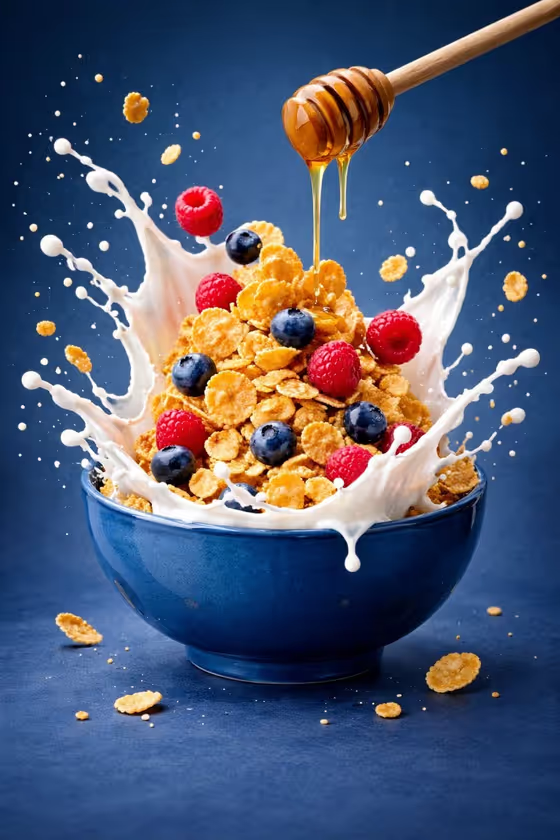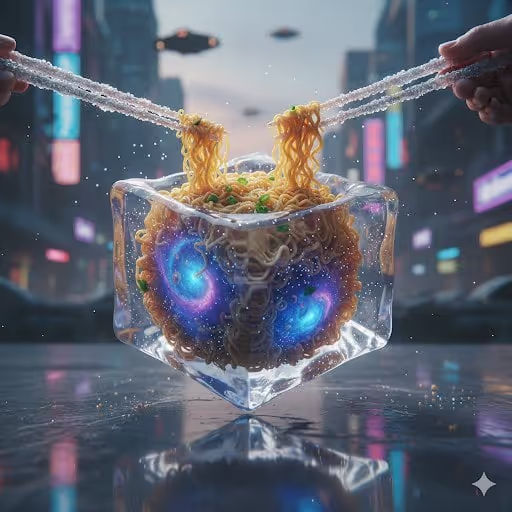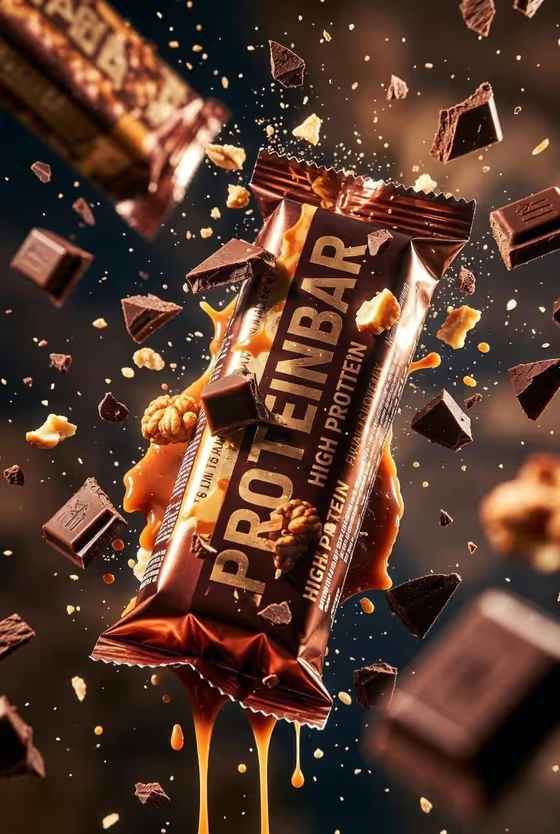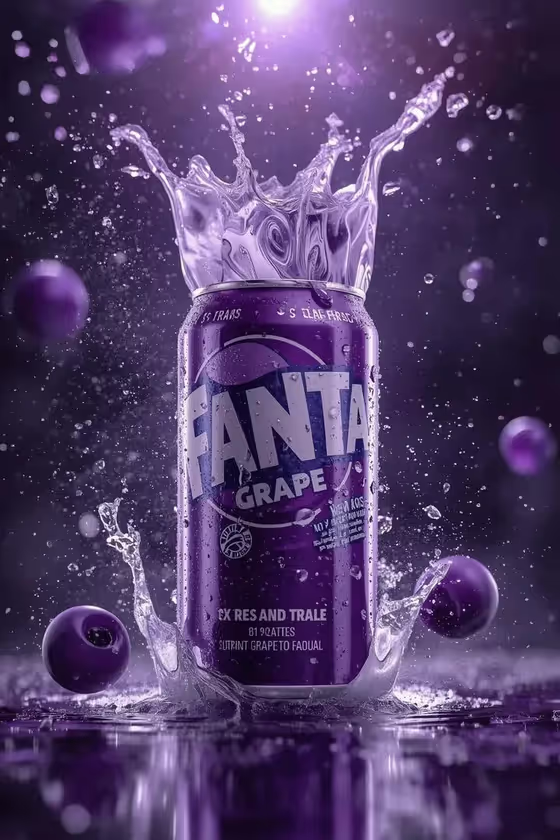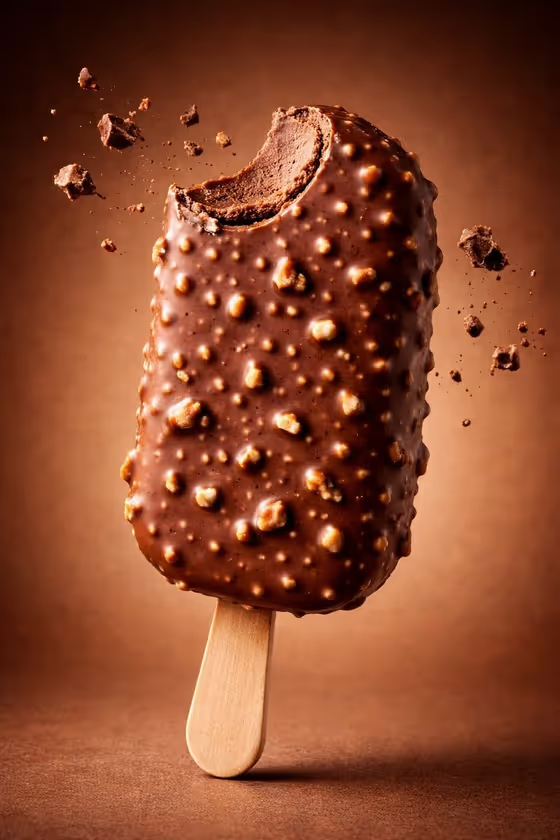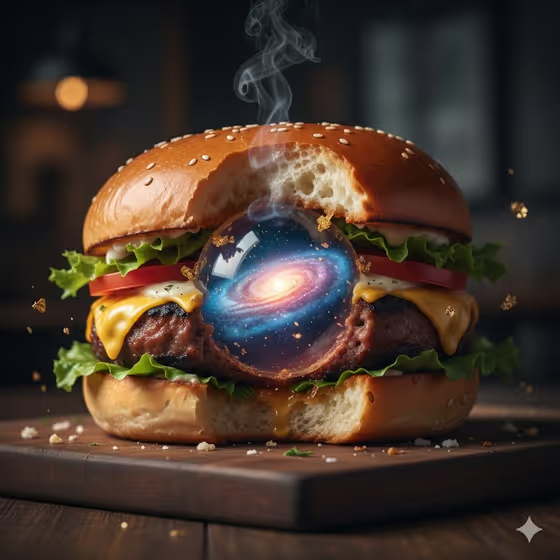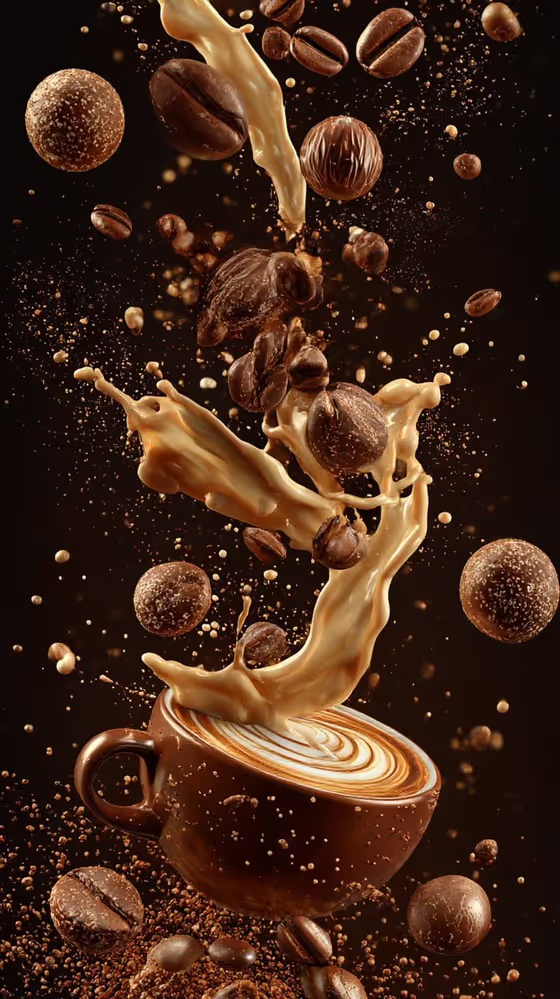
This template builds a vertical, 3:4 coffee image where your cup sits at the bottom of a tall cascade of roasted beans, chocolate pieces, grounds and frozen ribbons of milk and espresso. Everything hangs mid-air against a deep black background, with a warm brown and cream palette and sharp, glossy highlights like the ones in the cover image.
It suits cafe owners, baristas, food bloggers and anyone who needs a dramatic coffee visual for a menu, social post or poster. You describe the drink and pick what floats around it, and the template handles the composition and lighting.
What works best as input
- For the Coffee product or drink field, you can either type a short description or upload a reference photo. A clear, specific description such as "latte in a ceramic cup" or "espresso in clear glass" gives the cup a defined shape.
- If you upload a photo, choose one where the cup or glass is fully visible, well lit and not cropped, so its shape and color carry over cleanly.
- Mention the vessel and the drink together (for example "mocha dessert coffee") so the cup material and the liquid both come through in the result.
- The Suspended coffee elements field is a choice, not a photo slot, so pick the combination that matches your menu, such as beans and bonbons with milk and espresso, or grounds and biscotti with latte ribbons.
How to use it
- Open the Coffee Cascade in Darkness template in Phosphene.
- In Coffee product or drink, type what you want to see or upload a matching reference photo.
- In Suspended coffee elements, choose the mix of beans, chocolate, cream or other ingredients you want floating around the cup.
- Generate the image, then check the cup, the milk and espresso ribbons and the floating pieces, and run it again with adjusted inputs if something is off.
Tips for a better result
- Match the suspended elements to the drink. A mocha pairs naturally with cocoa and caramel style elements, while an espresso suits beans and grounds.
- Try the same drink with different element sets to get a small series of consistent but varied images for a campaign.
- Keep the drink description simple and concrete. The template already supplies the black backdrop, macro lighting and frozen droplets, so you do not need to describe them.
- Use the 3:4 vertical format deliberately, for example for story-style posts, menu boards or posters where the tall cascade has room.
Common mistakes
- Writing a long, busy description of the drink. Extra scene or background details can compete with the fixed dark backdrop and the cascade composition.
- Uploading a cropped or cluttered photo of the cup, which makes it harder to reproduce the vessel cleanly.
- Expecting a bright or colorful setting. This template is built around deep black with brown and cream tones, so it is not the right choice for light, airy cafe scenes.
FAQ
Do I have to upload a photo?
No. The Coffee product or drink field accepts a typed description, and a reference photo is optional.
Can I change the black background?
The dark backdrop is part of the template's fixed direction, so it stays deep black. Your inputs control the drink and the floating ingredients.
What can I put in Suspended coffee elements?
It is a selection field with options such as beans, bonbons, milk and espresso, or grounds, biscotti and latte ribbons. Pick the one closest to your menu.
What shape will the image be?
The output is a single vertical image in a 3:4 aspect ratio.