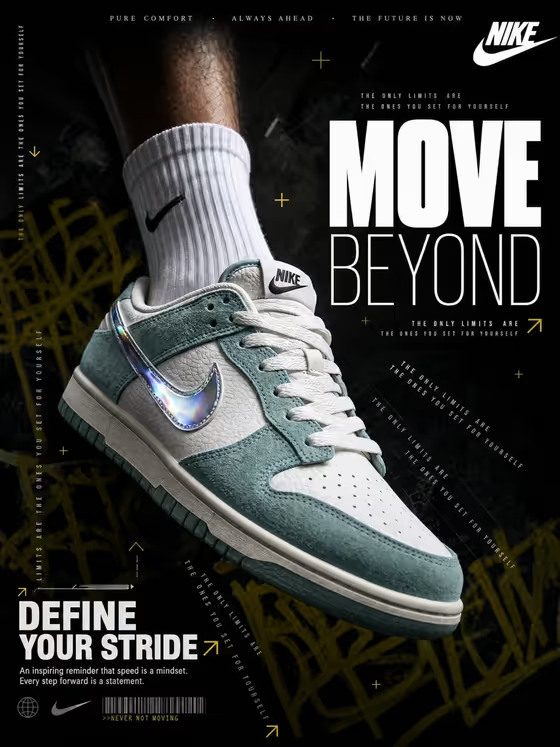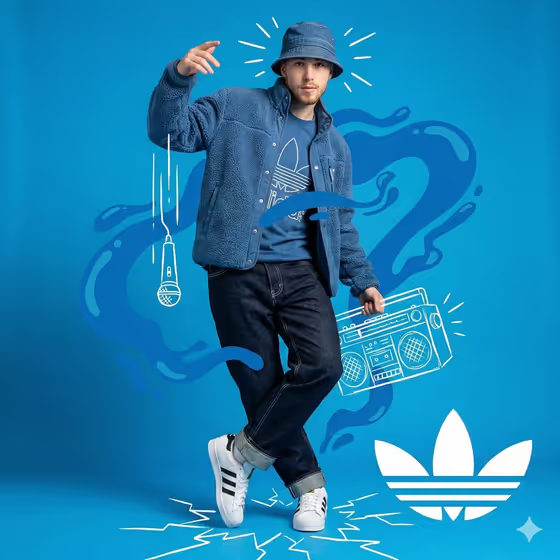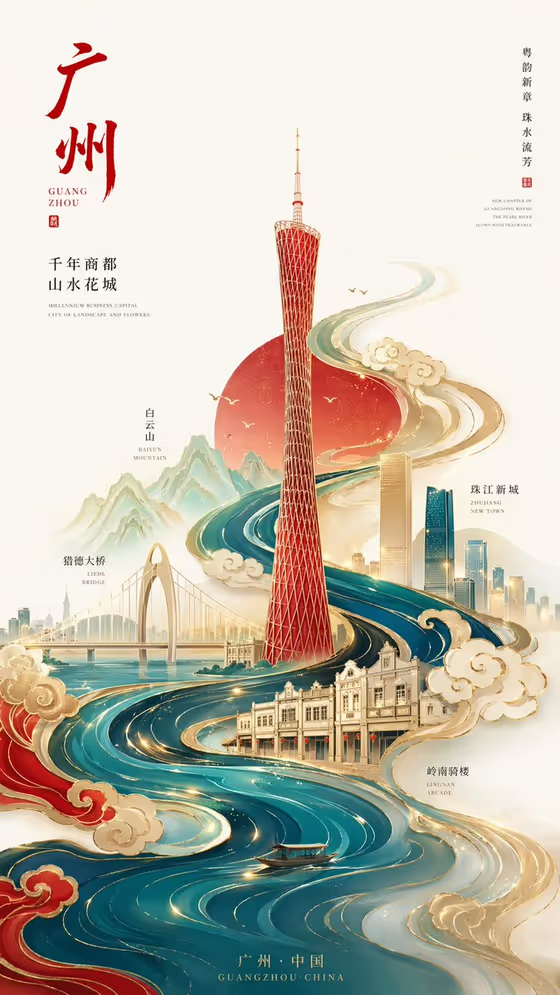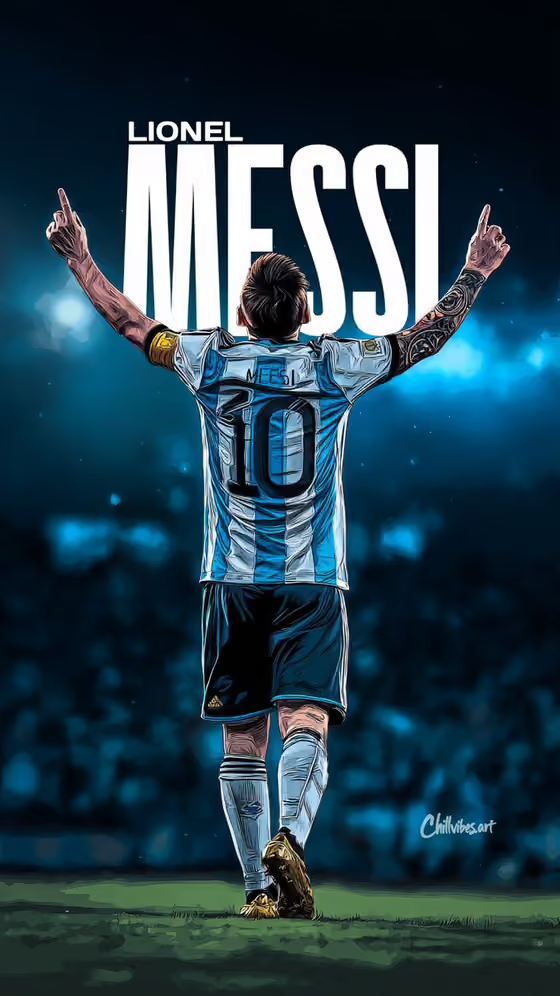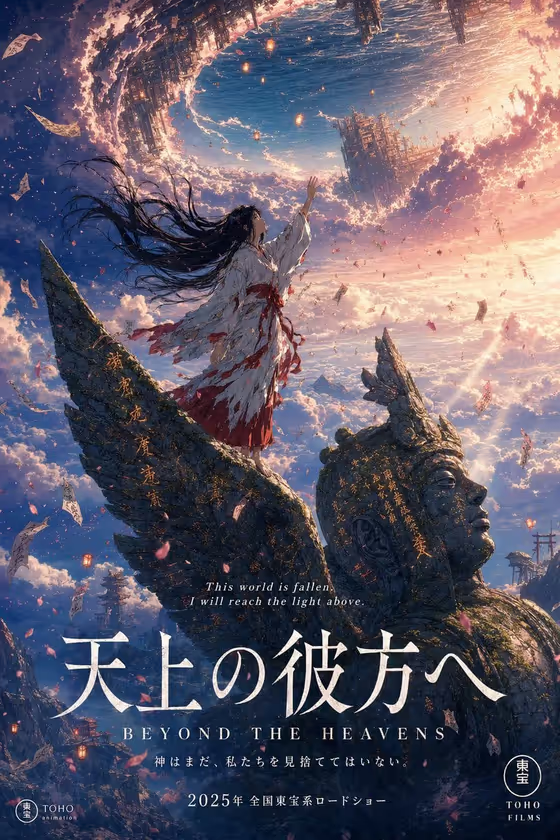
Colossus Anime Poster turns your chosen character into the heroine of a theatrical anime movie poster. In the cover, a shrine maiden in a tattered white robe stands on the wing of a crumbling, moss-covered stone colossus, with a torn, upside-down sky and a floating inverted ocean overhead.
It suits fan artists, storytellers, game or comic creators, and anyone who wants a dramatic, film-style key visual for an original character or a personal campaign concept. The result is a portrait 3:4 image with Japanese title text, an English subtitle and a small tagline, in the same hand-drawn, painterly style as the cover.
What works best as input
- The first field, labeled "shrine maiden heroine poster subject or product", accepts either a written description or an uploaded reference photo. Use whichever describes your subject most clearly.
- If you upload a photo, pick one clear image of the subject you own or have permission to use, with the face and outfit easy to see. Cluttered backgrounds and heavy filters make it harder to read the subject.
- If you type instead, be concrete about appearance: hair, clothing, age range, and mood. The default "a shrine maiden heroine" already fits the look of the cover, so build on it rather than replacing it with something vague.
- Keep the subject to one person, character or object. The poster is designed around a single hero reaching toward the sky.
- Only use likenesses you have the right to use, such as yourself, an original character, or a campaign concept of your own.
How to use it
- Open the Colossus Anime Poster template in Phosphene.
- In the subject field, type your description or upload your reference photo. You can start from one of the examples, such as "a shrine maiden heroine" or "my exact visual reference".
- Choose a Poster layout. The default is the anime theatrical movie poster in portrait format. Other options include single hero with title, modular editorial grid, and layered cinematic collage.
- Generate the image, then review the face, outfit, title area and overall composition. Adjust your description or layout choice and generate again if something is off.
Tips for a better result
- Start with the default layout if you want the closest match to the cover, then try "single hero with title" for a cleaner, more focused result.
- Describe small costume details in the subject field, like ribbon colors or robe wear, since the template already supplies the colossus, rift and cloud sea.
- Try the grid or collage layouts when you want a more editorial or promotional feel instead of a single movie-poster scene.
- Run the same subject through different layouts and compare, since the layout changes how the finished image is framed.
Common mistakes
- Describing too many characters or a long backstory in the subject field. The poster is built around one hero, so extra people will compete for space.
- Uploading a low-resolution or heavily cropped photo, which gives the template little to work with for the face and outfit.
- Expecting exact control over the Japanese title or tagline wording. Text is part of the generated artwork, so check it carefully before using the poster anywhere.
FAQ
Do I have to upload a photo?
No. The subject field accepts a text description, and a photo is optional. You can type something like "a shrine maiden heroine" or describe your own character.
What size is the poster?
It is made as a portrait image in a 3:4 aspect ratio, matching the format of the cover.
Can I change the colossus, sky or art style?
Those parts are fixed to keep the defining look of this template. You control the hero through the subject field and the framing through the Poster layout choice.
Can I use any person's photo?
Only use photos of subjects you own or have permission to use, such as yourself or your own character. Avoid using the likeness of real public figures.