This template builds a cinematic, high-resolution editorial portrait around a subject you describe, placed in a setting you pick. The output is a 3:4 vertical image with controlled studio-style light, refined contrast, and a single clear focal point.
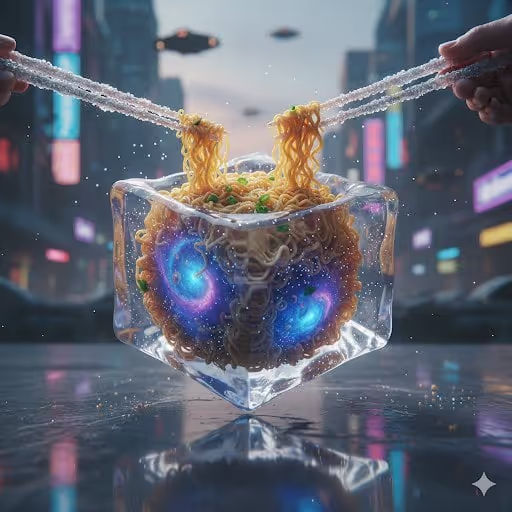
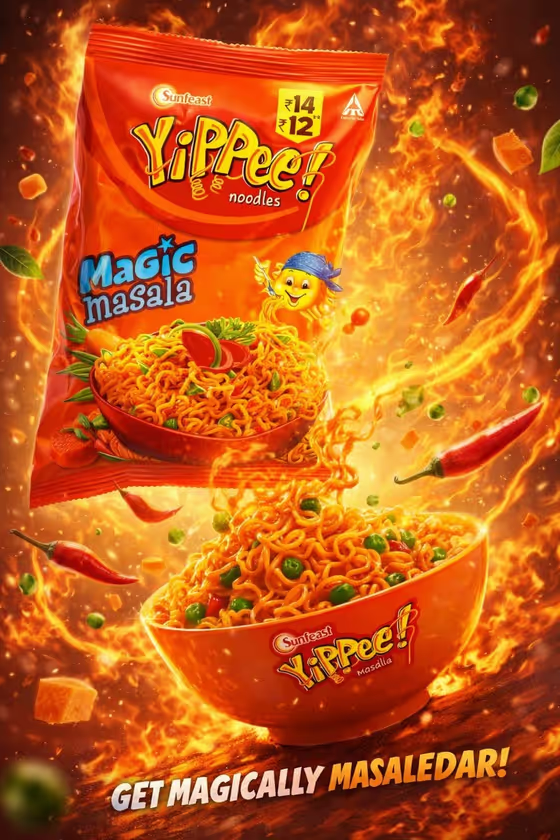
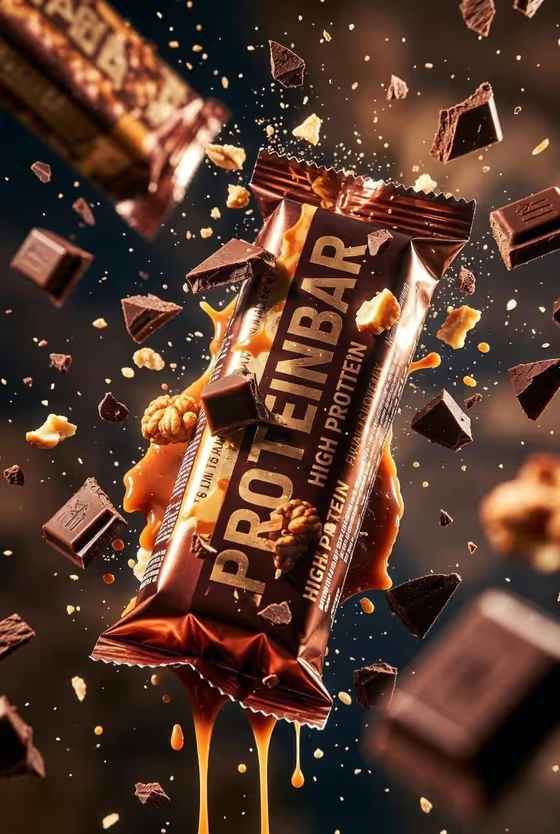
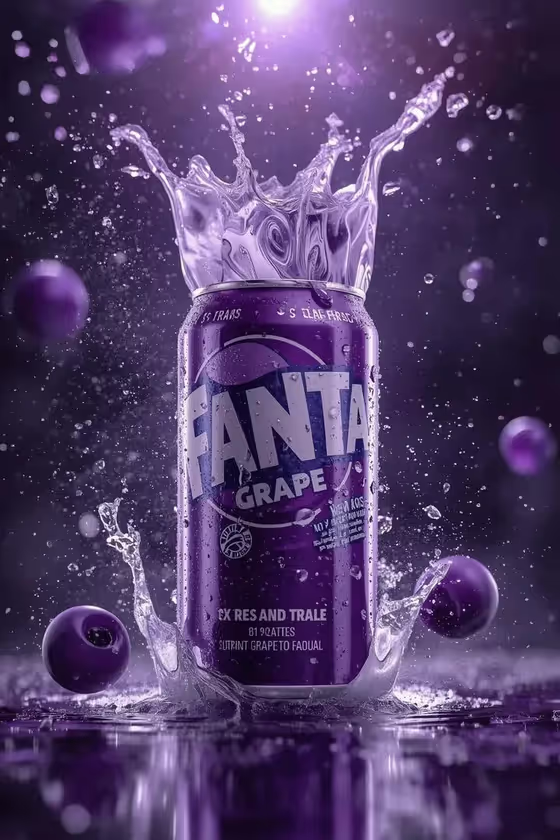
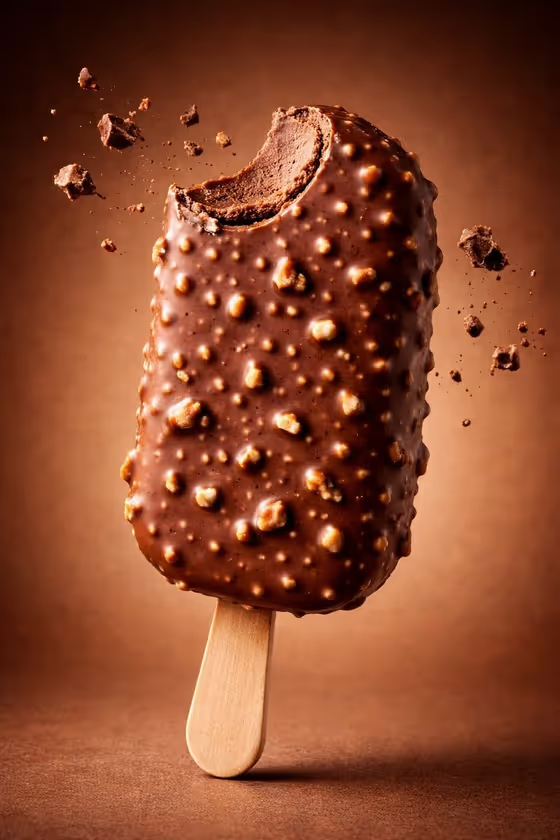
Its internal styling is hyperreal food photography: crisp textures, frozen motion, and glossy detail, like the chocolate-coated ice cream bar on a warm brown gradient in the cover image. It suits anyone who wants a polished, ad-style visual with clean backgrounds and strong highlights.
What works best as input
- The Subject field accepts either a text description or a photo reference, so use a photo when you want a specific, recognizable subject rather than a generic one.
- Choose a clear, well-lit reference with the subject fully visible and not cut off. Avoid busy backgrounds that compete with the subject.
- If you type a description instead, be concrete. The examples show the style: short phrases like 'A poised creative professional' or 'A charismatic performer'.
- Only use photos of people you have permission to use, and keep descriptions respectful.
How to use it
- Open the Waffle Cone Purple Splash template in Phosphene.
- In the Subject field, describe your subject in a short phrase or add a photo reference.
- Pick an option for Setting, such as a clean studio or a refined architectural interior.
- Generate the image, then check the 3:4 result for sharpness, focal point, and how well the setting suits the subject, and adjust your inputs if needed.
Tips for a better result
- Start with 'A clean studio' as the Setting if you want the cleanest, most product-photo feel, similar to the plain gradient backdrop on the cover.
- Try the same Subject with different Setting options to compare moods, from misty natural landscapes to architectural interiors.
- Keep the Subject description focused on one clear idea so the image keeps a single focal point.
- If a photo reference gives results you like, reuse it and change only the Setting to build a consistent set.
Common mistakes
- Packing several subjects or competing ideas into the Subject field, which works against the single-focal-point direction.
- Using a low-quality or cluttered reference photo, which makes it harder to get crisp, clean detail.
- Leaving the Subject vague when you want something specific, since a generic phrase gives a generic result.
FAQ
Can I upload a photo for this template?
Yes, the Subject field accepts a photo reference as well as a text description. The Setting field is a choice, not a photo upload.
What shape is the final image?
It is a vertical 3:4 image.
What can I choose for the Setting?
Setting is a choice field. Examples include a cinematic environmental backdrop, a clean studio, a misty natural landscape, and a refined architectural interior.
Why does the cover show ice cream if the template makes portraits?
The cover shows the food-photography look the template is styled around: sharp textures, strong highlights, and a clean gradient background.