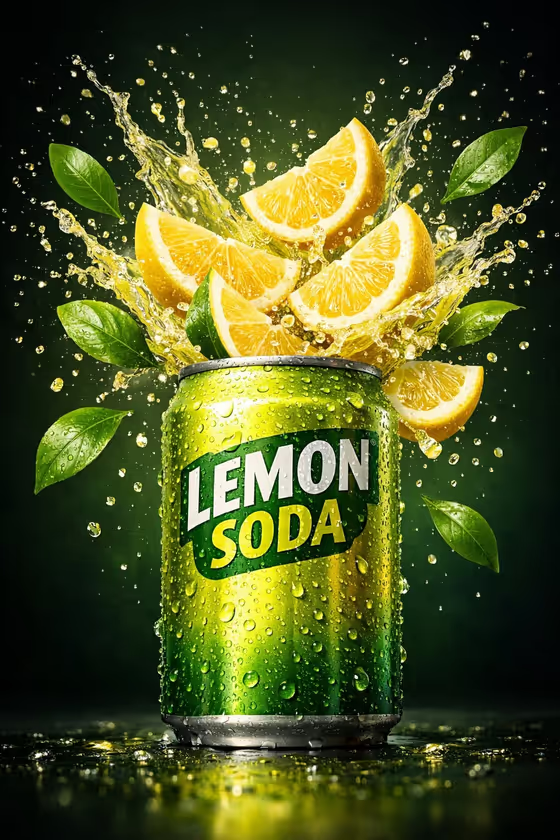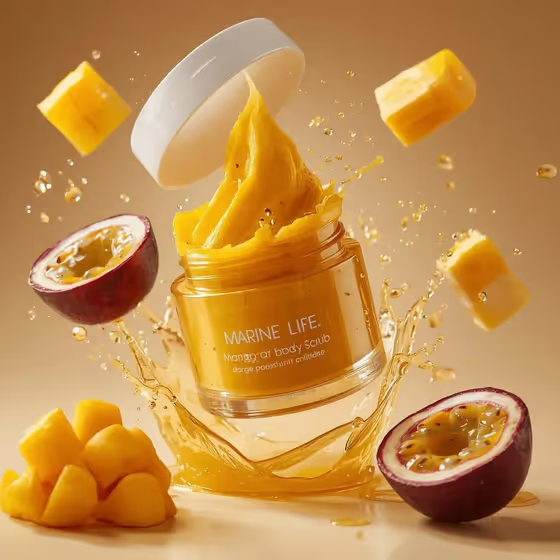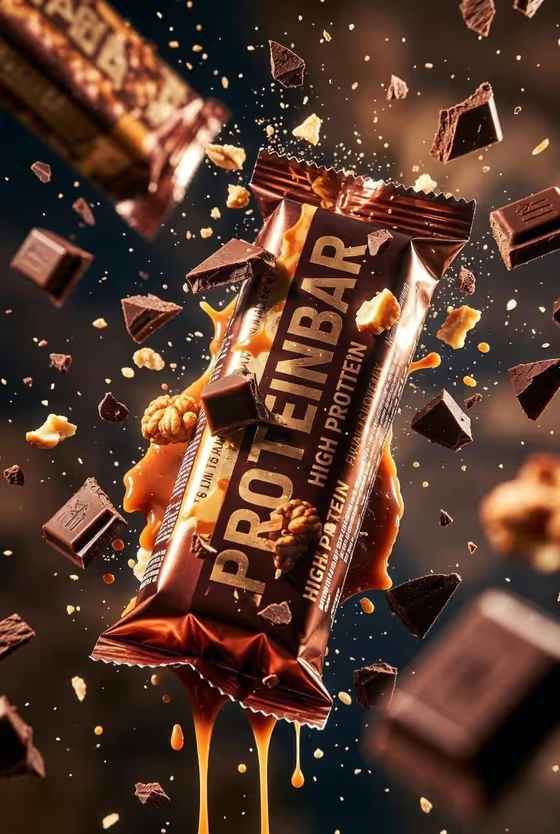
Protein Bar Impact turns a protein bar into a floating, tilted hero shot with an ingredient burst around it. In the cover example, a chocolate-wrapped bar hangs mid-air while chocolate chunks, nuts, crumbs and caramel drips fly past it against a dark, warm background.
It suits anyone who wants a dramatic product image for a snack or fitness brand, whether you are mocking up a flavor, building a campaign visual or making a social post. The output is a 3:4 image, so it fits portrait placements well.
What works best as input
- For the Protein product or bar field, you can upload a photo of your bar or describe it in text. Use a clear, front-facing shot of the wrapper so the package identity is easy to read.
- If you describe the bar instead, be specific about the wrapper and flavor, like the placeholder example 'metallic-wrapped chocolate protein bar' or 'caramel nut performance bar'.
- Pick a reference photo with the whole bar visible, even lighting and little glare, so the wrapper colors and lettering stay accurate.
- Use the Ingredient burst field to match the bar's real flavor, for example 'berries, dark chocolate and seeds' for a berry bar, so the flying pieces make sense.
How to use it
- Open the Protein Bar Impact template in Phosphene.
- In Protein product or bar, upload a photo of your bar or type a short description of it.
- Set Ingredient burst to the ingredients you want flying around the bar, such as chocolate chunks, caramel and nuts.
- Generate the image, then check that the wrapper looks right and the burst feels balanced. Adjust your inputs and run it again if needed.
Tips for a better result
- Match the burst to the flavor. Cocoa shards, peanut butter and crumbs will read very differently from berries and seeds, and the colors will change the whole mood.
- Keep the product description short and concrete. Wrapper material, main color and flavor are usually enough.
- Try the same bar with two or three different Ingredient burst options and compare, then keep the one that fits your brand best.
- If your bar has bold lettering on the wrapper, upload a clean reference so the product face stays readable in the final shot.
Common mistakes
- Uploading a cluttered or dim photo where the wrapper is partly hidden. The bar's face may then come out less accurate.
- Writing a vague product description like 'a snack'. Without flavor or wrapper details, the result will look generic.
- Choosing an ingredient burst that does not match the bar, which makes the product feel mislabeled.
FAQ
Do I have to upload a photo?
No. The Protein product or bar field accepts a text description, or you can upload a matching reference photo if you want your own bar represented.
Can I change the ingredients flying around the bar?
Yes. The Ingredient burst field lets you choose what explodes around the bar, such as chocolate chunks, caramel and nuts, or berries, dark chocolate and seeds.
What format is the result?
It is a single image in a 3:4 portrait ratio.
Will the wrapper text stay readable?
The template aims to keep the product face readable, but a clear, well-lit reference photo gives it the best chance of matching your real packaging.