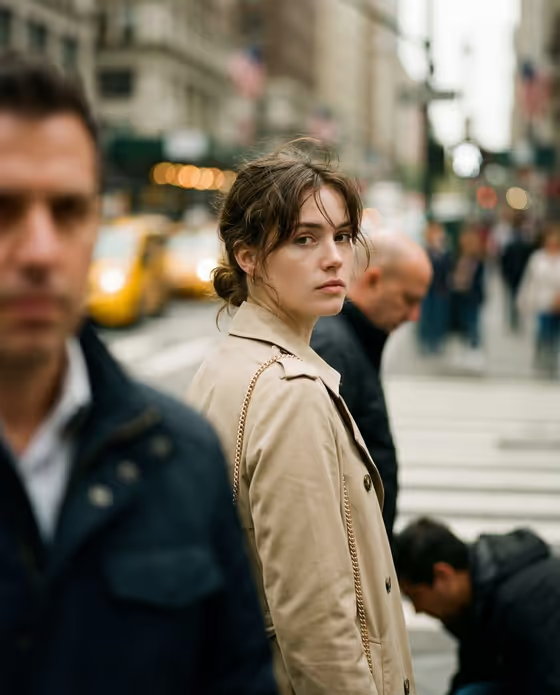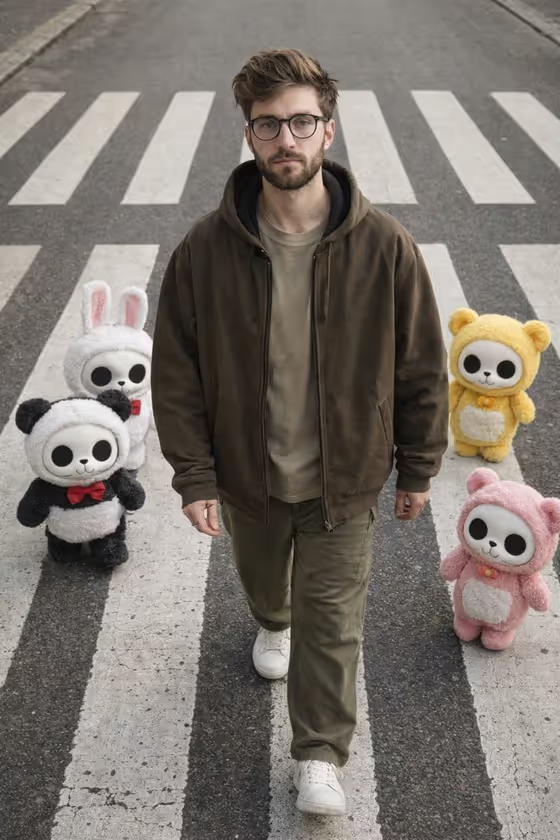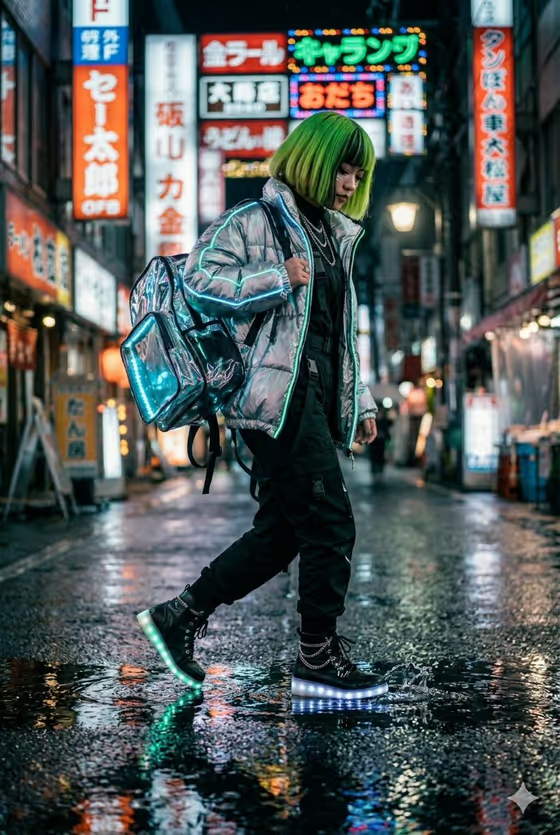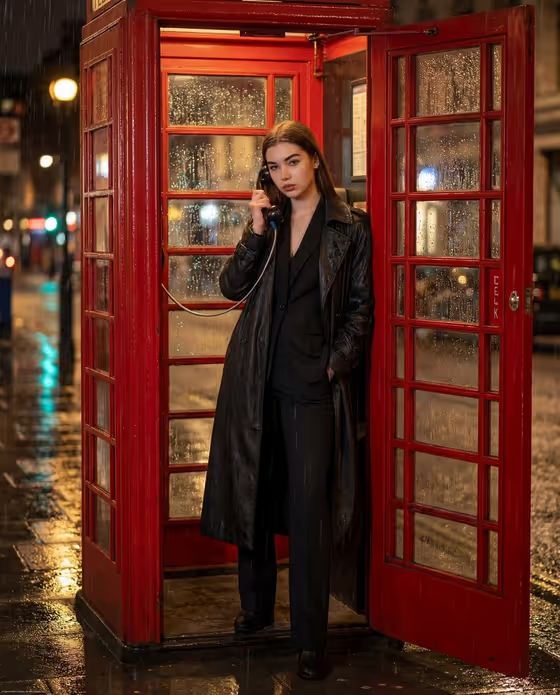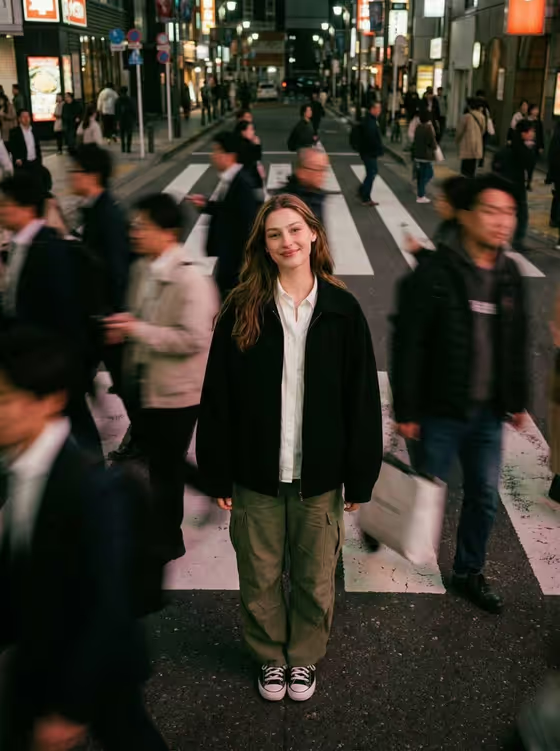
Crosswalk Crowd Still turns a portrait into a city street photograph where you stand sharp and calm on a crosswalk while pedestrians blur past in streaks of motion. The result is a 3:4 image with moody city lighting, a 35mm film feel and shallow depth of field, so the eye goes straight to you.
It suits anyone who wants an editorial street portrait without organizing a shoot: creatives updating a profile image, people building a portfolio or social feed, or anyone who likes the contrast between a still figure and a rushing crowd.
What works best as input
- Upload a clear photo of the person who should be the focus. A well-lit, front-facing image of the face helps the result stay recognizable.
- Use a photo of an adult subject. The template is built around a single adult portrait.
- Pick a photo where the whole body or at least the upper body is visible, since the scene shows the subject standing on a crosswalk in an overhead-style framing.
- Avoid photos with heavy filters, sunglasses or strong shadows across the face, because they make it harder to carry your features into the new scene.
- In the 'Portrait subject' field you can also describe the person in words if you prefer, for example 'an adult subject matching my reference'.
How to use it
- Open the Crosswalk Crowd Still template in Phosphene and add your photo to the 'Portrait subject' field. You can also use or edit the suggested text such as 'an adult subject matching my reference'.
- Fill in 'Pose or expression' with the mood you want, or keep the default 'the source pose and energy' to follow your photo.
- Generate the image and wait for the 3:4 result to appear.
- Review how sharp the subject looks against the blurred crowd, then adjust the pose field and generate again if you want a different feel.
Tips for a better result
- Try different choices in 'Pose or expression', such as 'calm editorial stillness', 'confident direct presence' or 'candid spontaneous energy', to change the personality of the same scene.
- Start with a photo where your posture is already relaxed and upright, since a still, grounded stance fits the idea of standing calm while everything moves.
- If the first result does not feel right, change only one field at a time so you can see which choice made the difference.
- Use the result as a profile image, poster or social post, where the portrait format and strong focal point read well.
Common mistakes
- Uploading a small, dark or blurry photo, which gives the template little to work from and can soften the subject you want sharp.
- Writing a long, busy description in the pose field. Short phrases like 'calm editorial stillness' match the scene better than a list of actions, since the template wants a still figure.
- Expecting the outfit or location to change. The scene is fixed as a crosswalk with moving crowds, so the template is about your pose and likeness rather than a new setting.
FAQ
Do I need to upload a photo?
The 'Portrait subject' field accepts a photo and the template is designed around one, so uploading a clear portrait is the best way to keep the result looking like you.
What does the pose or expression field do?
It sets the energy of the subject standing in the crowd. You can keep the source pose from your photo or choose something like calm editorial stillness or confident direct presence.
What size is the image I get?
The template produces a single image in a 3:4 portrait format.
Why is the crowd blurred but I stay sharp?
That is the core idea of the template: the subject is kept sharply in focus while the surrounding pedestrians are rendered with motion blur, as in a slow-shutter street photograph.