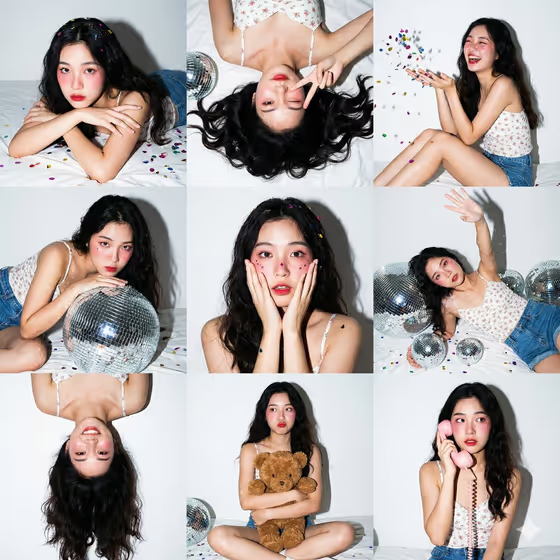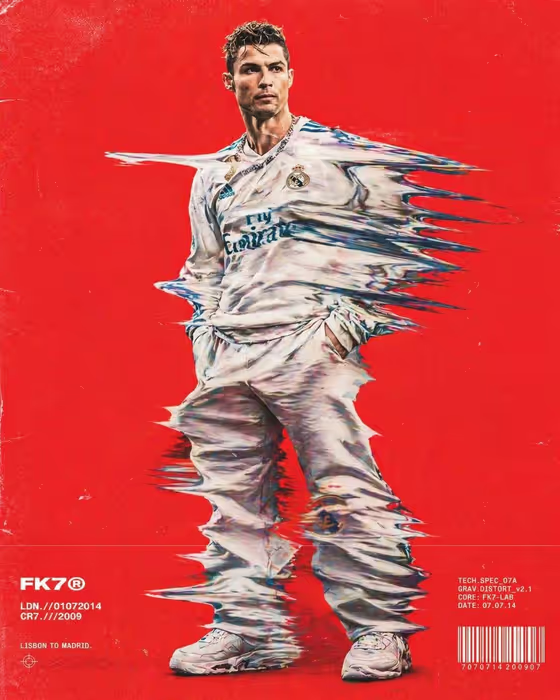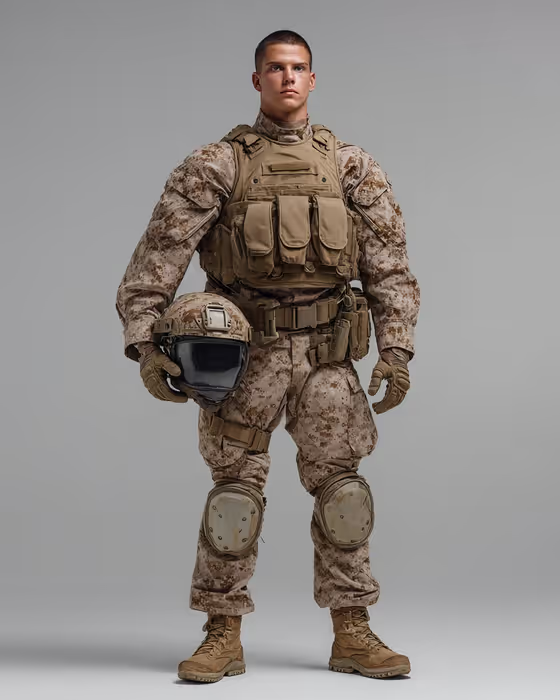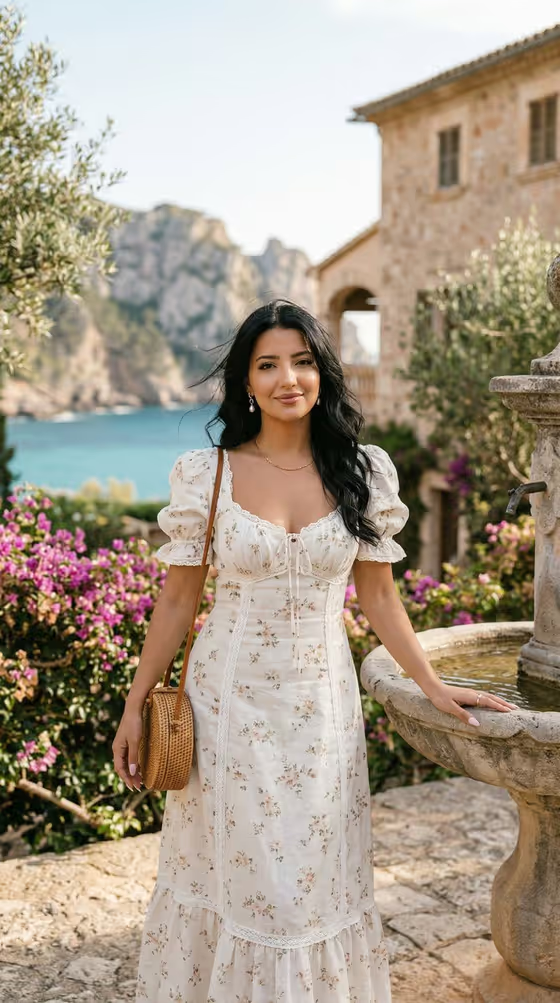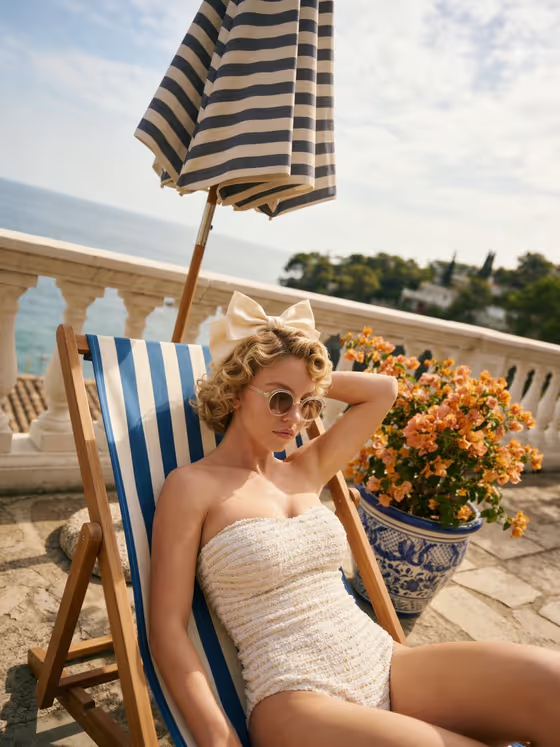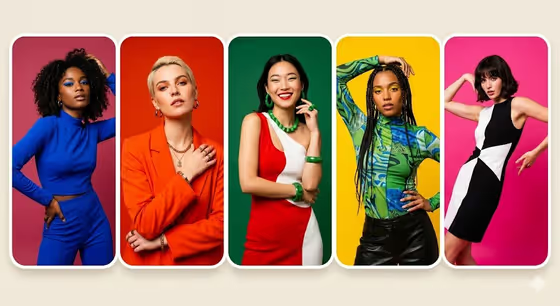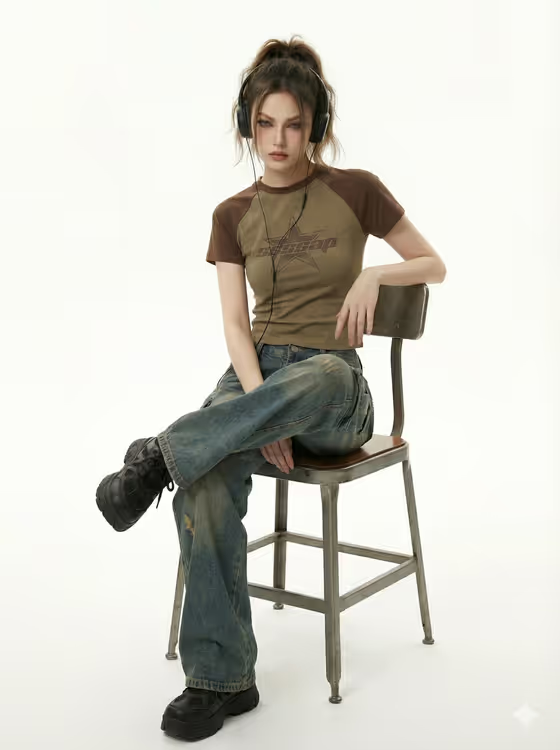
Cyber Y2K Studio Rebel creates a 3:4 studio portrait of a model dressed in Y2K-inspired streetwear and wearing a cyber accessory of your choice. The look is clean and editorial: a white studio backdrop, soft diffused light, visible fabric texture and a direct, slightly defiant gaze, much like the cover image with its raglan tee, worn denim and wired headphones.
It suits anyone who wants a polished fashion shot for a lookbook, a styling mood board, a product showcase or a social post. You describe or reference the model, the outfit and the accessory, and the template handles the camera angle, lighting and mood.
What works best as input
- The template asks for 2 or more photos, so supply reference images for the slots you want matched, such as the model and the outfit. A text description can cover any slot you do not have a photo for.
- For Fashion model or subject, use a clear, well-lit photo of the person, or write something specific like "an androgynous streetwear model" or "a confident young adult man". Only use photos of people who have agreed to it.
- For Fashion product or outfit, a photo that shows the whole garment works best, especially if details like sleeve color, graphics or distressed denim matter. If you type instead, name the pieces, for example "graphic baby tee and parachute pants".
- For Cyber accessory, keep the text short and concrete, such as "tinted wraparound glasses" or "silver ear-cuff headset". One clear accessory reads better than a long list.
How to use it
- Open the Cyber Y2K Studio Rebel template in Phosphene.
- Fill in Fashion model or subject, Fashion product or outfit and Cyber accessory. For each one you can type a description, pick one of the example suggestions, or add a matching reference photo.
- Make sure you have uploaded at least 2 photos in total, as the template requires, then generate the image.
- Review the 3:4 result, checking the outfit details, the accessory and the low-angle framing. Adjust the wording or swap a reference photo and generate again if something is off.
Tips for a better result
- Be specific about fabric and fit in the outfit field. Words like "distressed denim cargos" or "oversized jeans" help the template keep the loose volume and worn texture it is built around.
- Try the different example accessories to change the whole mood. Wired headphones feel casual and musical, while tinted wraparound glasses or a silver ear-cuff headset push the look more futuristic.
- Keep the model description simple and let the template's fixed direction handle the pose, lighting and expression. You do not need to describe the kneeling pose or the studio yourself.
- To explore a collection, keep the model and accessory the same and swap only the outfit between runs, so the results stay easy to compare.
Common mistakes
- Packing several accessories or conflicting styles into one field. The template is aiming for a restrained mix of Y2K, Harajuku and cyber styling, so a crowded description can muddy the look.
- Using a blurry, cropped or heavily filtered reference photo. The result can only follow what the reference clearly shows.
- Describing a different setting or pose in the text fields, such as an outdoor street scene. The template is designed around a white studio and a low-angle kneeling portrait.
FAQ
Do I have to upload photos?
The template lists an upload requirement of 2 or more photos. Each slot also accepts a text description, so you can combine reference photos with typed details.
What aspect ratio does it produce?
The output is a 3:4 image, a portrait format that suits full-look fashion shots.
Can I change the pose or the studio background?
No. The pose, the white studio and the soft diffused lighting are part of the template's fixed direction. You control the model, the outfit and the cyber accessory.
What should I write in the accessory field?
Name one clear item, for example "large wired headphones", "corded music player" or "tinted wraparound glasses". The placeholder and examples in the field show the style that works.