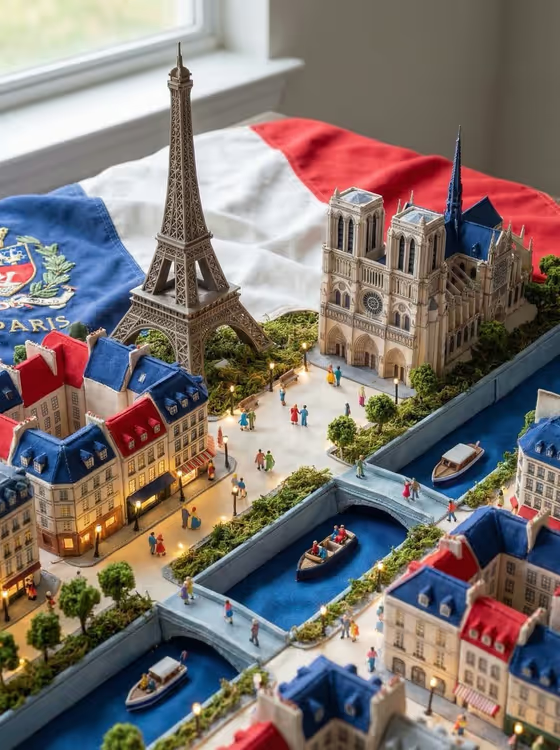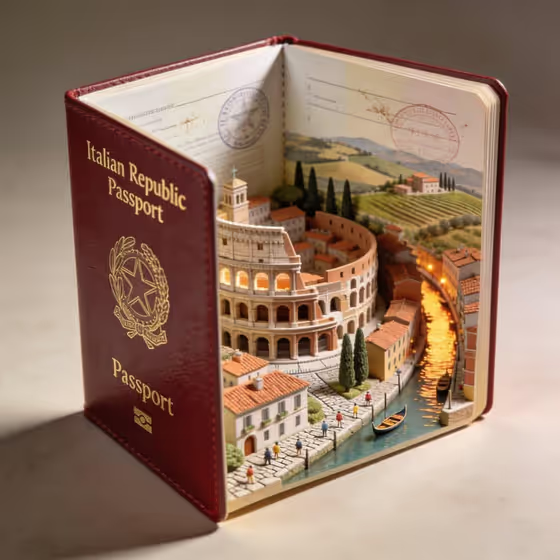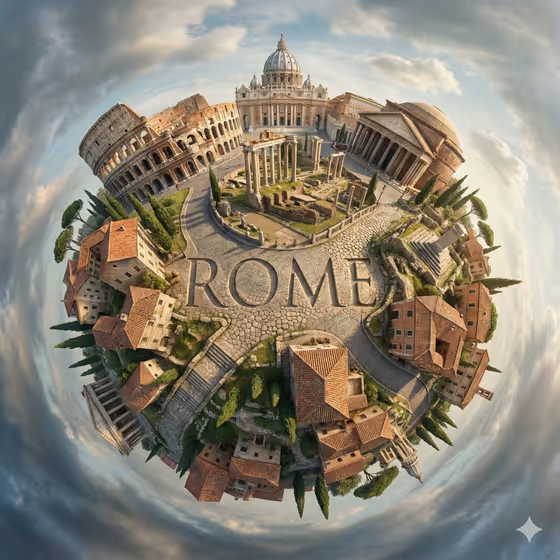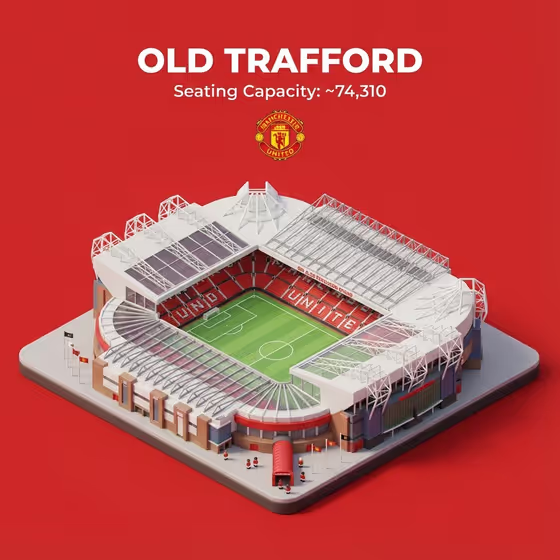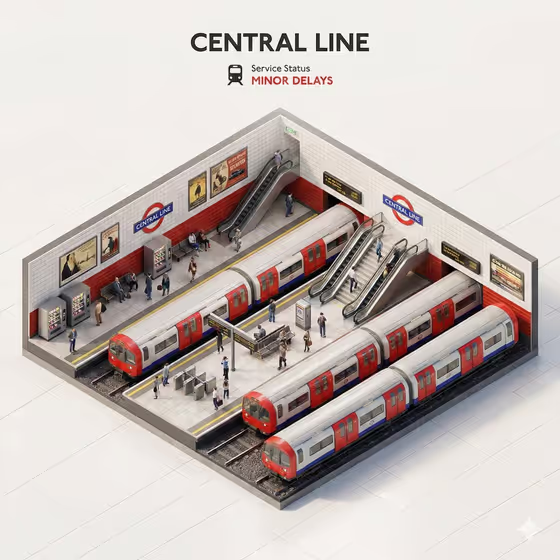
This template turns a place or subject into an isometric miniature train station diorama, shown in a clean 45 degree top-down view. The cover example shows a cutaway underground platform with trains, escalators, vending machines, tiled walls, small waiting figures and a bold title at the top.
A titled service-status panel sits above the scene, with a small train icon and a status line in red or green. It suits people who want a shareable, poster-style image of a city landmark, a neighborhood or a place that matters to them.
What works best as input
- For Scene subject or object, you can upload a photo or type a short description. Pick one clear subject, such as a landmark or a specific station-like place.
- If you upload a photo, choose one where the subject is clearly visible and not heavily cropped, so the diorama can keep its defining look.
- If you type instead, be concrete. Something like 'a famous city landmark' or 'a lively neighborhood scene' works better than a vague word.
- Keep the subject name short, because it is also used as the title text on the status panel.
How to use it
- Open the Miniature Train Station Diorama template in Phosphene.
- Fill in Scene subject or object by uploading a photo or typing a short description of the place.
- Choose a Creative direction, such as Clean editorial, Cinematic dramatic, Playful colorful or Quiet premium.
- Generate the image, then check the title, the status line and the overall scene before saving or trying again.
Tips for a better result
- Try the same subject with each Creative direction to compare moods, from Clean editorial to Playful colorful.
- Use a subject with a recognizable identity, so the platforms, signage and tiled walls feel tied to that place.
- Quiet premium tends to suit a calm, minimal look, while Cinematic dramatic leans toward stronger mood and lighting.
- If the title or status text looks off, regenerate with a shorter, simpler subject name.
Common mistakes
- Using a long or vague subject, which makes the title crowded and the scene less focused.
- Uploading a cluttered photo with several competing subjects, so the diorama has no clear theme.
- Expecting the status line to be set manually, since it is part of the template's fixed layout.
FAQ
Do I have to upload a photo?
No. Scene subject or object accepts a photo or a typed description, so you can use either one.
What does the Creative direction field change?
It sets the overall style of the image, with options like Clean editorial, Cinematic dramatic, Playful colorful and Quiet premium.
What shape is the result?
The output is a single image in a 3:4 portrait ratio.
What is the text at the top of the image?
It is a bold title based on your subject, followed by a train icon and a Service Status line, shown in red for delays or green for on-time.