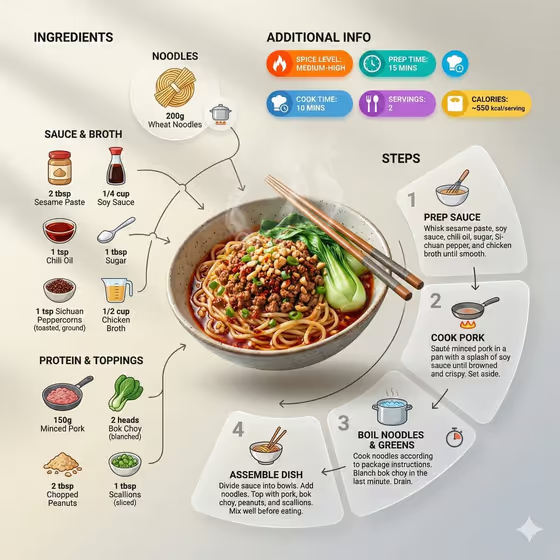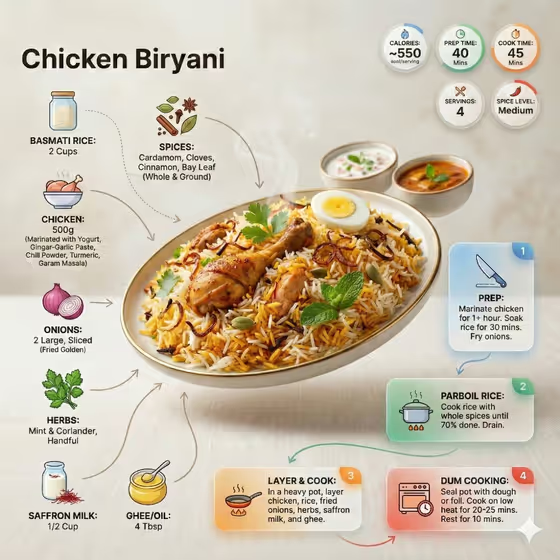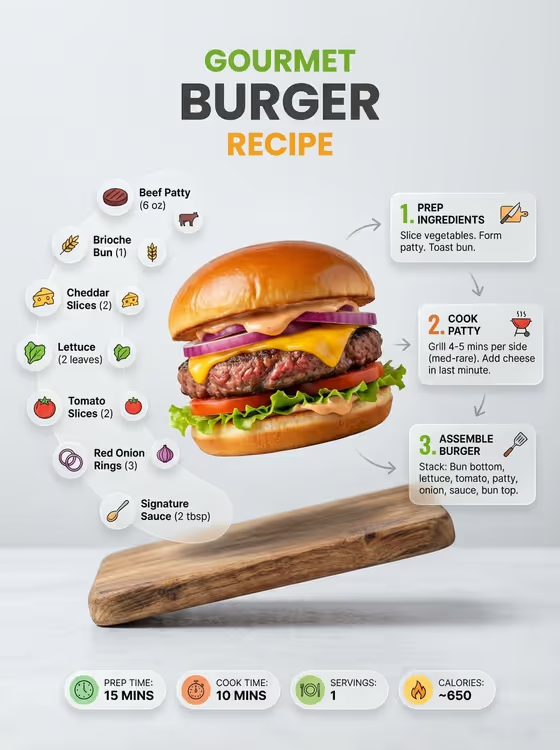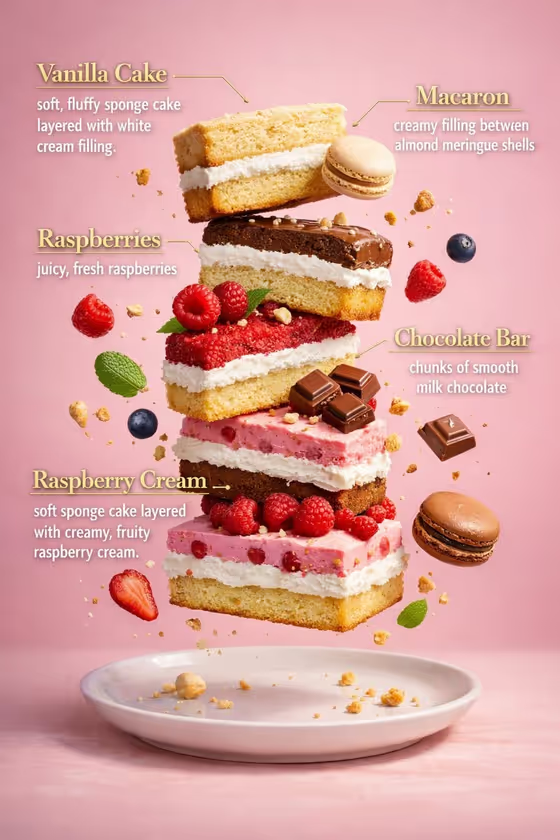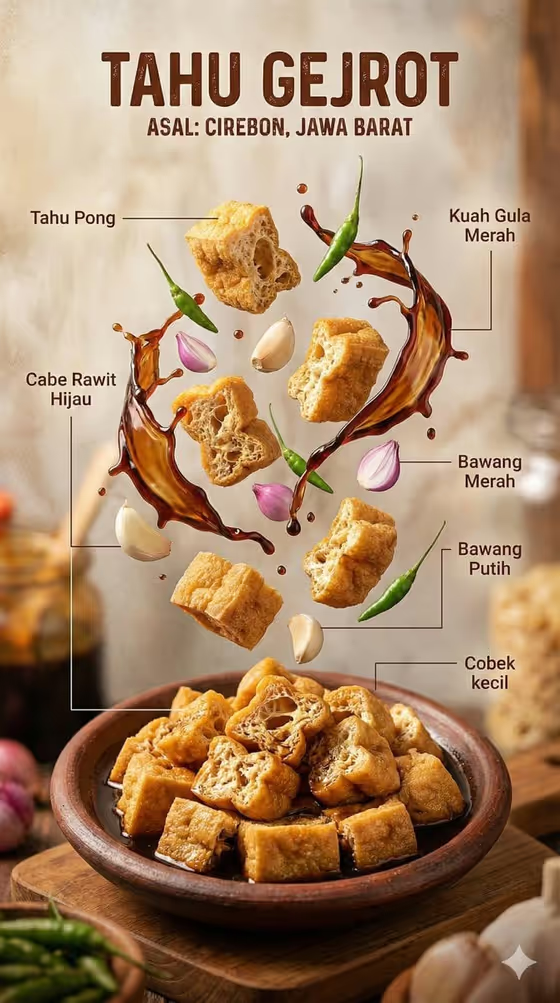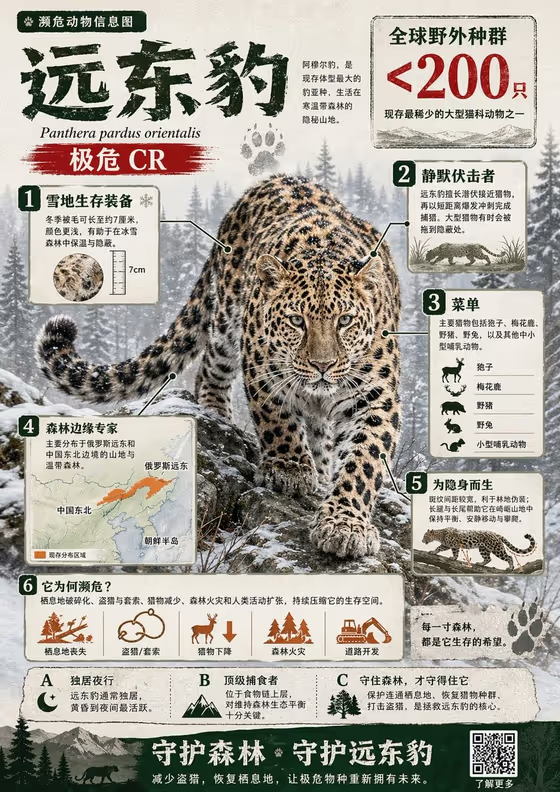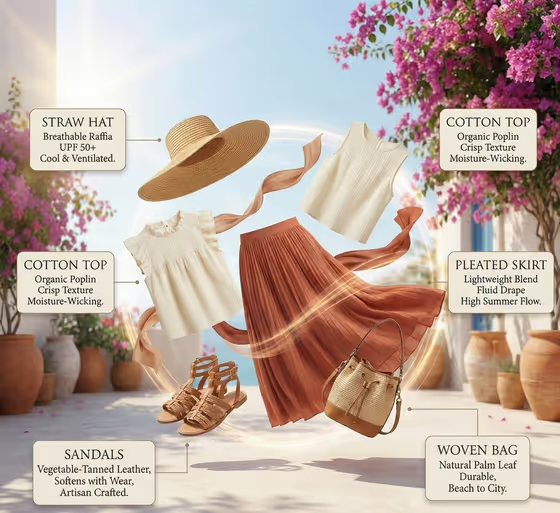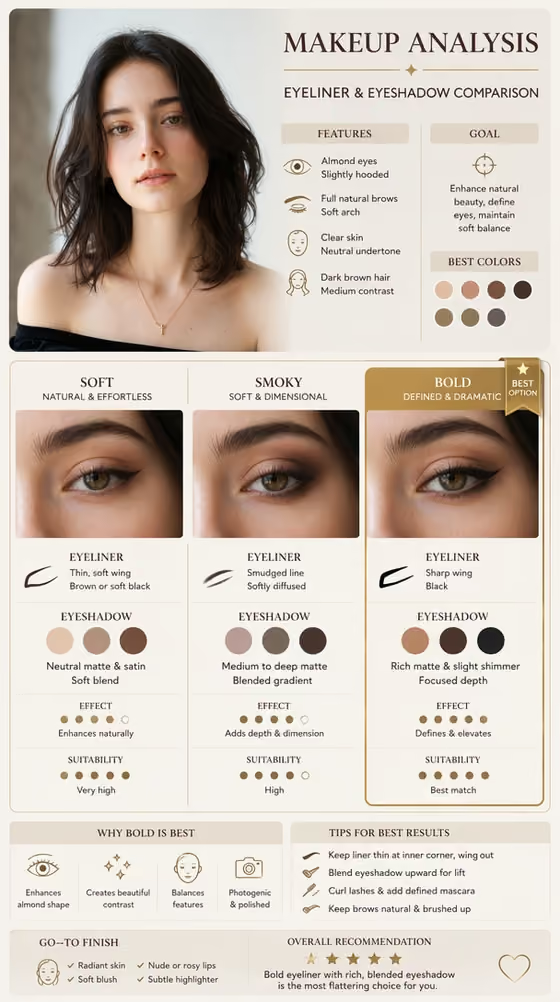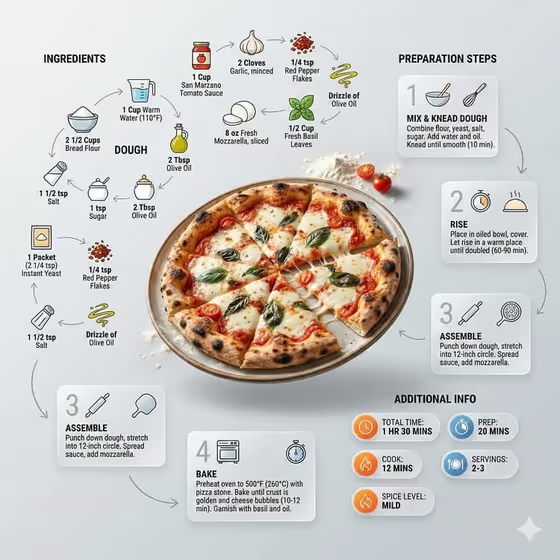
Editorial Recipe Guide turns a short text description of a dish, its ingredients and its steps into a 3:4 recipe infographic. The finished meal sits in the middle as the hero, with small illustrated ingredient icons, quantity labels, arrows and numbered step panels arranged around it, much like the pizza example on the cover.
It suits home cooks, food bloggers, recipe card makers and anyone who wants a recipe to read at a glance instead of as a block of text. You only type three fields, and no photo upload is needed.
What works best as input
- In Finished Food Title Design, describe the plated dish clearly, such as 'a sliced vegetable lasagna' or 'a bowl of spicy ramen'. A specific dish gives the hero image a clear subject.
- In Ingredient List Text, list six to eight ingredients separated by semicolons and add practical quantities, like 'ricotta 2c; mozzarella 300g; herbs 2T'. Short quantities fit better on the small labels.
- In Preparation Step Plan, write five or six short actions in order, separated by semicolons, for example 'Prep vegetables; cook sauce; layer pasta; add cheese; bake; rest and slice'.
- Keep each ingredient and step to a few words. The panels and labels are compact, so long sentences are harder to fit and read.
- This template has no photo slot, so describe the food in words rather than trying to attach an image.
How to use it
- Open the Editorial Recipe Guide template in Phosphene and review the three fields.
- Fill in Finished Food Title Design, Ingredient List Text and Preparation Step Plan. You can start from the example chips if you want a quick base to edit.
- Generate the image and wait for the 3:4 result to appear.
- Check that the ingredients, quantities and numbered steps match what you typed, then adjust your text and generate again if anything looks off.
Tips for a better result
- Match your ingredient count to the layout. Six to eight items gives the icons room to orbit the dish without crowding it.
- Use an order that reads naturally for the steps, since they become a numbered flow around the hero. Start with prep and end with serving or garnishing.
- Try different dishes and cuisines using the same structure, such as a curry, pancakes or ramen, to build a consistent set of recipe graphics.
- Include simple, recognizable ingredient names so the mini illustrations are easy to identify, for example 'basil' or 'mushrooms' rather than vague terms like 'toppings'.
Common mistakes
- Writing the steps as long paragraphs. The step panels are small, so use short action phrases separated by semicolons.
- Listing too many ingredients or leaving out quantities. The template is built for six to eight ingredients with practical amounts, and extras can make the layout cluttered.
- Giving a vague dish title like 'dinner'. Without a clear description, the hero dish and its icons are less likely to match your recipe.
FAQ
Do I need to upload a photo of the dish?
No. All three fields are text only, and the template does not accept a photo. Describe the finished dish in Finished Food Title Design instead.
How many ingredients and steps should I enter?
The field hints suggest six to eight ingredients and five or six ordered steps. Staying near those numbers keeps the infographic readable.
What does the result look like?
You get a 3:4 image with the finished dish as the centerpiece, labeled ingredient illustrations with quantities, numbered glass-style step panels, arrows, cooking symbols and small info badges.
Can I use it for any cuisine?
The examples cover lasagna, Thai curry, pancakes and ramen, so a wide range of dishes works. Just describe the dish, ingredients and steps in your own words.