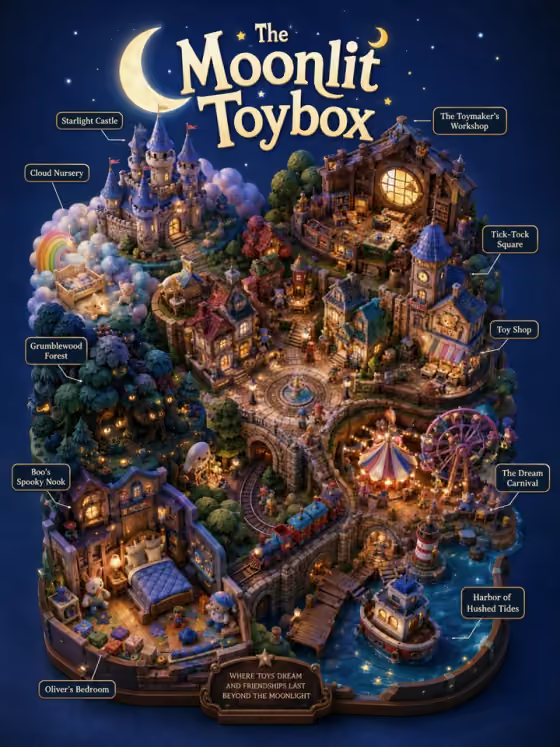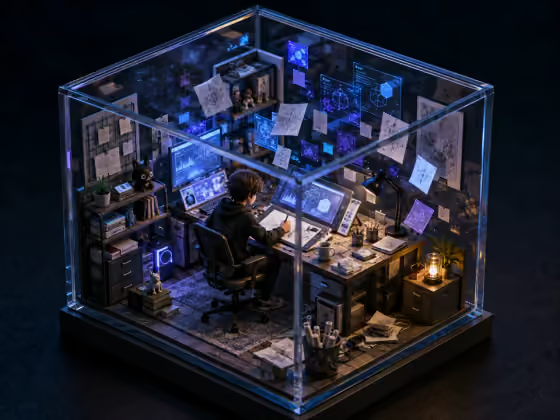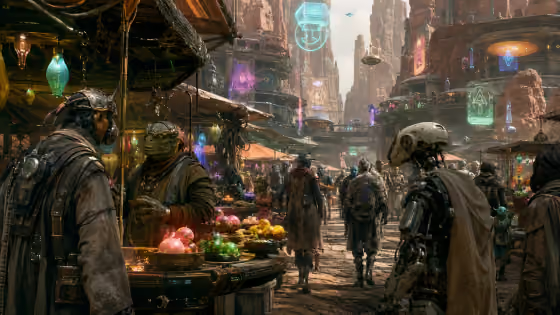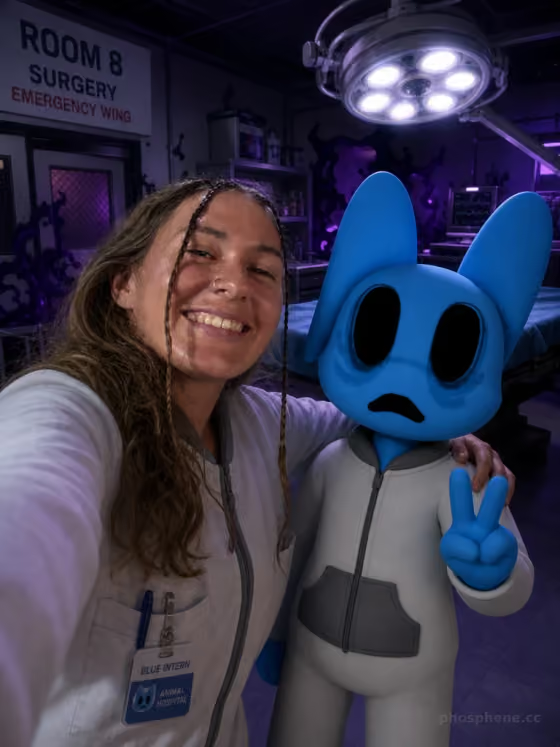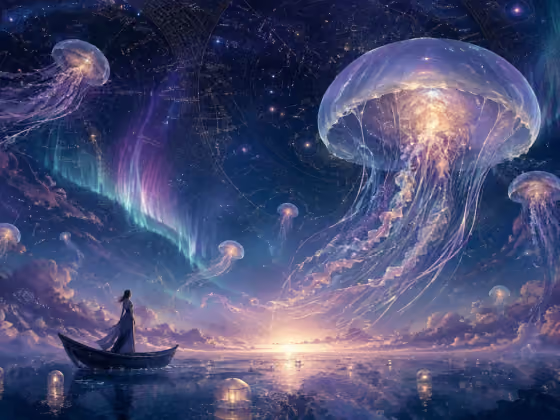
Dream Ocean builds a calm, wide cosmic seascape from a handful of mood choices. The result is a 4:3 image with luminous drifting forms above water, a pearl, indigo and aurora glow palette, and the feel of a quiet myth rather than a crowded fantasy poster.
It suits anyone who wants atmospheric art without needing a source photo. Writers, game masters, and people making wallpapers, mood boards or album-style artwork can use it to explore a dreamlike world by changing a few settings.
What works best as input
- There is no photo slot in this template, so everything comes from your choices. Nothing needs to be uploaded.
- For Cosmic setting, write a short, vivid place such as "deep cosmos at twilight" or "a lavender dawn on an impossible sea". One clear scene works better than a long list of ideas.
- Pick Lantern forms, Water surface and Sky detail so they suit each other. For example, glass bells with aurora threads pair naturally with a mirrored ocean below and thin constellations in the sky.
- Choose an Emotional tone that matches the setting. "Quiet wonder" or "sacred stillness" fits a calm twilight sea, while "melancholic calm" suits darker water and a sleeping horizon.
How to use it
- Open the Dream Ocean template in the Scenes category.
- Type your Cosmic setting, then choose a Lantern forms, Water surface and Sky detail option.
- Select an Emotional tone, then start the generation.
- Review the 4:3 image. If the mood or composition is off, change one or two choices and generate again.
Tips for a better result
- Change one slot at a time between runs. Swapping only the Water surface, say from a mirrored ocean to a pearl mist, shows you exactly what that choice does.
- Use Sky detail to avoid a generic look. Specifics like antique ink-map constellations or small temple silhouettes near the horizon give the scene a point of interest.
- Keep the Cosmic setting simple and let the other slots add detail. The template aims for graceful scale and soft depth, so a focused setting supports that.
- Try pairing a bright tone like "dreamy relief after a storm" with a dark setting for contrast, or a gentle tone with a luminous one for a softer, more uniform glow.
Common mistakes
- Writing a very long or busy Cosmic setting. The template is built to feel like a quiet myth, so piling on many elements can fight that calm.
- Combining choices that pull in opposite directions, such as a stormy, chaotic idea in the setting with a tone of "sacred stillness". Keep the mood consistent across slots.
- Expecting to upload a photo or a reference. This template has no photo input, so describe your idea in the Cosmic setting field instead.
FAQ
Do I need to upload a photo?
No. Dream Ocean has no upload requirement. You type a Cosmic setting and choose the other options.
What size is the image?
The output is a single image in a 4:3 aspect ratio.
Can I get a different look from the same template?
Yes. Changing the Lantern forms, Water surface, Sky detail or Emotional tone gives noticeably different scenes while keeping the same pearl, indigo and aurora palette.
Which fields are required?
All five are required: Cosmic setting, Lantern forms, Water surface, Sky detail and Emotional tone.