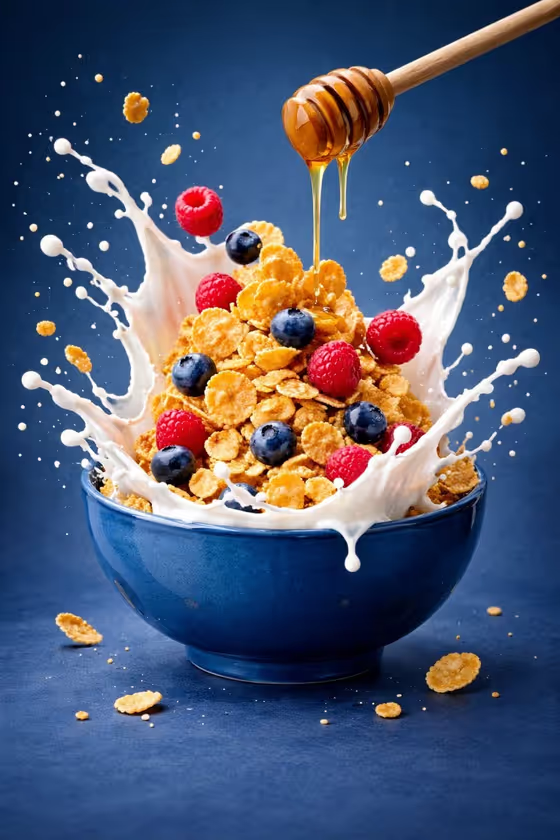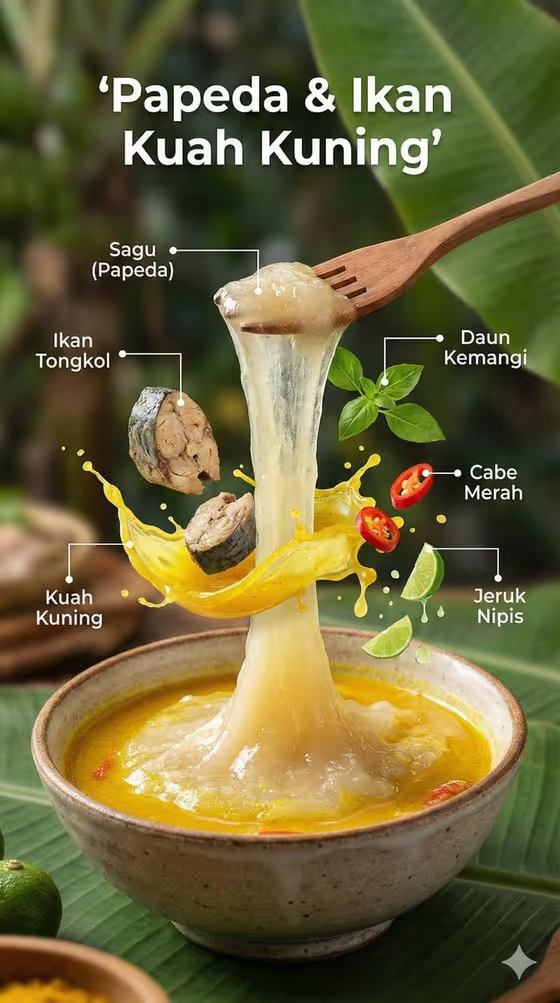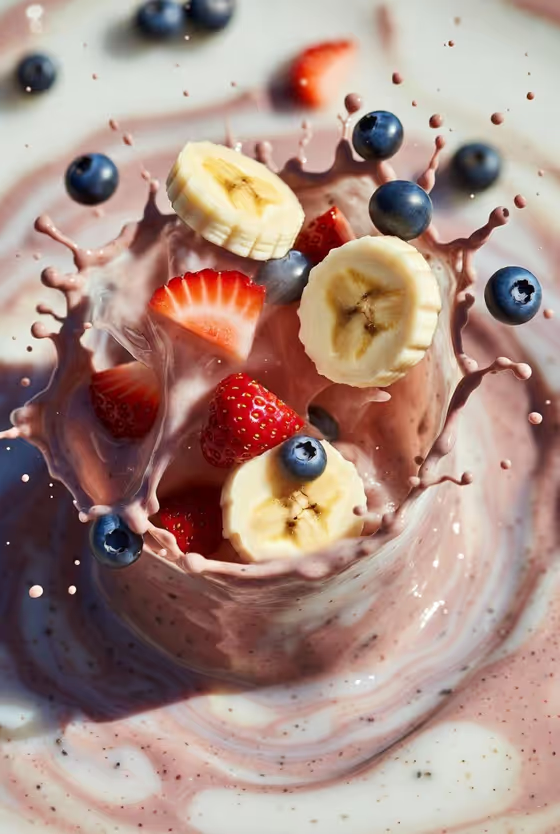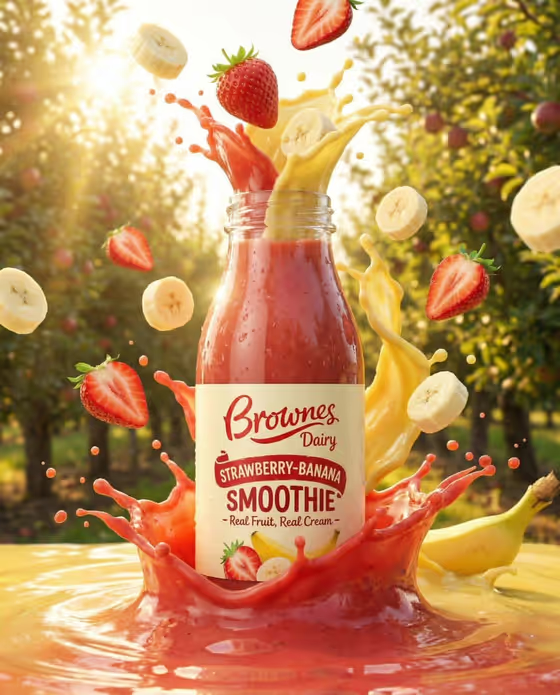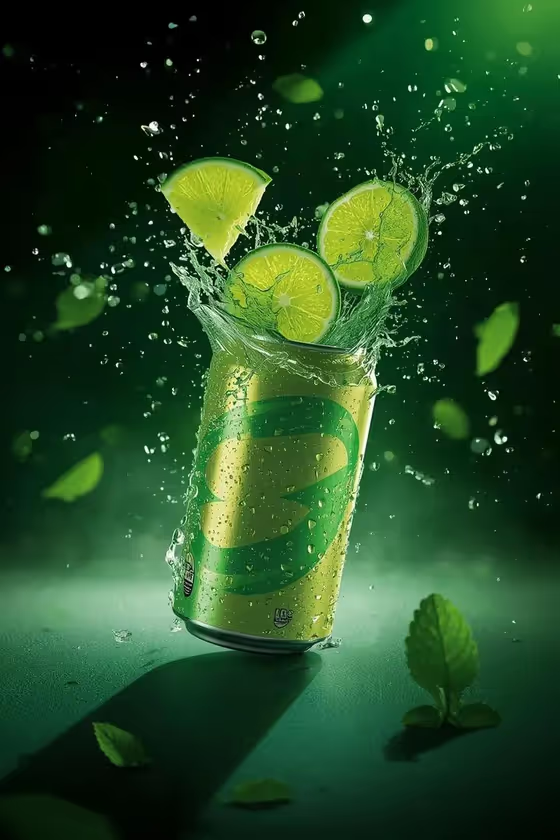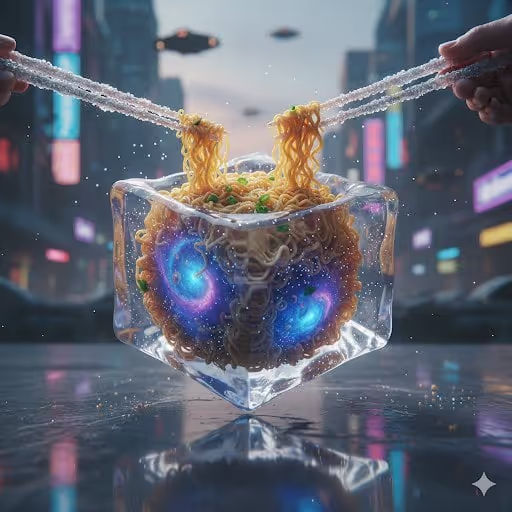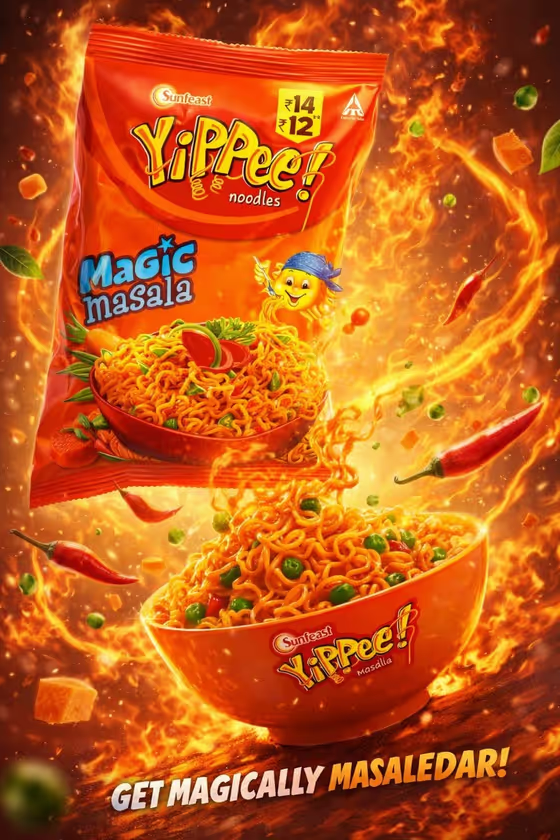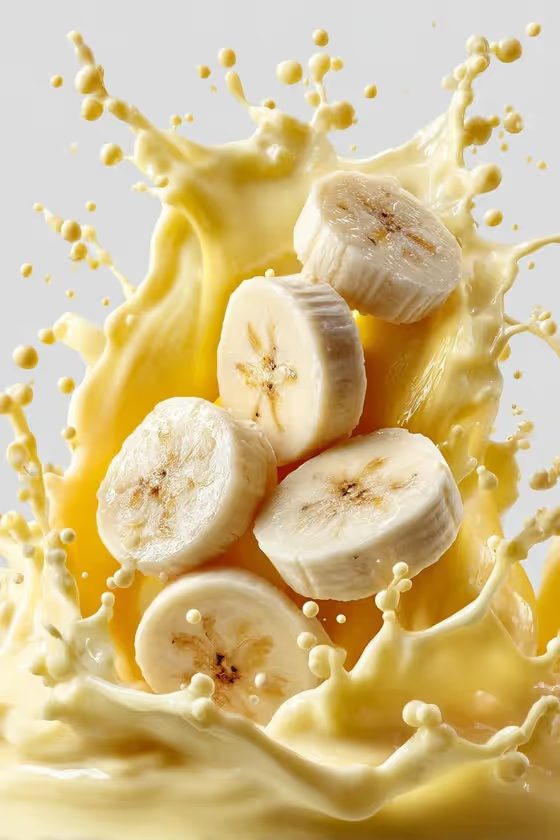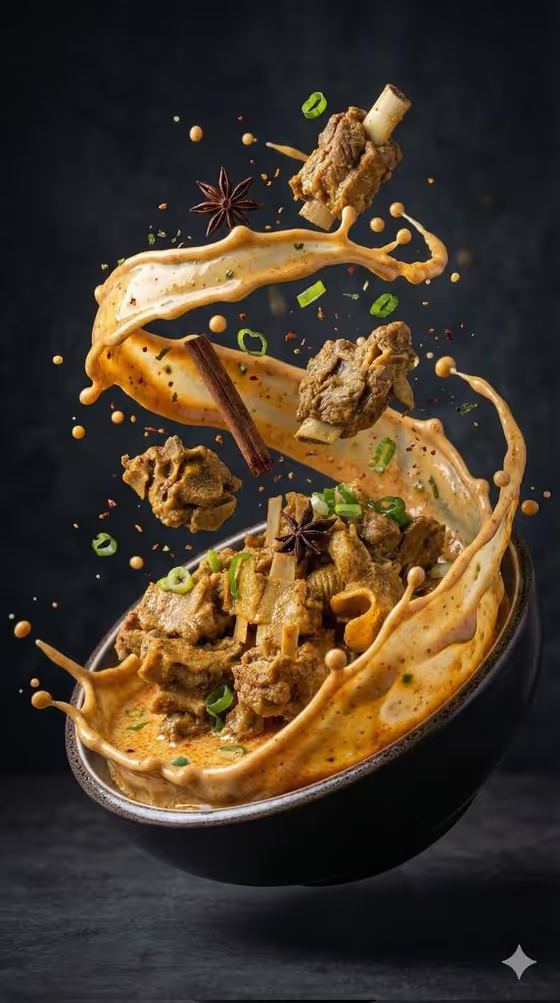
Exploding Gourmet Soup turns a soup or broth dish into a high-speed food photograph, with the liquid erupting upward from the bowl in ribbons while pieces of food hang in the air. The cover shows the idea: a dark bowl, a swirling splash of creamy broth, bone-in meat chunks floating mid-air, and whole spices scattered around the motion.
It suits food bloggers, restaurant owners, home cooks, and anyone who needs a dramatic menu or social image without setting up a real splash shoot. You describe your dish or give it a reference photo, pick a garnish set, and the template handles the dark-studio styling and the 3:4 portrait framing.
What works best as input
- For the Food product or dish field, you can type a description or upload a matching food reference. Name the dish specifically, for example "ramen with braised pork" or "creamy seafood bisque", rather than just "soup".
- If you upload a reference photo, use a clear, well-lit shot of the actual dish so the colors, broth thickness, and main ingredients are easy to read.
- Mention the key visible ingredients in your text, such as bone-in meat, noodles, or seafood, because these become the substantial pieces suspended in the splash.
- Keep the dish description focused on one soup. Mixing several different dishes in one field makes the composition less coherent.
How to use it
- Open the Exploding Gourmet Soup template in Phosphene.
- In Food product or dish, type your dish (the placeholder suggests "spicy bone-in meat soup") or upload a matching food reference photo.
- In Suspended garnish set, choose the ingredients you want frozen around the burst, such as star anise, cinnamon and green onion, or chili, lime and cilantro.
- Generate the image, then review the splash shape, the suspended food pieces, and the garnish. Adjust your dish description or garnish choice and run it again if needed.
Tips for a better result
- Match the garnish to the cuisine. Chili, lime and cilantro reads differently from mushrooms, sesame and scallions, and the cover's star anise and cinnamon suit a rich, spiced broth.
- Describe the broth's color and texture in the dish field (creamy, clear, oily, thick), since the splash ribbons follow that look.
- Try the same dish with different garnish sets to get a small series of images for a menu or campaign.
- Use the 3:4 portrait output for stories, posters, and menu inserts, where the tall upward eruption fits naturally.
Common mistakes
- Writing a vague dish name like "food" or "soup" leaves the template to guess, so the pieces and broth may not look like your actual dish.
- Uploading a dark, blurry, or cluttered photo as the dish reference makes the ingredients hard to read and can muddy the result.
- Choosing a garnish set that clashes with the dish, such as sweet or dessert-style garnishes on a savory broth, can make the image feel unappetizing.
FAQ
Do I have to upload a photo?
No. The Food product or dish field accepts a text description or a matching food reference photo, so you can use either.
Can I choose the garnish?
Yes. The Suspended garnish set field lets you pick the ingredients frozen around the splash, for example star anise, cinnamon and green onion.
What kind of look will the image have?
The template uses dramatic dark-studio lighting, rising steam, shallow depth of field, and macro food texture, with a 3:4 portrait frame.
Will it work for dishes other than soup?
It is built for soups and broths with a liquid splash. The examples include bisque, ramen, and bone-in meat soup, so liquid-based dishes work best.