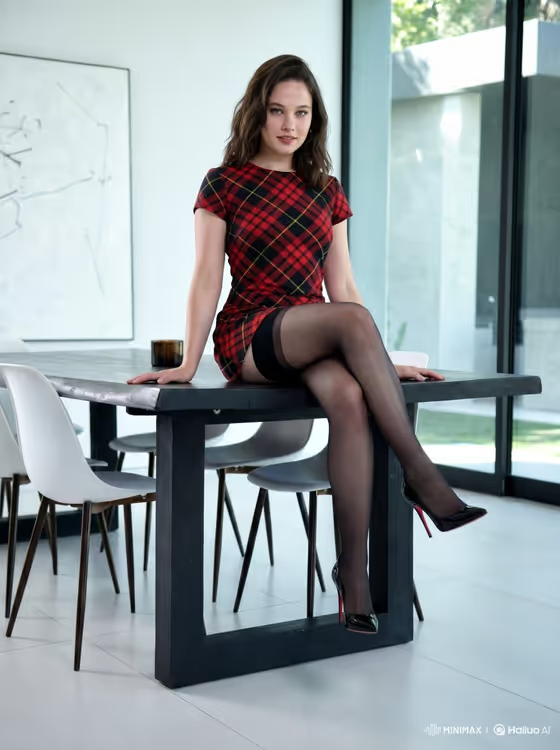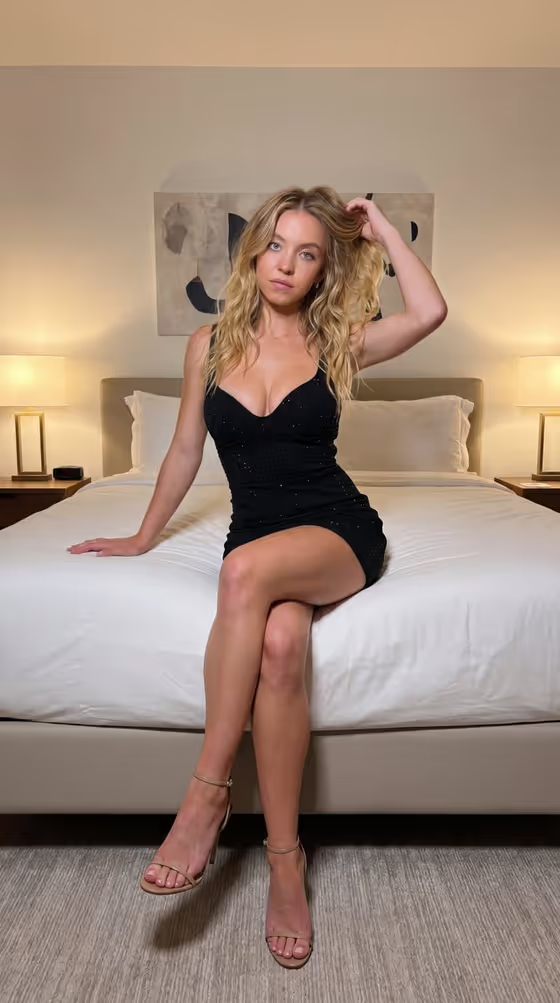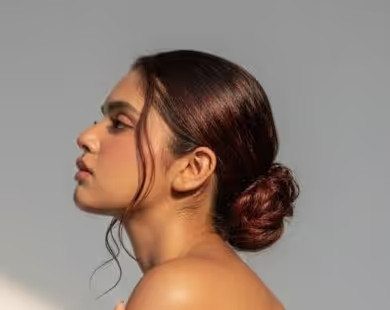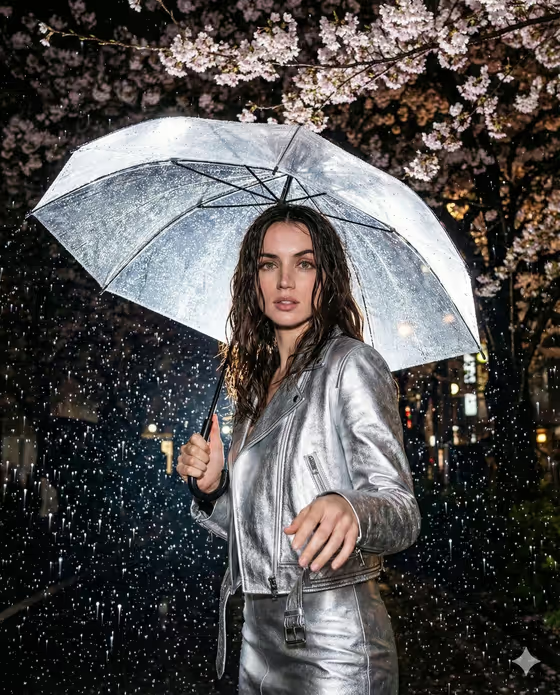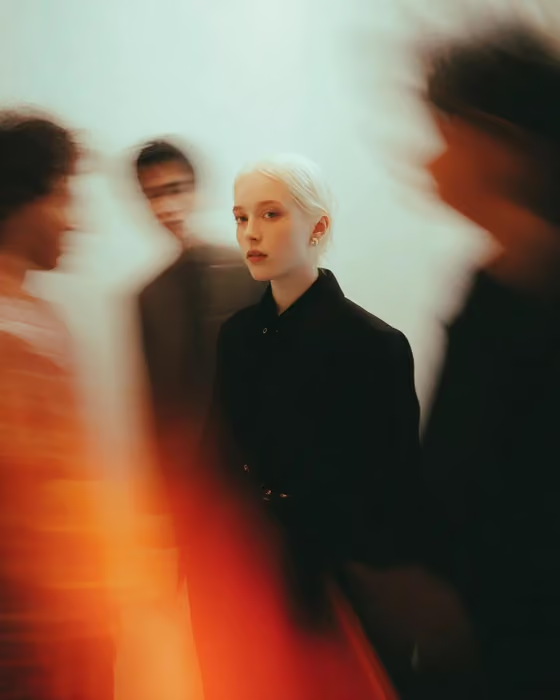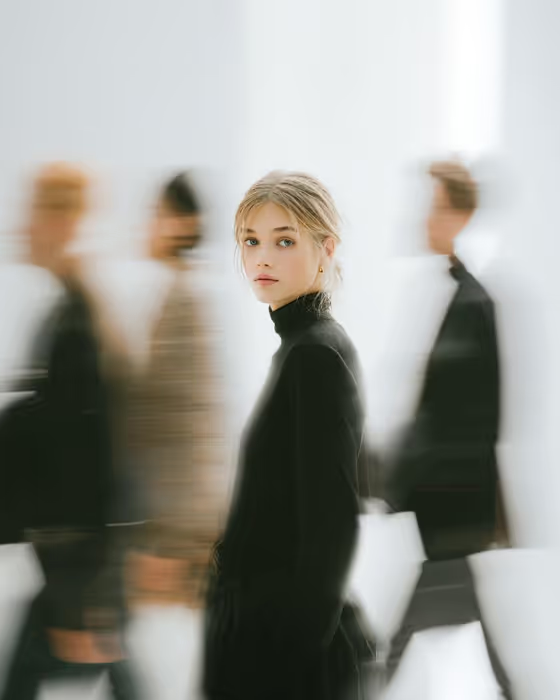
Fashion Crowd Still turns your photo into a magazine-style portrait. You stay sharp and motionless in the center of the frame while blurred figures in dark and neutral clothing stream past on either side, set against a clean, bright, slightly abstract background.
It suits anyone who wants an editorial look for a profile image, a creative portfolio or a style-focused post. The output is a 3:4 image, so it fits vertical formats well.
What works best as input
- Upload one clear photo of the person you want held still in the center. A face that is well lit and fully visible gives the template the most to work with.
- Pick a photo where you already look toward the camera. The default pose option, the source gaze and expression, carries your original look into the result.
- Use a single subject in the shot. Other people in your photo can compete with the blurred crowd the template adds itself.
- In the Portrait subject field, a short phrase such as the placeholder 'an adult woman matching my reference' works as a starting point. Adjust the wording to describe the adult in your photo.
- Avoid heavy filters, strong shadows across the face or very small, distant shots. A close or mid-length framing keeps the face crisp.
How to use it
- Open the Fashion Crowd Still template in Phosphene.
- Upload your photo and fill in the Portrait subject field, either by choosing an example or describing the subject in your own words.
- Set Pose or expression. Keep 'the source gaze and expression' to stay close to your photo, or try an option like 'calm direct gaze' or 'quiet introspection'.
- Generate the image, then review it for a sharp face against the motion-blurred crowd. Adjust the fields and run it again if you want a different mood.
Tips for a better result
- Try the different Pose or expression examples, such as 'intense focused gaze', to change the feel of the portrait without changing your photo.
- Keep your descriptions short and concrete. The template already sets the styling, a black minimalist outfit and a bright clean background, so you do not need to repeat that.
- Compare a few generations. Each run can place the blurred figures and trails slightly differently, so you can pick the composition you like best.
- If the first result feels off, change one field at a time so you can see which edit made the difference.
Common mistakes
- Uploading a blurry or heavily cropped photo. The template depends on a clear subject, so a soft source tends to give a less convincing sharp-against-blur contrast.
- Writing a long, busy description in Portrait subject. Piling on extra scene details can pull attention away from the single still figure the template is built around.
- Choosing a gaze that contradicts your photo, for example describing an intense stare when the source shows a relaxed smile, which can make the result feel less like you.
FAQ
Do I need to upload a photo?
Yes, this template expects one uploaded photo of the subject. You also fill in the Portrait subject and Pose or expression fields to guide the result.
What will the outfit and background look like?
The template styles the subject in a black minimalist outfit and places them against a clean, bright, slightly abstract background with blurred people passing behind.
What shape is the final image?
The output is a still image in a 3:4 vertical ratio, like a magazine portrait.
How do I keep the expression from my original photo?
Leave Pose or expression on 'the source gaze and expression'. Choose another option only if you want to change the mood.