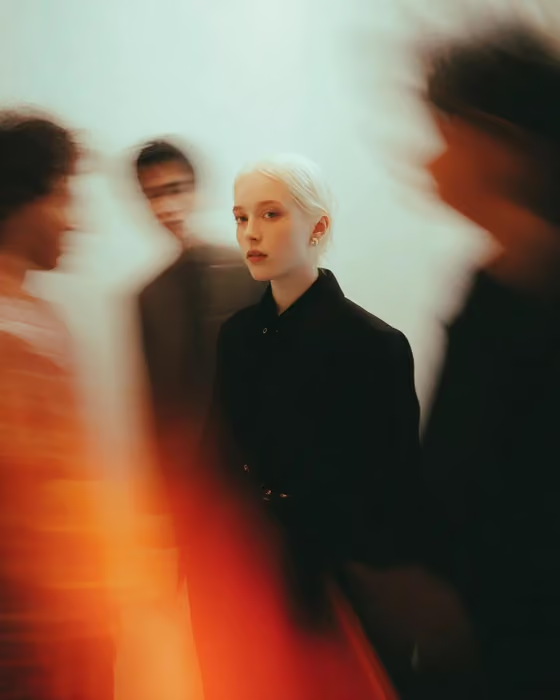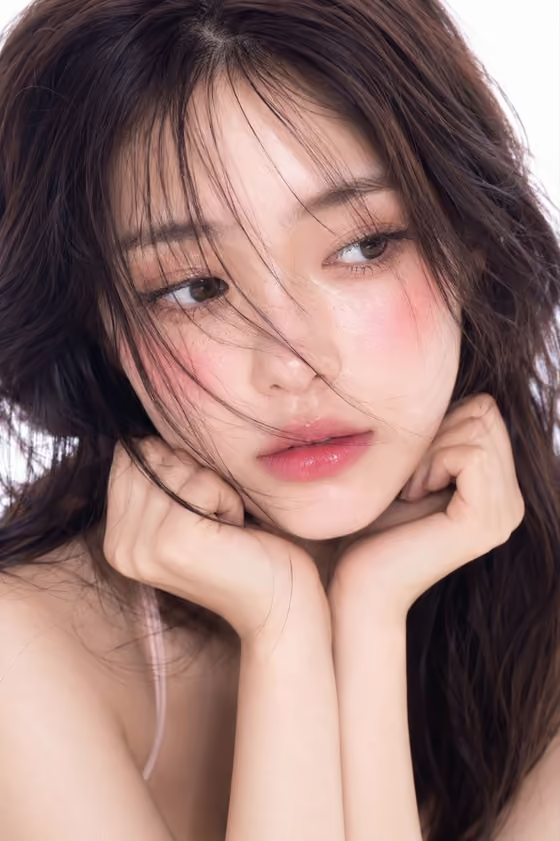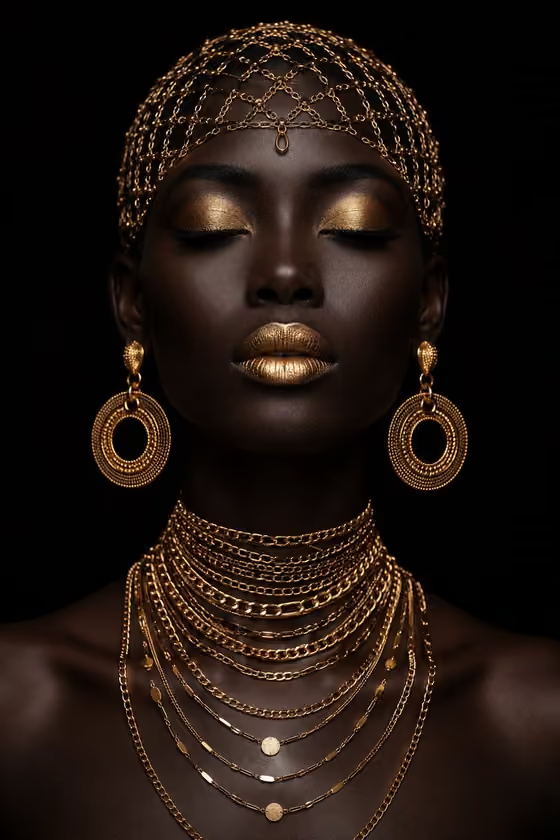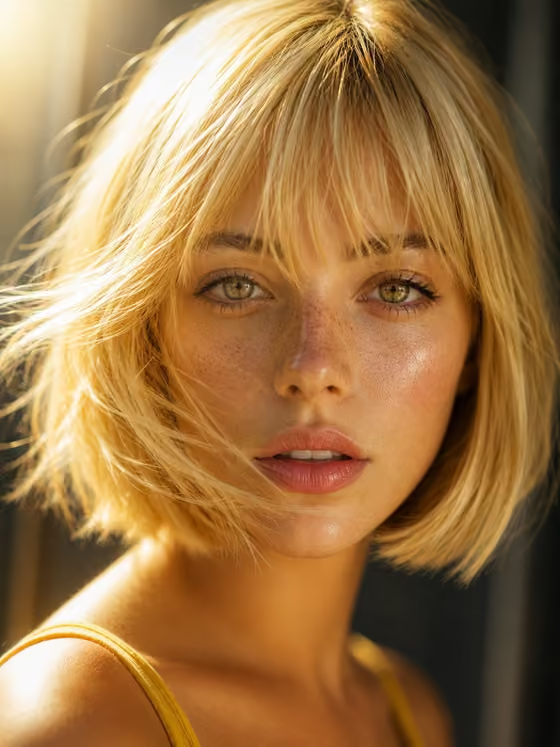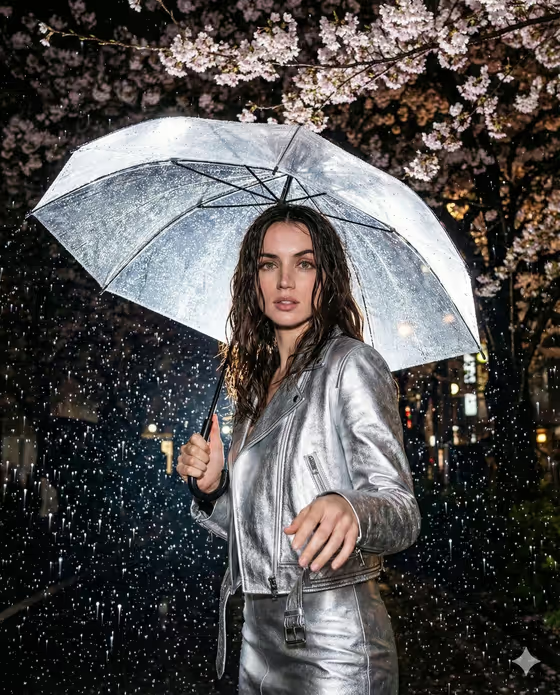
Flash Rain Fashion Portrait makes a 3:4 night portrait of one person standing under a clear umbrella beneath rain-soaked cherry blossoms. The look is built on direct on-camera flash: raindrops frozen mid-air, a dark background, wet hair and an editorial outfit, like the silver leather jacket and skirt in the cover image.
It suits anyone who wants a moody street-style or fashion-editorial picture without organizing a night shoot. You describe or upload the subject, pick a rain-night outfit, and add one foreground gesture that gives the frame some intimacy.
What works best as input
- The Portrait subject field accepts either a text description or an identity reference photo. If you upload photos, the template asks for two or more, so add a few clear shots of the same person.
- Use sharp, well-lit reference photos with the face unobstructed and eyes visible. Avoid sunglasses, heavy filters or strong shadows across the face.
- Include variety across your photos, such as one straight-on and one slight angle, so the person is easy to recognize from more than one view.
- Only upload photos of yourself or people who have agreed to it. If you describe the subject in text instead, keep it short and visual, like "a poised musician" or "an androgynous fashion model".
- The Foreground gesture field is text only (no photo), so write the pose in a few plain words, such as "hand reaching toward camera".
How to use it
- Open the Flash Rain Fashion Portrait template in Phosphene.
- Fill in Portrait subject by typing a description or adding your reference photos, then choose a Rain-night wardrobe, for example silver leather co-ord or black trench with tailored shorts.
- Type a Foreground gesture, such as umbrella held over one shoulder, then generate the image.
- Review the portrait for face likeness, wet hair, outfit and the placement of the gesture. Adjust the fields and generate again if something is off.
Tips for a better result
- Pick a gesture that works with the umbrella. "Both hands gripping the umbrella handle" keeps the pose grounded, while "hand reaching toward camera" adds depth in the foreground.
- Try different wardrobes with the same subject. A metallic outfit catches the flash and glows against the dark, while a burgundy bomber with dark denim gives a warmer, moodier result.
- Keep each field to one clear idea. The template already fixes the flash, cherry blossoms, clear umbrella and dark night, so you do not need to describe the scene again.
- If a subject description feels generic, add one specific detail like "a cinematic street-style muse" to steer the styling.
Common mistakes
- Describing the background, lighting or weather in the subject or gesture fields. Those are already set by the template and extra scene details can clutter the result.
- Uploading a single blurry or heavily filtered photo. The template expects two or more clear photos when you use a reference.
- Writing a long, multi-part gesture. Several competing poses are harder to read in one frame than a single simple action.
FAQ
Do I have to upload photos?
The Portrait subject field lets you either describe the person in text or upload an identity reference. If you go the photo route, the template asks for two or more photos.
Can I upload a photo for the gesture or outfit?
The Foreground gesture field is text only. The Rain-night wardrobe slot lists examples like brown leather jacket and skirt or silver leather co-ord to choose from.
What size is the result?
The template outputs a single image in a 3:4 portrait ratio.
Can I change the rain, flash or blossoms?
No, those are fixed: a night setting under cherry trees, a clear raindrop-covered umbrella, strong on-camera flash and a dark background. You control the subject, wardrobe and gesture.