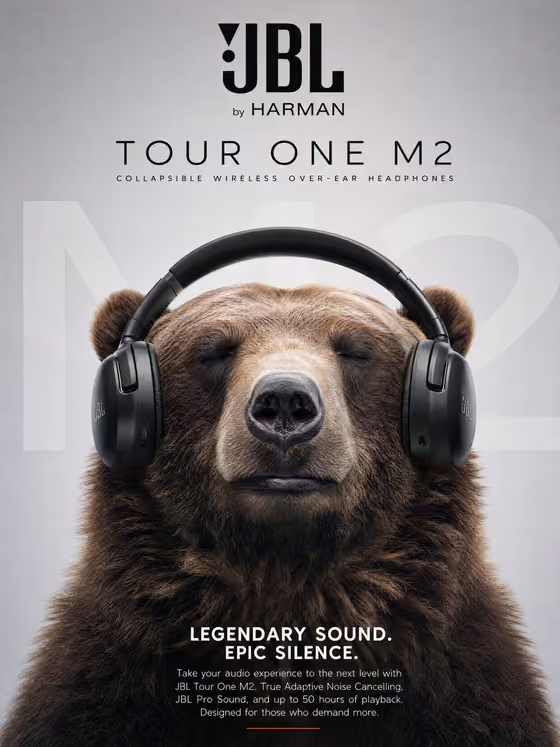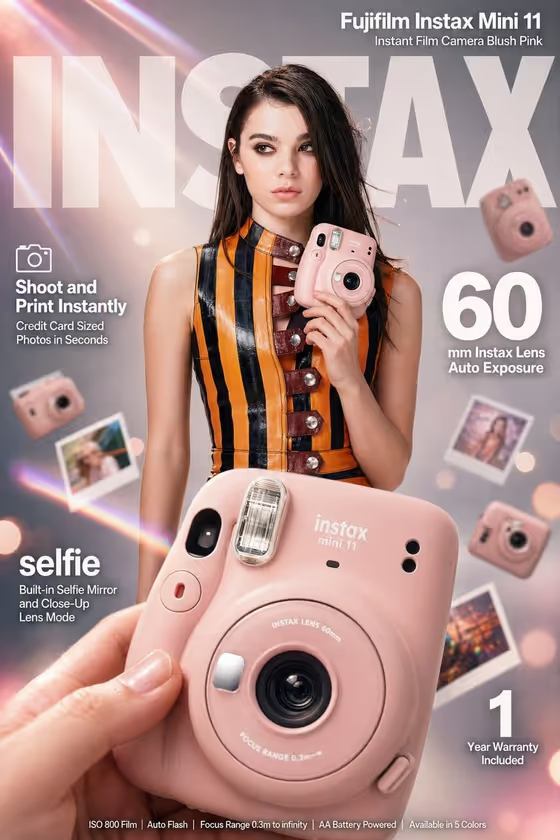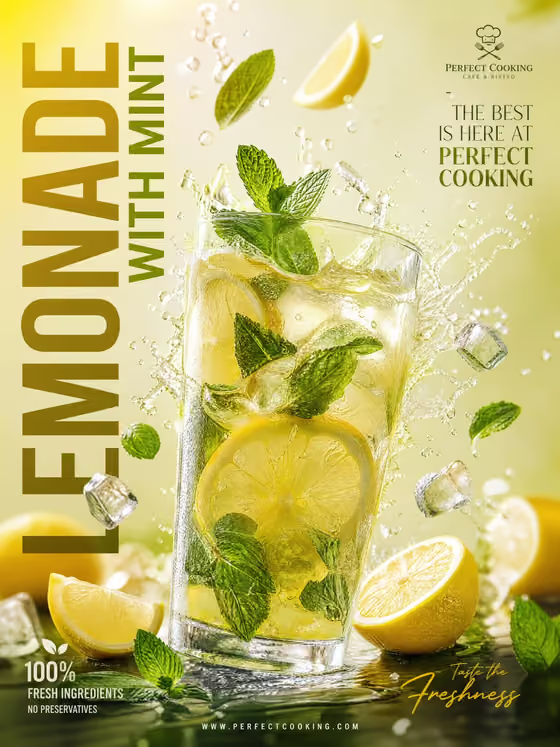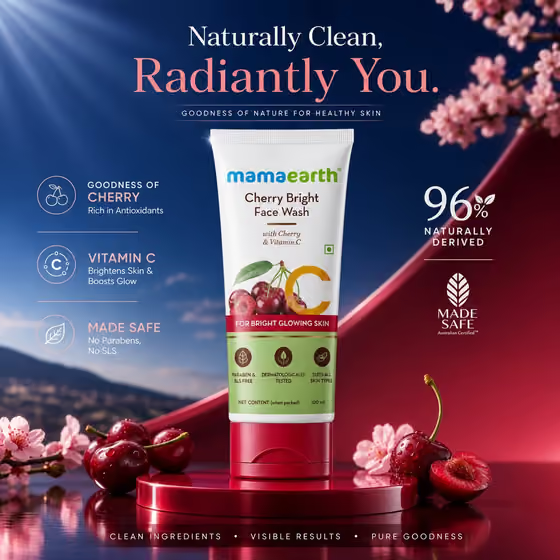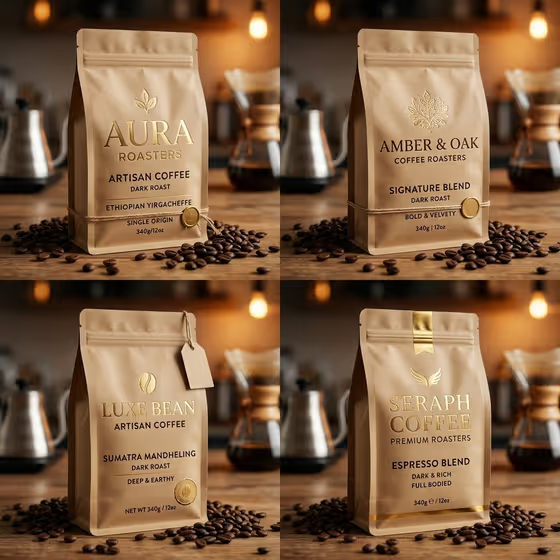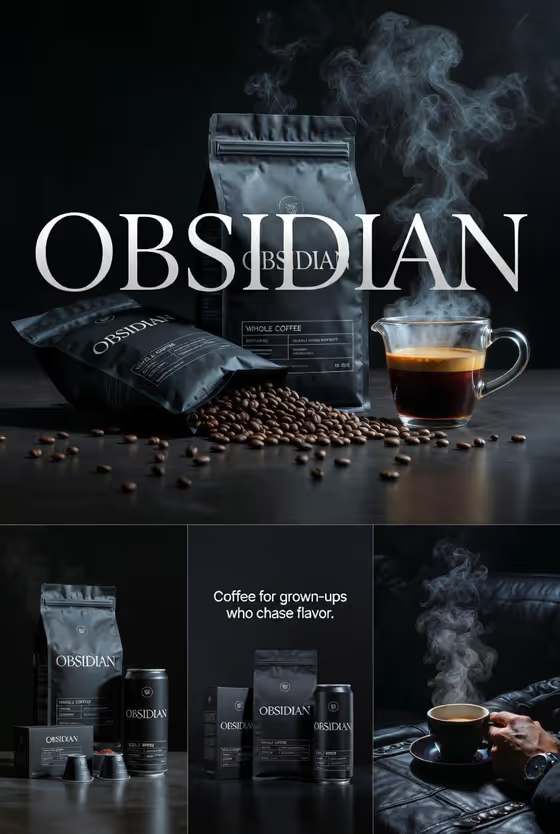
This template builds a connected set of four images for a coffee brand in one dark, cinematic look. The set covers a hero poster with steam and scattered beans, a product lineup of bags, cans and capsules, a packaging close-up that carries your tagline, and a lifestyle shot of a steaming cup.
It suits small roasters, coffee startups and marketers who want a consistent campaign set to review before planning real photography or ads. You provide a product description, a brand name and a tagline, and the template keeps the branding consistent across all four frames.
The output is a 3:4 image set, so it fits portrait placements.
What works best as input
- In the Coffee Product field, describe the brand and what you sell. The placeholder 'Obsidian dark-roast coffee' shows the level of detail that works, and the examples include a single-origin coffee, an espresso collection and a cold-brew line.
- The Coffee Product field accepts a photo as well as text, so you can add packaging references if you have them. Pick a clear picture of your bag, can or box so the shape and colors are easy to read.
- Type the Brand Name exactly as it should appear, since the template is told to keep branding exact. Short all-caps names like OBSIDIAN or BLACK PEAK match the style of the examples.
- The Brand Name field is text only, so enter the name rather than trying to upload a logo there.
- Keep the Tagline Text to one short line. It appears in the packaging close-up, so a brief phrase such as 'Depth in every cup.' is easier to render cleanly than a long sentence.
How to use it
- Open the Four-Part Coffee Campaign template in Phosphene.
- Fill in Coffee Product with a description of your coffee and its format (bags, cans, capsules), and add a packaging reference photo if you have one.
- Type your Brand Name and your Tagline Text in their fields, then generate.
- Review all four images. Check the brand spelling on the poster and packaging, and confirm the tagline reads correctly in the close-up.
Tips for a better result
- Mention the product types in Coffee Product (for example bags plus cans) so the lineup image has the right items to show.
- Try the example variations, such as a refined single-origin coffee or a premium cold-brew line, to see how the same dark campaign look adapts to different products.
- Write a tagline with simple words and short length. Plain phrasing tends to be safer for text that has to appear on packaging.
- If you have a reference photo of your packaging, add it to Coffee Product so the materials and shapes feel closer to your real product.
Common mistakes
- Misspelling or inconsistently capitalizing the Brand Name. The name is repeated across the poster, packaging and lineup, so check it before generating.
- Writing a vague Coffee Product such as just 'coffee'. Without a brand or product style, the lineup and packaging have less to work from.
- Entering a very long tagline. It has to fit in the packaging close-up and may be hard to read if it runs long.
FAQ
What do I get from one run?
A four-image campaign set: a hero poster, a product lineup, a packaging macro shot with your tagline, and a lifestyle steaming-cup photo.
Do I have to upload a photo?
No. Coffee Product is a text field that also accepts a photo, so you can just describe your coffee. Brand Name and Tagline Text are text only.
Can I change the look of the campaign?
The dark, cinematic, grown-up style is fixed by the template. You control the product, the brand name and the tagline.
Why check the packaging text after generating?
The brand name and tagline appear as text inside the images, so it is worth confirming they are spelled exactly as you entered them.