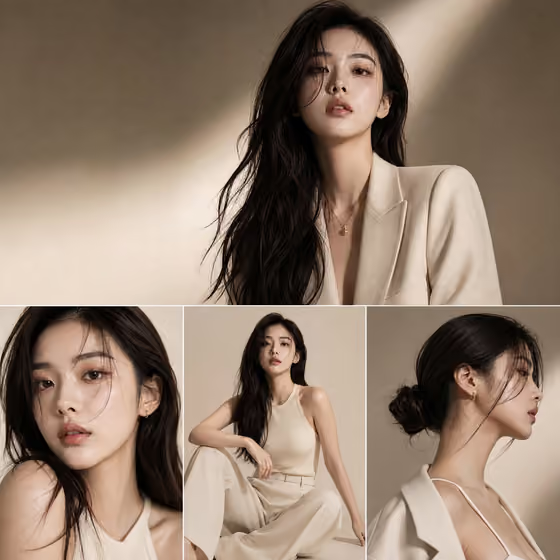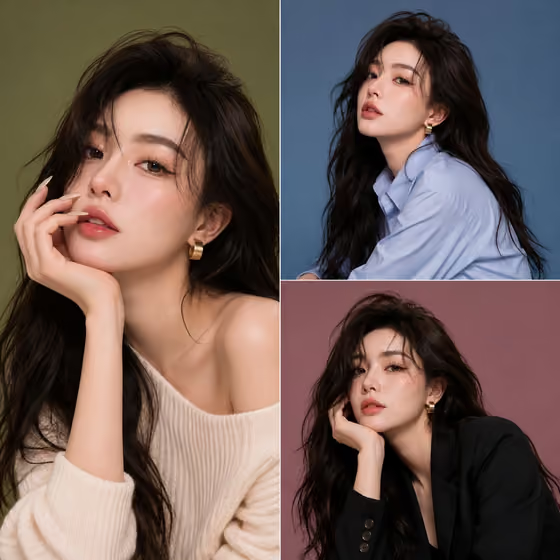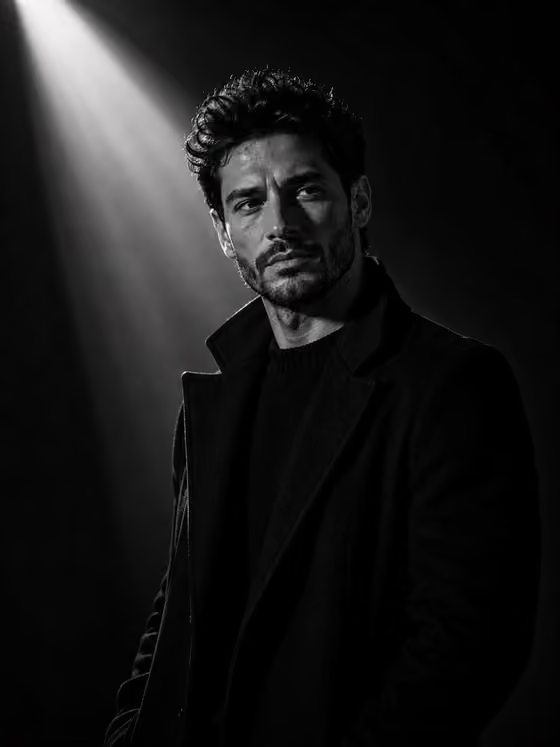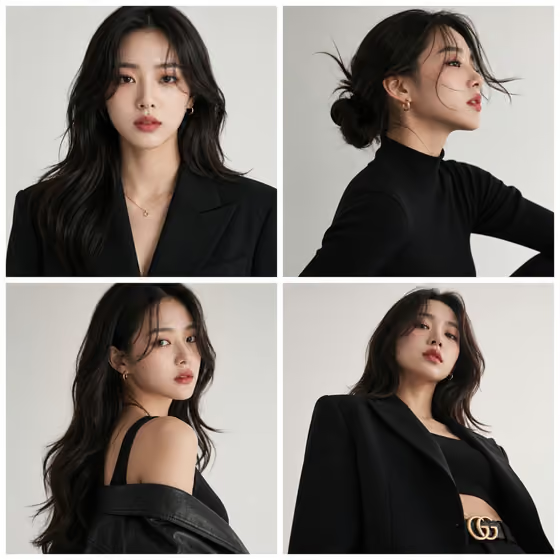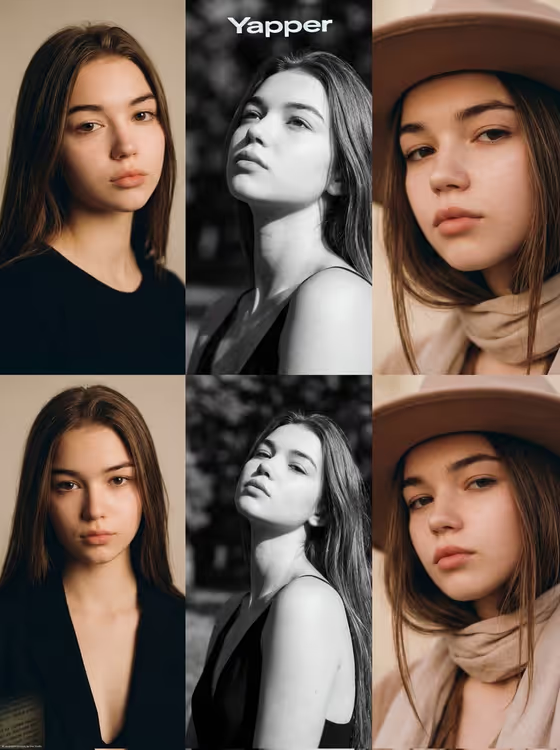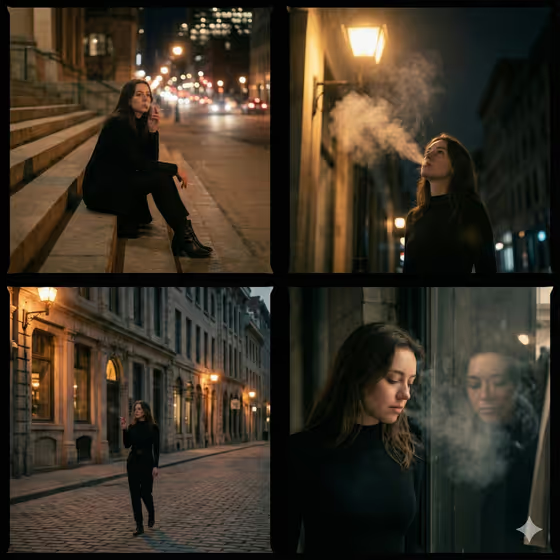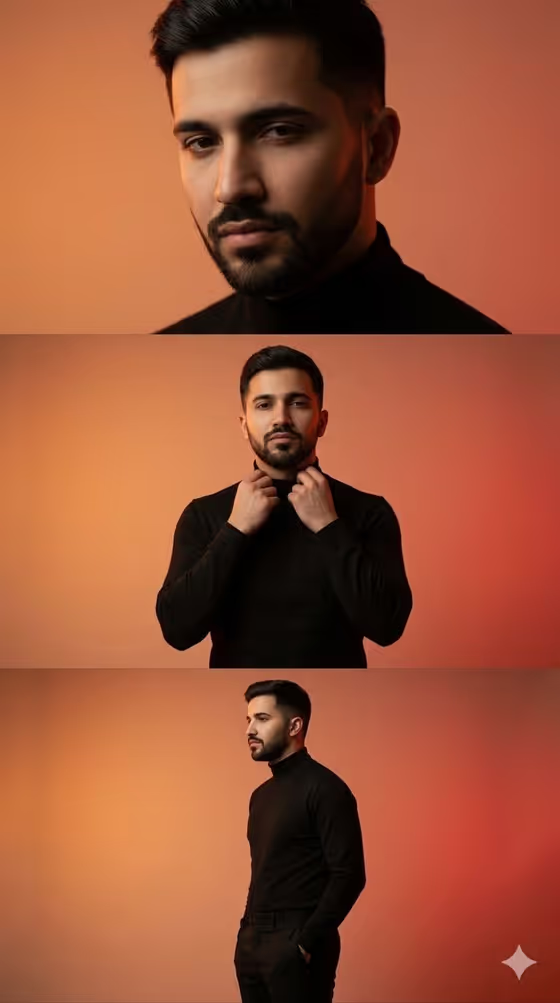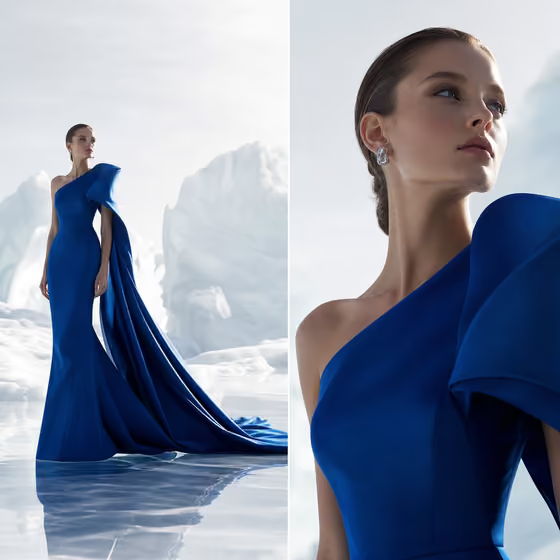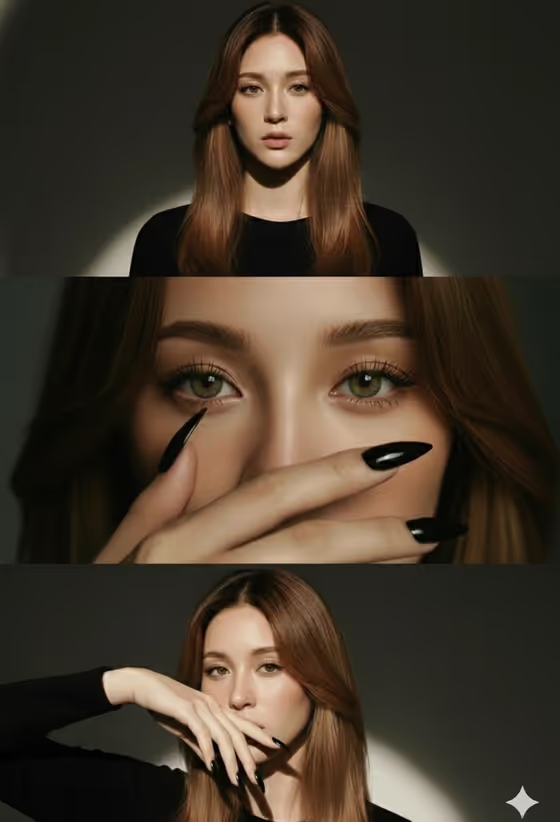
This template builds a single vertical beauty image made of three stacked frames: a centered head-and-shoulders portrait on top, a sharp eye close-up with a hand partly covering the face in the middle, and a three-quarter portrait with a poised hand gesture near the lips at the bottom. The cover shows how the frames share one dark backdrop, directional light and a restrained wardrobe.
It suits anyone who wants a campaign-style beauty look for a portfolio, a mood board or a social post. You name the subject, pick a minimal wardrobe, choose a close-up styling accent and set how the expression changes from frame to frame.
What works best as input
- For Portrait subject, you can type a short description such as the placeholder 'a poised young woman', or upload a reference photo of the person you want to appear. Only use photos of people who are happy to be depicted.
- Choose clear, evenly lit photos where the face is fully visible and unobstructed. Since this template asks for 2+ photos, include a couple of different angles of the same person so the identity stays consistent across all three frames.
- Minimal wardrobe also accepts a photo, so you can show the exact garment you have in mind. A plain, uncluttered clothing reference works best, since the look is meant to stay restrained.
- Beauty detail is text only, so describe one specific accent, for example 'glossy black nails' or 'a single graphic eyeliner detail'. One focused detail reads better than a list.
How to use it
- Open the High-Fashion Beauty Triptych template in Phosphene.
- Fill in Portrait subject by typing a description or adding your reference photos, then set Minimal wardrobe to the restrained outfit you want.
- Enter your Beauty detail and Expression arc, such as 'calm to intense to poised', so the three frames follow a clear emotional progression.
- Generate the image, then review all three frames for face consistency, sharp eyes in the middle frame and a clean hand gesture in the bottom frame. Adjust your inputs and run it again if needed.
Tips for a better result
- Keep the Beauty detail something that shows up well in a close-up, like nails, an ear cuff or eyeliner, because it is featured prominently in the middle frame.
- Try contrasting expression arcs such as 'serene to piercing to playful' versus 'soft to commanding to composed' to see how the mood shifts from top to bottom.
- Pair a bold wardrobe color like deep burgundy satin with a neutral beauty detail, or keep both quiet, so the image has one clear focal point.
- Use consistent, well-lit reference photos if you want the same person to read clearly across the wide shot, the close-up and the three-quarter pose.
Common mistakes
- Stacking too many beauty details in one field. The middle close-up is built around a single accent, so a long list can muddy it.
- Uploading dark, blurry or heavily filtered photos, which makes it harder to keep the face consistent across the three frames.
- Writing an expression arc with only one mood. The template is designed around a progression, so give it a start, a middle and an end.
FAQ
Do I have to upload a photo?
Portrait subject and Minimal wardrobe both accept a photo, but Portrait subject can also be a text description. The template lists 2+ photos as its upload requirement, so adding reference images is recommended if you want a specific person.
What size is the result?
The output is a vertical 9:16 image, arranged as one stacked composite of three frames.
What should I write for Expression arc?
Describe a progression across the three frames, like 'remote to intimate to confident'. The examples in the field are a good starting point to adapt.
Can I change the backdrop or lighting?
No. The template keeps a neutral dark backdrop with dramatic directional light as fixed direction, so your inputs focus on the subject, wardrobe, beauty detail and expression.