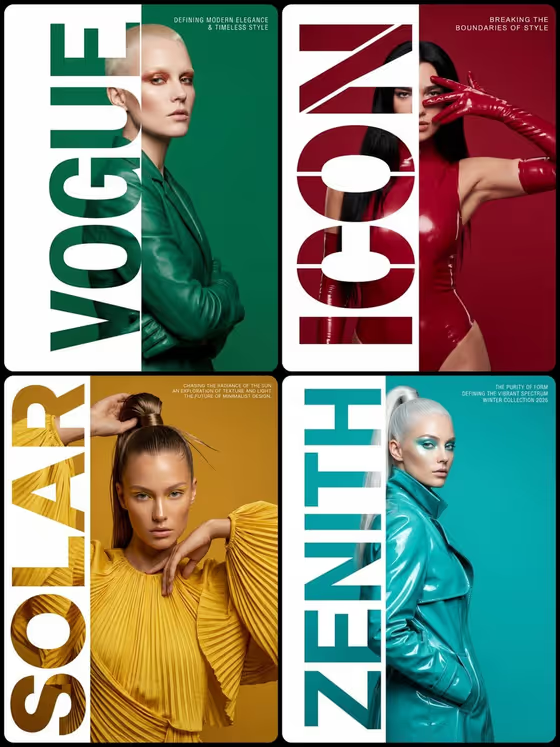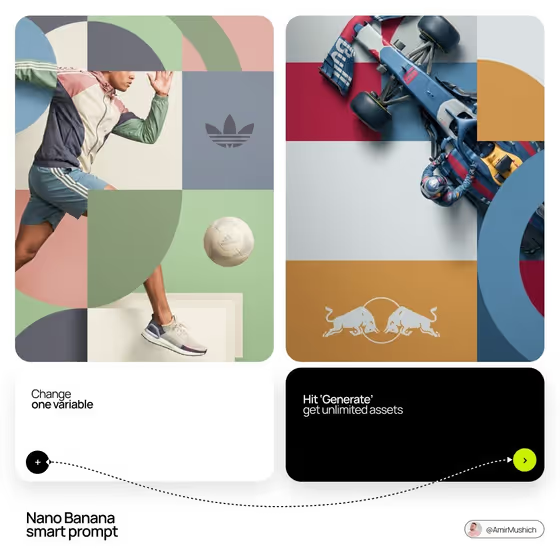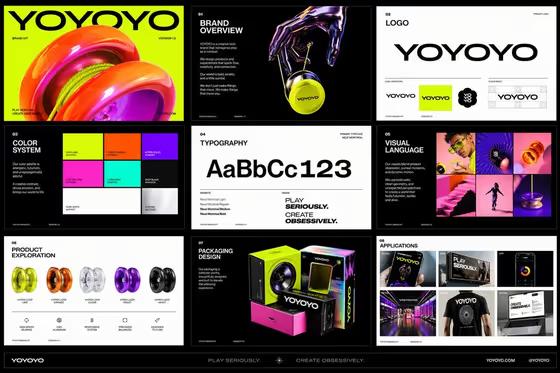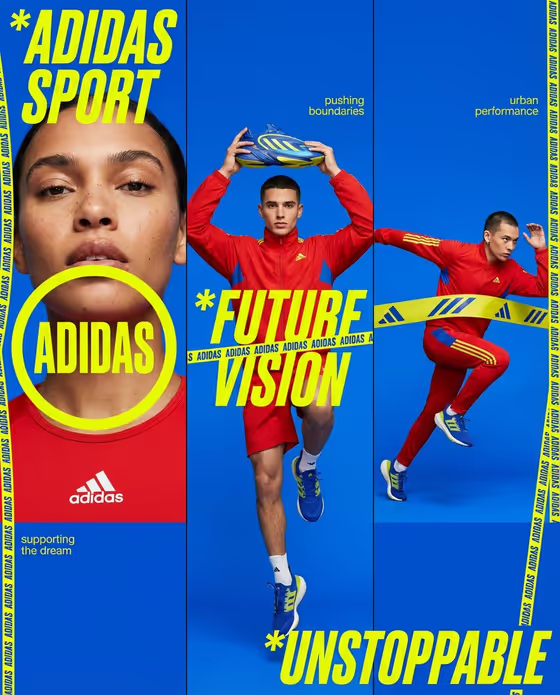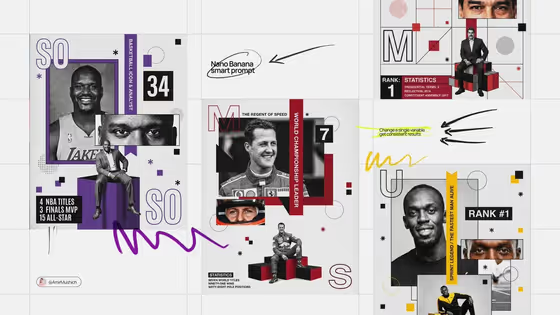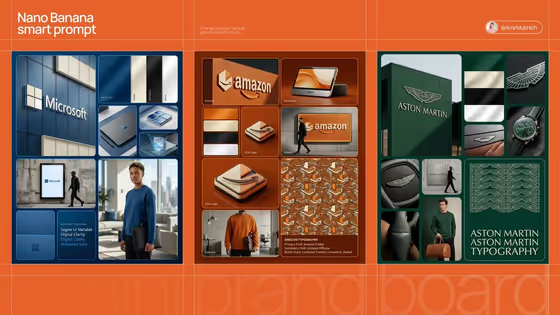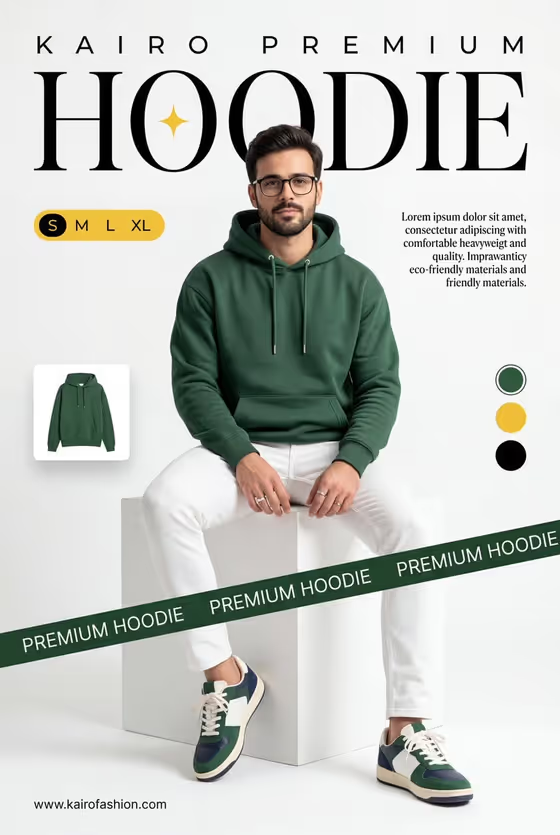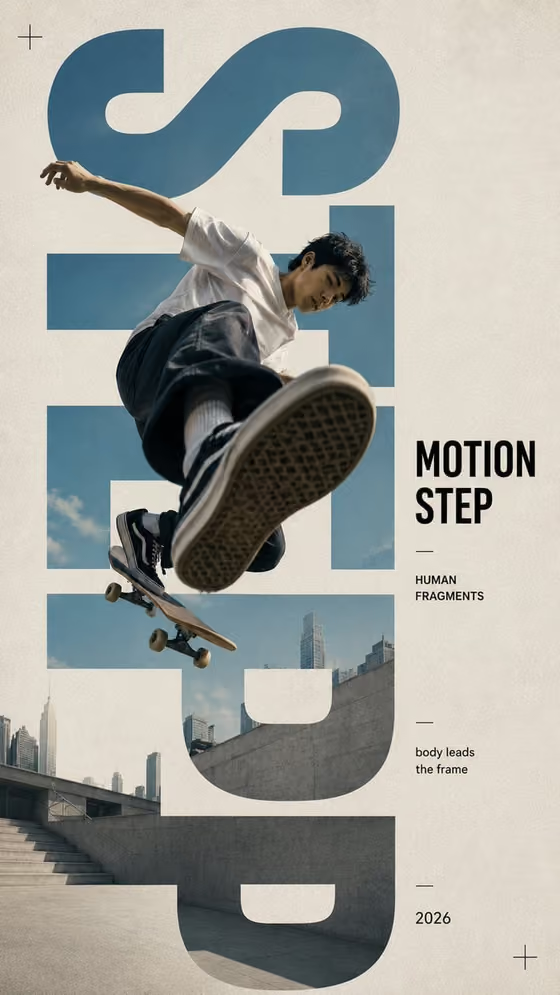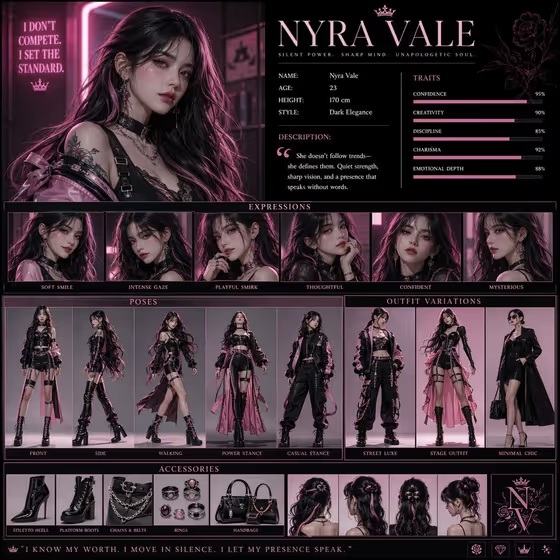
This template builds a tall 3:4 character concept poster that reads like a premium magazine profile. Your subject sits in a large hero portrait, surrounded by clean grid sections. The cover shows the full idea: a name header, a short stats block, a row of facial expressions, a set of full-body poses, outfit variations and an accessories strip, all in a pink, black and white scheme.
It suits character designers, writers, game and story creators, and anyone who wants a quick visual identity sheet for an original character or a styled version of a subject. You choose the subject and a creative direction, and the template handles the poster structure.
What works best as input
- The first field, Portrait subject product or object, accepts either a photo or a short text description. If you upload a photo, pick one with a clear, well-lit view of the face and upper body so the poster has a strong subject to build the portrait and expression rows from.
- If you describe instead, be concrete but brief, like the placeholder style: 'a confident adult' or 'a distinctive creative professional'. Mention hair, mood and general style so the character feels specific.
- Use a single subject per photo. Group shots or busy backgrounds make it harder to decide who the poster is about.
- Only use photos of people you have the right to use, and keep the subject respectful. The template is aimed at original character concepts, so avoid trying to recreate real public figures.
- Creative direction is a choice field with options such as Clean editorial, Cinematic dramatic, Playful colorful and Quiet premium. Pick the one that matches the mood you want the whole sheet to carry.
How to use it
- Open the High-Resolution Vertical Character Concept template in Phosphene.
- In Portrait subject product or object, upload a photo or type a short description of your subject.
- Set Creative direction to the mood you want, for example Cinematic dramatic or Quiet premium.
- Generate the poster, then review the hero portrait, the expression row, poses and accessories. If the mood is off, change the direction and run it again.
Tips for a better result
- Try the same subject with two different creative directions. Clean editorial and Cinematic dramatic will push the lighting and atmosphere in noticeably different ways while keeping the poster layout.
- Add a distinctive detail in your subject description, such as a hairstyle, a signature color or a clothing style, so the outfit variations and accessories feel connected to one character.
- The template leans toward a luxury pink and white look with neon-pink lighting. If you want the poster to feel softer, choose Quiet premium or Clean editorial.
- Check the small panels (expressions, poses, accessories) after generating. They are where consistency with the main portrait matters most.
Common mistakes
- Writing a long, tangled description in the subject field. Keep it to a short phrase or two so the poster layout stays clean and the subject stays consistent.
- Uploading a low-light, blurry or heavily cropped photo, which gives the poster a weak foundation for the portrait and the expression row.
- Expecting a specific name, stats or quote text to appear exactly as you wrote it. The template has no text field for those, so treat any lettering on the poster as part of the layout rather than something you control.
FAQ
Do I have to upload a photo?
No. The subject field accepts a photo or a short text description, so you can describe a character instead.
What does the finished poster look like?
A vertical 3:4 image laid out like a magazine profile, with a large hero portrait and organized sections for expressions, poses, outfits and accessories, in a pink, black and white style.
Can I change the mood of the poster?
Yes. The Creative direction field lets you choose options like Clean editorial, Cinematic dramatic, Playful colorful or Quiet premium.
Is this meant for real people?
It is designed for character concept art. Use photos only of people you have permission to use, and avoid trying to recreate real public figures.