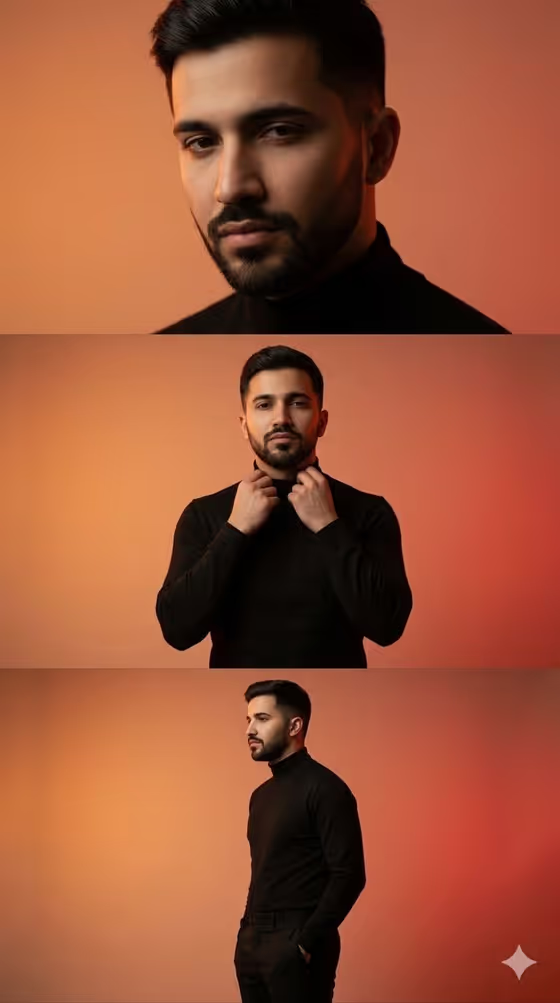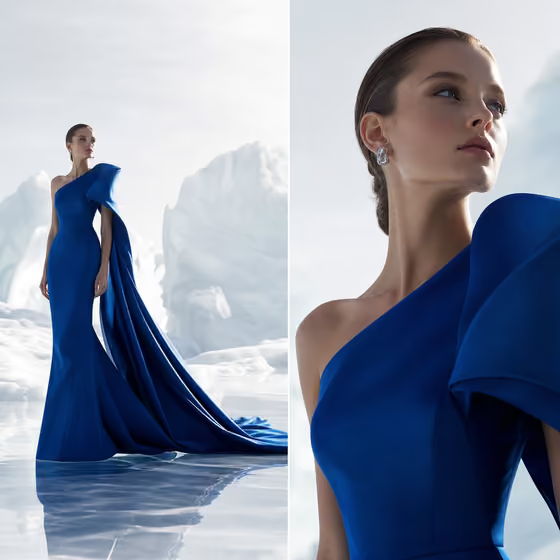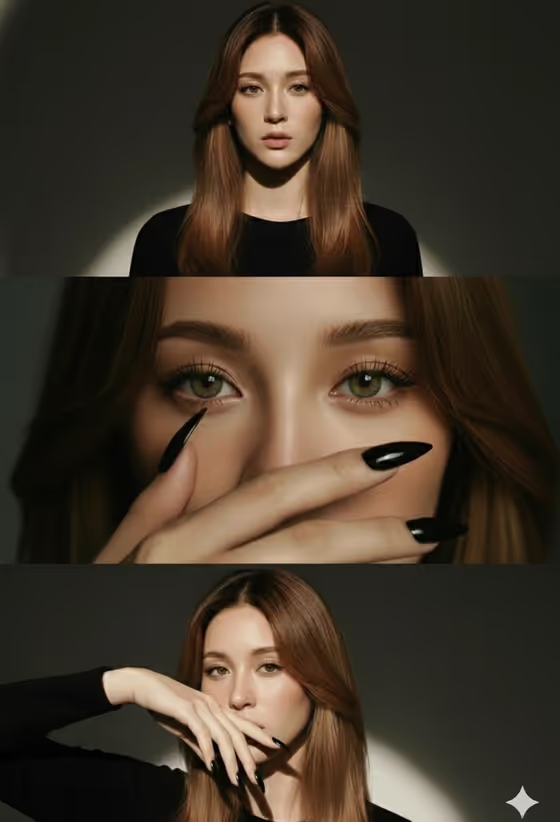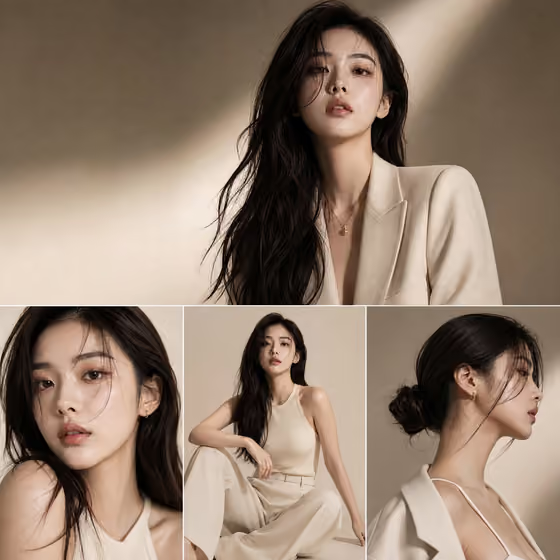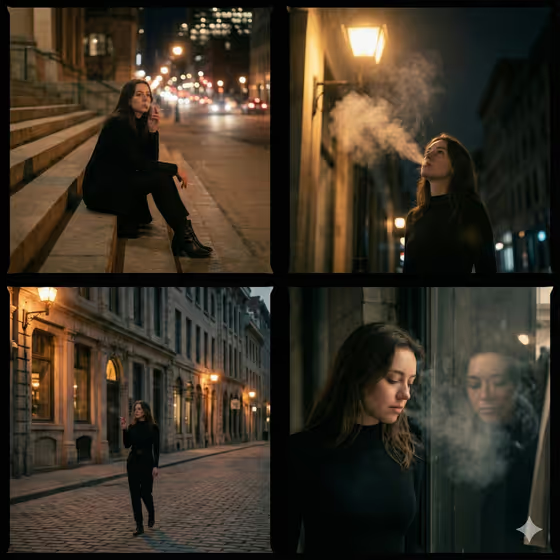
City Smoke Walk Collage turns a subject and an outfit into a four-panel, film-still sequence of a quiet night walk. The cover shows the structure: sitting on wide stone steps, standing under a warm streetlamp with smoke drifting up, walking a cobblestone street past old buildings, and pausing at a shop window with a reflection and smoke haze.
It suits anyone who wants a moody, editorial-style story set in a city after dark, such as a character study, a mood board, or a cohesive set of portraits. The result is a single square image, so all four frames share one look, one outfit, and one atmosphere.
What works best as input
- Both the Subject and Outfit fields accept either a text description or a photo reference, and the template is set up for 2 or more uploads. Give it at least two clear references, for example one of the person and one of the outfit.
- For a subject photo, pick a sharp, well-lit image where the face and hair are clearly visible and not hidden by sunglasses, a hat, or heavy shadow.
- For an outfit reference, choose a photo where the full garment is easy to read. The template's own direction leans toward a minimalist black outfit with ankle boots, so simple, clean silhouettes will sit most naturally in the night scenes.
- If you describe instead of upload, be concrete. Try something like 'A poised creative professional' for Subject and 'A tailored statement outfit' for Outfit, then add details such as colors, fabrics, and hair.
- Only use photos of yourself or people who have agreed to appear, and keep the description respectful.
How to use it
- Open the City Smoke Walk Collage template in Phosphene.
- Fill in the Subject field with a short description or a photo reference of the person you want in the story.
- Fill in the Outfit field with a description or a photo of the clothing you want worn in all four frames.
- Generate the image, then look over the four panels to check that the person and outfit stay consistent from frame to frame.
Tips for a better result
- Be specific in the Outfit field about colors and materials. The template keeps one outfit across all panels, so clear wording helps it stay consistent.
- Try the example prompts as a starting point, such as 'A charismatic performer' or 'A relaxed linen ensemble', to see how the same city night changes with a different character.
- Use a Subject description that matches the quiet, introspective mood, since the scene is built around low-key lighting, soft bokeh, and cinematic shadows.
- If a result is close but not right, change one field at a time, either the subject or the outfit, so you can see which change made the difference.
Common mistakes
- Uploading a single blurry or dark photo. The template expects 2 or more references, and unclear inputs make it harder to keep the subject and outfit consistent across four frames.
- Writing a vague Outfit such as 'nice clothes'. Without detail, the outfit can drift between panels instead of reading as one look.
- Expecting a bright, daytime scene. The template is built for a low-key night mood with warm streetlamps and deep shadows, so descriptions that fight that setting may not fit well.
FAQ
What does the final image look like?
It is a single 1:1 image split into four film-still panels following a night walk through a city, from stone steps to a streetlamp, a cobblestone street, and a shop window.
Do I have to upload photos?
Both fields accept a text description or a photo reference, and the template lists 2 or more uploads as its input. You can describe the Subject and Outfit in words, or use photos for a closer match.
Will the outfit stay the same in every panel?
The template is designed to keep one consistent outfit across all four frames, and its default direction is a minimalist black outfit with ankle boots. A clear Outfit input helps the result stay consistent.
Can I change the setting or the number of panels?
No. The four frames and the night city setting are fixed by the template. You control the Subject and the Outfit.