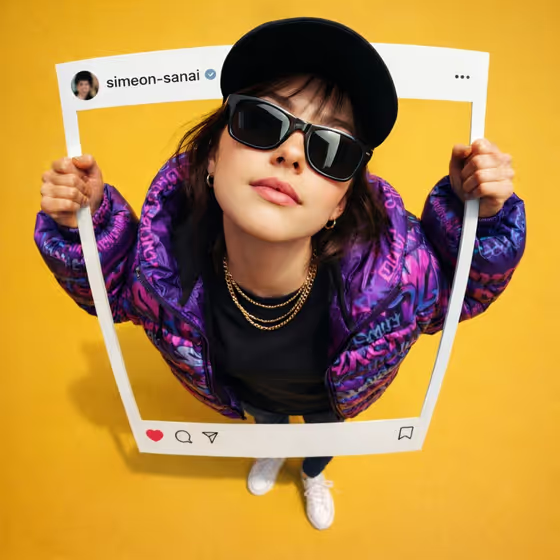
Instagram Breakout builds a photo composite where a person appears to step out of a social post frame. The cover shows the idea clearly: a white Instagram-style frame with a username bar and like, comment, share and save icons, held by a figure shot from above with a strong fisheye look, standing on a bright yellow floor.
It suits anyone who wants a playful, scroll-stopping portrait for a profile, a creator bio or a launch post. The outfit and styling come from the template (purple graffiti puffer jacket, black tee, gold chain, sunglasses, black cap, white sneakers), so your main job is choosing who is in the frame and how the scene is composed.
What works best as input
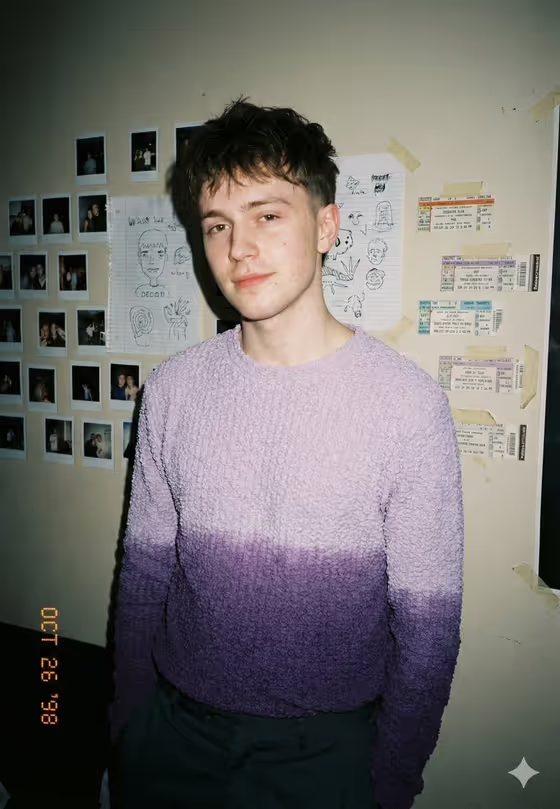
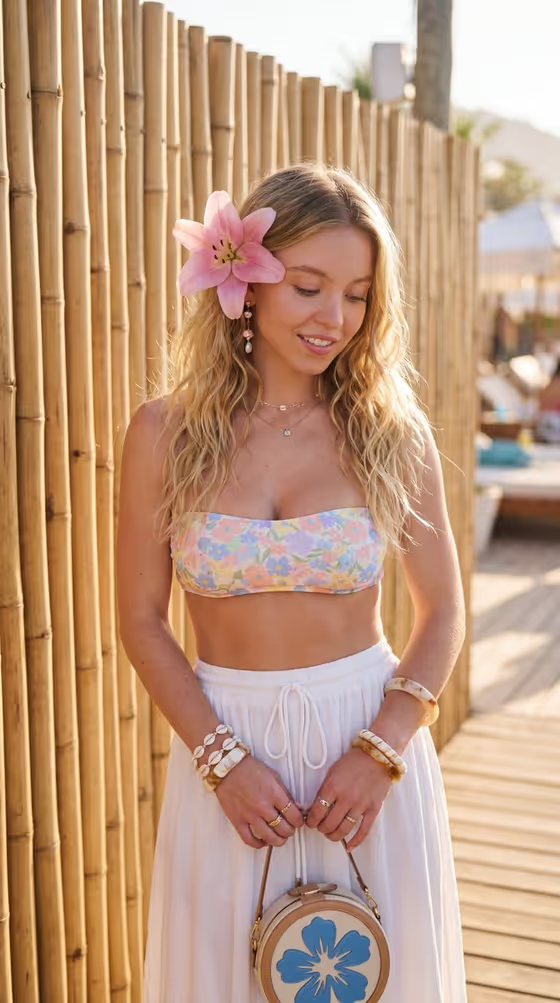
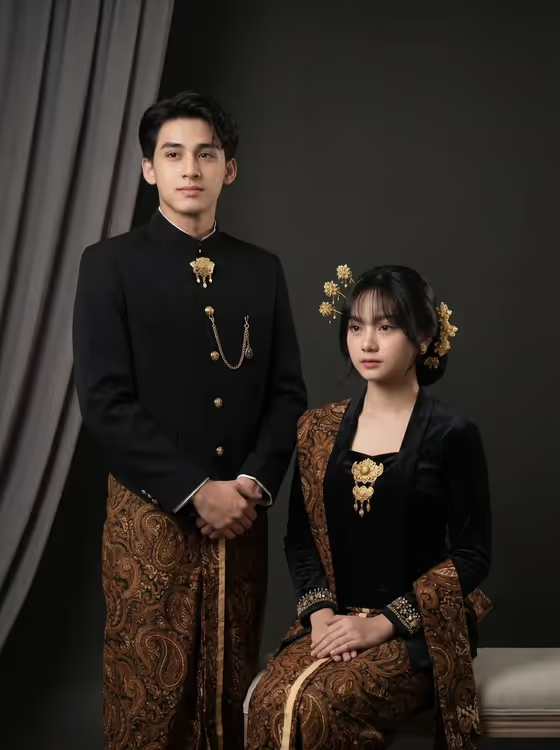
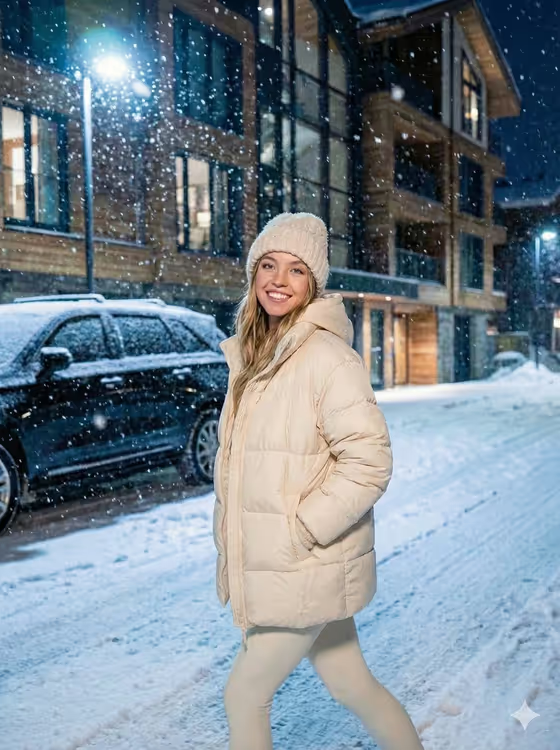
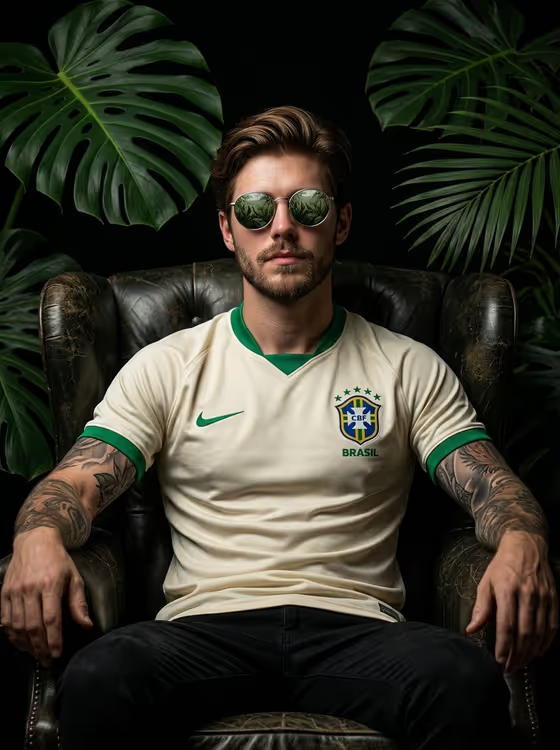
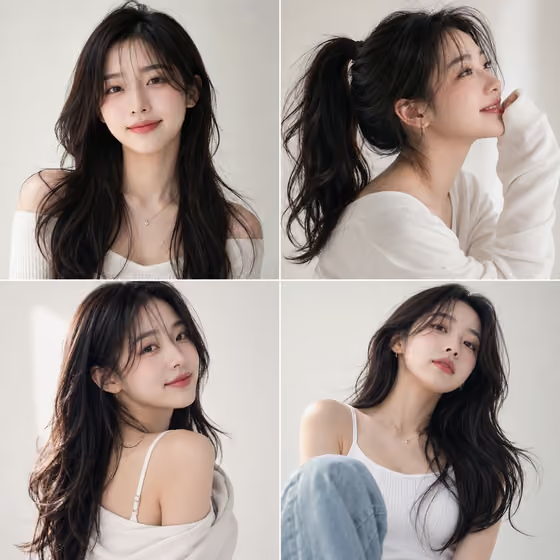
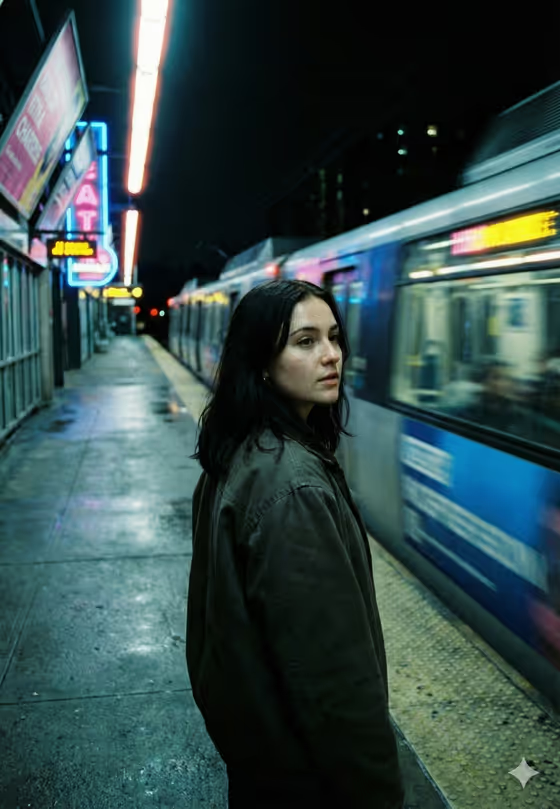
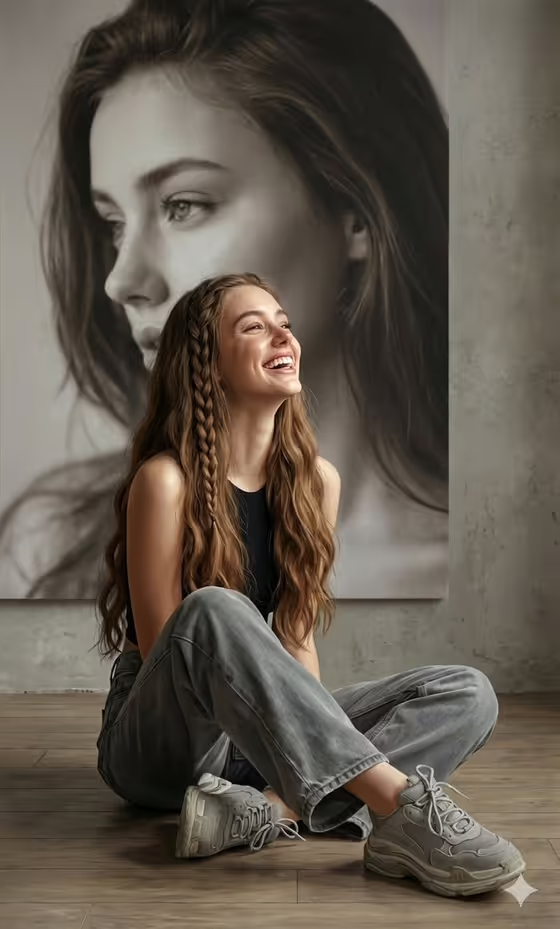
- Use the first field, "person in my reference portrait subject", to upload a photo or describe the subject in text. A clear reference of the person you want in the frame gives the template the most to work with.
- Pick a portrait where the face is well lit, in focus and not hidden by hats, hands or heavy shadows, since the template adds its own sunglasses and cap.
- A front-facing or slightly angled shot works well because the final pose looks up toward the camera from a high top-down view.
- If you describe the subject in text instead, keep it short and concrete, like the placeholder "the person in my reference" or "a candid everyday subject".
- Only use photos of yourself or people who have agreed to appear, and avoid reference images of public figures.
How to use it
- Open the Instagram Breakout template in Phosphene.
- In "person in my reference portrait subject", upload your photo or type a short description of the subject.
- Choose an option in "Pose and scene" to set how the finished image is framed, such as a close portrait, a full-body editorial frame or an environmental candid frame.
- Generate the image, then check the result at its 3:4 format and adjust your inputs if the subject or framing is not what you wanted.
Tips for a better result
- Try the different "Pose and scene" options to see how the same subject reads as a tight close portrait versus a full-body frame.
- Use a reference with a natural, confident expression, since the template is built around an upward, self-assured gaze.
- Regenerate with a slightly different reference photo if the likeness or proportions feel off, because the fisheye effect exaggerates the head against the body by design.
- Keep the text description simple and let the template's fixed styling (jacket, chain, sneakers, yellow floor) carry the look.
Common mistakes
- Uploading a very dark, blurry or cropped photo, which gives the template little to work from for the face.
- Writing a long description of clothing and background in the subject field, when the outfit, setting and Instagram frame are already fixed by the template.
- Expecting the big-head, small-body proportions to look natural. The fisheye distortion is intentional and applies to the person only.
FAQ
Can I change the outfit or the yellow background?
No. The jacket, tee, chain, sneakers, sunglasses, cap, yellow floor and Instagram overlay are part of the template's fixed direction. You control the subject and the pose and scene.
Do I have to upload a photo?
The subject field accepts either an uploaded reference or a text description. Uploading a photo is the best way to get a specific person into the frame.
What shape is the result?
The template outputs a single image in a 3:4 aspect ratio.
Can I change the username shown on the frame?
The template data fixes the Instagram UI overlay, including the username shown, and offers no field to change it.