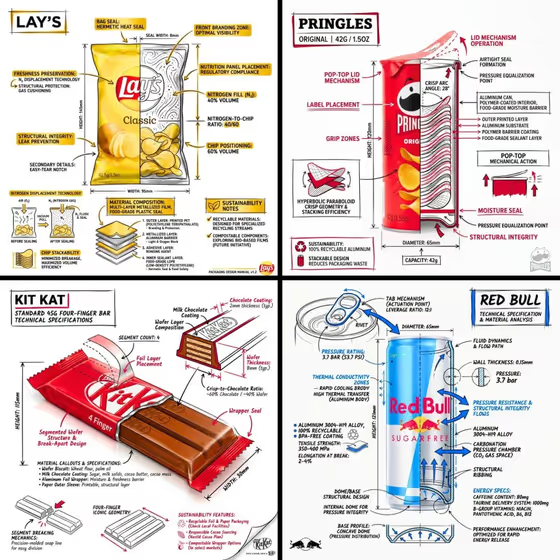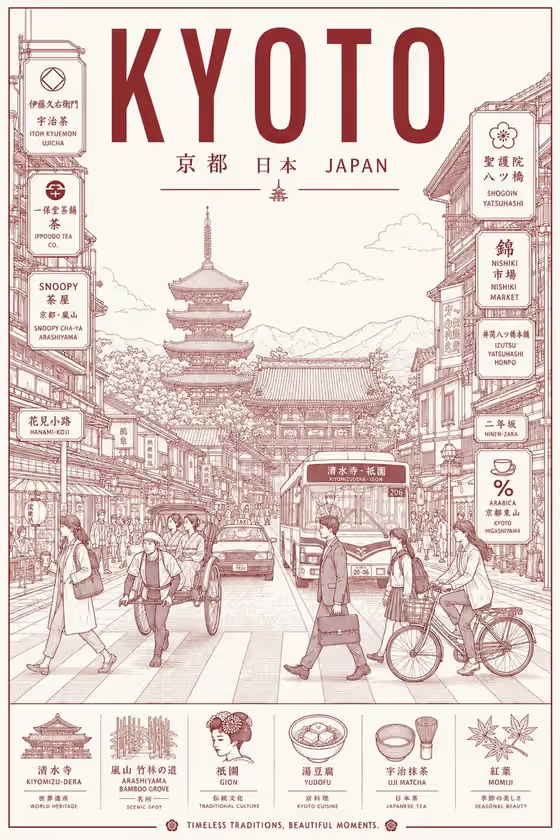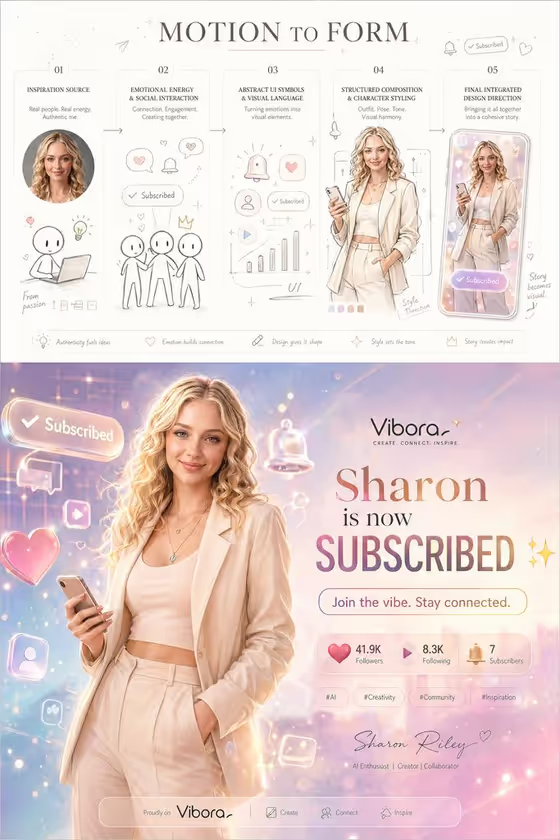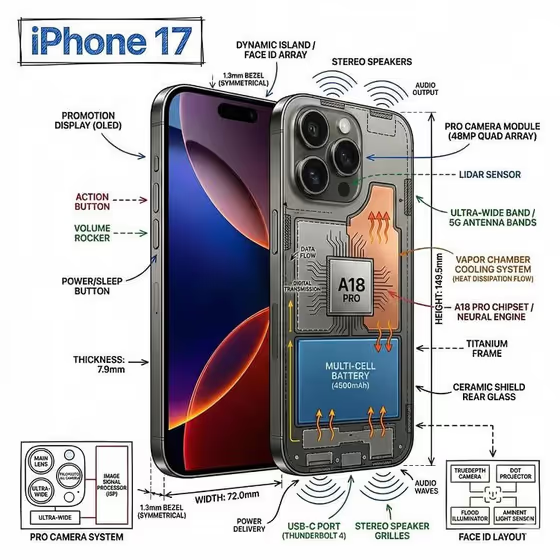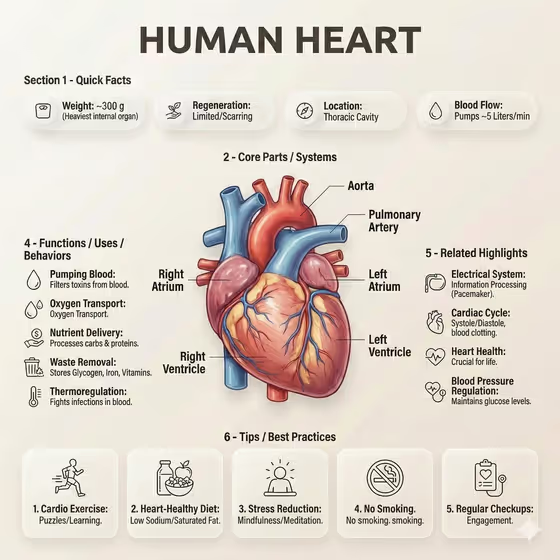
This template builds a magazine-style anatomy poster in a 3:4 frame. A detailed 3D organ illustration sits at the center, surrounded by labeled fact bubbles, callout lines, short function lists and a row of tip cards on a soft beige background.
It suits teachers, students, health writers and designers who want a clean, editorial infographic for an organ or object. You decide what the poster is about with the Object field and what it emphasizes with the Information Focus field.
What works best as input
- In the Object field, name the subject plainly and specifically, for example the organ or item you want as the central hero illustration.
- The Object field accepts a photo as a reference. Pick a clear, well-lit image where the subject fills most of the frame and is not cropped.
- A simple background in your reference photo helps the subject read as one clean shape that can be redrawn as a 3D render.
- In Information Focus, type text only (this field does not take a photo). Say which angle you want, such as components and functional details, so the labels and fact bubbles follow that theme.
- Keep both fields short and concrete. One clear object and one clear focus give a more organized layout than a long list of requests.
How to use it
- Open the Liver Anatomy Poster template in Phosphene.
- Fill in the Object field with a short description, or add a reference photo of the subject.
- Type your angle in the Information Focus field, for example the placeholder idea of components and functional details.
- Generate the poster, then check the title, labels, callouts and tip cards. Adjust your wording and run it again if something is off.
Tips for a better result
- Try the example directions in Information Focus, such as a refined classic or a bold contemporary variation, to see how the same subject changes in feel.
- Use a reference photo when shape matters, since the poster is built around a dominant hero visual.
- Change only one field between runs so you can tell which edit caused the difference.
- Because the layout includes many small labels, review the text closely and re-run if any callout looks unclear.
Common mistakes
- Writing a vague Object like 'something nice', which gives the hero illustration nothing specific to build around.
- Packing many unrelated topics into Information Focus, which makes the fact bubbles and lists less organized.
- Uploading a cluttered or heavily cropped photo as the Object reference, so the subject is hard to identify.
FAQ
Can I upload a photo?
Yes, but only in the Object field, which accepts a photo as a visual reference. Information Focus is text only.
What shape is the finished poster?
It is an image in a 3:4 aspect ratio.
Is the poster text always accurate?
Treat it as a design piece. Check labels and facts yourself before using it for teaching or publishing.
Can I use it for something other than an organ?
The Object field is open to other subjects, such as a product or device, and the Information Focus field steers what the poster highlights.