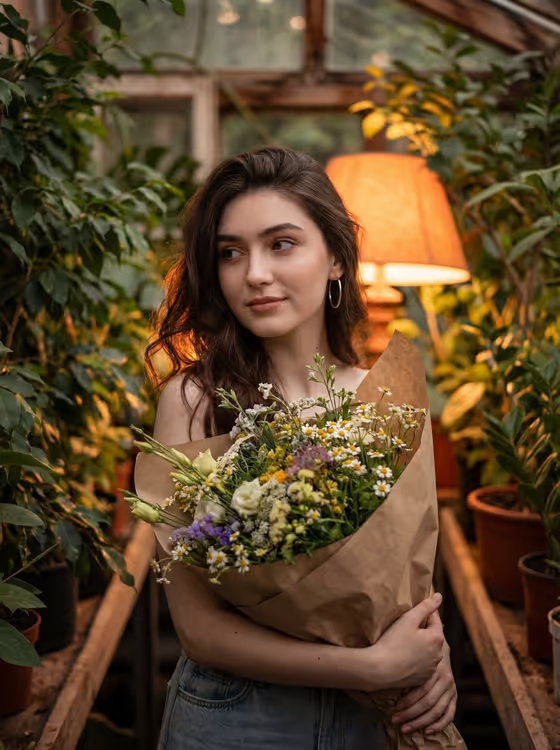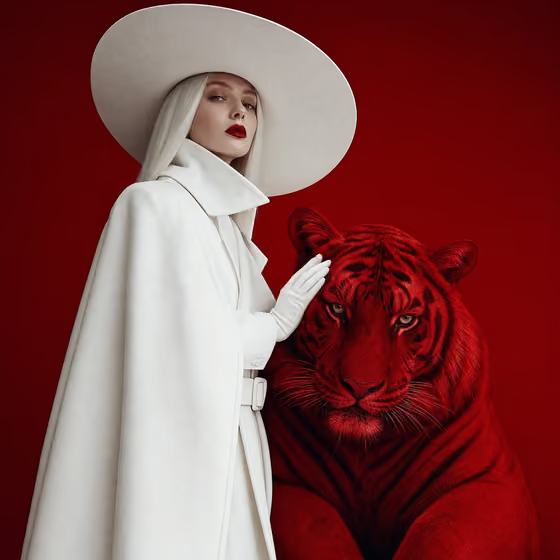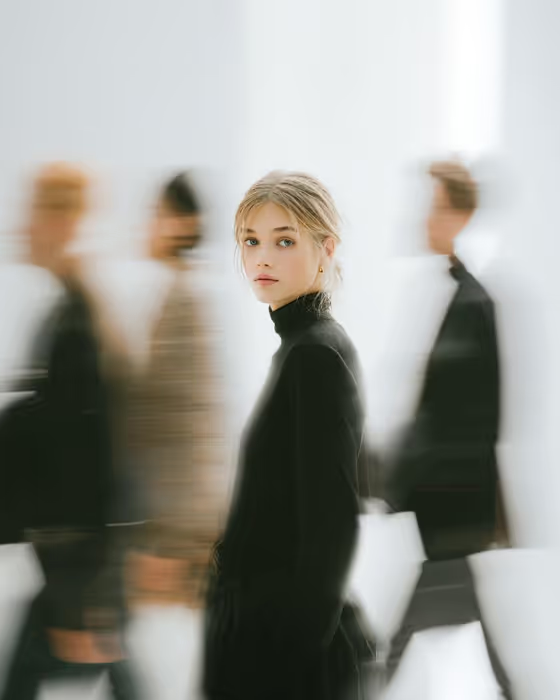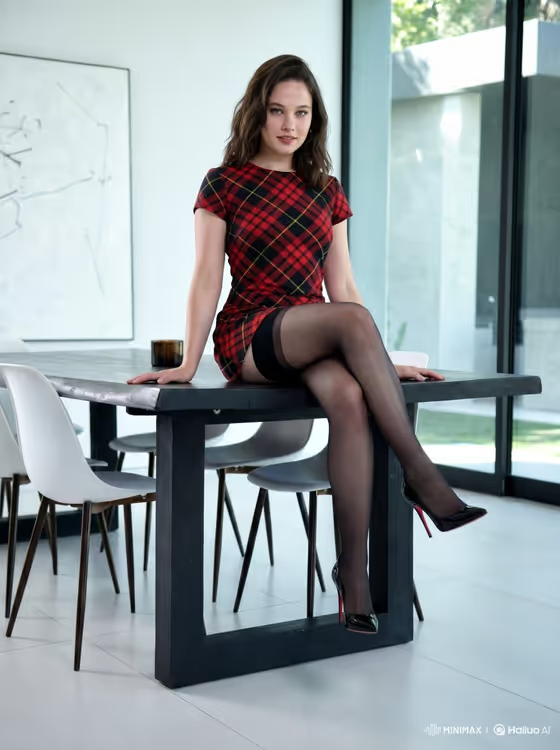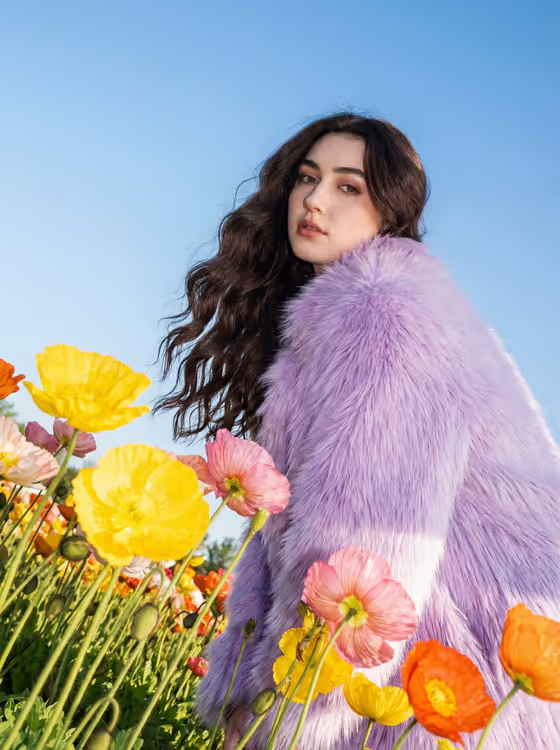
Lavender Flash Flower Field turns a portrait into a bold outdoor fashion shot. Your subject stands in a field of poppies wearing a statement coat, photographed from a low, slightly tilted angle against a clear blue sky, with direct flash added to bright daylight.
It suits anyone who wants an editorial-style portrait with a saturated, whimsical look, such as profile images, lookbook-style mockups or creative social posts. The output is a 3:4 image, so it works naturally as a vertical portrait.
What works best as input
- For the Portrait person or subject field, you can describe the person in text or upload a reference portrait. Choose one clear, well-lit photo of a single person so the result stays focused on them.
- If you describe instead of uploading, be specific about hair and presence, in the style of the examples: a long-haired adult woman, an androgynous fashion model, or a confident adult man.
- Pick a photo where the face and hair are easy to see. The cover look relies on loose, wavy hair framing the face, so a clear view of hair helps.
- For Flower field palette, name the actual flowers and colors, such as yellow, pink and orange poppies or lavender and white wildflowers.
- For Statement coat, describe texture and color together, like shaggy lavender faux fur or a cobalt textured overcoat, since the flash look emphasizes surface detail.
How to use it
- Open the Lavender Flash Flower Field template in Phosphene.
- Fill in Portrait person or subject by describing the person or uploading a reference portrait.
- Enter your Flower field palette and your Statement coat. You can start from the placeholder ideas and swap in your own colors.
- Generate the image, then review the framing, coat texture and flower colors, and adjust the fields if you want a different mix.
Tips for a better result
- Match the coat to the flowers on purpose. A lavender coat against warm yellow, pink and orange poppies gives the contrast seen in the cover look.
- Try a different palette such as red poppies and blue cornflowers or lavender and white wildflowers to shift the whole mood while keeping the same low-angle flash style.
- Choose a coat with strong texture, like faux fur or feathers, because the harsh flash brings out tactile detail.
- Change only one field at a time between generations so you can see exactly what each choice does.
Common mistakes
- Writing a vague coat description like just a coat. Without color and material, the statement piece loses its impact.
- Uploading a dark, blurry or heavily cropped portrait, which gives the template little to work with for the face and hair.
- Stacking too many flower colors in the palette field, which can make the field look cluttered instead of bold and graphic.
FAQ
Do I have to upload a photo?
No. The subject field accepts a text description or a reference portrait, so you can describe the person instead of uploading.
Can I change the coat?
Yes. The Statement coat field is yours to set, for example shaggy lavender faux fur, a bright orange feathered coat or a cobalt textured overcoat.
What does the flash look like in the result?
The template combines direct camera-style flash with bright daylight, which makes skin, coat texture and flower colors look vivid and punchy.
What shape is the final image?
It is a 3:4 vertical image, shot from a low, slightly tilted angle with flowers in the foreground and a clear blue sky behind.