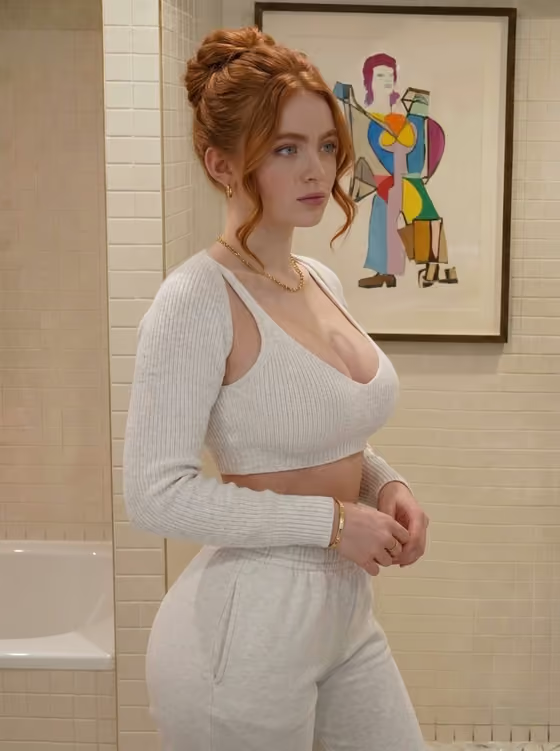
Selfie Twin turns a single portrait into a short vertical video where an identical twin of the person walks into frame, joins them for a quick phone selfie, and then walks back out. It is a lighthearted, surprising effect built around one clean image of one person.
It suits anyone who wants a fun clip for social feeds, a playful profile video, or a quick joke to send to friends. You only need one portrait, and the template handles the entrance, the shared selfie, and the exit.
What works best as input
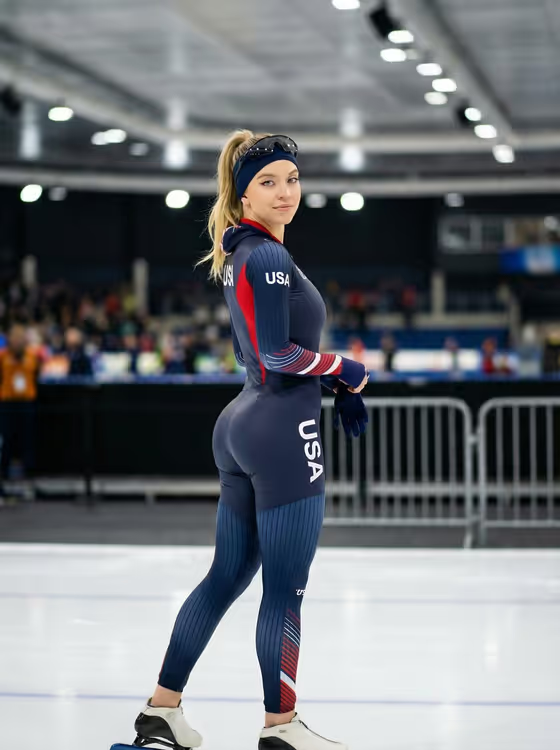
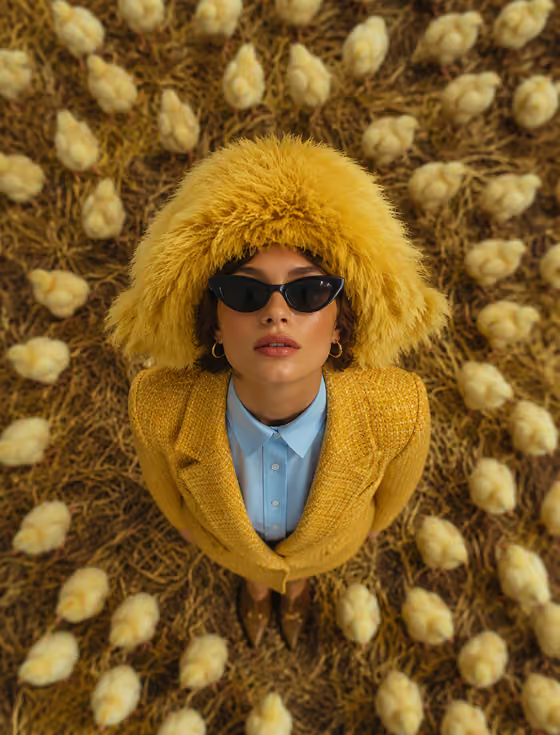
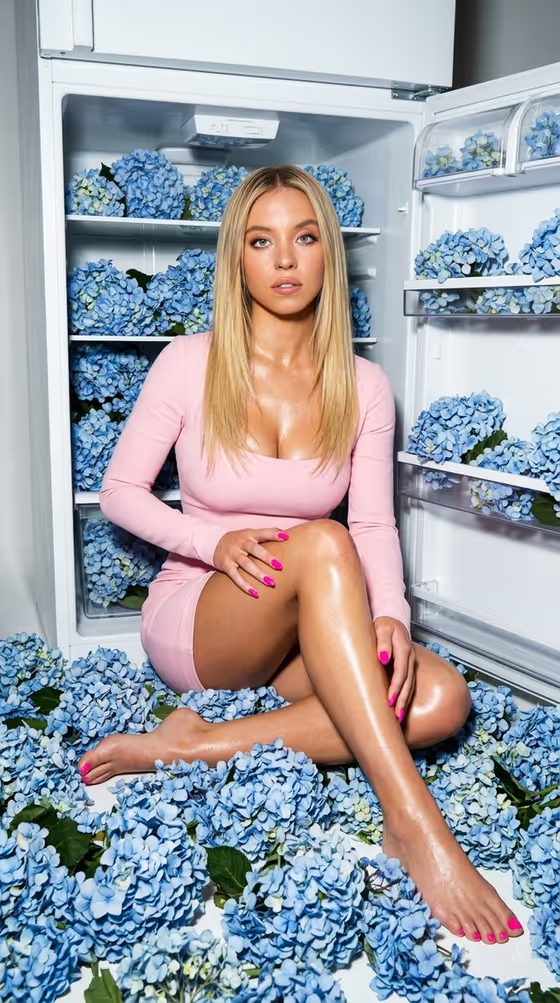
- Use a clear portrait of one person. The template is built to preserve the face, hairstyle, body proportions, outfit, and surroundings, so a sharp, well-lit source gives it more to work with.
- Pick an image where the person is fully visible and not cropped awkwardly, since a second version needs to walk in, sit or stand beside them, and lean in for the selfie.
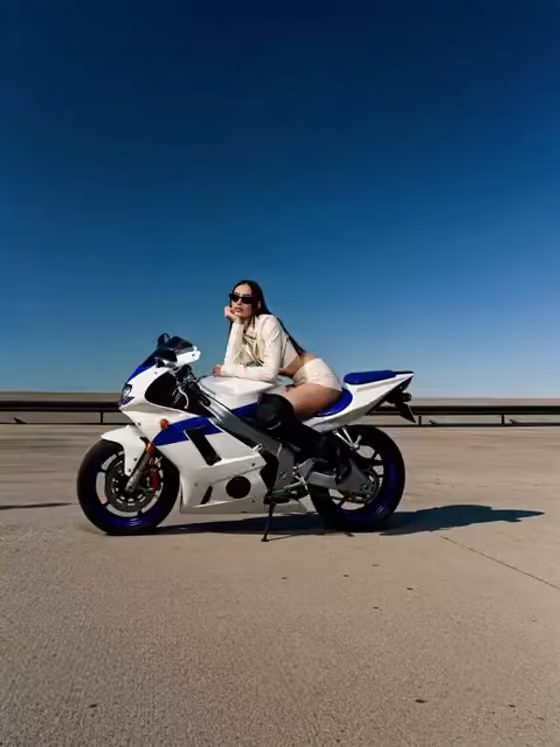
- Choose a scene with some open space beside the subject. In a photo like the cover, where the person sits on a motorbike in a wide empty setting, there is clear room for a twin to appear.
- Keep the face unobstructed and easy to read. Sunglasses or a strong pose can work, but a clearly visible face helps both versions stay consistent.
- Upload a photo of someone you have permission to use, and avoid images of other people crowding the frame, since the effect is designed around one person.
How to use it
- Open the Selfie Twin template in Phosphene. It outputs a 9:16 vertical video and needs exactly one image.
- In the Portrait field, upload the photo of the person who should meet their identical twin.
- Start the generation and wait for the video to finish. The template runs from your portrait alone, with no extra text to write.
- Review the result. Check that the twin enters naturally, both faces match, the selfie moment reads clearly, and the twin exits out of frame. If it is not right, try again with a different portrait.
Tips for a better result
- Try several portraits of the same person. Different poses, outfits, and backgrounds change how the twin's entrance and selfie look.
- Favor photos with a simple, uncluttered setting so the second figure has believable space to walk in and settle beside the original.
- A relaxed, natural pose tends to suit a candid selfie moment better than a stiff or heavily staged one.
- Pair the clip with your own caption or sound when you post it, since the video itself contains no text.
Common mistakes
- Uploading a heavily cropped or tightly zoomed portrait, which leaves little room for a second person to appear and interact.
- Using a blurry, dark, or low-resolution photo, which makes it harder to keep both faces and the outfit consistent.
- Choosing an image with several people in it. The template expects one subject to be duplicated, so a crowded photo can make the result confusing.
FAQ
How many photos do I need to upload?
Just one. The Portrait slot is required and accepts a single image of the person who should meet their twin.
Do I need to write a prompt?
No. The template has no text fields. You only provide the portrait, and the scene direction is already built in.
What does the finished video show?
A second identical version of the person walks into frame, sits or stands beside the original, both lean in for one quick phone selfie, and then the twin leaves the frame.
What format is the video?
It is a vertical 9:16 video, which suits phone screens and short-form social feeds.