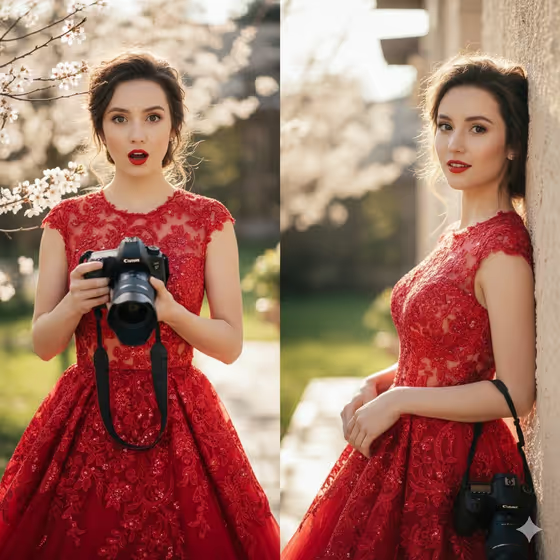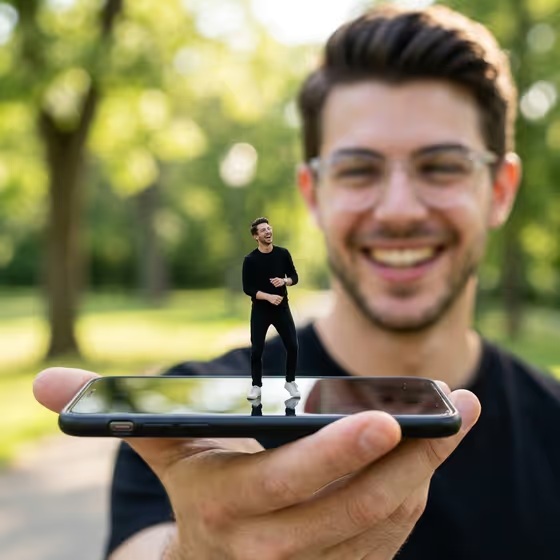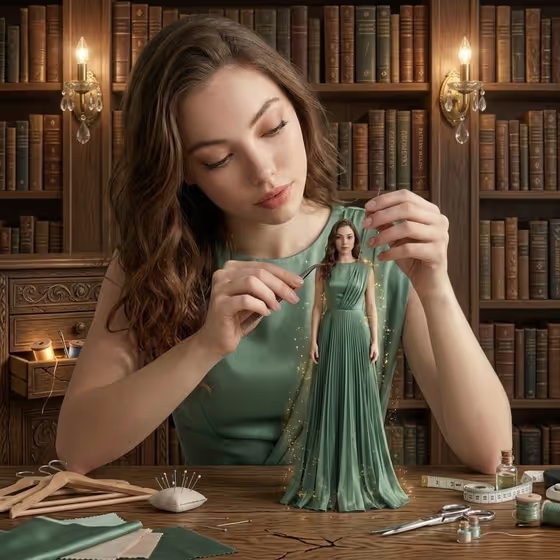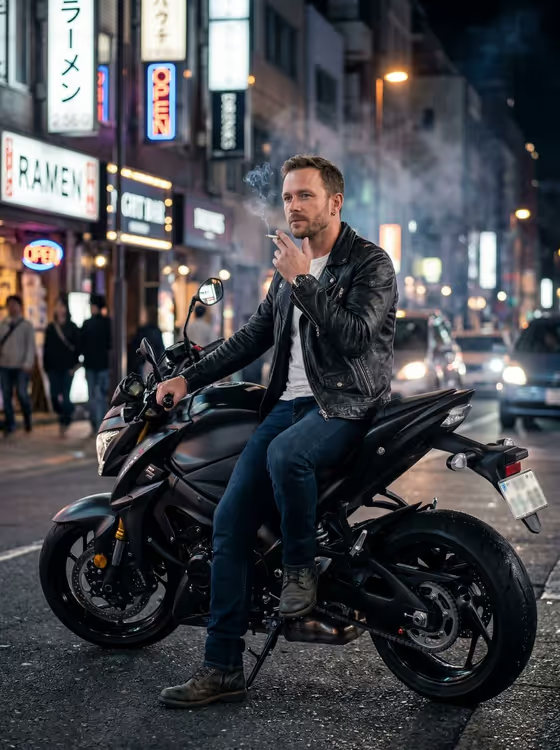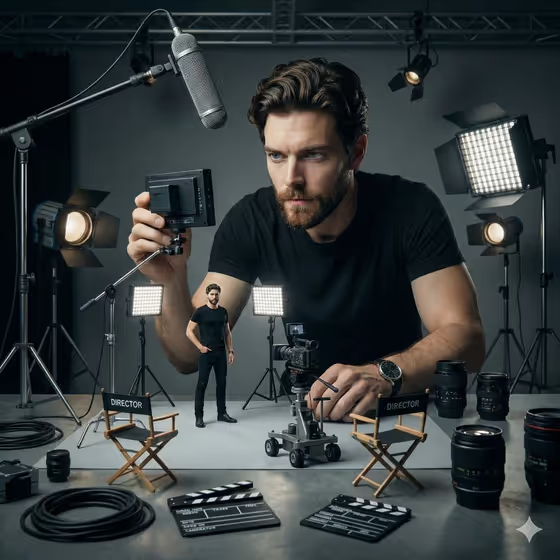
Miniature Film Director turns a portrait into a playful studio scene. A full-size version of you leans over a tabletop film set, holding a small monitor and directing, while a tiny version of you stands on the set as the star.
It suits anyone who wants a creative, behind-the-scenes style portrait: filmmakers, photographers, content creators, or anyone who likes a clever double-self concept. The result is a 3:4 image with low-key studio lighting, scaled-down lights, director chairs, clapperboards, lenses and cables.
What works best as input
- Use a clear, well-lit portrait where your face is fully visible. The template is built to carry your facial features, body language and clothing into both versions of you.
- In the Portrait subject field, you can choose or describe who the portrait shows. The placeholder example is "an adult woman matching my reference", so phrase it in the same way for your own photo.
- Pick a photo whose pose and energy you like. The default Pose or expression option is "the source pose and energy", which keeps the mood of your original image.
- Simple, uncluttered backgrounds and plain clothing in your source photo make it easier to see the same look repeated on the miniature figure.
How to use it
- Open the Miniature Film Director template in Phosphene.
- In Portrait subject, upload your photo or describe the subject. Use the placeholder style, for example "an adult man with a distinctive presence", if you are describing rather than uploading.
- In Pose or expression, choose an option such as "calm editorial stillness", "confident direct presence" or "candid spontaneous energy", or keep "the source pose and energy".
- Generate the image, then review it. Check that the giant and miniature versions look like the same person and that the scale and shadows feel believable.
Tips for a better result
- Try different Pose or expression choices on the same photo. "Confident direct presence" and "calm editorial stillness" should give noticeably different moods for the director.
- Keep "the source pose and energy" when your original photo already has an expressive look you want preserved.
- If the first result misses on likeness, try another portrait with a clearer view of the face and run it again.
- Use a photo with the shoulders and upper body visible, since the scene shows the director leaning over the set and the miniature wears matching clothing.
Common mistakes
- Uploading a small, blurry or heavily shadowed photo, which gives the template little to match for the face and clothing.
- Writing a vague subject description instead of using a photo or the suggested phrasing, which can make the two versions of you look less consistent.
- Expecting every prop to match the cover exactly. The template promises mini director chairs, clapperboards, lenses and cables, but each generation can arrange them differently.
FAQ
Do I need to upload a photo?
The Portrait subject field accepts a photo, and the template is designed around a reference portrait so both versions of you match. You can also describe the subject in text, but a photo is the more direct way to keep your likeness.
What does the Pose or expression field do?
It sets the mood and posture of the person in the scene. You can keep the source pose and energy or choose options like calm editorial stillness, confident direct presence or candid spontaneous energy.
What will the image look like?
A 3:4 cinematic studio scene with low-key lighting. A giant you checks a small monitor while a tiny you stands on a miniature set with scaled lights, director chairs, clapperboards, lenses and cables.
Will the miniature version look like me?
The template directs both versions to share the same facial features, body language and clothing. Results depend on your input photo, so review the image and try a clearer portrait if the match is off.