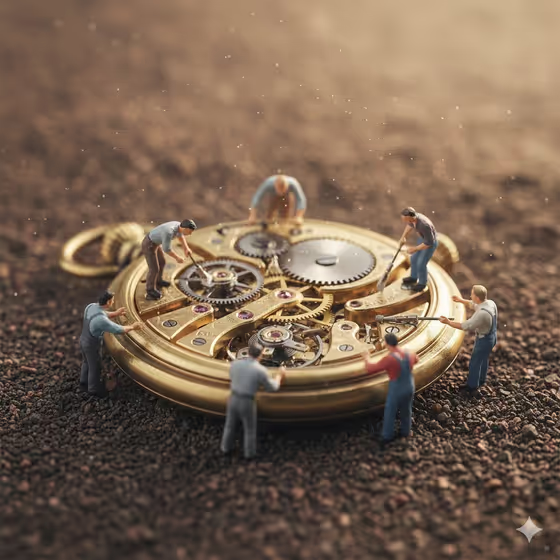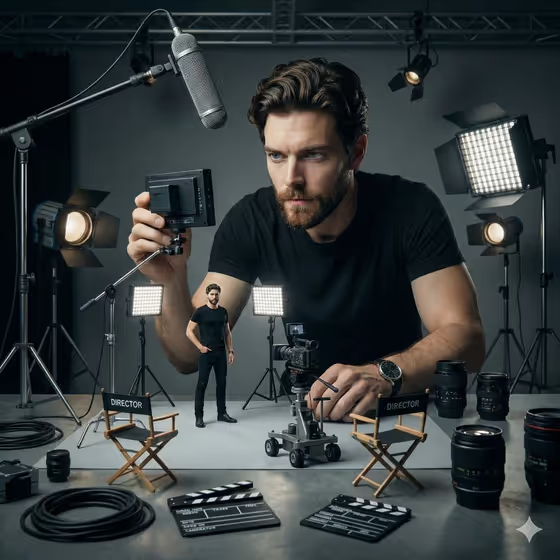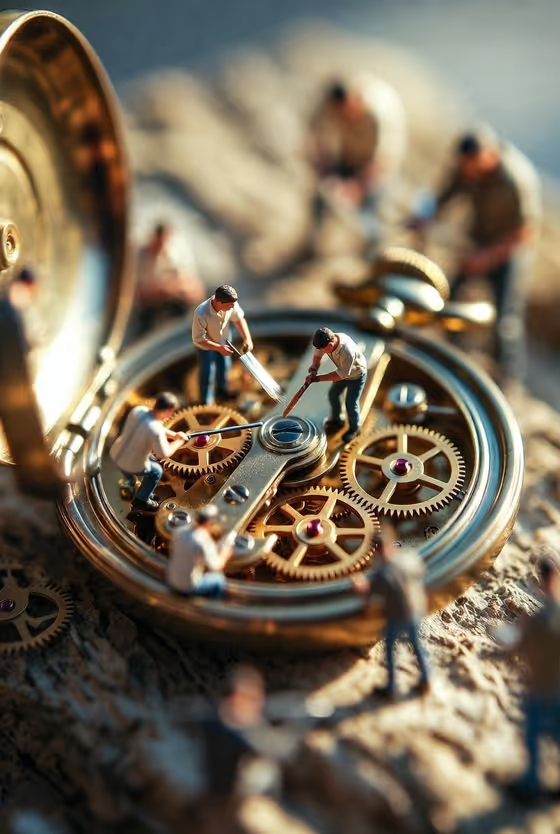
Watchmakers of Time turns an antique timepiece into a tiny workshop. You get a warm macro image of miniature workers gathered across an open mechanism, brushing, steadying and tending brass gears while the rest of the scene falls into soft bokeh.
It suits anyone who likes clockwork, antiques and miniature storytelling: collectors, horology fans, makers of social posts or prints, and anyone who wants a patient, handcrafted mood in a single 3:4 portrait image.
What works best as input
- For the Antique Object field, you can describe the piece in text or add a photo as an exact visual reference. If you use a photo, pick one where the object is clearly visible and not cropped awkwardly.
- A clear shot of the open mechanism (visible gears, case and dial) gives the tiny workers more surfaces to stand on and work around.
- If you type instead, be specific about type, material and condition, like the examples "an open brass pocket watch" or "a vintage marine chronometer".
- Choose one main object. The template aims for a single hero timepiece, so avoid listing several different antiques in one field.
- The Restoration Action field is text only, so describe the action in words rather than trying to attach a photo there.
How to use it
- Open the Watchmakers of Time template in Phosphene.
- Fill in Antique Object by typing a description or adding a photo reference of the timepiece you want restored.
- Fill in Restoration Action with what the tiny crew should be doing, for example "tiny conservators polishing and oiling parts".
- Generate the image, then review the 3:4 result for the gears, the workers and their tools, and adjust either field if you want a different look.
Tips for a better result
- Try different actions on the same object. "Miniature artisans replacing a balance wheel" and "repair crew lifting springs and setting screws" give the workers very different poses.
- Add condition details to the object, such as weathered, tarnished or scratched, since the template already leans into brass, dust and age.
- Name a specific kind of timepiece, like an antique carriage clock or a weathered mechanical wristwatch, to change the shape of the whole scene.
- Keep the action to one clear activity so the workers read as a team doing one job.
Common mistakes
- Writing a vague object like "an old thing" instead of naming the timepiece, which leaves the mechanism undefined.
- Cramming several unrelated actions into Restoration Action, which can make the workers look scattered instead of collaborative.
- Using a cropped or very dark reference photo, so the gears and case are hard to read.
FAQ
Do I have to upload a photo?
No. Antique Object accepts a text description, and a photo is optional as an exact visual reference. Restoration Action is text only.
What kind of image does it produce?
A single warm macro-style image in 3:4 portrait, with tiny workers on an antique timepiece, shallow bokeh and directional light.
Can I use something other than a watch?
The template is built around antique timepieces, so clocks, chronometers and wristwatches fit best. The examples show the range it is designed for.
What should I write for Restoration Action?
Describe what the workers are doing in a short phrase, such as brushing gears and steadying the case or polishing and oiling parts.