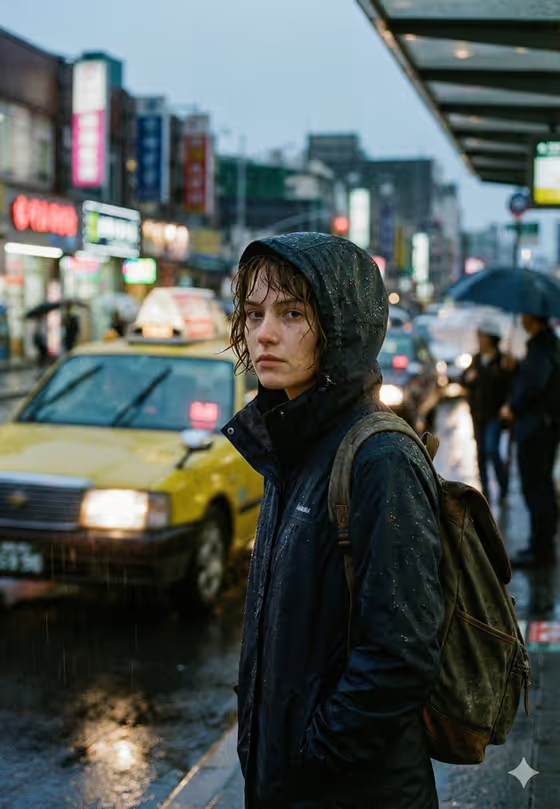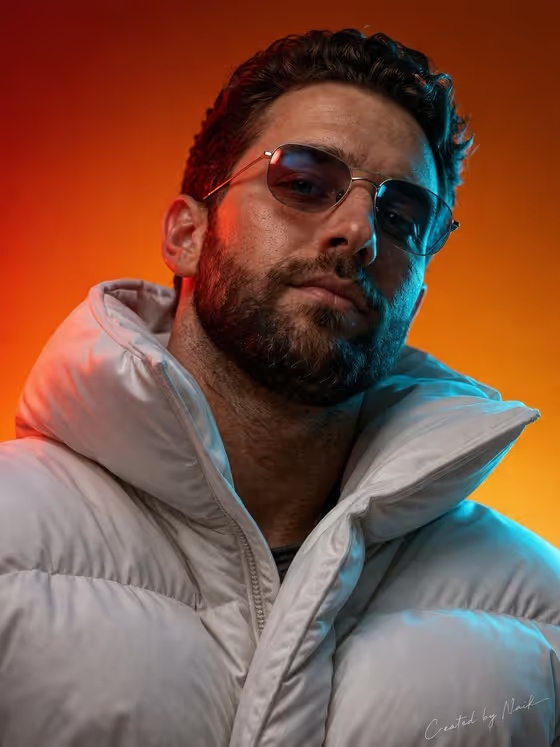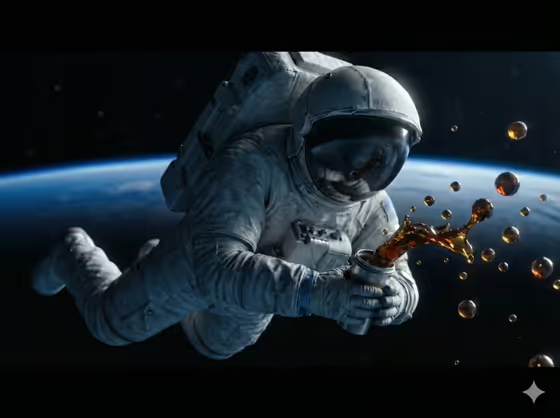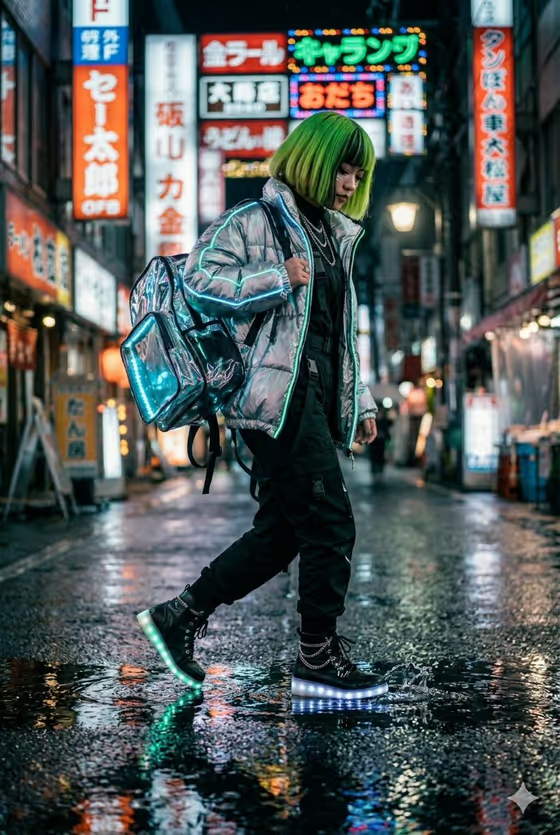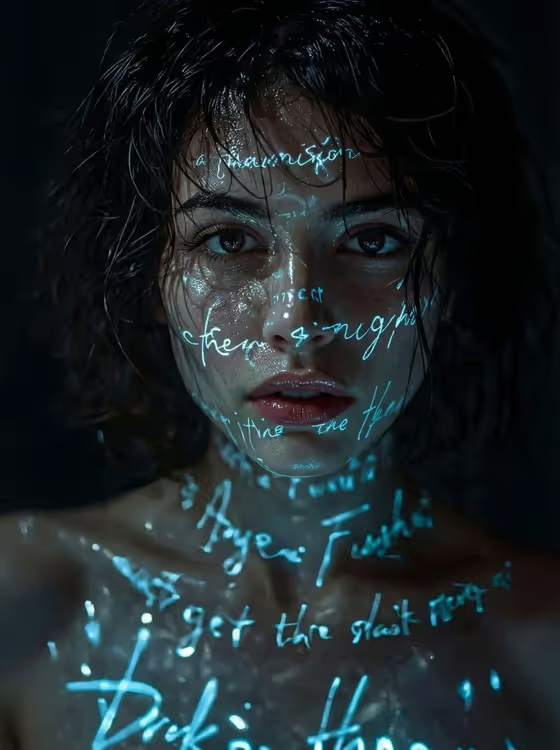
Neon Poetry Portrait turns a portrait into a dark, cinematic image where glowing blue handwriting appears to be projected across the face and upper body. The text wraps around the eyes, cheeks, lips and collarbones, while wet-looking skin and low-key lighting set against a black background give it a moody, cyber-poetic feel.
It is made for anyone who wants an atmospheric profile picture, a poster-style portrait, or artwork for music, writing or creative projects. The output is a single 3:4 image, so it suits vertical formats and close crops of the face and shoulders.
What works best as input
- Upload one clear portrait where the face is well lit and in focus. The template reads your photo as the reference for the subject, so a sharp, front-facing shot gives it the most to work with.
- Pick a photo where the eyes are visible and not hidden by glasses, hair or heavy shadow. The cover look relies on a direct, sharp gaze at the camera.
- Choose a framing that shows the face and at least some shoulders or neck, since the glowing text is designed to wrap across the face and upper body.
- In the Portrait subject field you can keep the default idea (an adult woman matching my reference) or describe the person in your own words. Keep the description respectful and about a real adult, such as an expressive adult creative.
- For Pose or expression, describe the look you want in a few words, such as calm direct gaze or quiet introspection, or leave it as the source gaze and expression to follow your photo.
How to use it
- Open the Neon Poetry Portrait template in Phosphene and upload your portrait photo.
- Fill in the Portrait subject field. Use the placeholder idea or one of the examples, or write a short description of the person.
- Set the Pose or expression field. Choose one of the examples like intense focused gaze, or type your own short phrase.
- Generate the image, then review it. Check that the eyes are sharp, the text wraps naturally over the face, and the mood is dark and blue-lit. Adjust the two fields and generate again if you want a different feel.
Tips for a better result
- Try different expressions for very different moods. Quiet introspection reads softer and more intimate, while intense focused gaze feels more dramatic.
- Keep the Pose or expression text short and specific. One clear phrase is easier to follow than a long list of details.
- Start from a photo with a plain or dark background. It blends more easily into the deep black, low-key look.
- Run the template with a few variations of the Portrait subject wording to compare results, then keep the version where the glowing handwriting sits best across the face and collarbones.
Common mistakes
- Using a small, blurry or heavily shadowed photo. A low-quality reference makes it harder to keep the eyes and skin detail sharp.
- Writing a long or conflicting description in the fields. Mixing several moods at once can muddy the intimate, noir atmosphere the template is built for.
- Expecting to choose the exact words in the glowing text. The template focuses on the look of neon handwriting wrapping the skin, not on spelling out a specific message.
FAQ
Do I need to upload a photo?
The template is built around one uploaded portrait, and the Portrait subject field can also take a short description alongside it. A clear photo gives the best match to the person.
What size is the result?
The output is a single image in a 3:4 vertical format, which suits portraits and close crops.
Can I change the color of the glowing text?
The template is set up for neon blue handwriting with teal and cyan highlights on a black background, so the color scheme is part of the fixed look rather than a field you edit.
What should I write in Pose or expression?
Use a short phrase such as calm direct gaze, quiet introspection or intense focused gaze. You can also keep the default, the source gaze and expression, to follow your photo.