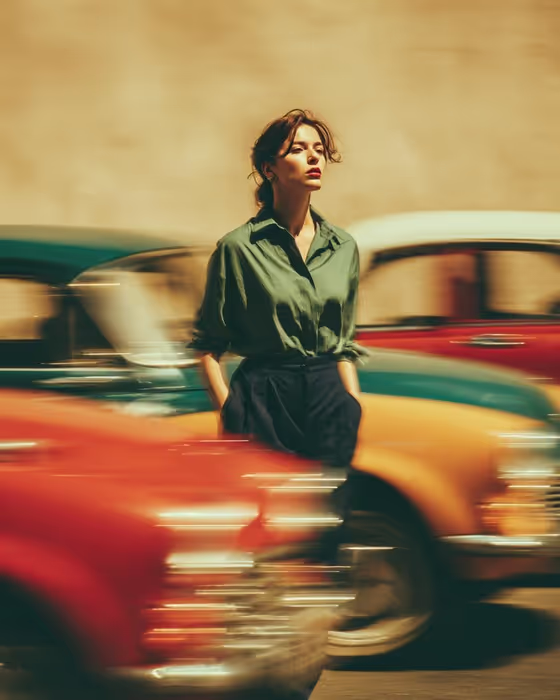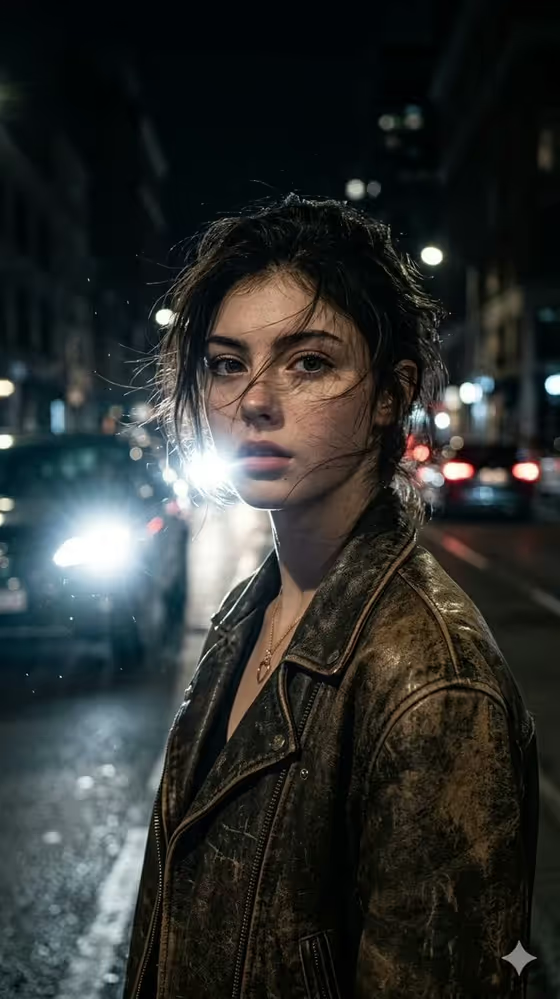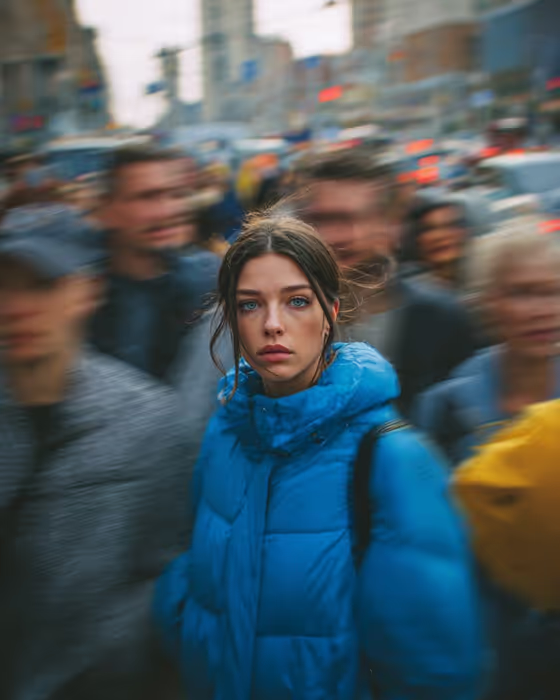
Still in the Rush makes a 3:4 portrait of one person standing perfectly sharp and motionless while a crowd streaks past in directional motion blur. The cover shows the idea clearly: a face and a bright blue puffer jacket held in focus against smeared pedestrians and a soft city background.
It suits anyone who wants an editorial, cinematic street portrait without staging a real crowd: creators, writers, and people building a portrait series. You choose who is standing still, what they wear, where they are, and what their expression says.
What works best as input
- For the Portrait subject person field, you can either type a short description (for example, a thoughtful older man) or upload their photo. The template asks for 2 or more photos, so plan to add a reference of the person plus a garment reference if you use one.
- If you upload a photo of a person, pick a clear, front-facing shot with even light so the face stays recognizable. Only use photos of people who are fine with being featured.
- The Statement outerwear field also accepts a photo, so you can show the exact jacket or coat instead of picking one from the list. A garment with a bold, solid color reads best against the blurred crowd, like the blue puffer in the cover.
- City setting and Portrait expression are choice fields without photo upload, so pick from the options such as busy downtown crossing or quiet determination rather than trying to attach an image.
How to use it
- Open the Still in the Rush template in Phosphene and add your photos, or describe the person in the Portrait subject person field.
- Set Statement outerwear to the garment that should stand out from the crowd, using a photo or one of the listed options.
- Choose a City setting and a Portrait expression, such as busy downtown crossing with intense eye contact.
- Generate the image, then check that the face and clothing are sharp while the crowd is blurred, and regenerate with adjusted choices if needed.
Tips for a better result
- Pick an outerwear color that contrasts with the setting, like a scarlet overcoat or mustard trench coat against muted crowd tones, so the figure pops.
- Try different City setting options such as rainy financial district or neon night market to change the mood while keeping the same still-in-motion concept.
- Change only the Portrait expression between runs (calm defiance versus vulnerable stillness) to get a quick series from the same person and outfit.
- If you describe the subject in text, add a few specifics like age range and hair so the result feels intentional rather than generic.
Common mistakes
- Uploading a blurry, heavily filtered, or distant photo of the person, which makes it harder to keep the face sharp and recognizable.
- Choosing an outerwear color that matches the crowd and setting, so the figure does not separate from the background.
- Writing a long, busy subject description with action or movement, which fights the idea of a perfectly still subject.
FAQ
Do I have to upload a photo?
The subject field accepts either a typed description or a photo. The template is set up for 2 or more photos, so adding references usually gives you more control.
Can I use my own jacket or coat?
Yes. Statement outerwear accepts a photo, so you can show your garment instead of choosing a listed option.
Can I upload a photo for the city or the expression?
No. City setting and Portrait expression are choice fields only, so you select from the available options.
What shape is the result?
The output is a still image in a 3:4 portrait format.