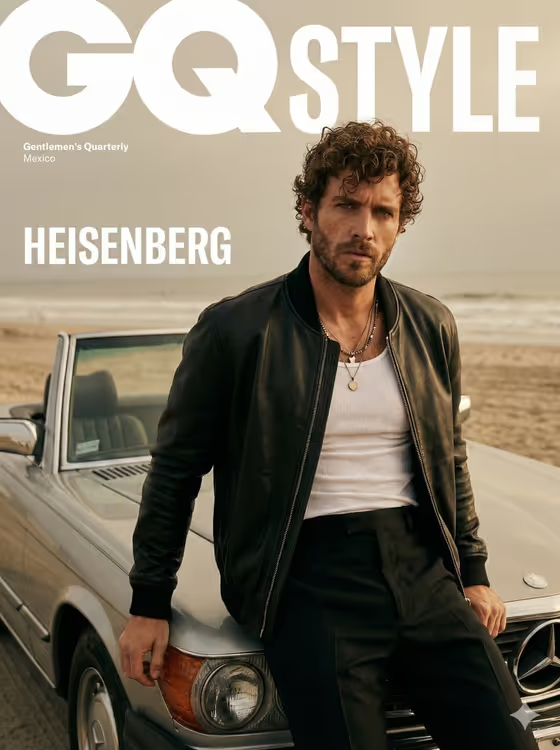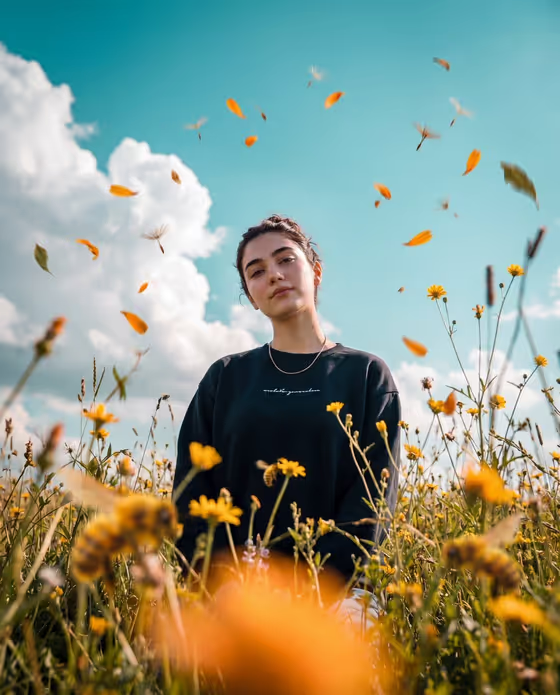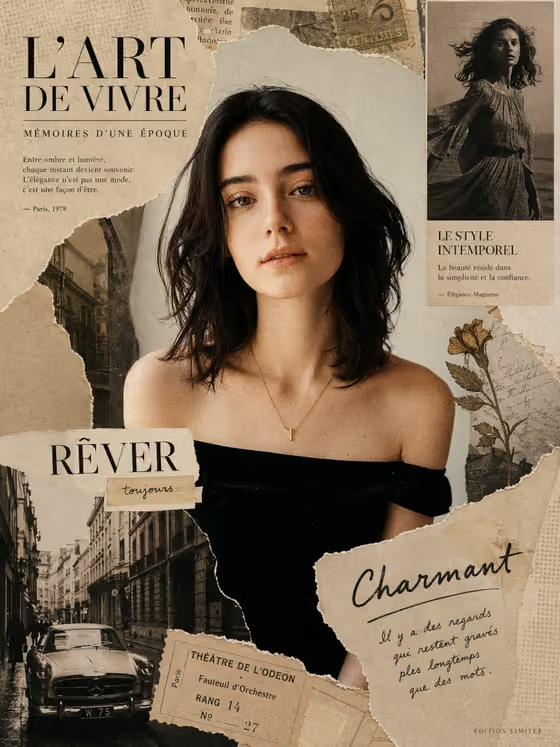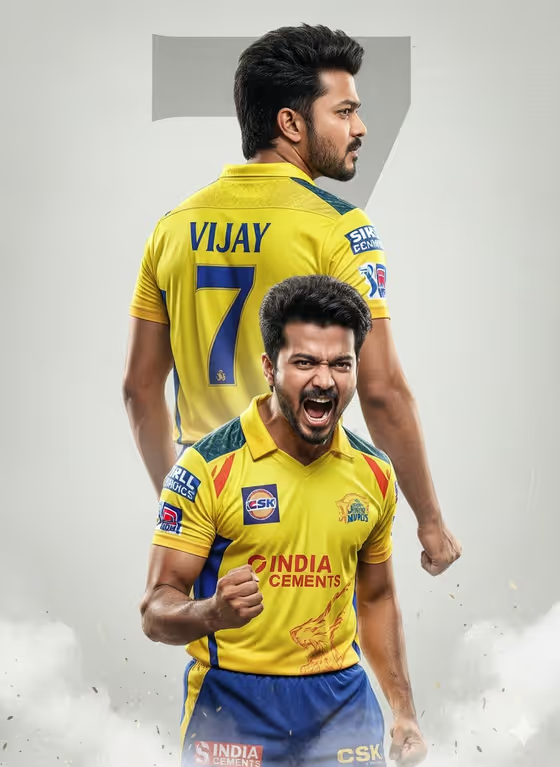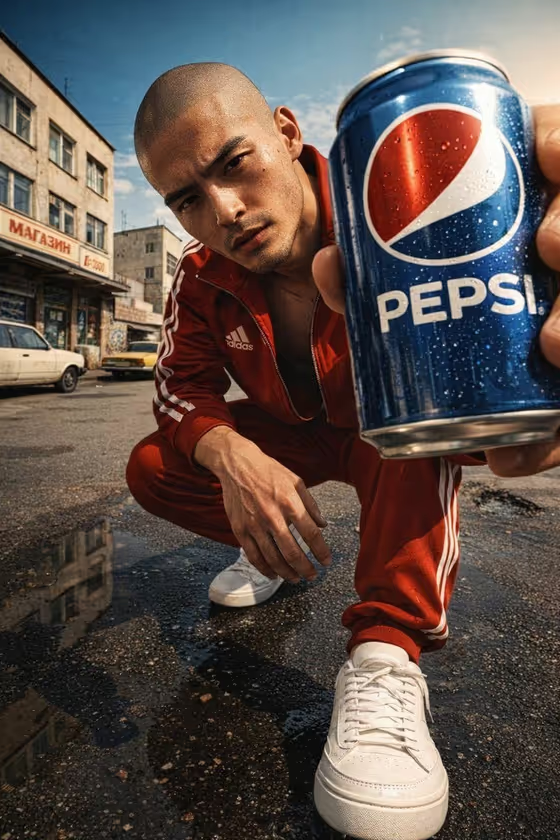
Pepsi Lens Portrait builds a glossy, low-angle beverage advertisement in a tall 9:16 frame. A model crouches at shoe level and pushes a chilled can toward a wide lens, with crisp label reflections, hard sunny shadows and a weathered 1990s street behind them.
It suits anyone who wants a bold, poster-style drink shot for a mock campaign, a social post or a creative pitch. You choose the featured beverage and the campaign model, and the template handles the camera angle, lighting and setting.
What works best as input
- This template asks for 2 or more photos, so plan to provide one for the Featured beverage and one for the Campaign model. Both fields also accept a typed description if you prefer to describe instead of upload.
- For the beverage, use a sharp, well-lit shot of the can or product with the label facing the camera and nothing covering the logo. The cover shows how much the label matters, since it sits large in the foreground.
- For the model, pick a clear, front-facing photo with even light and a visible face. Only use photos of people who have agreed to be featured.
- If you type instead, be specific. The placeholders show the style, such as 'a chilled branded soda can' or 'an adult male model with a rugged expression'.
- Describe adults only, and avoid naming real public figures.
How to use it
- Open the Pepsi Lens Portrait template in Phosphene.
- Fill in Featured beverage by uploading a photo of the item or describing it, then do the same for Campaign model.
- Generate the image and wait for the 9:16 result to appear.
- Review the label, the face and the foreground can, then adjust your inputs and run it again if anything looks off.
Tips for a better result
- Try the other beverage examples, such as a premium consumer product or a sculptural design object, to see the same low-angle composition applied to a different item.
- Use a high-resolution product photo with the label unobstructed to give the can the crisp, legible look the template aims for.
- Vary the Campaign model description (for example an adult woman with a distinctive presence) to change the character while keeping the street-level ad framing.
- Leave room in your plans for text, since the composition keeps negative space for a masthead or logo.
Common mistakes
- Uploading a tilted, blurry or glare-covered product photo, which makes the label harder to render clearly.
- Using a small, dark or heavily filtered model photo, which gives the face less to work from.
- Writing vague descriptions like 'a drink' or 'a person' instead of the specific detail the placeholders demonstrate.
FAQ
How many photos do I need?
The template asks for 2 or more photos, typically one for the beverage and one for the model. You can describe either one in text instead.
What shape is the result?
The output is a 9:16 vertical image, well suited to stories and posters.
Can I feature something other than a soda can?
Yes. The Featured beverage field accepts descriptions like a premium consumer product or a sculptural design object, or a photo of your own item.
Can I change the street setting or camera angle?
No. The low shoe-level angle, sunny shadows and weathered 1990s urban backdrop are fixed. You control the beverage and the model.