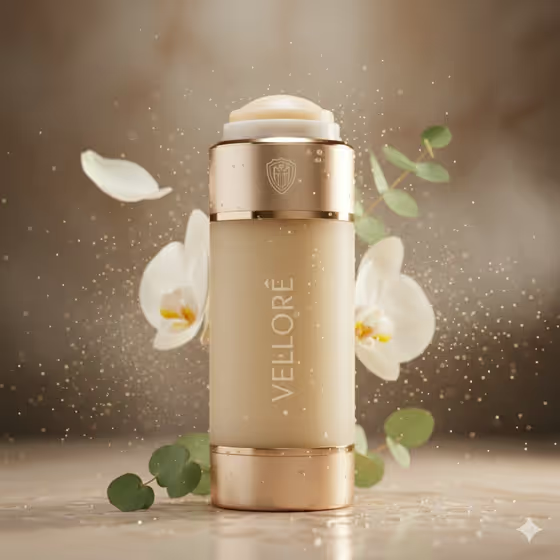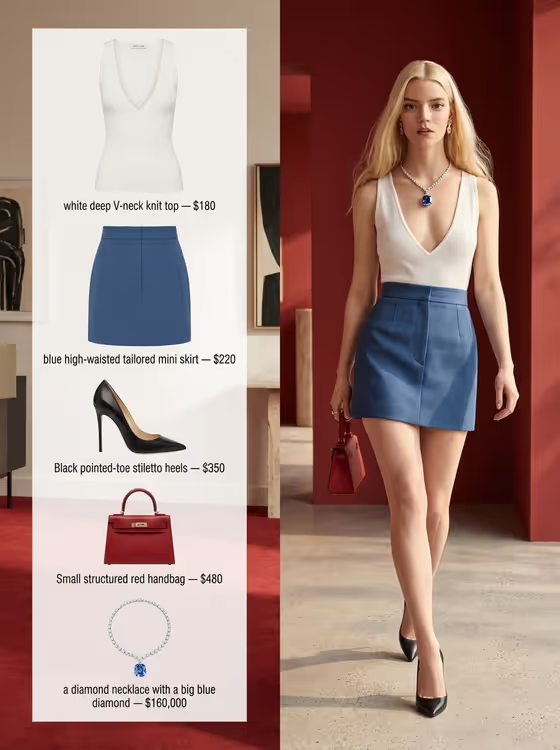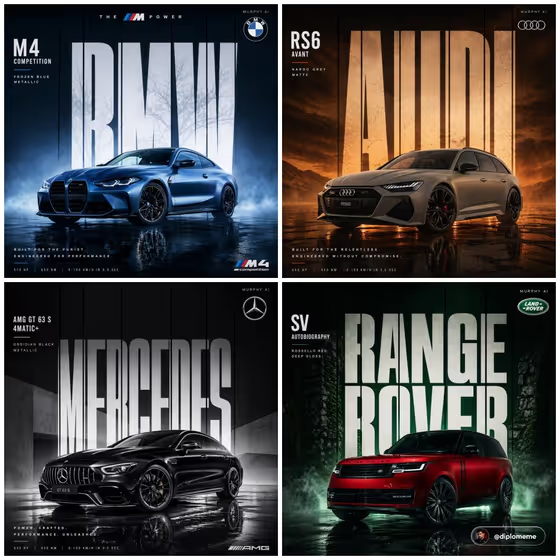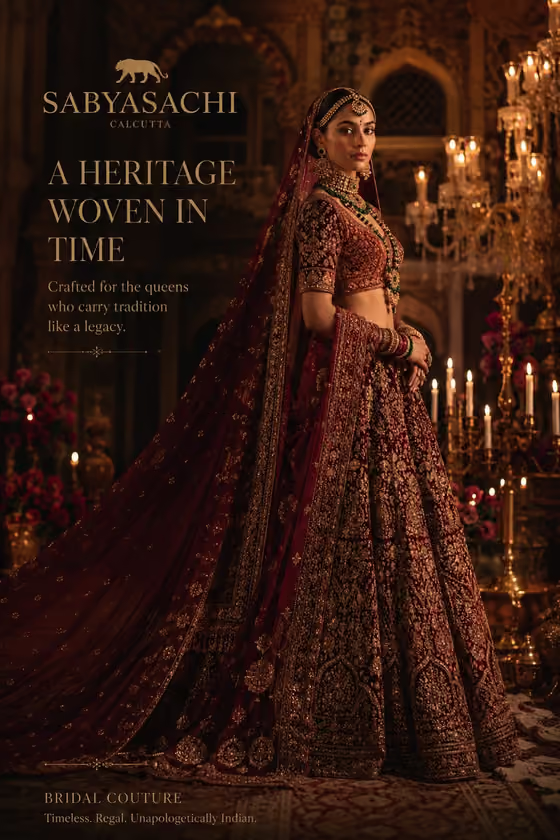
This template builds a four-panel beauty collage in a diagonal color-block layout. Each panel holds a circular editorial portrait against pink, yellow, cyan or coral shapes, giving the whole piece a bright, polished campaign look in a 3:4 frame.
It suits anyone sketching a skincare or beauty campaign look, from small brand owners to designers who need a quick visual direction. You describe the product, set a phrase, and pick a lettering finish to steer the creative concept.
What works best as input
- In the Product field, either describe the item in words or add a reference photo. A clear, well-lit photo of the exact product is the best way to anchor what you mean.
- If you describe the product instead, be concrete about its form and feel, for example a premium skincare product or a compact smart device, as in the field's examples.
- Keep the Phrase short and exact, since the field asks for the precise wording you want. The Phrase slot is text only, so type it rather than uploading anything.
- For Material Finish, name one clear finish such as polished metallic lettering, rather than stacking several ideas in one line.
How to use it
- Open the Skincare Campaign Collage template in Phosphene.
- Fill in the Product field with a short description, or add a reference photo of the product.
- Type your Phrase and choose a Material Finish, using the example chips as a starting point if you like.
- Generate the image, then review the four panels and the overall color balance, and adjust your fields if you want a different direction.
Tips for a better result
- Try each Material Finish example (polished metallic, refined classic, bold contemporary, playful expressive) with the same product to compare variations side by side.
- Use a distinctive product description rather than a generic one, so the concept feels specific to your brand.
- Keep your wording simple and focused. The layout already supplies the pink, yellow, cyan and coral color blocking, so your inputs work best when they add one clear idea.
- If a result is close but not right, change one field at a time so you can see what each input does.
Common mistakes
- Writing a long sentence in the Phrase field. A short, exact phrase gives you cleaner control over what you asked for.
- Leaving the Product field vague. Without a clear description or reference, the concept can feel generic.
- Changing all three fields at once between attempts, which makes it hard to tell which change improved or hurt the result.
FAQ
Do I have to upload a photo?
No. Only the Product field can take a photo, and you can describe the product in text instead.
What aspect ratio does the collage use?
The template outputs a 3:4 image.
Can I choose the colors?
The template uses a fixed pink, yellow, cyan and coral color-block scheme. Your fields guide the product, phrase and finish rather than the palette.
What should I put in Material Finish?
Use a short descriptor of the finish you want, such as polished metallic lettering, or one of the other example variations offered in the field.